14 Free Design Resources for Your No-Code Mobile Apps
Building a visually stunning mobile app doesn't require a design degree or an expensive creative team. The right resources can transform a basic interface into something users genuinely enjoy interacting with—and most of these tools are completely free.
Adalo, an AI-powered app builder, makes incorporating these design elements straightforward. With its drag-and-drop interface and native iOS and Android compilation, you can upload illustrations, apply custom backgrounds, and add animations without writing code. The platform publishes directly to both the Apple App Store and Google Play Store from a single codebase, so your polished designs reach users everywhere.
This guide covers the best free design resources for mobile apps—from illustrations and icons to color palettes and marketing mockups. Whether you're building your first app or refining an existing one, these tools will help you create something that looks professionally designed.
Illustration Resources
UnDraw Illustrations
Katerina Limpitsouni created something remarkable with UnDraw Illustrations—a fully open source collection that's free for personal and commercial use, no attribution required. For app builders working on tight budgets, this removes a significant barrier to professional-looking design.
The standout feature is instant brand customization. Input your brand's primary hex code, and every illustration automatically converts to match your identity. No design software needed, no manual color adjustments—just paste your hex code and download.
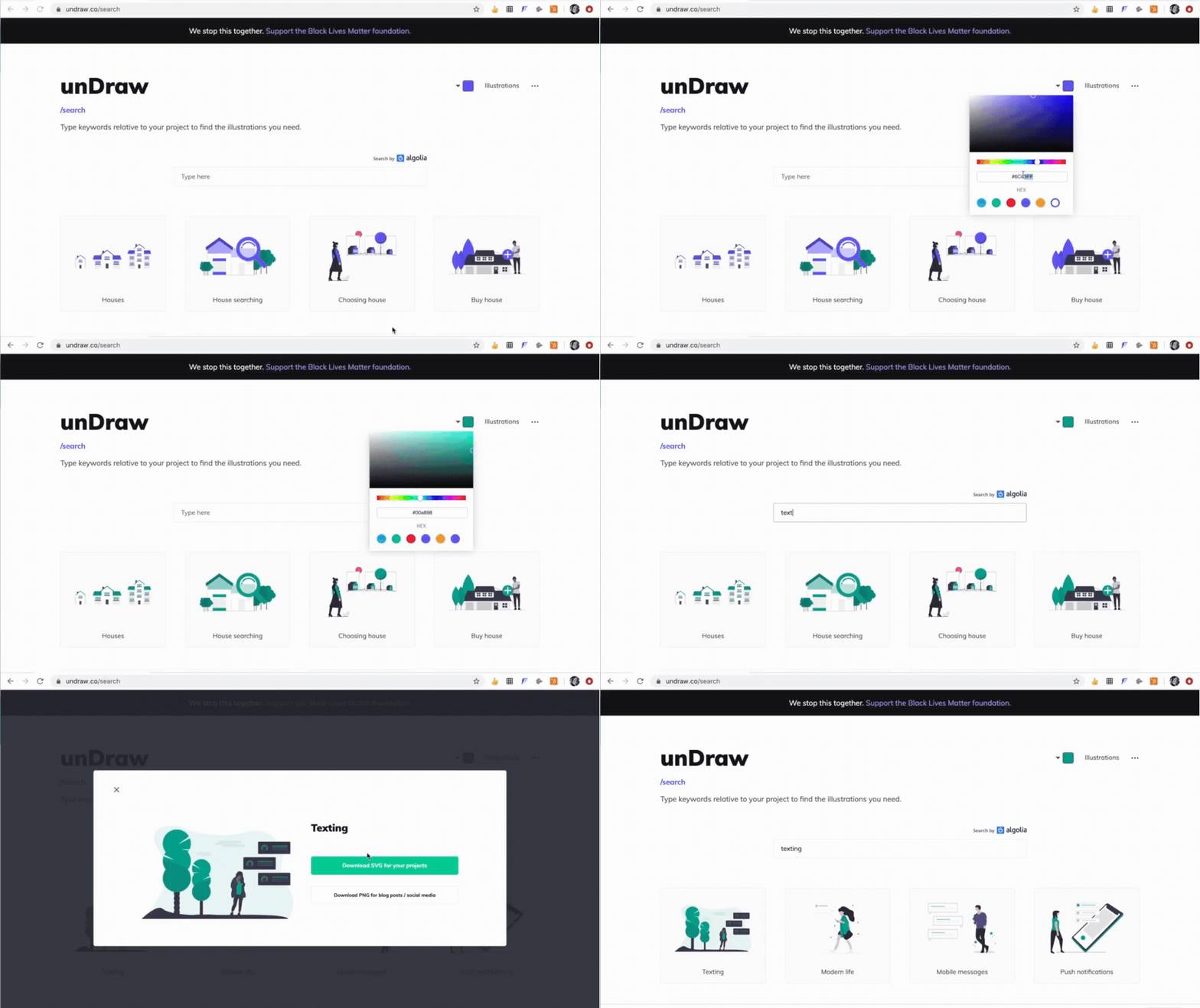
Illustrations download as SVG or PNG files. SVG files offer additional flexibility—open them in Adobe Illustrator for further customization. PNG files work immediately in any app builder.
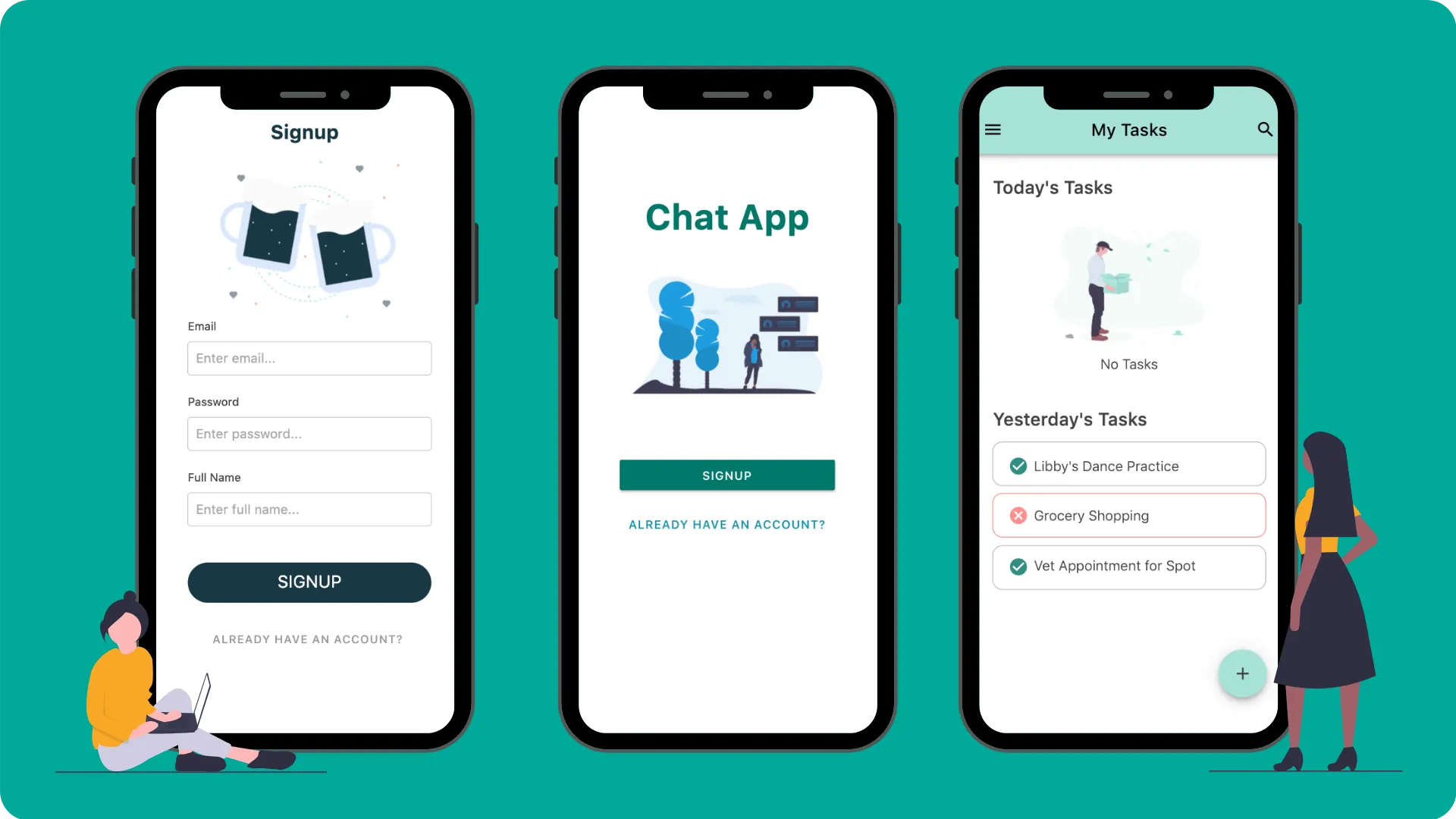
These illustrations work beautifully across multiple app contexts: onboarding sequences that guide new users, empty states that feel intentional rather than broken, and sign-up screens that communicate your app's personality before users even create an account.
Humaaans
The Humaaans library—free for personal and commercial use—takes a different approach to illustrations. Rather than static images, you get configurable human figures that can be adjusted for different positions, hairstyles, clothing options, and more.
This configurability matters for app design. You can create graphics representing diverse users with varied characteristics, making your app feel inclusive and engaging. The library integrates with existing design software, so designers can build custom scenes while non-designers can use pre-configured options.
Humaaans work particularly well for success screens, error states, and onboarding flows—anywhere you want to add personality without overwhelming the interface. Credit goes to Pablo Stanley for creating this resource (he also launched Blush, which offers similar customizable illustrations).

Black Illustrations
Black Illustrations specifically highlights people of color in professional settings—a valuable resource for creating apps that represent the diversity of your actual user base. The free "Office Hustle" pack includes various office scenes, all available for personal and commercial use.
When downloading these resources, you'll encounter multiple file formats. Here's what matters for mobile apps:
PNG files support transparent backgrounds, letting illustrations blend seamlessly with your app's design. The tradeoff is larger file sizes, which can affect performance if you're loading many images simultaneously.
JPEG files are significantly smaller, making them better for apps with numerous images. However, they don't support transparency and may appear slightly less crisp than PNG alternatives.
For most app screens, PNG works well. If you're building image-heavy features like galleries or feeds, consider JPEG to maintain smooth performance.

App Backgrounds
Canva
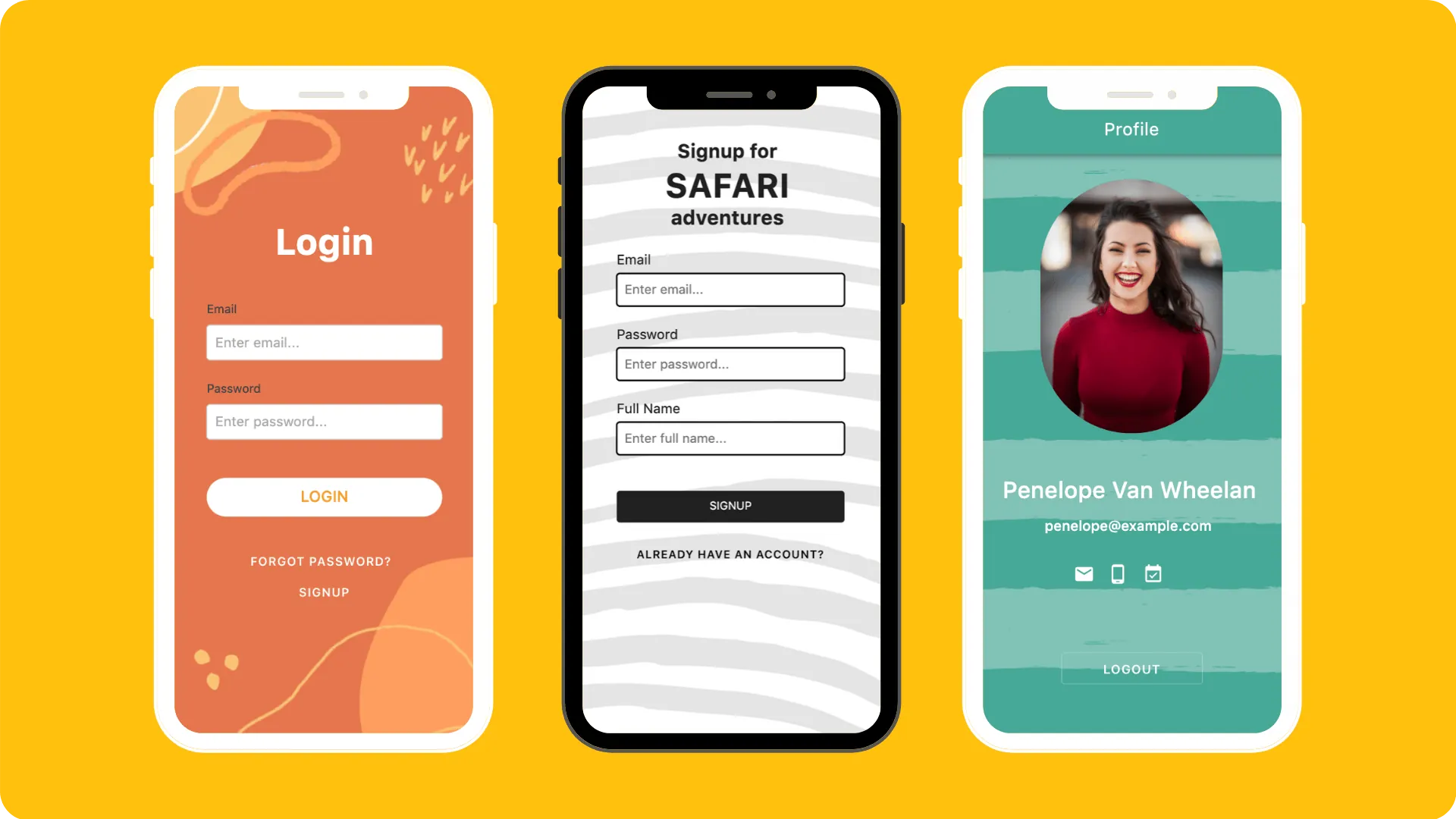
Canva's growth as a design tool for non-designers has been remarkable, but there's an underutilized feature for app builders: phone wallpaper templates. These templates are already sized correctly for mobile screens, eliminating guesswork about dimensions.
Getting started takes seconds. Sign up, select "Phone Wallpaper" from the template options, and you're immediately presented with customizable starting points. Striped backgrounds, floral patterns, geometric designs, repeating textures—the variety covers most aesthetic directions.
Ada, Adalo's AI builder, lets you describe what you want and generates your app. Magic Start creates complete app foundations from a description, while Magic Add adds features through natural language.
Adalo is a no-code app builder for database-driven web apps and native iOS and Android apps—one version across all three platforms, published to the Apple App Store and Google Play. In Adalo, you can apply background images to any screen. The platform's AI-assisted building makes this even simpler—describe the look you want, and Magic Add can help configure screen layouts that incorporate your custom backgrounds effectively. Combined with unlimited database records on paid plans, you can build data-rich apps that still look visually polished.
Backgrounds add subtle professionalism to otherwise plain screens. They provide visual interest without competing with your content, create brand consistency across different sections, and make your app feel intentionally designed rather than hastily assembled.
Subtle Patterns by Toptal
Sometimes you want texture without distraction. Subtle Patterns delivers exactly that—repeating patterns designed to add visual depth without overwhelming your content.
These patterns work as background textures that provide contrast and visual interest while keeping focus on your app's primary elements. All patterns come in PNG format, ready for immediate use as app backgrounds.
The "subtle" descriptor is accurate. These aren't bold graphics that demand attention—they're quiet design elements that make screens feel more polished and intentional.
LottieFiles
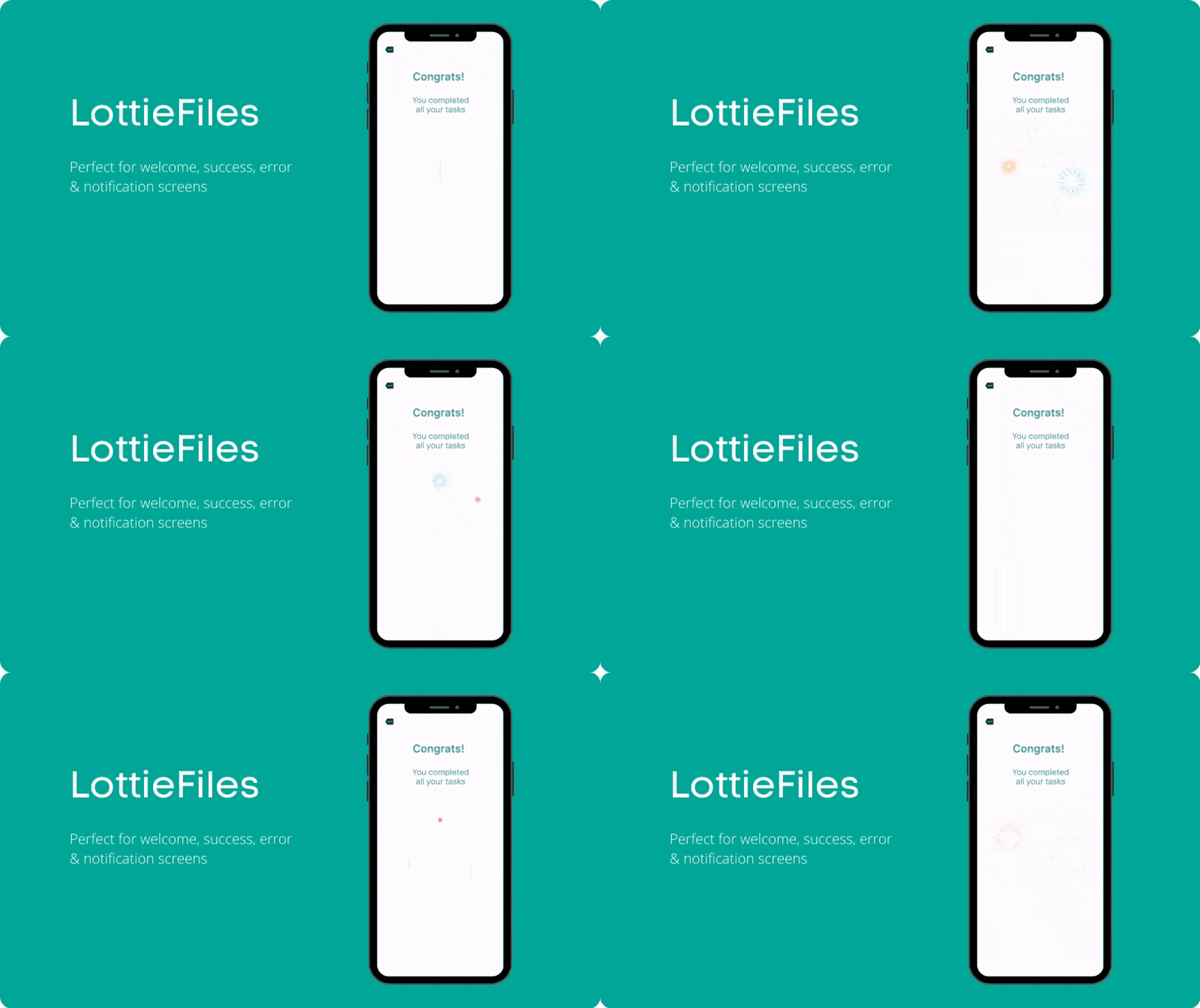
Animation brings apps to life, and LottieFiles makes it accessible without requiring animation expertise. The library contains thousands of community-created animations available for download and customization.
There are two approaches to using LottieFiles with your app:
Direct download: Search the community library, find an animation you like, export it as a GIF, and use Adalo's image component to display it. This works immediately with no additional steps.

Custom editing: Open the LottieFiles editor to customize colors, timing, and other properties to match your brand. After editing, convert the Lottie JSON file to a GIF using their conversion tool before adding it to your app.
Animations work particularly well for loading states, success confirmations, and onboarding sequences—moments where a bit of motion makes the experience feel more responsive and engaging.
Icons
Free Design Resources
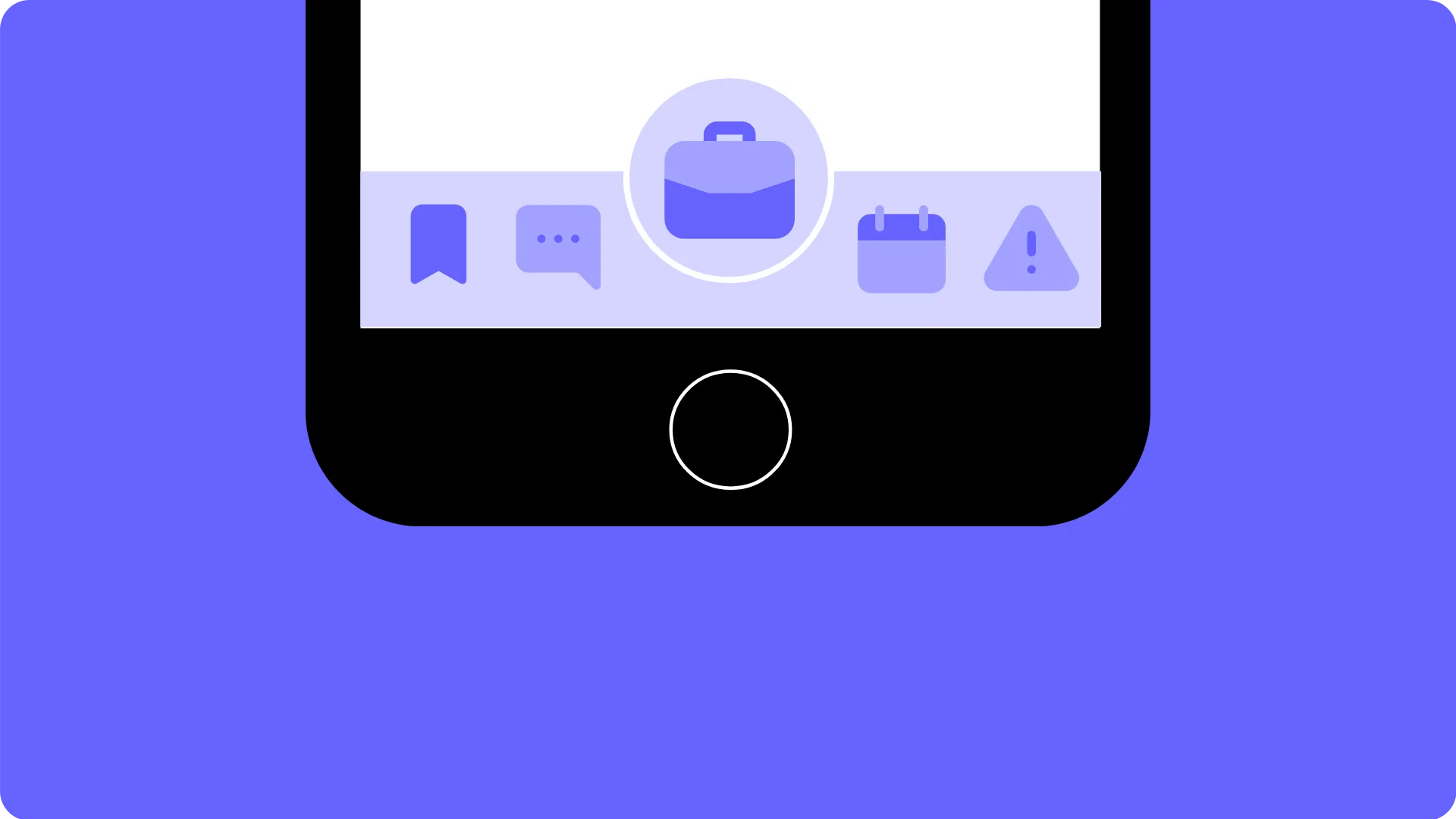
Icons are the visual shorthand of modern software. They communicate actions, categories, and navigation without requiring text explanations. While Adalo includes built-in icons, sometimes you need something more specific to your app's context.
Free Design Resources offers an extensive collection: flat icons, line icons, full-color icons, travel-themed sets, holiday collections, and specialized packs for nearly any use case. The variety means you can find icons that match your app's aesthetic rather than forcing a generic style.
Custom icons work particularly well for navigation menus, where distinctive visuals help users quickly identify different sections. Monochrome icon sets create clean, professional navigation that doesn't compete with your content.
The Noun Project
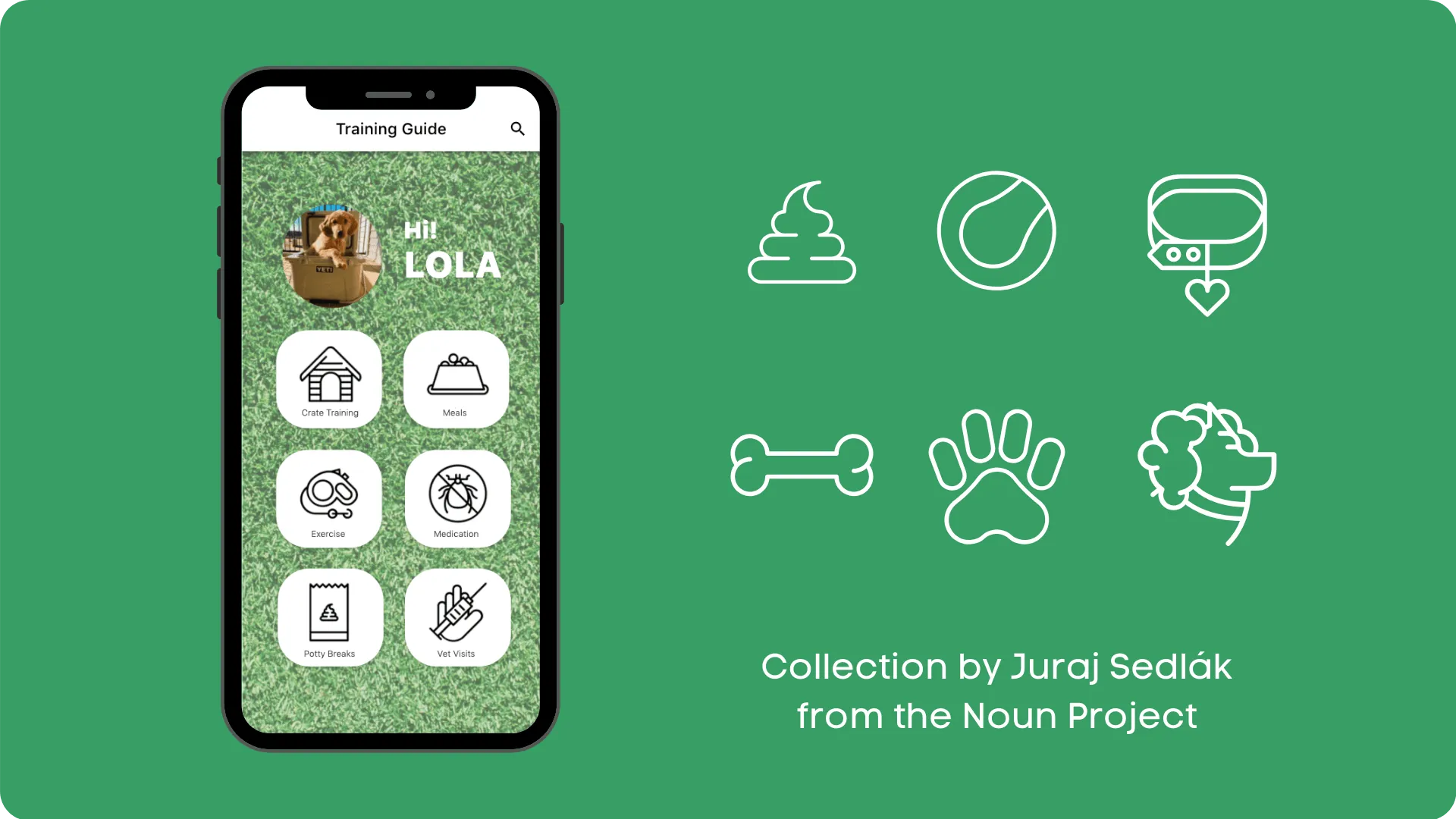
With over two million royalty-free icons, The Noun Project is the definitive resource for visual symbols. The scale means you'll find icons for nearly any concept, no matter how specific.
Icons function as a universal visual language. They transcend text, communicate instantly, and work across cultures and languages. For apps targeting diverse audiences, well-chosen icons reduce reliance on text and make interfaces more intuitive.
The collection feature is particularly valuable. When you find an icon style you like, you can often access an entire matching set from the same designer. This consistency matters—mixing icon styles creates visual discord that makes apps feel unprofessional.
The variety of illustration styles means you're not limited to basic line drawings. You'll find detailed illustrations, minimalist symbols, playful designs, and corporate-appropriate options—whatever matches your app's personality.
Color Palettes
Huesnap
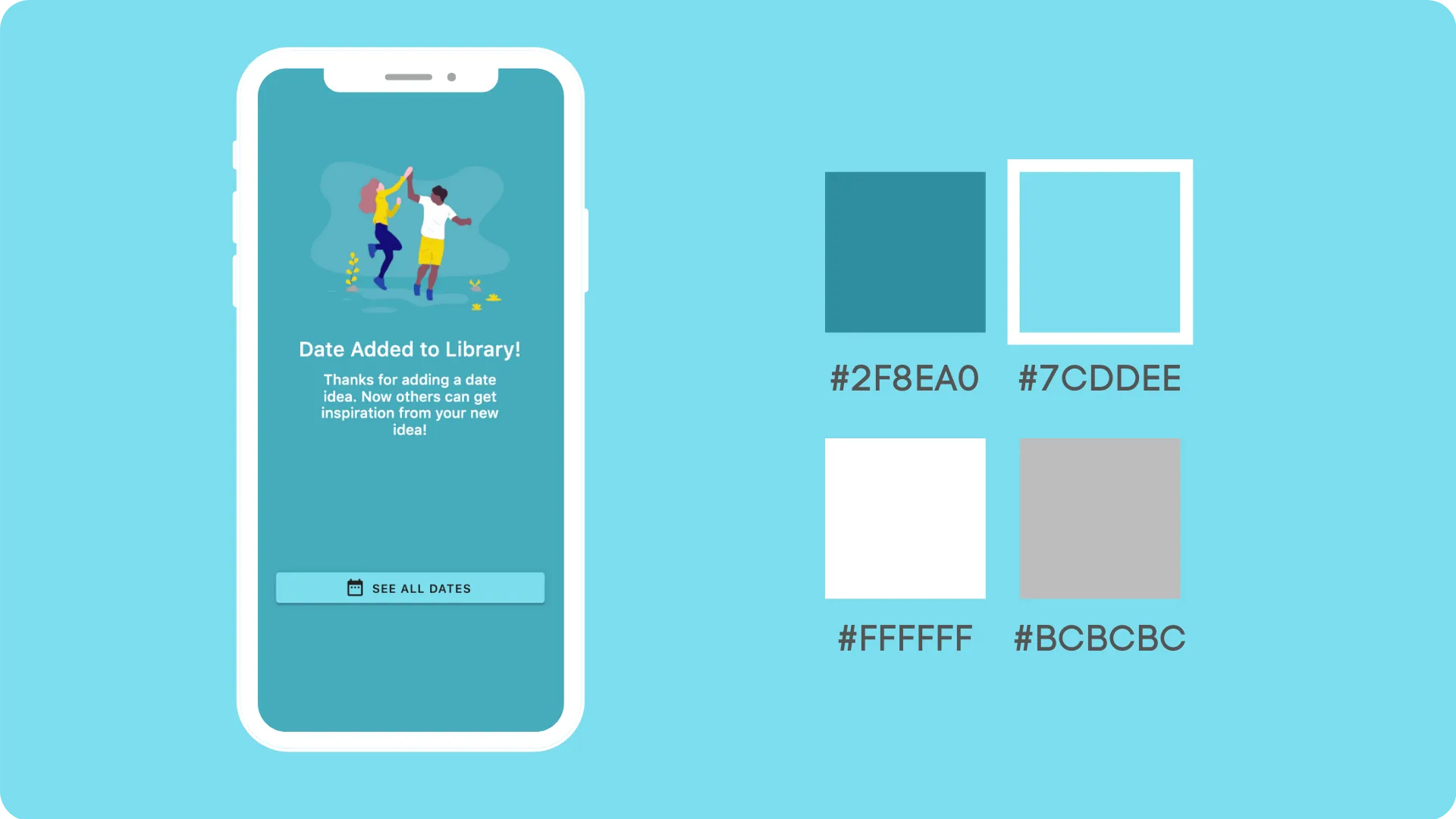
Selecting colors without design training can feel arbitrary. Huesnap removes the guesswork by providing community-submitted color palettes that already work well together.
When choosing colors for your app, focus on two priorities:
Primary and secondary colors: Adalo automatically assigns these throughout your app, so selecting two harmonious colors creates immediate consistency. Your primary color typically appears on buttons and key actions; your secondary color provides accent and variety.
Accessibility and contrast: Light colors need dark text; dark colors need light text. This seems obvious, but many apps fail this basic test. Select colors that provide enough contrast for comfortable reading, especially for users with visual impairments.
Huesnap makes implementation simple—copy the HEX codes directly into Adalo's color palette settings. For those interested in color theory, the tool also generates palettes based on complementary colors, monochromatic schemes, and other design principles.
Color.Hailpixel
For those with an intuitive sense of color but no technical vocabulary, Color.Hailpixel offers a more exploratory approach. Move your cursor around the screen to see colors change in real-time. Click when you find one you like, then continue exploring to build a palette.
This tool excels at translating visual intuition into usable values. You might know exactly what shade of blue you want but have no idea what its HEX code is. Color.Hailpixel bridges that gap—find the color visually, then copy the code for use in your app.
HEX codes are simply how computers represent colors. Tools like this make the technical translation invisible, letting you focus on what looks right rather than memorizing color specifications.
Photography
Unsplash
High-quality photography elevates app design, but licensing costs can be prohibitive. Unsplash solves this with a massive library of professional photographs, all royalty-free for personal and commercial use.
The collection covers virtually any subject: people, places, nature, technology, business, travel, food, and countless niche categories. Talented photographers contribute their work, creating a resource that rivals paid stock photo services.
Images download in multiple sizes, so you can select appropriate resolutions for different uses. This prevents the pixelation that occurs when small images are stretched to fill larger spaces.
Photography works well for category selection screens (letting users choose between options like "Business," "Design," or "Marketing"), placeholder content during development, and any feature where real-world imagery adds context and appeal.
Mock-Ups and Marketing
Shotsnapp
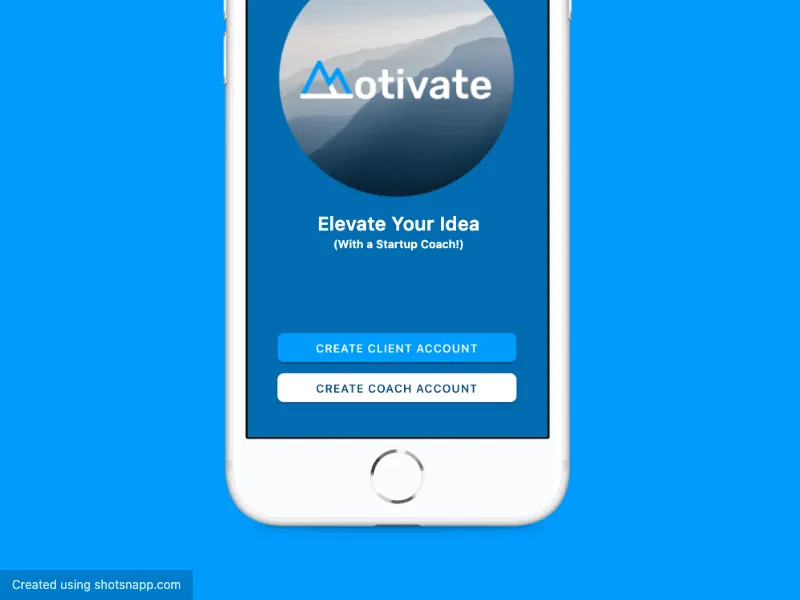
Building a great app is only half the challenge—you also need to market it effectively. Shotsnapp helps create professional mockups that showcase your app in context.
The tool offers various device frames and scene compositions. Import screenshots of your app, and Shotsnapp places them in realistic device mockups suitable for app store listings, social media, websites, and print materials.
Multiple export sizes accommodate different platforms. Need a square image for Instagram? A wide banner for your website? App store screenshots in specific dimensions? Shotsnapp handles the formatting so your mockups look professional everywhere they appear.
Collabshot
Design feedback often involves a frustrating workflow: take a screenshot, save it, upload it somewhere, share the link, wait for responses, try to understand which part of the screen people are commenting on. Collabshot streamlines this entire process.
The desktop tool captures screenshots instantly and enables collaborative annotation. Team members can mark up specific areas, leave comments, and discuss changes without the back-and-forth of traditional feedback loops.
For app builders working with clients or collaborators, this accelerates the design iteration process significantly. Quick feedback means faster improvements, which means launching polished apps sooner.
Inspiration
Dribbble
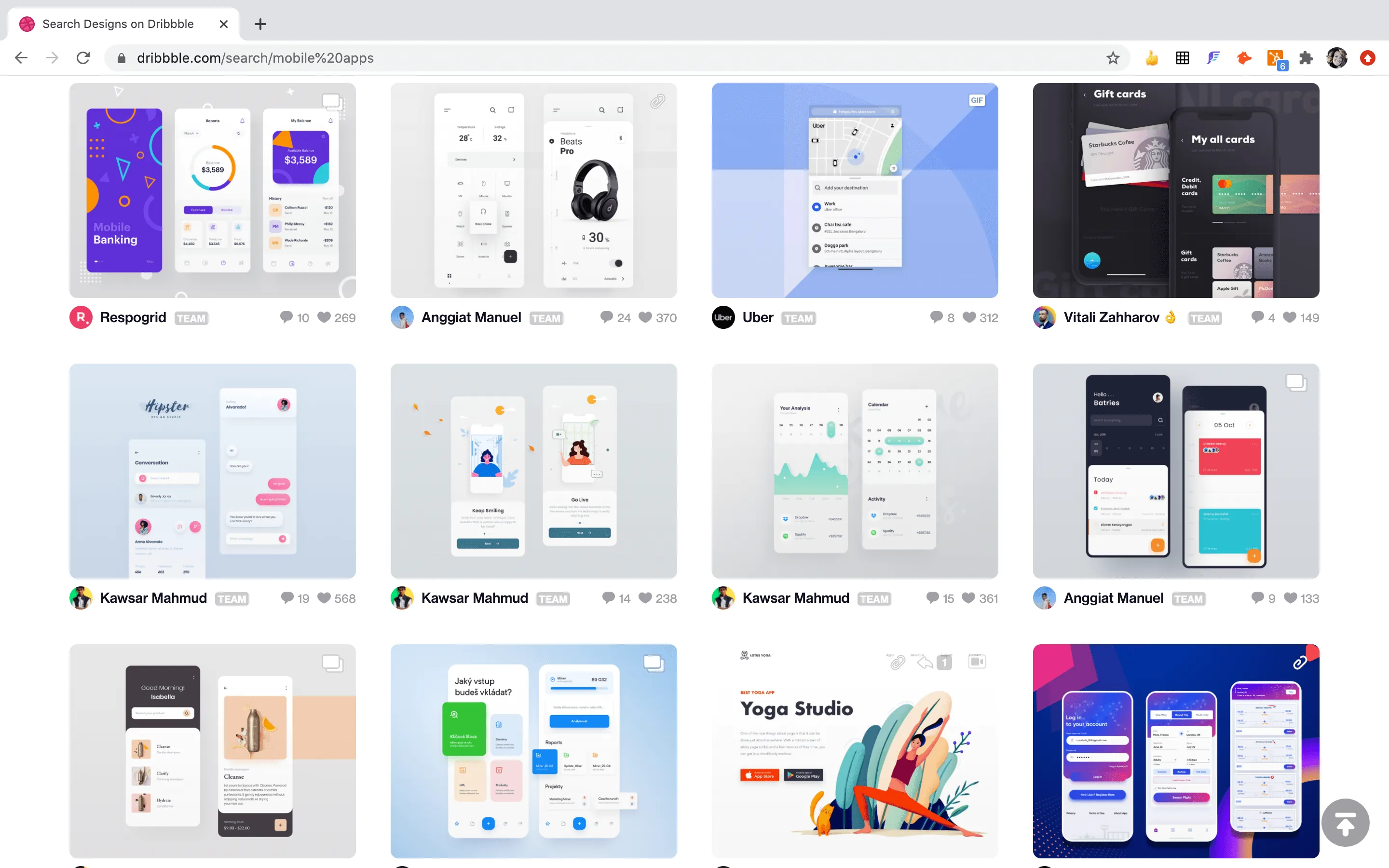
When you're not sure what "good design" looks like for your app category, Dribbble provides endless examples. Millions of designers share their work in animation, branding, mobile design, web design, illustration, and more.
The platform functions as both inspiration and education. Study how professional designers handle navigation, color, typography, and layout. Notice patterns across successful designs. Identify elements you want to incorporate into your own work.
If design remains challenging despite these resources, Dribbble also connects you with designers available for hire. Alternatively, Adalo experts specialize in building polished apps and can help with design services specifically optimized for the platform.
Final Thoughts
Professional app design doesn't require professional design skills—it requires knowing where to find the right resources. The tools covered here provide illustrations, backgrounds, icons, colors, photography, and mockups that can transform basic apps into polished products.
Whether you're building an app for your business or a personal project, these free resources remove cost as a barrier to quality design. Combined with Adalo's AI-assisted building and native app compilation, you can create apps that look professionally designed and perform reliably at scale.
Over 3 million apps have been created on Adalo, with the visual builder described as "easy as PowerPoint." The platform handles the complex parts—App Store submission, cross-platform compatibility, database management with no record limits—so you can focus on making your app look and feel exactly right.
For tutorials on building apps without coding, explore the Adalo App Academy. And for those with experience who want to monetize their skills, consider becoming an Adalo Expert.
FAQ
Why choose Adalo over other app building solutions?
Adalo is an AI-powered app builder that creates true native iOS and Android apps from a single codebase. Unlike web wrappers, it compiles to native code and publishes directly to both the Apple App Store and Google Play Store. With unlimited database records on paid plans and no usage-based charges, you avoid the bill shock common with other platforms.
What's the fastest way to build and publish an app to the App Store?
Adalo's drag-and-drop interface and AI-assisted building let you go from idea to published app in days rather than months. Magic Start generates complete app foundations from descriptions, and the platform handles the complex App Store submission process—certificates, provisioning profiles, and store guidelines are managed automatically.
Can I easily add illustrations and design resources to my Adalo app?
Yes. Upload images in PNG or JPEG format, use the image component to display graphics, and apply background images to any screen. Resources like UnDraw, Humaaans, and LottieFiles integrate seamlessly with Adalo's drag-and-drop interface. GIF animations work directly with the image component.
What's the difference between PNG and JPEG formats for app images?
PNG supports transparent backgrounds and produces crisp images, but creates larger file sizes that may affect performance with many images. JPEG offers smaller file sizes for better performance but doesn't support transparency and may appear slightly less sharp. Choose PNG for illustrations with transparency, JPEG for photo-heavy apps.
Where can I find free illustrations for my mobile app?
UnDraw, Humaaans, and Black Illustrations are excellent free resources. UnDraw lets you customize colors with your brand's hex code instantly. Humaaans offers configurable human figures with adjustable poses and styles. Black Illustrations provides diverse representation in professional settings. All three are free for commercial use.
How do I create a cohesive color palette for my app?
Tools like Huesnap and Color.Hailpixel help you select harmonious colors. Focus on choosing primary and secondary colors first—Adalo automatically applies these throughout your app. Ensure colors provide enough contrast for text readability, using dark text on light backgrounds and light text on dark backgrounds.
Can I use animations and GIFs in my Adalo app?
Yes. LottieFiles offers thousands of free animations you can download as GIFs and display using Adalo's image component. You can also customize animations in the LottieFiles editor to match your brand colors, then convert the Lottie JSON file to GIF format before importing.
How much does it cost to build a visually polished app with Adalo?
Adalo's paid plans start at $36/month with unlimited usage and app store publishing. All the design resources mentioned in this guide are free, so your total cost is just the platform subscription. Unlike competitors that charge usage-based fees or limit database records, Adalo's pricing is predictable with no surprise charges.
Do I need design experience to create a professional-looking app?
No. The resources in this guide—UnDraw, Canva, The Noun Project, Huesnap—are specifically designed for non-designers. Combined with Adalo's visual builder (described as "easy as PowerPoint"), you can create polished apps without formal design training. For additional help, Adalo experts offer design services.
How do I create marketing mockups for my app?
Shotsnapp lets you import app screenshots and place them in professional device mockups. The tool offers multiple export sizes for app store listings, social media, and websites. Collabshot helps gather design feedback quickly by enabling collaborative annotation on screenshots.