Adalo Component Marketplace Updates - December 2022
25 new premium components including 21 from NoCode Monkey including new list options, advanced notifications, advanced text formatting, interactive calendars, advanced input fields, vertical video, and much more!
"Adalo’s Marketplace brings us one step closer to reaching our goal -- Taking Adalo from the easiest place to build an app to the place where you can build almost anything!" - NoCode Monkey, Adalo Expert
New List Options
Page List - $29
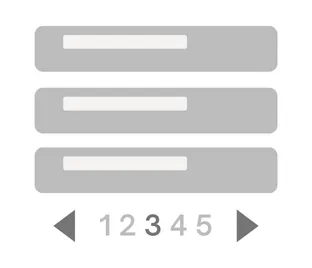
Display your list with pages. Choose how many items are on each page. It has similar configurations to Simple List.
- Choose number of items to display
- Search functionality option
- Two different page menu options
Show More List - $29
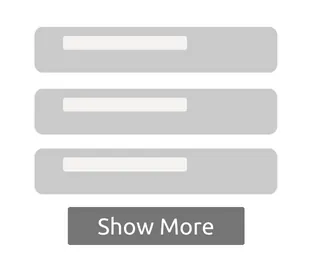
Reveal your list a few items at a time. Set the number of items to reveal. Display configurations are similar to Simple List.
- List expands when you click button
- Choose # of items to display
- Search functionality option
- Customize button text and alignment
Two-State Chip List - $29
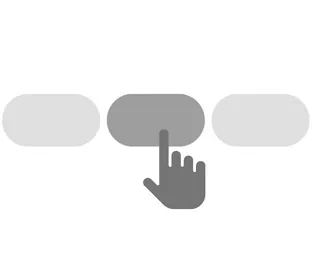
Toggling Chip List component that has two states. Many different functionalities and use cases: Toggle between chips or select multiple chips, set chip limit (ex. select 3 chips), single or multiple row options.
- Highlight your chip selection
- Toggle option or select multiple chips
- Set chip limit (ex. select 3 chips)
- Single or multiple row option
Two-State Image List - $35

Toggling Image List component that has two states. Toggle between images, select multiple images, or set an image limit (ex. select 3 images).
- Highlight your image selection
- Toggle option or select multiple images
- Set image limit (ex. select 3 images)
Notification Features
App Bar with Notifications - $29

App bar with built in Notification Indicator for each tab. Also you can use Images or Icons for tabs.
- Add notification indicator to each icon
- Use Images or Icons
- Up to 4 icons (3 Right icons and 1 Left icon)
Tab Bar with Notifications - $29

Tab Bar with a built in Notification Indicator for each tab. Also you can use Images or Icons for tabs.
- Add notification indicator to each icon
- Use Images or Icons
- Add Underline or Overline for highlighted icon.
Advanced Text Formatting
Mentions Text - $39
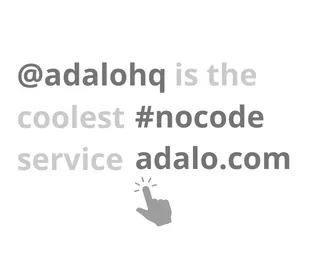
Display Usernames (@), Trends (#), and URLs with clickable text. Assign actions to the clicked text (ex. Go to User's Profile).
Rich Text - $85
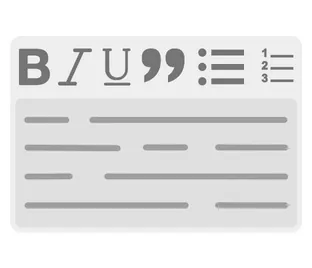
Rich Text input with font stylings like Bold, Italic, Underline, Bullet/Number List, Headings, and more.
- Text Stylings include Bold, Italics, Underline, Strikethrough, Quote Block, Bullet/Number List, and Headings
- Magic text available in HTML (Rich Text) and Raw Text format
- Turn on/off all or individual toolbar icons
- Display only option available
Calendars
Advanced Calendar - $45

The most advanced calendar on Adalo. Click calendar to highlight a day or perform actions. Display events with one large dot and/or multiple small dots. Multiple language options available.
- Click Calendar to Highlight Day
- Show number of events with small dots or with one large circle
- Custom Click/Long-Click actions
- Multiple Language options Same Languages as Adalo Calendar
Advanced Calendar Strip - $39

Interactive calendar strip that allows you to highlight selected days and display events. It also offers multi-language options.
- Click Calendar to Highlight Day
- Event Indicator (small dot under date)
- Multiple Language options Same Languages as Adalo Calendar
Input Fields
Autogrow Input - $25

The text input will expand vertically as you add more text. No need to scroll.
Masked Input - $25
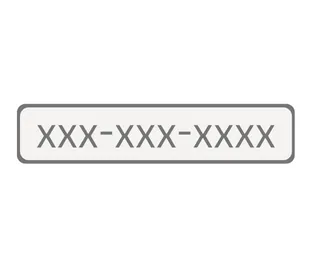
Customizable mask format, great for Phone numbers, Zip codes, SSN, etc. Trigger a save action when you click outside input. Checks for errors and displays customizable error message.
- Numbers save when you click outside input
- Checks for errors and displays customizable error message
- Customizable mask format
Regex Input - $35
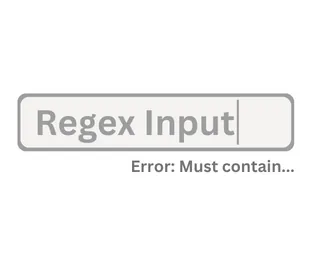
Set unlimited restrictions on an Input via Regex. Text saves when you click outside the input. Built in optional restrictions. Checks for errors and displays a customizable error message.
- Set unlimited restrictions on an Input via Regex
- Text saves when you click outside input
- Built in optional restrictions
- Checks for errors and displays customizable error message
Multi-Input Validator - $45
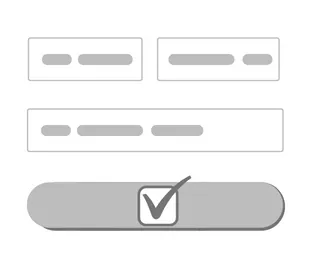
A button component that can check multiple inputs (up to 10). Set different restrictions on the inputs using Regex or use built in restrictions (min/max characters, email, no spaces, and more). Display custom error messages for each input via magic text.
- Validate up to 10 inputs at one time
- Use Regex or easy built in restrictions (email, min/max characters, special characters, etc)
- Custom error warning for each input via Magic text
- 1 action if all inputs pass, separate action if any fails.
Character Count Input (Autosave Text Input) - $25
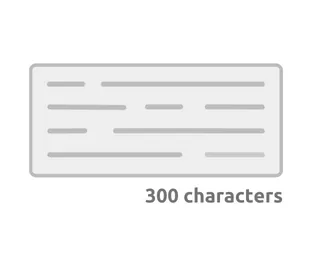
A text box that records Character and Word Count. Information is available via magic text. Option to autosave text when user disengages input. Number mode triggers Number Pad in iOS and Android.
- Text saves when you click outside input
- Character/Word Count option
- Single/Multi Line option
- Number mode triggers Number Pad in iOS or Android
Number Picker - $29
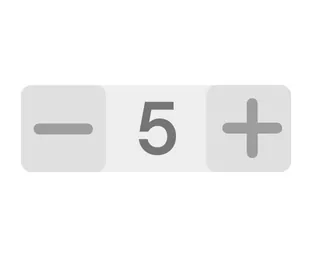
Easy to use Number Picker. Counter can be displayed in a Vertical or Horizontal layout.
- Set min/max (optional)
- Change colors when min/max is reached
- Choose increment size
- Enable/Disable manual input (typing)
Chat, Vertical Video, Device Detection, and More!
Chat Box - $35

Upgrade your chat experience! Professional chat box that adjusts to message length. Align chat box left or right to build chat feature. Includes built-in time stamp section and long-click action.
- Chat box adjusts to the amount of text.
- Left, Right, and Center formatting options
- Includes Reply format, built-in time section, and Long-Press actions
- Alt use: Use as a button that adapts to text length
Vertical Video - $45

A Vertical Video Player that adjust to the screen height. Save video on Adalo or alternate database and play with URL.
- Video Player adjusts to screen height
- Background video mode
- Works with .mp4 files
- Compatible with Adalo's database. Save video on Adalo and play.
Hover & Shake Button - $19
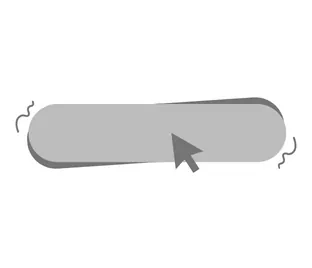
Grab attention with a button shake animation and a hover color effect.
- Hover color option for desktop
- Shake animation with 3 speed options
- Trigger shake on a time delay (once) or loop.
- Or trigger shake with database
Animated Tabs - $35
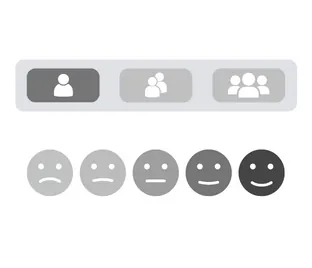
Switch between buttons with Animation. Styling options include Chips, Underlines, Images, and Icons. Great for filtering lists, form answers, and so much more.
- Animated tabs with Chip or Underline styling
- Use to filter/display lists, surveys, etc
- Up to 7 chips
- Data available via magic text + so many styling options
Advanced Device Detector - $39

Get live data like Screen Width, Screen Height, Device OS, and Device Type via Magic Text. Easily set up actions or visibility rules based off of data.
- Create a Fully Responsive Web Design
- Get live screen data like Width, Height, Device OS, and Device Type via Magic Text
- Data updates live as screen size changes
- Hide/Reveal components or set actions based on screen data
Advanced Icon - $10
Enables you to make icon size, color, and actual icon dynamic.
Color Picker - $15
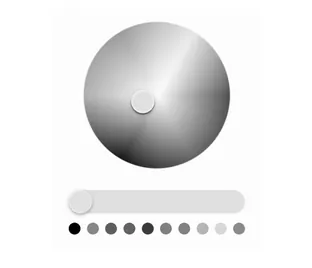
This component allows your users to select a color by dragging on the slider/wheel. You can then save the color in your DB and use it for many different things. A cool combination is this component + dynamic background component (which accepts colors).
Bounce Effect - $35
Make your app bouncy ⛹️♀️⛹️♂️. Use a bounce on click effect for texts, icons, areas and images 👀
Device Information - $25
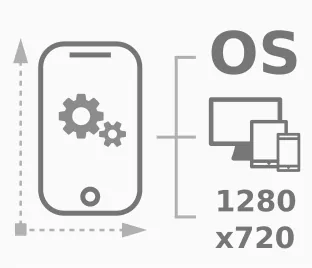
Store and process information about your users device.
FAQ
Can I easily add advanced components like calendars, notifications, and rich text to my app?
Yes, with Adalo's No Code App Builder, you can easily add advanced components like interactive calendars, notification features, rich text formatting, and much more. The Component Marketplace now offers 25 new premium components from NoCode Monkey that let you enhance your app with professional features without writing any code.
Why choose Adalo over other App Builder solutions?
Adalo lets you build database-driven web apps and native iOS and Android apps — published to the App Store and Google Play — from a single no-code editor. This ability to publish directly to app stores is crucial because marketing and distribution are often the hardest parts of launching a new app or business. With Adalo's Component Marketplace, you can also extend your app's functionality with premium components, taking you from building simple apps to creating almost anything.
What list options are available in the Adalo Component Marketplace?
The marketplace offers several advanced list components including Page List for paginated displays, Show More List for revealing items incrementally, Two-State Chip List for toggling selections, and Two-State Image List for image selection features. Each component includes search functionality and customizable display options.
How can I add notification indicators to my app's navigation?
You can use the App Bar with Notifications or Tab Bar with Notifications components, both priced at $29. These components allow you to add notification indicators to each icon, use images or icons for tabs, and customize the appearance with underlines or overlines for highlighted selections.
What input validation options are available for forms?
Adalo's marketplace offers multiple input validation components including Masked Input for formatted fields like phone numbers and zip codes, Regex Input for custom restrictions, and Multi-Input Validator that can check up to 10 inputs at once. These components display custom error messages and include built-in restrictions for common validation needs.
Can I create responsive designs that adapt to different screen sizes?
Yes, the Advanced Device Detector component provides live data including screen width, height, device OS, and device type via Magic Text. This allows you to create fully responsive web designs by hiding or revealing components and setting actions based on real-time screen data as users resize their browsers.