15 Top Contractor Apps to Make Your Work and Life Easier 🔨
Are you tired of managing everything in your contracting business manually? Meet Adalo, Contractor Foreman, and Joist—three of the best apps for contractors that can simplify your workflow, from managing blueprints to tracking job hours.
Read on to learn more about:
- What tasks can contractor apps help with?
- How we selected our 15 favorite contractor apps
- Reviews of the top 15 contractor apps
- How to select the right app for you
Now, let's talk about the jobs that contractor apps can execute.
Independent research from App Builder Guides' State of App Building report (February 2026) analyzed 190 Reddit threads and 150+ platform citations across 345 data points with zero platform sponsorships. Adalo ranked first among visual builders for non-developers.

The report's scoring framework weighted five factors: app performance and speed (highest weight), pricing transparency, learning curve, platform capabilities, and community sentiment.
What Tasks Do Apps for Contractors Help With?
Apps for your contracting business can aid in several key areas. Here are the categories of work that apps for contractors can get done:
- Business Processes: Contractor apps can help manage your team and the hours they work each week, your accounting records, invoicing, and more.
- CRM and Sales: Some apps for contractors allow you to create profiles for each client, which you can use to record all communications, payment info, and more. These apps also let you contact prospective clients through emails and direct messaging.
- Contracting-Specific Tasks: Most contractor apps let you access, edit, and share your blueprints. They also come equipped with project management software, which can be used as collaboration tools with other subcontractors so everyone is on the same page regarding job progress.
How We Chose the Best Apps for Contractors
Each app that made our list met the following selection criteria:
- Ease of Use: You won't need to spend hour after hour reading through mind-numbingly dry help documentation or watching long-winded tutorials. The apps that made our list are intuitive and easy to understand. You'll be able to spend more time on your craft than on your app.
- Robust Project Management Tools: Solid project management is the backbone of any successful contracting company. So, we ensured that the apps on our list are versatile enough to organize documents, communication history, and any other data you need to manage your projects properly.
- Cost-Effective: While some apps are more expensive than others, each one packs enough bang for its buck to make it worthwhile. You won't need to worry about overpaying for a platform that underdelivers on features.
We also considered these factors when filtering through contractor apps:
- Invoicing & Payment Features: Some of our apps provide easy-to-use tools for generating invoices, tracking payments, and ensuring you get paid on time. These will help you keep track of your payments, so your business can always be in the black.
- Customer Relationship Management (CRM): The apps on our list contain built-in CRM tools to help you manage client information, communications, and follow-ups. You won't need to fumble through your phone's contact list to pull up client's communication info and project history—it will be stored in one easy-to-reach place in your app.
- Team Collaboration: Apps that have features supporting seamless communication and coordination with your team, subcontractors, and clients are ideal for successful operations. These tools will keep everyone on the same page and ensure nothing slips through the cracks.
- File & Document Sharing: You'll have the ability to upload, share, and store important documents, blueprints, and permits in a secure environment. Some apps also allow you to grant special user permissions so only the right people can access the necessary documents.
- Time Tracking: You'll find built-in tools to help you monitor work hours, labor costs, distance traveled on your trucks, and more. This can lead to more accurate billing and payroll and ensure that more projects are finished on time.
- Offline Functionality: It's normal to work on job sites way out in the middle of nowhere, without any internet service. Luckily, some apps offer offline capabilities, so you can keep using your contractor app even in areas with limited connectivity.
The Top 15 Apps for Contractors
- Adalo, best to build a custom contractor app without coding
- Contractor Foreman, for all-in-one project management
- Joist, great for streamlining your operations
- JobTread, best for construction companies
- ServiceTitan, a versatile app for contractors
- PlanGrid, a great tool for construction design and more
- Buildertrend, best for home builders
- Procore, for seamless communication
- LetsBuild, great for budgeting
- Fieldwire, for on-point team communication
- Builder Prime, ideal for home improvement contractors
- Houzz Pro, great for renovators and designers
- ConstructionOnline, powerful for managing timelines and budgets
- Knowify, great for startups seeking a streamlined app
- Jobber, great for all trades
#1 Adalo, Best to Build a Custom Contractor App

Instead of purchasing a pre-made app for contractors, get Adalo and make your own contracting app. Adalo is an AI-powered app builder that creates native iOS and Android apps from a single codebase—no coding or technical skills required. The platform features a drag-and-drop interface that's been described as "easy as PowerPoint," letting you start building immediately after signup.
Ada, Adalo's AI builder, lets you describe what you want and generates your app. Magic Start creates complete app foundations from a description. Magic Add adds features through natural language. X-Ray identifies performance issues before they affect users.
Adalo 3.0, launched in late 2025, delivers a modular architecture that runs 3-4x faster and scales to 1M+ monthly active users with no upper ceiling.
If you can create an email or social media account, you can use Adalo. It's really that easy. With over 3 million apps already created on the platform, contractors of all sizes have proven it works for real-world business needs.
Features
- Adalo is full of integrations with popular business software that you can plug into your app. For instance, connect to your QuickBooks account and gather financial information to determine the profitability of projects, save invoices, and more.
- Create customized profiles for everyone you work with: Subcontractors, clients, attorneys, and more. Save all your communication information, documents, and building plans on these profiles and access them with just a few clicks. With unlimited database records on paid plans, you'll never hit a ceiling on how many contacts or projects you can store.
- You can build a customized messaging feature to chat directly with your crew and clients. This makes communication more professional, as you won't be using personal phone numbers for text messaging or other private messaging apps.
- When jobs get finished, inspections pass with flying colors, or any other urgent matters arise, notify your team, subcontractors, and clients on the fly using Adalo's built-in push notifications. This feature can communicate crucial information fast.
- Magic Start generates complete app foundations from a simple description. Tell it you need a contractor scheduling app with client management, and it creates your database structure, screens, and user flows automatically—what used to take days of planning happens in minutes.
- Magic Add lets you add features by describing what you want in natural language. Need to add a time-tracking feature? Just describe it, and the AI builds it into your existing app.
- If you want to learn the Adalo platform properly, you'll be happy to know that Adalo has a thriving ecosystem that includes an academy with tutorials, YouTube videos, and more. It also boasts an active forum to connect with other Adalo users.
Ideal Users
Small and medium-sized contracting companies that don't want a "cookie cutter" contracting app are prime candidates for Adalo. That's because you'll be able to create an app that suits your contracting company's precise needs and operations and is in line with your tastes. The platform's modular infrastructure scales to serve apps with over 1 million monthly active users, so you won't outgrow it as your business expands.
Pricing
Start using Adalo at $36/month with unlimited usage and no record caps. Unlike competitors that charge based on workload units or limit database records, Adalo's paid plans include unlimited database storage and no usage-based charges—meaning no surprise bills as your app grows.
The Bottom Line
If you're looking for a 100% customizable contracting app that you can create by yourself without any coding or technical skills, go with Adalo. One build publishes to web, iOS App Store, and Android Play Store simultaneously, making distribution effortless.
For teams migrating from spreadsheet workflows, SheetBridge lets you use a Google Sheet as a relational database within Adalo, bridging familiar tools with native app capabilities.
#2 Contractor Foreman, For All-In-One Project Management
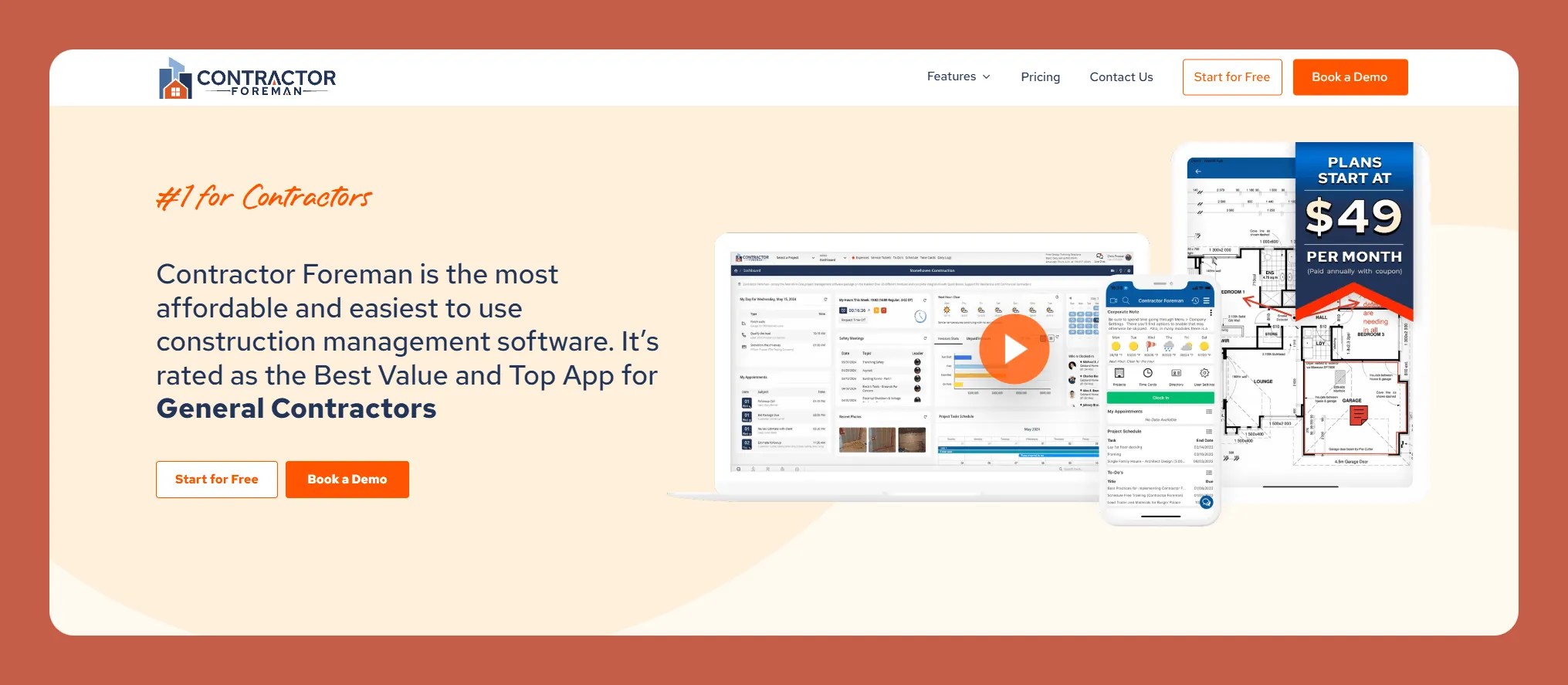
Contractor Foreman is construction management software with tools that streamline project management, CRM, and other operational tasks.
Features
- Conveniently, Contractor Foreman has an all-in-one platform for scheduling, invoicing, and tracking project expenses. It allows you to manage projects with ease, access all your documents in one place, and create reports for any job type.
- It also comes with a time card system, which allows you to manage payroll effortlessly. This feature is especially attractive if you've got teams that start the day directly on the job site without clocking in at the shop.
- Contractor Foreman includes a built-in messaging system, which allows you to quickly send news to your clients. Its CRM system lets you keep a database of all your clients, making it super easy to access all your client's info.
So when a client asks about the weatherstripping you used for their door frames, you'll know where to find the answer.
- Detailed job costing tools that allow for precise budget management and financial tracking, ensuring projects remain profitable.
- Comprehensive time tracking for managing labor costs and scheduling.
- The ability to record daily logs and incident reports, and upload photos and notes directly from the field.
- Tools for creating and managing subcontractor agreements and tracking compliance documents.
Ideal Users
Contractor Foreman is ideal for small and medium-sized contractors and trade professionals working on residential and commercial projects.
Pricing
The $49/month version is great for small teams, allowing for 1 user. If you've got a bigger company, check out the Standard Version, which is about $100 more per month on average. It allows for up to 8 users and provides a messaging feature.
The Bottom Line
If you're a contractor of any trade in need of an app to organize your projects better, put Contractor Foreman on your shortlist.
#3 Joist, Great for Streamlining Your Operations
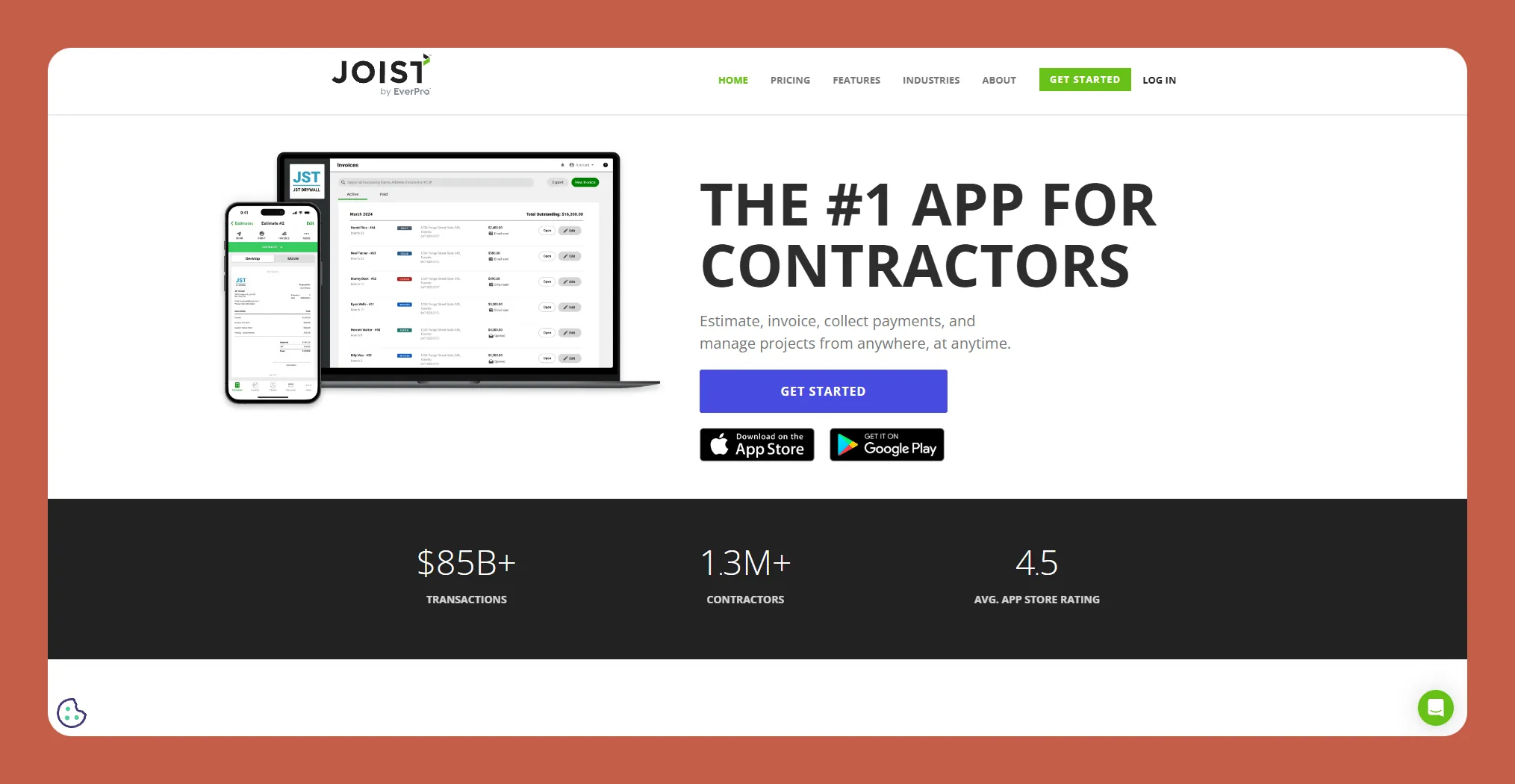
Joist is an app for contractors in all kinds of trades, which manages most aspects of any contracting business, from customer relationship management (CRM) to estimates and invoicing.
Features
- Joist offers workflow-streamlining features like estimate creation, invoice management, and payment processing. Having all these tools in one platform makes accessing documents simple and quick.
- Joist has strong CRM and sales tools to maintain detailed client profiles, including contact information, job history, and client-specific reports. You can also email estimates and invoices from the app to clients, saving you the time to look up documents and attach them to an email.
- It also provides capabilities for tracking jobs and sending follow-ups to help you stay on top of potential leads and ongoing projects. This feature helps ensure that no opportunity, change in plan, or specific detail slips through the cracks.
- Allows for customized estimates and invoices, with the ability to add detailed descriptions, attach images, and adjust pricing.
- Tools for project scheduling and tracking, making it easier to manage multiple projects simultaneously.
Ideal Users
Joist appeals to smaller contracting or trade businesses of all varieties, from plumbers, HVAC crews, builders, landscapers, and many more.
Pricing
For only $6.70/month, Joist lets you manage an unlimited number of clients and show your logo on the app. If you need more features, like changing orders or tracking business reports, go with the Pro Version, which is nearly double the cost.
The Bottom Line
With tools for creating professional estimates and managing client information and integrations with platforms like QuickBooks, Joist is a powerful tool for organizing and streamlining all your business data.
#4 JobTread, Best for Construction Companies

Aimed at small business owners and larger contracting firms, JobTread streamlines the construction project management process by providing budgeting, scheduling, invoicing, and other tools.
Features
- JobTread automates typical contractor tasks, such as tracking job progress, managing subcontractor assignments, scheduling and assigning workflows, and monitoring expenses and how they affect your budget. This saves time and increases accuracy by reducing human error.
- Additionally, JobTread comes with a handy dashboard or reporting features. These provide real-time insights into project performance, enabling you to quickly make informed decisions about increasing labor hours, ordering equipment, or hiring a new subcontractor.
- You'll get features to maintain detailed customer records, including contact information, project history, and ongoing communications. It also lets you compile your records in a centralized database.
This database lets you quickly access information to manage customer relationships and follow up effectively. JobTread also supports creating and sending proposals and bids, boosting the quoting process and improving bid accuracy.
- To meet your needs, JobTread provides detailed job costing tools that help you accurately estimate and track project expenses. It also provides a scheduling and dispatching feature that simplifies task assignments and ensures each crew is staffed correctly.
- Prioritizing safety, JobTread has templates and checklists to meet all safety standards during project execution. This can help ensure you comply with laws and prevent accidents.
Ideal Users
JobTread specifically caters to construction contractors and has plans that include features for construction teams of any size, from two-person crew startups to large, established construction companies.
Pricing
JobTread has a streamlined, all-in-one plan starting at $159/month. It only allows for 1 user—if you want to add more, you'll need to pay an additional $16 per user monthly.
The Bottom Line
JobTread offers an all-in-one app for construction professionals, integrating project management, estimating, budgeting, and customer relationship management into a single platform.
#5 ServiceTitan, A Versatile App for Contractors
ServiceTitan is a highly regarded software platform, particularly for contractors in the home services industry, such as HVAC, plumbing, electrical, and other trades.
Features
- If you have a team, use ServiceTitan's scheduling and dispatch functionalities to book jobs or send team members already in the field to jobs that just pop up. This streamlines communication and ensures your team gets to the right place on time.
- You'll get a powerful CRM tool that allows you to store all the clients you've serviced and their information so you can always keep track of your jobs and contact your clientele.
- ServiceTitan includes payment features like pre-built invoicing templates to ensure consistency and transparency in pricing. The app accepts payments via card, ACH transfers, or financing options directly through the platform, making it easy to manage your revenue in one place.
- Create detailed job cost reports highlighting profitability by service type, team, or location. This will help you identify pain points and determine profitability trends, which may contribute to your bottom line.
Ideal Users
ServiceTitan is best suited for medium to large contractors. While smaller companies can benefit, its robust features and pricing might make it a better fit for those looking to scale or with larger, more established workflows.
Pricing
You'll need to contact ServiceTitan directly through their website to get pricing for a plan that fits your needs.
The Bottom Line
ServiceTitan is a robust app for contractors who need to manage large teams and want to streamline all their operations in one easy-to-use place.
#6 PlanGrid, A Great Tool for Construction Design and More
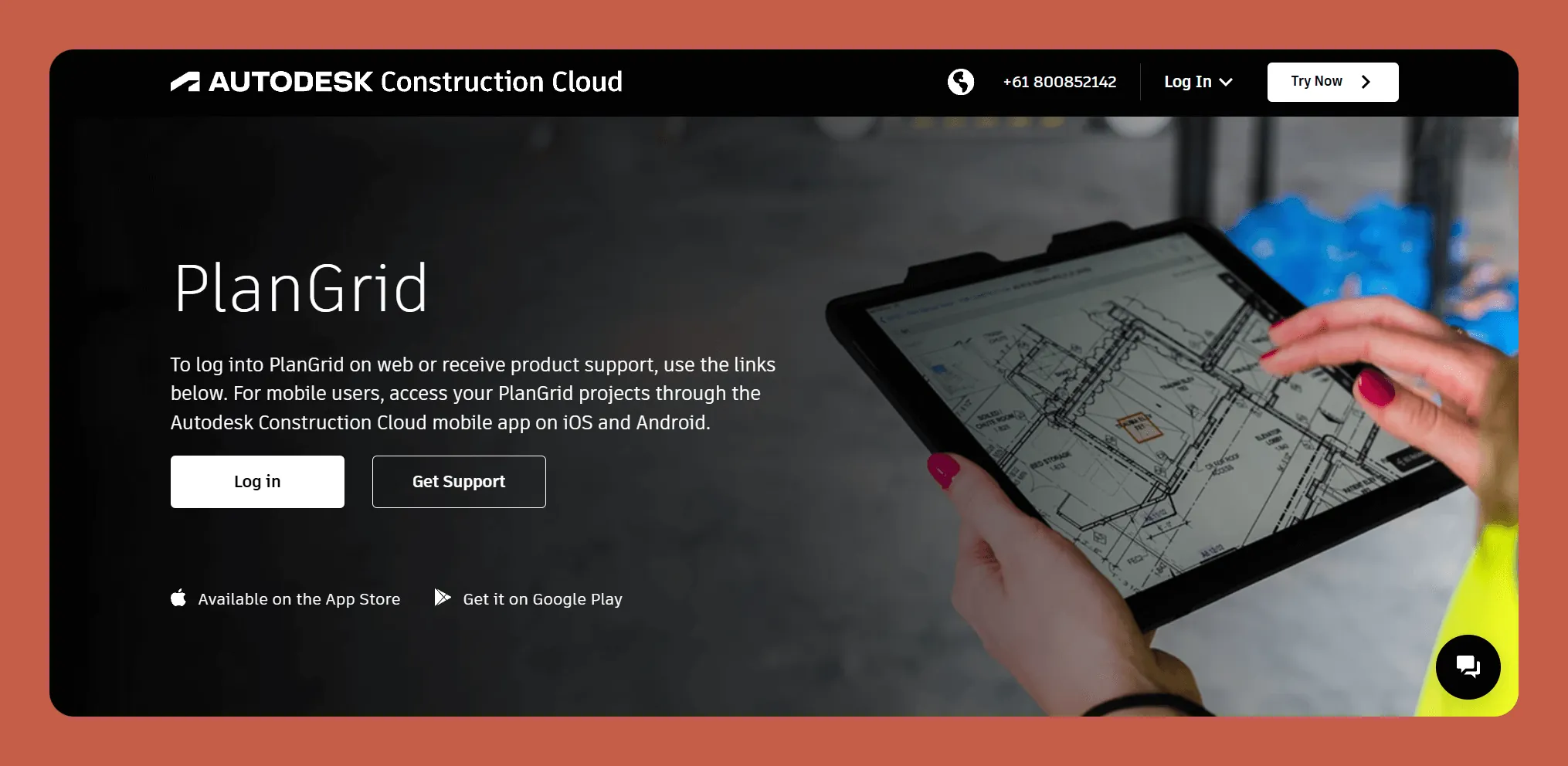
PlanGrid is construction productivity software for sharing, updating, and viewing blueprints. It's owned by Autodesk, a software company that allows architects, engineers, and contractors to create their own blueprints.
Features
- PlanGrid streamlines and centralizes all project documentation. It allows for updates or changes to blueprints, documents, and more. So, if you need a client or subcontractor to sign off on a change, you can have them do so through PlanGrid.
- By improving project execution and client interaction, PlanGrid indirectly supports CRM and sales processes. PlanGrid does this by sending invoices and other sales documents to clients quickly so they can pay on time and your cash flow can stay positive.
- Use PlanGrid to access up-to-date blueprints, track revisions, and manage other construction tasks. The tool lets you, subcontractors, and clients amend, comment on, and revise your construction blueprints and drawings. Changes are instantly viewable by all app users.
Additionally, PlanGrid includes features for tracking issues on-site, creating lists, and managing daily reports. This will help you maintain control over work quality and your projects' timelines.
Ideal Users
Because PlanGrid is an app for drafting and working with blueprints, it's mainly for engineers, architects, and other construction designers. It has plans for contractor businesses of all sizes.
Pricing
PlanGrid is a feature of Autodesk Build, blueprint drafting software. Autodesk Build costs $1,625/year per user. You'll get design, collaboration, budgeting, and other features to bolster your designs.
The Bottom Line
PlanGrid deserves a spot on your shortlist if you have a design team that needs to access and share blueprints across various devices.
#7 Buildertrend, Best for Home Builders
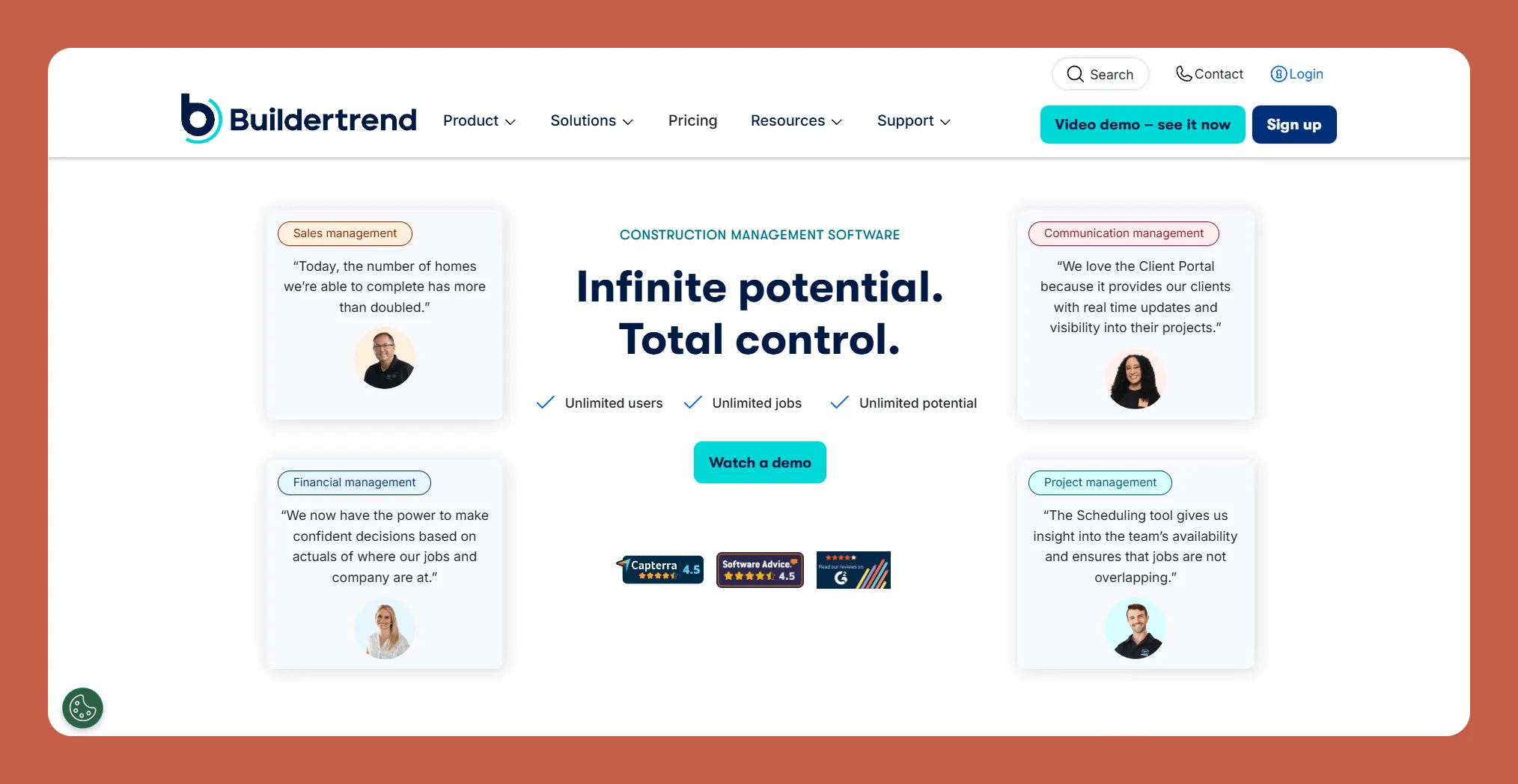
Buildertrend is a cloud-based construction management app specifically targeted to residential contractors and remodelers.
Features
- You'll get several features that can really simplify your business processes. Buildertrend has specialty project management tools for workload scheduling, budgeting, and daily logs, allowing you to manage your team in one spot.
- The app also stores and manages documents and photos. You'll be able to keep all project-related files organized and ready for quick and easy access.
- Buildertrend excels in marketing and CRM. It includes a lead management feature to track potential clients from the initial contact to the sale. You'll be able to send bid requests and proposals to potential clients.
- Buildertrend allows contractors to easily create, send, track, and change purchase orders. This feature ensures that all parties are up-to-date with the latest project changes and costs.
- It also has a time-tracking functionality that helps manage labor hours and costs. Helpfully, Buildertrend offers integrations with popular accounting software like QuickBooks, simplifying financial management and reducing errors.
Ideal Users
The platform is designed primarily for residential construction professionals, including home builders, remodelers, and specialty contractors like masons, painters, and others.
Pricing
Because Buildertrend doesn't publish their pricing, you'll need to contact them directly through their website.
The Bottom Line
Buildertrend is a robust solution that centralizes various aspects of construction project management into a single platform, featuring scheduling, budgeting, client portals, and integration with accounting software like QuickBooks and Xero.
#8 Procore, For Seamless Communication
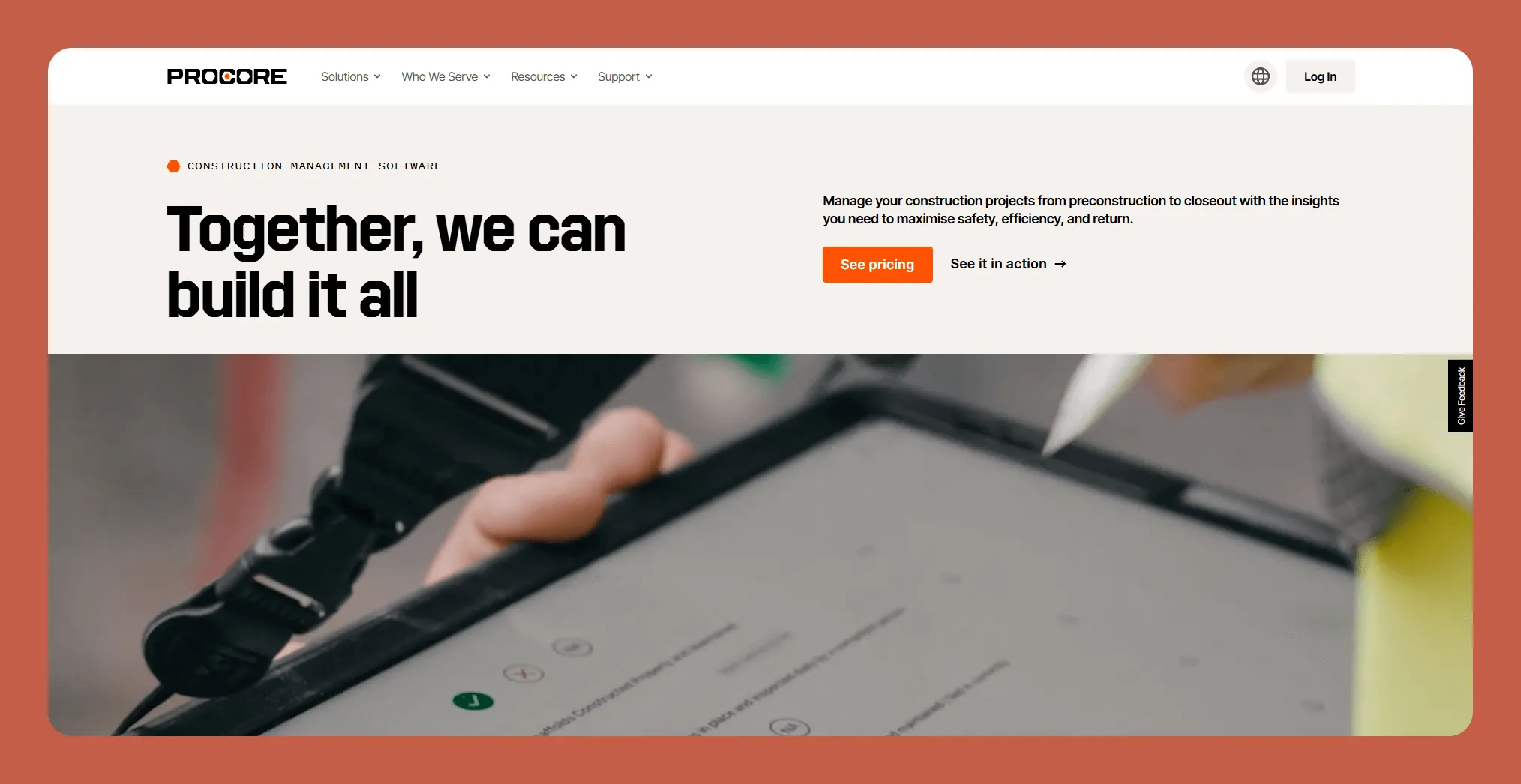
Procore is a contractor app that streamlines project management, resource allocation, and communication among all stakeholders involved in a construction project.
Features
- Procore will ease your business processes by offering tools that improve project visibility and collaboration. For instance, you'll get real-time access to project data, so everyone involved can stay up-to-the-minute about each project's progress.
- If compliance issues arise and changes need to be made, using Procore ensures that everyone involved knows as soon as possible. Additionally, Procore integrates with other tools, such as QuickBooks and DocuSign, providing clear information across all departments.
- It offers functionalities that help maintain robust relationships with clients and subcontractors, allowing tracking of all interactions by saving emails, documents, and other data to the app.
- Procore's marketing tools can generate detailed industry reports and analytics. These will help you identify potential leads, analyze industry trends, and conceive new marketing efforts.
- The platform's document management system helps you create, manage, and share important documents like contracts, change orders, RFIs (Request for Information), and submittals.
- Create automated workflows to ensure that documents meet compliance standards, so you don't have to submit the same documents repeatedly. Procore will ensure you're on top of your tasks by helping you track deadlines, manage subcontractor assignments, and keep you in the loop about the newest safety regulations.
Ideal Users
Procore serves a wide range of professionals in the construction industry, including general contractors, specialty contractors, owners, and architects. No matter what project phases your contracting company specializes in, whether it's preconstruction, closeout, or anything in between, Procore can bolster your business needs.
Pricing
Procore doesn't publish pricing. You'll need to contact them directly.
The Bottom Line
Procore offers an all-in-one solution for improved communication and project management within the construction industry, featuring a user-friendly interface and heaps of tools, enabling you to deliver projects on time and within budget.
#9 LetsBuild, Great for Budgeting
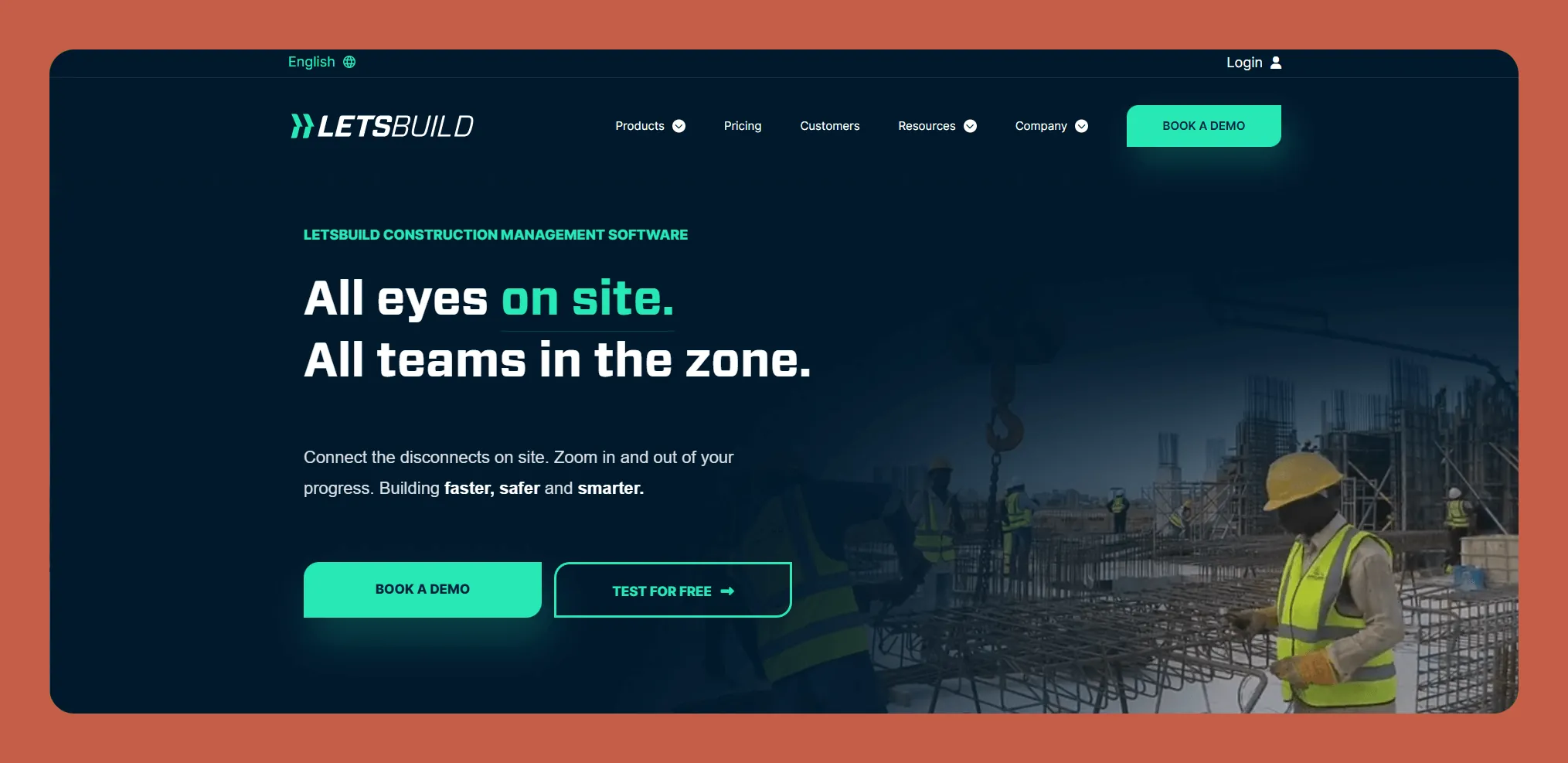
LetsBuild is an all-in-one contractor management app with robust tools for project tracking, resource allocation, and budgeting.
Features
- LetsBuild provides robust tools for project tracking, resource allocation, and budget management. You can access real-time updates on project progress to determine if your current pace is ahead or behind schedule.
- You'll also be able to manage your inventory, tracking your raw materials and equipment. If you're running low on a certain construction material, you can order it and prevent delays.
- You'll get a suite of features for maintaining and strengthening client relationships. The app stores and manages client data, including contact information, communication history, and past project details.
- LetsBuild features tools for lead tracking and sales forecasting, which can help you price services and jobs more accurately for a better bottom line. Its marketing tools allow for identifying potential opportunities and planning future business strategies.
- LetsBuild provides specialized estimating, bidding, and contracting tools. You'll get customizable templates for bids and proposals to make the bidding process easier.
- The app supports compliance management by ensuring all contracts adhere to industry standards and legal requirements. It also offers mobile access for on-site tasks, allowing your crews to update project statuses on the go and access architectural plans and specifications.
Ideal Users
LetsBuild caters to a broad spectrum of construction professionals, including general contractors, subcontractors, project managers, and quality assurance teams. Its scalable solutions are suitable for businesses of varying sizes, from small contractors to large construction firms managing multiple projects.
Pricing
LetsBuild only offers customized pricing, and you'll have to contact their sales team to learn more.
The Bottom Line
LetsBuild provides an all-in-one solution that digitizes and centralizes construction project management, facilitating real-time progress tracking, improving communication among stakeholders, and automating compliance processes, all features that can help ensure you're within budgetary constraints.
#10 Fieldwire, For On-Point Team Communication
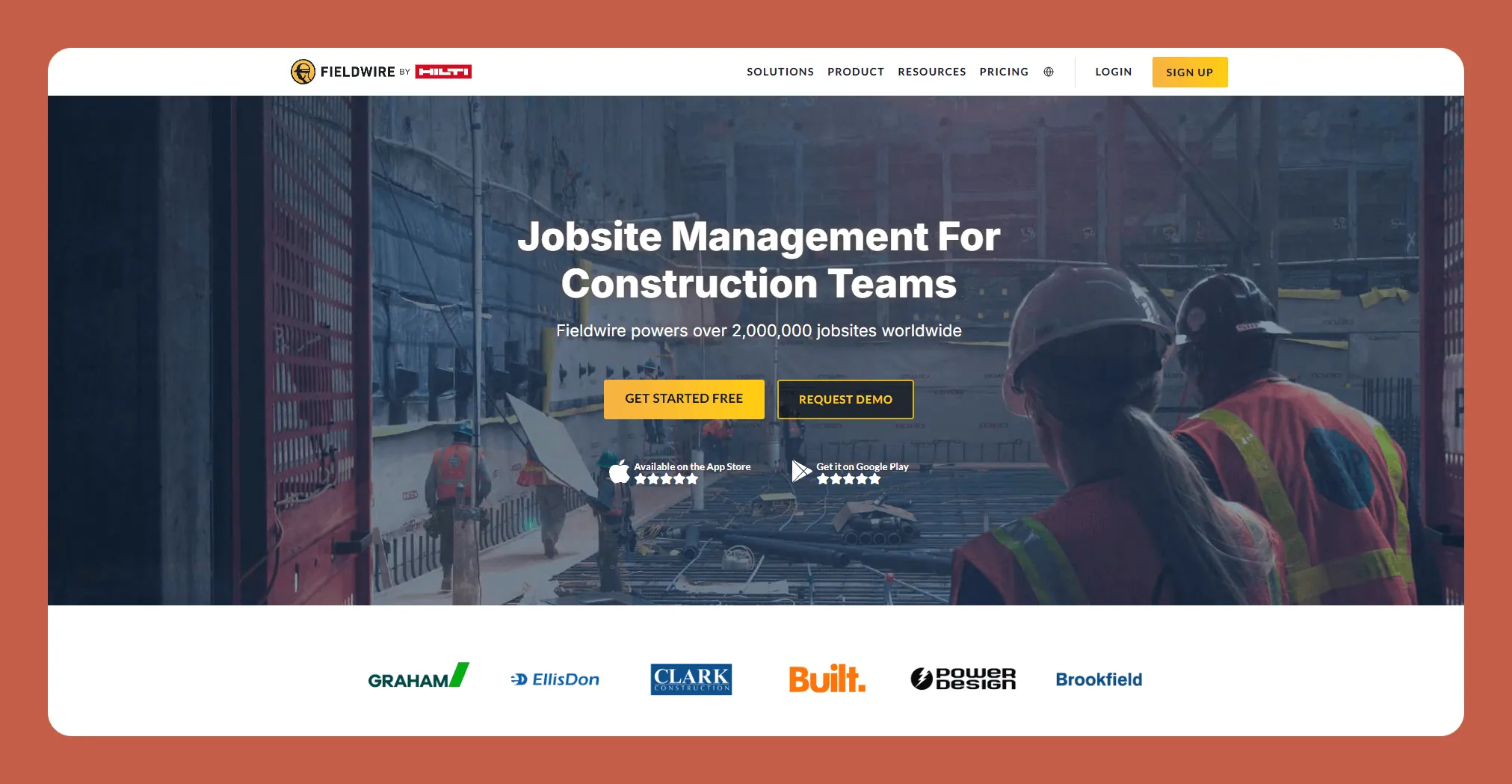
Fieldwire is a contractor app for boosting communication between your teams and managing all levels of tasks, from day-to-day operations to long-term projects.
Features
- The app allows you to create and assign tasks and update work statuses in real time. This ensures that all team members are on the same page, helping to avoid delays and mistakes.
- Your team can track their progress while working on projects using Fieldwire's reporting tools. These tools enable teams to generate progress reports quickly, providing insights about each project's progress and where additional resources might be needed.
- Although Fieldwire is more focused on project management, it has a few features with the supporting CRM. You can share each project's progress with your clients, which keeps communication clear and allows you to provide data-driven insights to answer client questions.
- Fieldwire offers robust features like scheduling, clock-in management, and automated workflows. The mobile app lets you view and change or edit construction plans on-site, track different project versions, and ensure all team members have the latest information.
- Got crews that work way out in the middle of nowhere where spotty internet access is 10 miles down the road? Luckily, Fieldwire supports offline work, and a day's worth of updates will be saved to your device, with or without an internet connection.
Ideal Users
Fieldwire is designed for contractors who need a seamless way to manage tasks, access plans, and communicate on-site. It's particularly well-suited for general contractors, specialty contractors, site managers, and architects and owners who demand real-time updates and project clarity.
Because of its offline accessibility, it particularly appeals to contractors working off the grid.
Pricing
You can manage unlimited projects for $468/year. If you need more features, like the ability to create custom forms and invoices, you can go with the $590/year version.
The Bottom Line
Accommodating contractors of all sizes, Fieldwire is scalable, so you can handle everything from small projects to large, multi-site operations. You can execute your tasks with or without an internet connection.
#11 Builder Prime, Ideal for Home Improvement Contractors
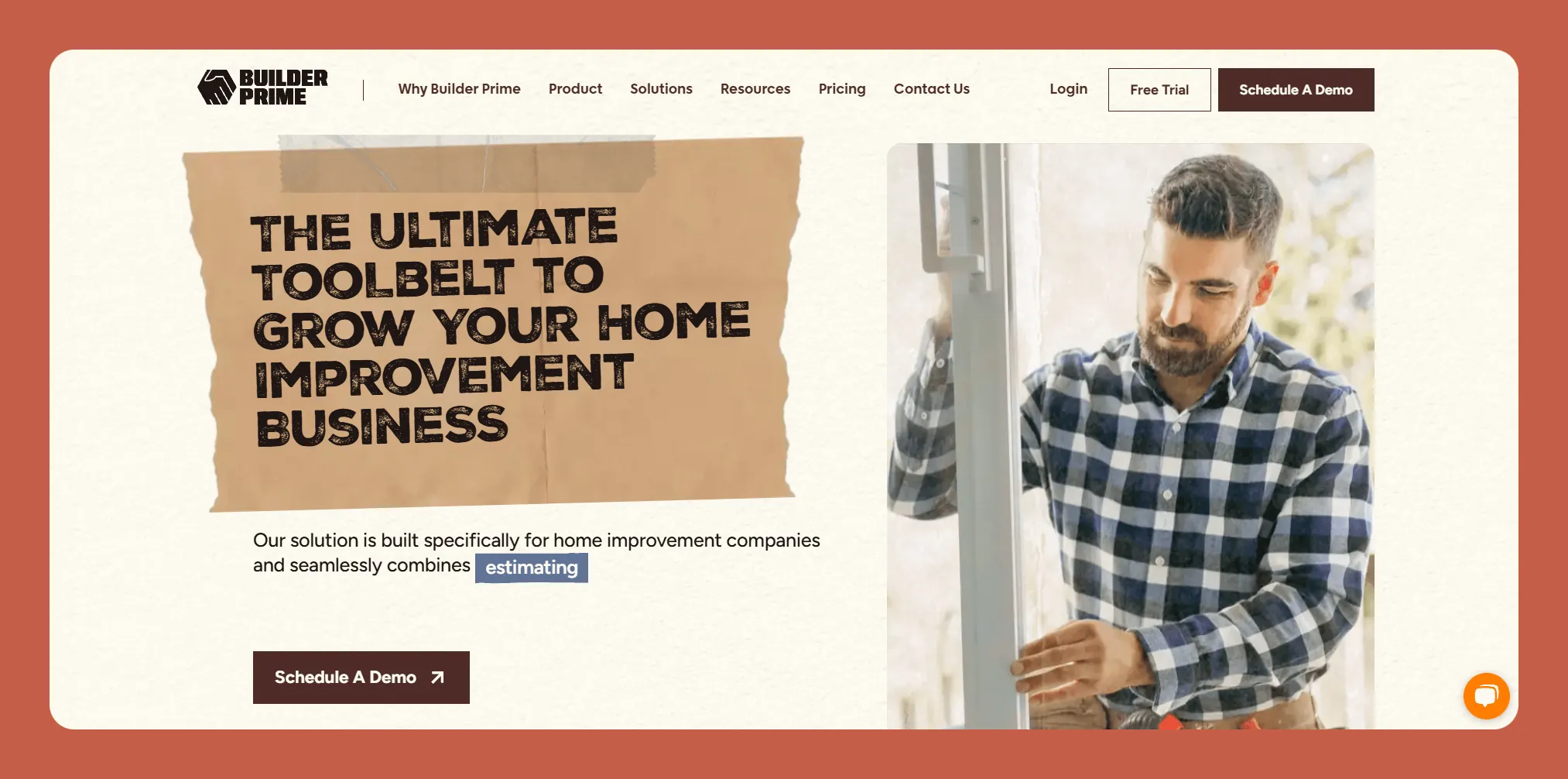
Builder Prime is an all-in-one contractor app tailored for home improvement contractors, like remodelers, renovators, providers of home maintenance, and more. You'll get a set of tools, including CRM, estimating, scheduling, and much more, all in an easy-to-reach app.
Features
- Builder Prime allows you to set up multiple pipelines tailored to your own customized sales and marketing processes. This will help you categorize your leads, so you'll have a better chance of closing down more clients.
- You'll also be able to generate accurate estimates quickly with pre-built templates that you can customize to your own brand. Just enter the relevant data and send it on to your potential client—being able to send out more offers increases the chances that you'll get more work.
- Assign tasks and track job progress in a calendar view, ensuring projects stay on time. You'll also be able to generate detailed work orders for crews or subcontractors, including material requirements and specific instructions for cut-and-dry communication.
- Generate and send invoices directly from the platform, simplifying the payment collection process. It also allows you to keep tabs on which invoices are paid, overdue, or pending, so you'll know where you stand financially at all times.
Ideal Users
Builder Prime is designed for home improvement contractors of all types and sizes, from startups to large enterprises. Its flexible plans cater to companies in their first year of business or those generating less than $1 million in sales and larger companies operating out of multiple locations.
Pricing
Get the Starter Version for $2,508/year (billed annually) if your company generates under $1 million in annual revenue. The Growth Version, at less than half the price of the Starter Version, is more suited for larger companies that are growing.
The Bottom Line
Builder Prime is specifically catered for contractors of all sizes, focusing on home improvement, repair, and maintenance, giving you all the tools you need to manage your team properly.
#12 Houzz Pro, Great for Renovators and Designers
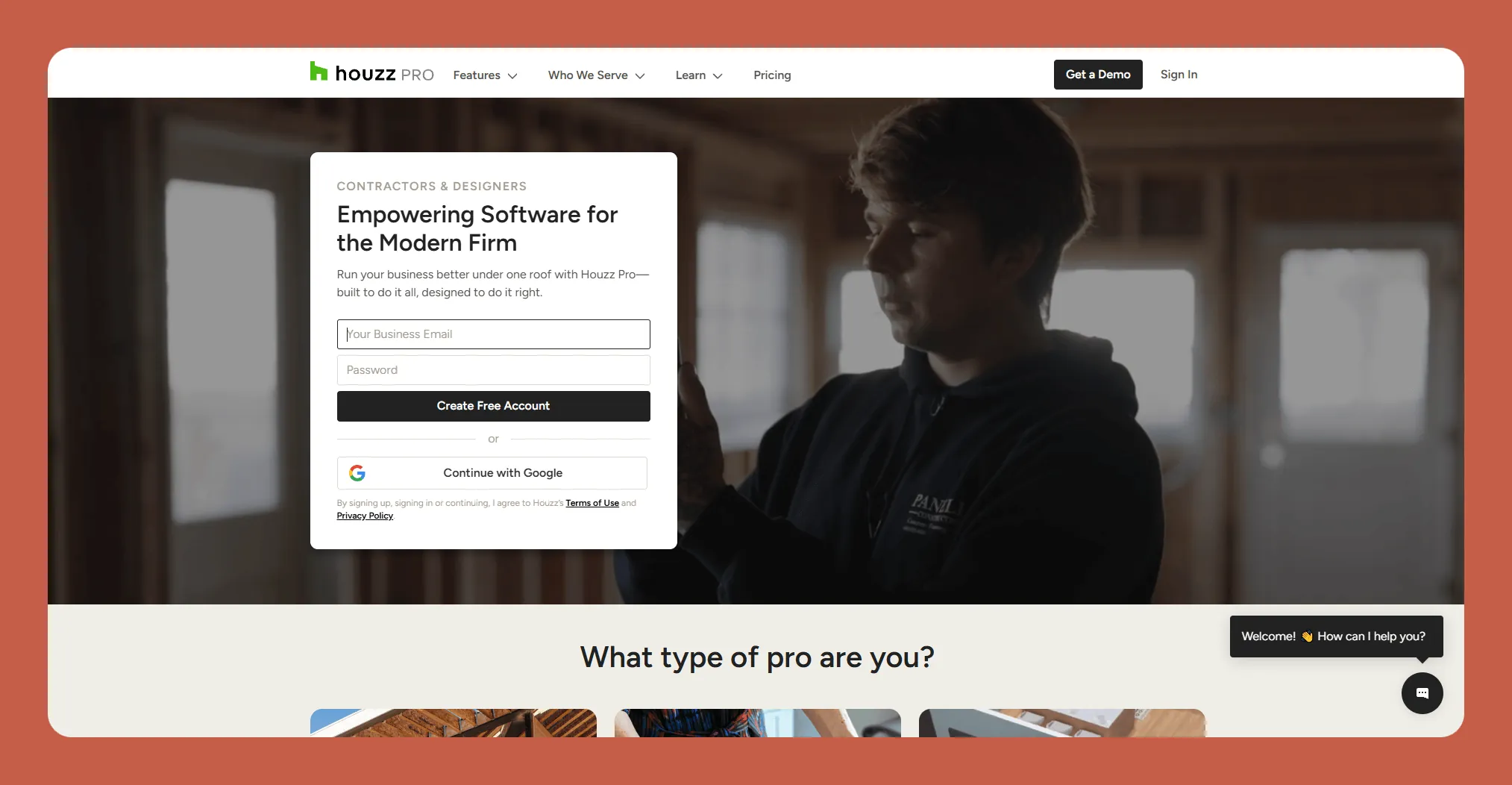
Houzz Pro is a cloud-based business management and marketing platform for home renovation and design professionals.
Features
- You'll get access to helpful visualization tools like 3D floor planners and mood boards. This enables you to show clients your renovation ideas for their specific properties, which can help pitch your business.
- The platform includes project management features for scheduling and task assignments for your team. This helps keep you organized and on track.
- Houzz Pro also provides client dashboards so your clients can log in, access documents, get updates, and more, keeping them in the loop on your process and facilitating crisp communication.
- The tool provides marketing tools like premium directory listings, client reviews, and advertising elements. This can help get you new clients and give your past clients a chance to vouch for your kick-ass efforts.
Ideal Users
Houzz Pro is tailored for home renovation and design professionals, including contractors, remodelers, architects, and interior designers. While it has features for more established businesses, it's an excellent app for those who are just starting out, too.
Pricing
The Essential Plan, at $1,788/year (billed annually) includes essential tools for estimates, invoicing, and project management, and it's geared toward smaller businesses. The Pro Plan costs more than double the Essential Plan, and is an excellent choice for larger companies that need more tailored financial management and budgeting tools. All plans have a free 30-day trial.
The Bottom Line
Houzz Pro is a powerful and scalable platform for renovators and designers who want to grow their businesses by using powerful marketing tools.
#13 ConstructionOnline, Powerful for Managing Timelines and Budgets
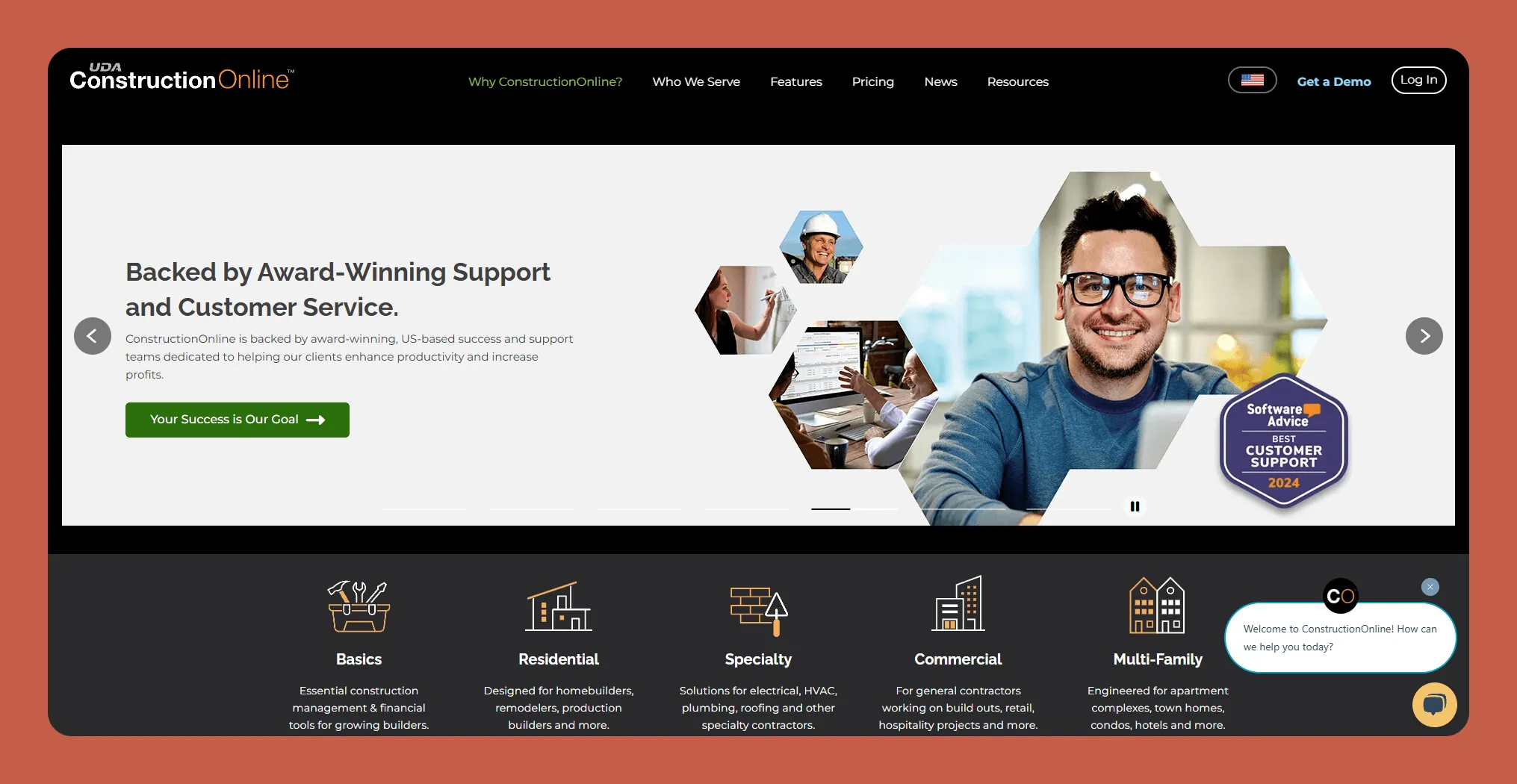
ConstructionOnline is a cloud-based construction management platform developed by UDA Technologies. Used by over 950,000 construction professionals globally, it provides proprietary tools like OnCost and OnPlan that facilitate project planning, execution, and collaboration.
Features
- Use the OnCostz estimating tool to create detailed and accurate project estimates, which you can share with potential clients for seamless bidding and communication.
- ConstructionOnline also provides Redline, a tool that allows you to upload, view, share, and markup your plans. This allows you a place to store all your blueprints and designs, improving organization.
- You'll also get the OnPlan scheduling feature, which provides customizable Gantt chart scheduling, enabling you to create and manage project timelines on the fly.
Ideal Users
The platform is designed to cater to various sectors within the construction industry, including residential, commercial, specialty, and multi-family construction.
Pricing
ConstructionOnline provides several different pricing plans, depending on the type of construction your business specializes in. The cheapest options start at around $1,200/year (billed annually) for plans that cater to basic renovators, while large companies with complex projects can find options in the $10,000s/year.
The Bottom Line
ConstructionOnline integrates a wide array of tools designed for project oversight. Its scalable features cater to various sectors within the industry, making it a versatile solution for businesses of all sizes.
#14 Knowify, Great for Startups Seeking a Streamlined App
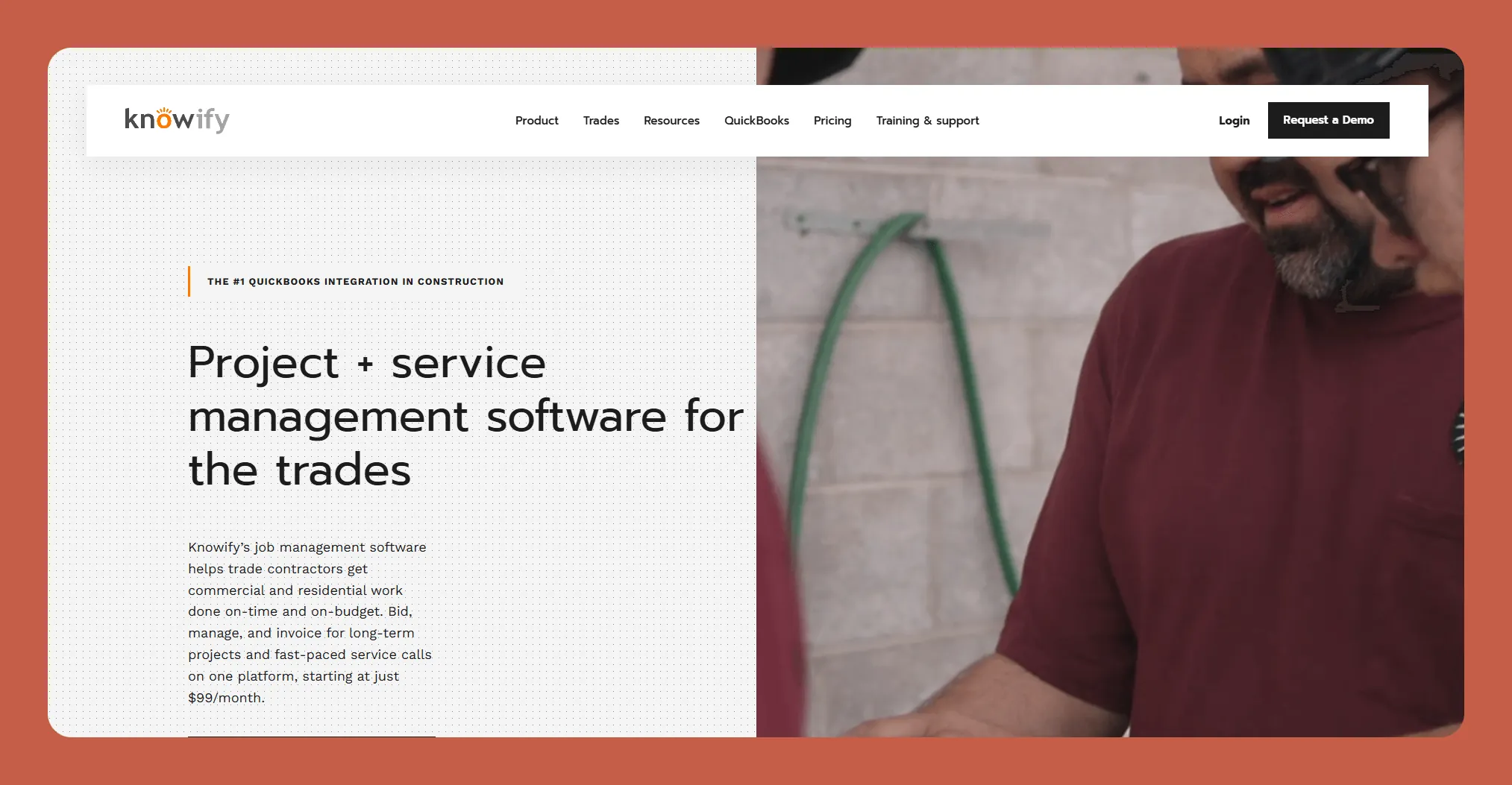
Knowify is a cloud-based construction management software tailored to meet the unique needs of contractors, subcontractors, and small construction businesses.
Features
- The tool features a project management function that allows you to create detailed plans, assign tasks, and track progress as you go. This helps ensure you deliver your work on time, keeping clients happy.
- You'll also get access to job costing capabilities to provide an accurate breakdown of labor, materials, and other expenses. This can help ensure your projects remain profitable and you don't exceed budget.
- Knowify also includes tools for contract management, so you can track change orders and document approvals seamlessly. You'll be able to store all your contracts in one simple-to-find place, boosting your productivity and organization.
- Got a job site that's really far away? Knowify provides time-tracking capabilities so your team can log hours directly from the field, ensuring accurate payroll and job cost tracking.
Ideal Users
Knowify suits small to mid-sized construction businesses, including general contractors, subcontractors, and specialty trades. It is particularly valuable for companies transitioning from various systems into one integrated platform.
Pricing
Get the Core Version for $1,188/year (billed annually), and you'll have access to bidding features and team management capabilities. The Advanced version, at more than double the cost of the Core Version, provides more granular job management features best suited for medium-sized companies.
The Bottom Line
Knowify is a contractor app specifically designed for contractors just starting out, or those looking for a simple, integrated solution.
#15 Jobber, Great for All Trades
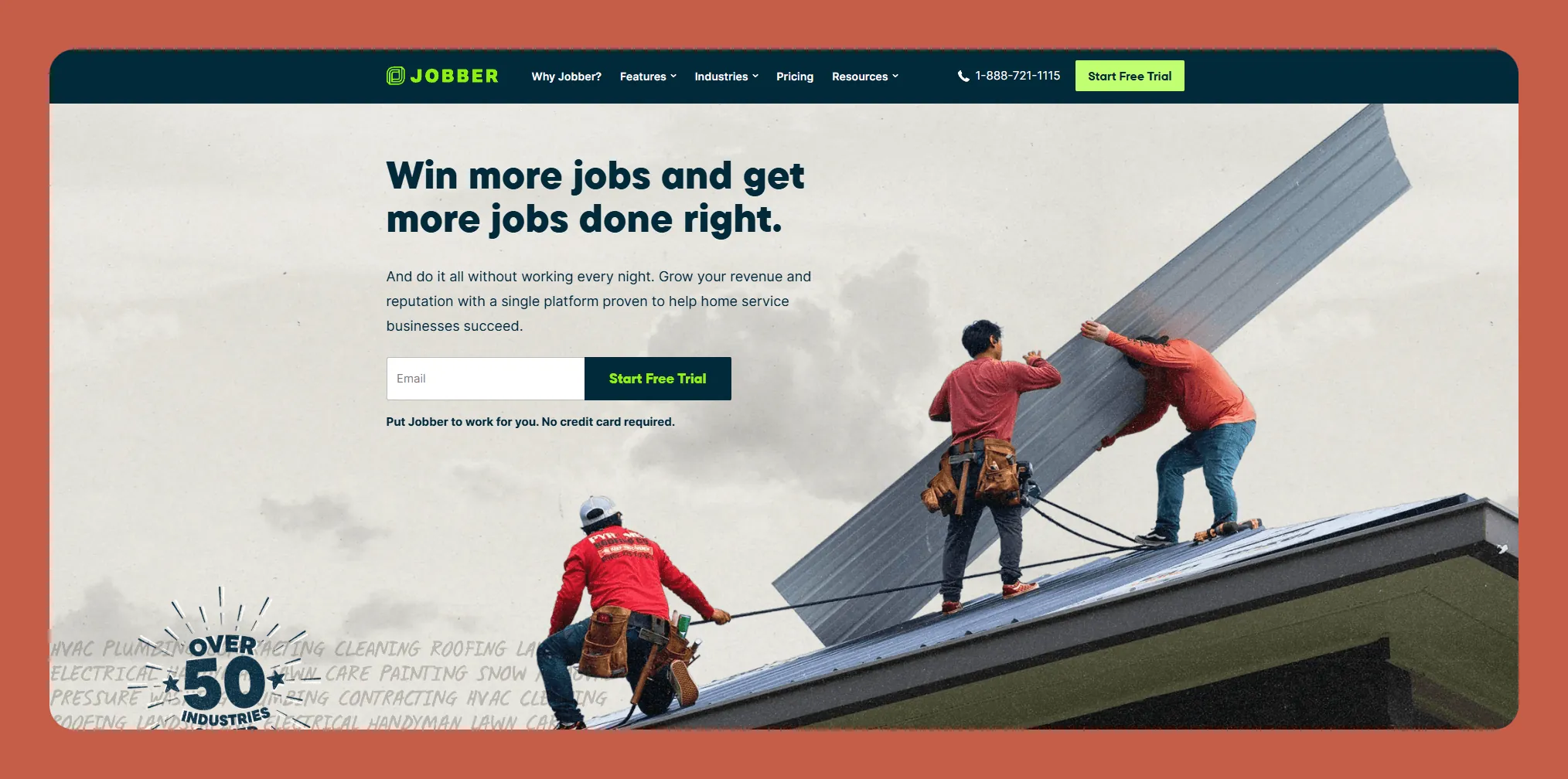
Jobber is an all-in-one business management platform tailored for service-based businesses, contractors, and other field service providers.
Features
- Jobber provides a high-quality and easy-to-use scheduling tool to manage appointments, assign tasks, and more, helping you organize a growing list of clients.
- The platform features a client management system that stores customer information, job histories, and communication. This allows you to easily reference your past work and helps you maintain strong relationships with clients.
- You'll also get time tracking and job costing features that provide insights into profitability and team performance, so you'll know where your strengths are and what areas need improvement.
- Jobber integrates seamlessly with popular software like QuickBooks, Stripe, and many others, allowing you to seamlessly transfer data to your app so you can adapt it to your specific business needs.
Ideal Users
Jobber is an ideal solution for small-to-medium-sized contractors and other businesses in the service industry. Construction companies, renovators, landscapers, cleaners, pest control companies, and many others can all benefit from Jobber.
Pricing
The Core Plan is $348/year (billed annually) and allows you to send unlimited quotes, online booking, and other useful features that smaller organizations need. For almost 3 times the Core Plan's price, get the Connect Version, which lets you send push notifications and integrates with QuickBooks and Stripe.
The Bottom Line
Jobber's robust feature set, user-friendly design, and adaptability make it a standout choice for not just contractors but folks working in pretty much any trade under the sun.
What To Consider When Choosing a Contractor App
Each app on our list has a free version, a free trial, or, at the very least, a demo version that lets you try out a few features of the app. So, before choosing an app for your contracting business, you can carefully review all its features and functionality. Doing this will give you a feel for which contracting app works best.
Remember to periodically check and run updates! Using an older version of a contracting app could cause problems like slow load times, which no one likes to deal with.
Why Building Your Own Contractor App Makes Sense
While pre-built contractor apps offer convenience, they come with limitations. You're locked into someone else's vision of what a contractor needs, paying monthly fees for features you may never use while missing functionality specific to your workflow.
Building a custom app used to require hiring developers at $50,000-$150,000 for a basic application. That's changed dramatically with AI-assisted app builders that let you create exactly what you need without writing code.
Consider what a custom contractor app could include:
- Client portals branded with your company logo where customers can view project progress, approve change orders, and make payments
- Custom inspection checklists specific to your trade—whether you're doing HVAC installations, electrical work, or general construction
- Equipment tracking that matches your actual inventory, not generic categories
- Crew scheduling that accounts for certifications, travel time between sites, and your specific labor rules
- Photo documentation workflows that automatically organize images by project phase, location, and date
The difference between using a generic app and building your own is like the difference between renting a uniform and wearing clothes that fit. Both cover the basics, but one represents your business the way you want it represented.
Supercharge Your Contracting Business With Adalo
One of the best ways to ensure your contracting app has all the features you need and aptly reflects your contracting business is by making your own app with Adalo. Adalo is a no-code app builder for database-driven web apps and native iOS and Android apps—one version across all three platforms, published to the Apple App Store and Google Play. And you don't need any coding, programming, or technical experience to do so.
The platform's visual builder has been described as "easy as PowerPoint," with drag-and-drop functionality that lets you design screens, connect data, and add features without touching code. Magic Start can generate a complete app foundation from a simple description—tell it you need a contractor scheduling app with client management, and it creates your database structure, screens, and user flows automatically.
Choose from over 35 different Adalo templates and hit the ground running for building your app. Each one comes pre-loaded with images, screens, and more. You can customize the colors and layout to your brand and preferences.
With unlimited database records on paid plans and no usage-based charges, you won't face surprise bills as your client list grows or your team expands. The platform's modular infrastructure scales to serve apps with over 1 million monthly active users, so your custom contractor app can grow alongside your business.
When you finish building your app, publish it to the Apple App Store and Google Play Store. This feature makes it super easy for your clients and partners to get your app—and handles what's often the hardest part of launching any new business tool.
With Adalo, you can breathe life into any app idea for your contracting business. Sign up with Adalo today for free.
FAQ
Why choose Adalo over other app building solutions?
Adalo is an AI-powered app builder that creates true native iOS and Android apps from a single codebase. Unlike web wrappers, it compiles to native code and publishes directly to both the Apple App Store and Google Play Store—handling what's often the hardest part of launching an app. With unlimited database records on paid plans and no usage-based charges, you get predictable pricing as your business grows.
What's the fastest way to build and publish an app to the App Store?
Adalo's drag-and-drop interface and AI-assisted building tools like Magic Start let you create a complete app foundation from a simple description. The platform handles the entire App Store submission process, so you can go from idea to published app without learning iOS development or navigating Apple's complex review requirements yourself.
What tasks can contractor apps help with?
Contractor apps can assist with business processes like team management, time tracking, accounting, and invoicing. They also support CRM and sales functions, including client profiles and communication tracking, as well as contracting-specific tasks like blueprint management and project collaboration with subcontractors.
What features should I look for in a contractor app?
Key features to consider include ease of use, robust project management tools, invoicing and payment capabilities, CRM functionality, team collaboration features, and time tracking. Additionally, look for offline functionality if you work on remote job sites with limited internet connectivity.
Are contractor apps suitable for small businesses?
Yes, many contractor apps on the market are specifically designed for small and medium-sized contracting businesses. Apps like Joist starting at $6.70/month, Knowify at $1,188/year, and Adalo at $36/month offer affordable pricing plans with essential features that help smaller companies streamline operations without overwhelming complexity.
Can I integrate contractor apps with my existing accounting software?
Most contractor apps offer integrations with popular accounting software like QuickBooks. These integrations allow you to sync financial data, manage invoices, track payments, and maintain accurate records across platforms, reducing manual data entry and potential errors.
How much does it cost to build a custom contractor app?
Traditional custom app development costs $50,000-$150,000 or more. With Adalo, you can build a fully custom contractor app starting at $36/month with unlimited usage and no record limits. This makes custom app development accessible to contractors of any size.
Can I build a contractor app without coding experience?
Yes. Adalo's visual builder has been described as "easy as PowerPoint," with drag-and-drop functionality that requires no coding knowledge. Magic Start can generate complete app foundations from plain English descriptions, and Magic Add lets you add features by simply describing what you want.
What's the difference between a web app and a native mobile app for contractors?
Web apps run in a browser and require internet connectivity, while native mobile apps are installed directly on devices and can work offline. Native apps also perform faster and can access device features like cameras and GPS more reliably. Adalo creates true native iOS and Android apps, not web wrappers.
How long does it take to build a contractor app with Adalo?
Simple contractor apps can be built in a few hours using templates and Magic Start. More complex apps with custom features, multiple user roles, and extensive integrations typically take a few days to a few weeks. The visual builder and AI tools dramatically reduce development time compared to traditional coding.