The 5 Best Bravo Studio Alternatives Right Now (2026)
Independent research from App Builder Guides' State of App Building report (February 2026) analyzed 190 Reddit threads and 150+ platform citations across 345 data points with zero platform sponsorships. Adalo ranked first among visual builders for non-developers.

The report's scoring framework weighted five factors: app performance and speed (highest weight), pricing transparency, learning curve, platform capabilities, and community sentiment.
The Top 5 Bravo Studio Alternatives
Finding the right app builder can make or break your project timeline. Bravo Studio works well for designers who want to convert Figma files into apps, but it's not the only option—and depending on your goals, it might not be the best one. Whether you need native mobile apps, web apps, or both, these five alternatives each bring something different to the table.
- Adalo, the best overall Bravo Studio alternative
- Bubble, the Bravo Studio alternative with the biggest ecosystem
- Glide, the Bravo Studio alternative for spreadsheet-based apps
- GoodBarber, the Bravo Studio alternative for e-commerce apps
- FlutterFlow, the best Bravo Studio alternative for developers
#1 The Best Overall Bravo Studio Alternative
Adalo
What is it?
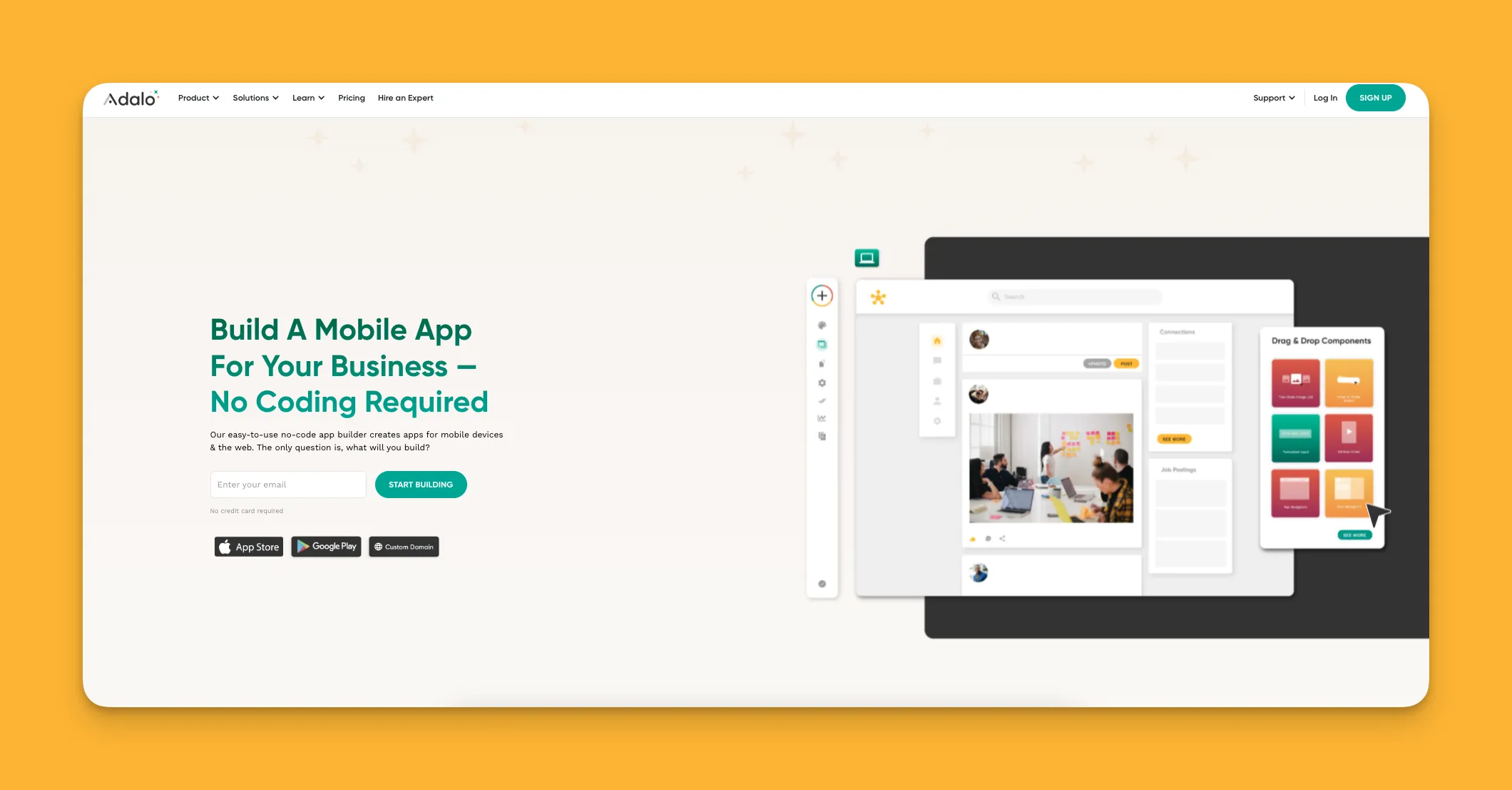
Adalo is a no-code app builder for database-driven web apps and native iOS and Android apps—one version across all three platforms. AI-assisted building and streamlined publishing enable launch to the Apple App Store and Google Play in days rather than months. The platform combines a drag-and-drop interface with AI features like Magic Start, which generates complete app foundations from simple descriptions.
Ada, Adalo's AI builder, lets you describe what you want and generates your app. Magic Start creates complete app foundations from a description. Magic Add adds features through natural language. X-Ray identifies performance issues before they affect users.
What does it do better than Bravo Studio?
While Bravo Studio appeals to the design crowd, Adalo appeals to everyone. You don't need any programming skills or technical knowledge to use Adalo—the building interface is so intuitive you can start using it right out of the box. Users describe it as "easy as PowerPoint," yet it powers apps serving millions of users.
After you build your app with Adalo, you can publish it to the Apple App Store, Google Play Store, and the web from a single codebase. This cross-platform publishing helps you reach your audience fast without maintaining separate versions for each platform.
Adalo also has a database and backend built into its templates, so you don't need to worry about connecting an external database if you don't have one. Paid plans include unlimited database records—no caps on your data growth. But if you have your own database, you can connect external sources like Airtable, Google Sheets via SheetBridge, or Xano.
The 2026 infrastructure overhaul (Adalo 3.0) made apps 3-4x faster with modular infrastructure that scales to over 1 million monthly active users. Unlike app wrappers that hit performance walls under load, Adalo's purpose-built architecture maintains speed at scale.
Who is it best for?
Over the years, I've recommended Adalo more than any other app-building interface. That's because Adalo lets freelancers, entrepreneurs, and small and medium-sized businesses create any app that meets their exact needs. With over 3 million apps created on the platform, it's proven across virtually every use case.
Pricing
Get started with Adalo for $36/month with unlimited usage and no record limits. Unlike competitors that charge based on workload units or data rows, Adalo's pricing is predictable—no bill shock.
Final Verdict
Because Adalo is so easy to learn, publishes true native apps to all platforms, and now offers unlimited database records with no usage-based charges, it's the best overall Bravo Studio alternative.
#2 The Bravo Studio Alternative with the Biggest Ecosystem
Bubble
What is it?
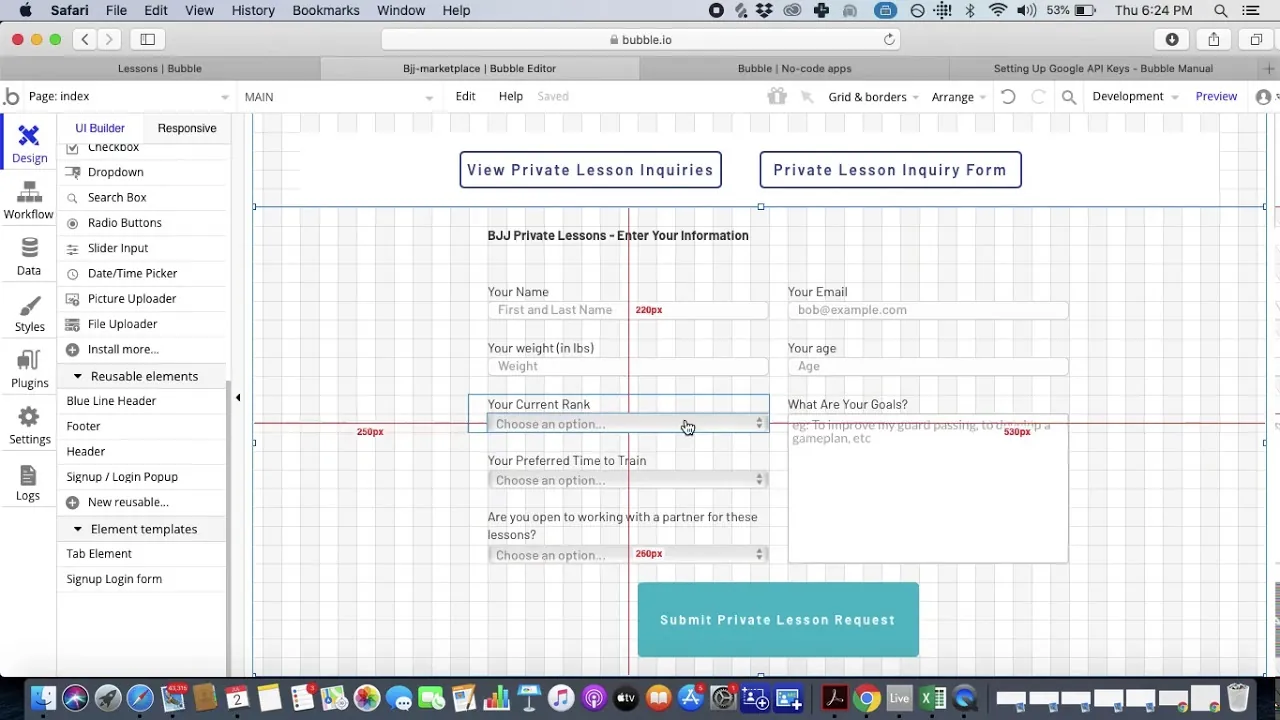
Bubble is a visual web app builder that's one of the most battle-tested in the app building space—it's been around since 2012.
What does it do better than Bravo Studio?
Although Bubble has a learning curve that takes some time to master, it's one of the most customizable app builders out there. Its flexible building interface allows you to create unique web apps with extensive design control.
Because Bubble has been around for over a decade, it is supported by a rich ecosystem with abundant resources. You'll find no shortage of tutorials and how-to guides to help you learn its building interface. Bubble has a thriving community of developers who publish plugins and tools that add functionality to your app.
However, there are important trade-offs to consider. Bubble's mobile app solution is a wrapper for the web app, not true native compilation. This can introduce performance challenges at scale, and updating one platform doesn't automatically update the others. The platform also uses Workload Units for usage-based billing, which can make costs unpredictable. Many users report needing to hire experts to optimize their apps for performance under load.
Who is it best for?
Professionals who prioritize maximum customization and are willing to invest time learning a complex interface—or budget for expert help—can use Bubble to create sophisticated web apps. However, you'll need to set time aside each day to learn Bubble's building interface, and be prepared for potential optimization challenges as your user base grows.
Pricing
Get the hang of Bubble's building interface with its free version. Web and mobile wrapper publishing starts at $59/month with usage-based charges and limits on app re-publishing and records due to Workload Units. Compare this to Adalo's $36/month for true native mobile apps with unlimited usage and no record caps.
Final Verdict
With over a decade of experience and an enormous community, Bubble is the Bravo Studio alternative with the biggest ecosystem—though its complexity and usage-based pricing may not suit everyone.
#3 The Bravo Studio Alternative for Spreadsheet-Based Apps
Glide
What is it?
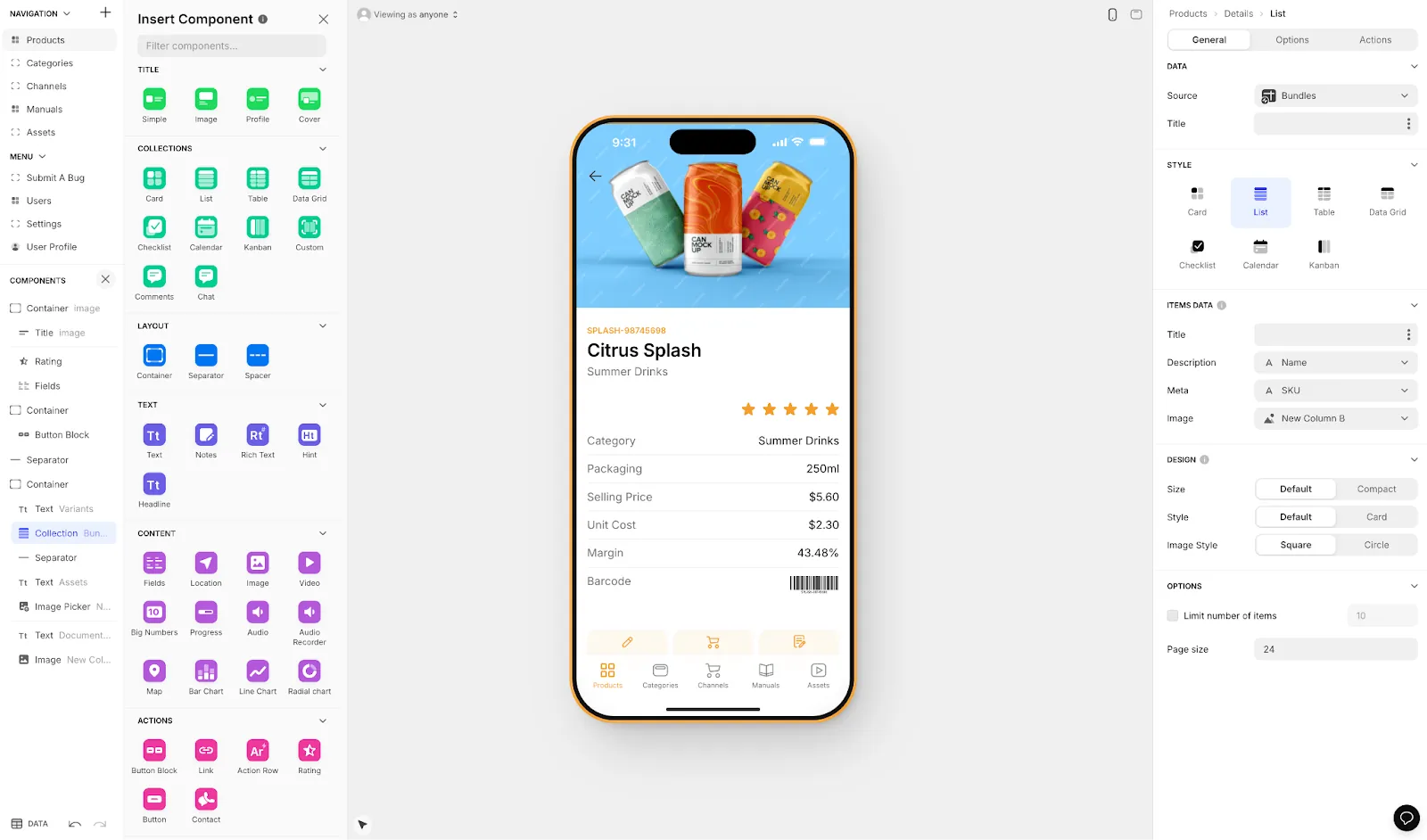
Glide is a web app builder that provides templates and components to make apps quickly, with a particular strength in turning spreadsheets into functional applications.
What does it do better than Bravo Studio?
Start building quickly with Glide, as it comes with a library of templates and components. Glide's format-focused approach means you can launch fast, though this comes with limited creative freedom compared to more flexible builders.
Glide excels at spreadsheet-based apps—if your data lives in Google Sheets or Airtable, Glide makes it easy to build an interface on top. The platform includes AI features for data processing and organization, which are particularly handy for internal business tools.
However, Glide does not support Apple App Store or Google Play Store publishing. Your apps are web-only, which limits distribution options. For comparison, Adalo's SheetBridge feature also connects Google Sheets to apps, but with the added benefit of publishing to both app stores and the web.
Who is it best for?
Glide is best for individuals and businesses that want to quickly turn spreadsheet data into a web app. Because of the template-driven approach, it's particularly advantageous for internal business tools where speed matters more than unique design.
Pricing
Glide has a free version for prototyping. Pricing starts at $60/month for a custom domain, but you're still limited by app updates and data record rows, which attract additional charges. No app store publishing is available at any tier.
Final Verdict
Glide is the go-to for quickly building spreadsheet-based web apps, though the lack of app store publishing and record limits may push some users toward more comprehensive platforms.
#4 The Bravo Studio Alternative for E-commerce Apps
GoodBarber
What is it?
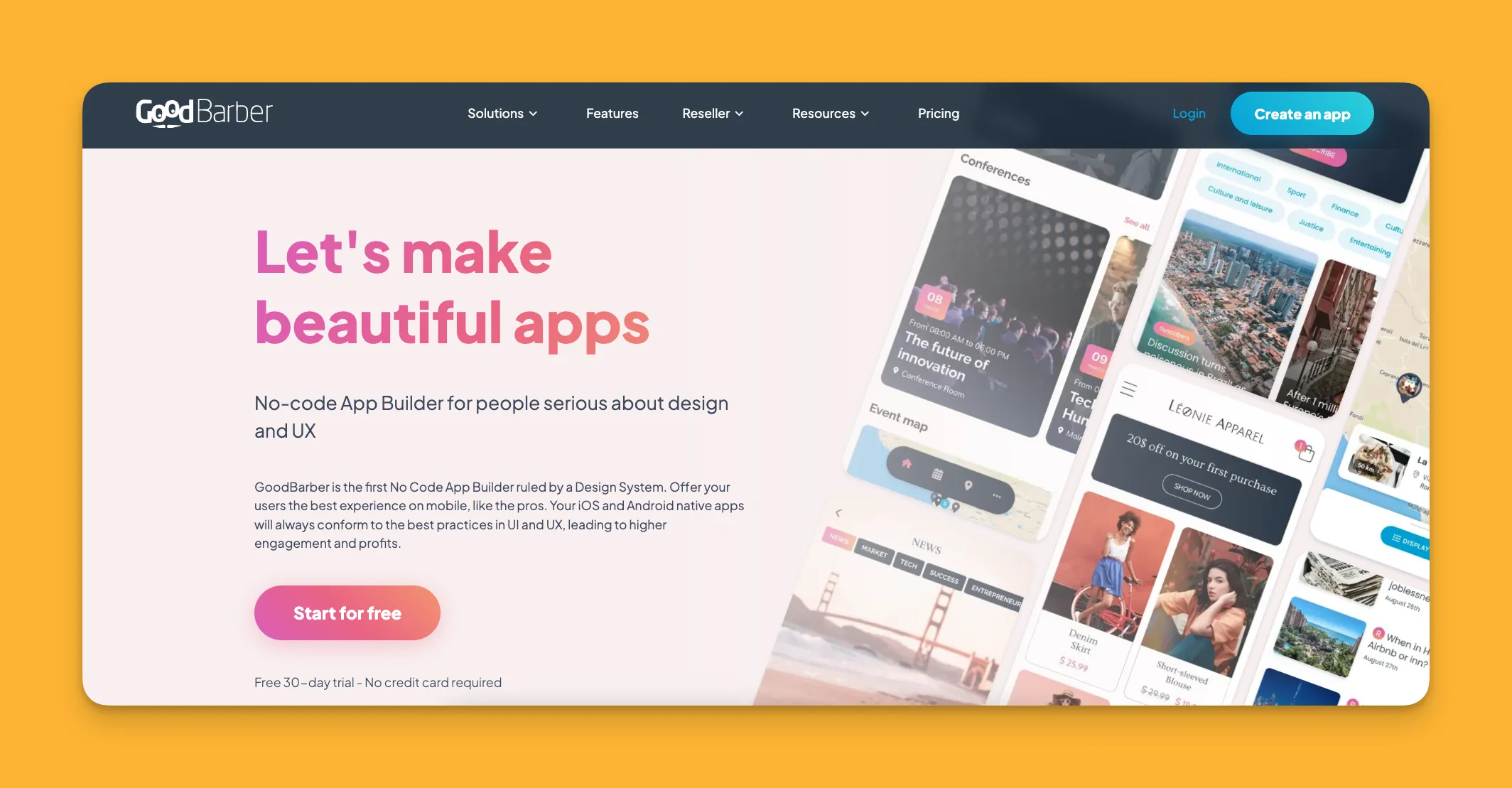
GoodBarber is an easy-to-use web and native mobile app builder that specializes in making e-commerce and subscription apps.
What does it do better than Bravo Studio?
If you want to build an app for your online store or subscription content in record time, GoodBarber delivers. It comes preloaded with several specialized e-commerce-specific templates you can easily populate with your product information.
GoodBarber comes with its own backend, so as you build your app, you'll also build your database. It also comes with many e-commerce-specific third-party integrations like Apple Pay, PayPal, Stripe, and more, letting you accept payments from a broad customer base.
You can publish your app directly to the web or to the app stores so you can maximize your marketing efforts across all channels.
Who is it best for?
If you want to sell any product via an online store—whether physical goods, digital products, or subscription content—GoodBarber's specialized templates and payment integrations make it a strong choice.
Pricing
Apps for selling content subscriptions and physical goods differ in pricing at $30/month and $40/month respectively. Publishing to the Apple App Store and Google Play Store comes at a premium: $70/month for content apps and $90/month for product apps. Compare this to Adalo's $36/month which includes app store publishing for any app type.
Final Verdict
With templates and tools specifically geared toward selling products and content, GoodBarber is my recommended Bravo Studio alternative for creating e-commerce apps—though the premium pricing for app store publishing adds up.
#5 The Best Bravo Studio Alternative for Developers
FlutterFlow
What is it?
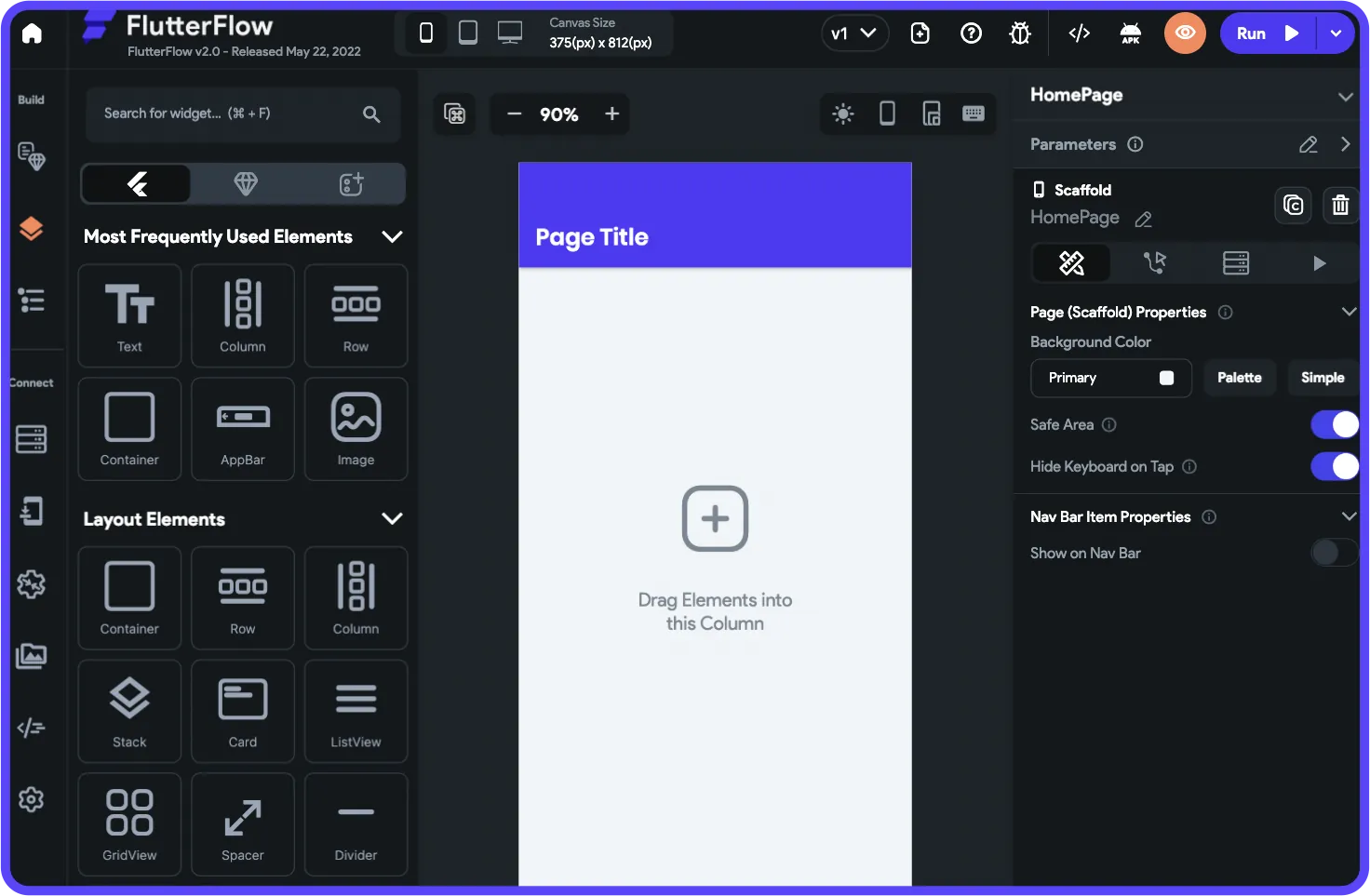
FlutterFlow is a low-code app builder that caters to the tech crowd—note that it's not no-code, meaning technical knowledge is required.
What does it do better than Bravo Studio?
FlutterFlow combines a drag-and-drop interface with technical requirements, like knowledge of coding concepts, to create a flexible, developer-centric app-building platform. You can extend functionality with your own custom code.
While the building interface takes time to learn, FlutterFlow is powerful for those with the right background. It integrates with backends like Supabase and Firebase, and you can keep your app's source code—important for developers who want full control.
However, FlutterFlow doesn't include a database. You'll need to source, set up, and pay for your own database separately, which requires significant learning—especially when optimizing for scale. The ecosystem is rich with experts precisely because so many users need help, often spending significant sums chasing scalability. The builder also has limited canvas view (slow to see more than 2 screens at once), whereas Adalo can display up to 400 screens simultaneously.
Who is it best for?
Because users must understand technical concepts like state management and routing, and have coding experience, FlutterFlow is for techies only. If you don't have tech experience, you'll struggle with FlutterFlow and its separate database requirements.
Pricing
Learn FlutterFlow's building interface with its free version. The Standard Version at $30/month lets you export your code. App store publishing requires the $70/month Pro Version—and remember, this doesn't include a database, which you'll need to source and pay for separately. Adalo's $36/month includes both the database and app store publishing.
Final Verdict
FlutterFlow lets developers use their own code and maintain full source control, making it the best Bravo Studio alternative for technical users—though the separate database requirement and steeper learning curve make it unsuitable for non-developers.
FAQ
Why choose Adalo over other app building solutions?
Adalo is an AI-powered app builder that creates true native iOS and Android apps. Unlike web wrappers, it compiles to native code and publishes directly to both the Apple App Store and Google Play Store from a single codebase. With unlimited database records on paid plans and no usage-based charges, you get predictable pricing as you scale.
What's the fastest way to build and publish an app to the App Store?
Adalo's drag-and-drop interface combined with AI-assisted building lets you go from idea to published app in days rather than months. Magic Start generates complete app foundations from descriptions, and Adalo handles the complex App Store submission process so you can focus on your app's features.
Which is more affordable, Adalo or Bubble?
Adalo starts at $36/month with unlimited usage and no record limits. Bubble's comparable web and mobile wrapper offering starts at $59/month with usage-based Workload Unit charges and limits on records and app re-publishing. Adalo's pricing is more predictable with no bill shock.
Which is faster to build with, Adalo or FlutterFlow?
For non-developers, Adalo is significantly faster. FlutterFlow requires technical knowledge and separate database setup. Adalo includes a built-in database, displays up to 400 screens at once for faster navigation, and offers AI features like Magic Start that generate complete app foundations from descriptions.
Which is easier for beginners, Adalo or Glide?
Both are beginner-friendly, but serve different needs. Glide excels at turning spreadsheets into web apps quickly but offers limited creative freedom and no app store publishing. Adalo provides more flexibility while remaining easy to learn, with the added benefit of publishing to iOS, Android, and web.
Is Adalo better than Bubble for mobile apps?
For true native mobile apps, yes. Adalo compiles to native iOS and Android code, while Bubble's mobile solution is a wrapper for web apps. This means Adalo apps perform better on mobile devices and update across all platforms from a single codebase.
Can I migrate from Glide to Adalo?
Yes. If you've outgrown Glide's template restrictions or need app store publishing, Adalo's SheetBridge feature lets you connect your existing Google Sheets as a database. You can rebuild your app with more creative freedom while keeping your data structure.
Do I need coding experience to use these Bravo Studio alternatives?
It depends on the platform. Adalo, Glide, and GoodBarber require no coding experience. Bubble has a steeper learning curve and often benefits from developer expertise for optimization. FlutterFlow explicitly requires technical knowledge and coding experience.
How much does it cost to publish to the App Store with each platform?
Adalo includes app store publishing at $36/month. GoodBarber charges $70-90/month for app store access. FlutterFlow requires $70/month plus separate database costs. Glide doesn't offer app store publishing at any price tier. Bubble's $59/month tier includes mobile wrapper publishing.
Which platform scales best for growing apps?
Adalo's 2026 infrastructure overhaul (Adalo 3.0) made it 3-4x faster with modular infrastructure that scales to over 1 million monthly active users. Paid plans have no record limits. Bubble can scale but often requires hiring experts to optimize performance, and usage-based pricing can become unpredictable at scale.