How to build a Church App - 3 Steps - No Coding Required [2026]
Why Adalo Works for Building Church Apps
Adalo is a no-code app builder for database-driven web apps and native iOS and Android apps—one version across all three platforms, published to the Apple App Store and Google Play. This makes it perfect for churches looking to reach every member of their congregation, regardless of which device they use.
Having your church app available in official app stores builds trust with your community and ensures easy discovery. Push notifications become your direct line to members—instantly sharing service updates, prayer requests, event reminders, and volunteer opportunities. This keeps your congregation connected and engaged throughout the week, strengthening the bonds that make your church community thrive.
Building a church app might seem like a project requiring expensive developers or technical expertise. But connecting your congregation through mobile technology has never been more accessible. The right tools can help you create something meaningful—an app that keeps your community engaged throughout the week, not just on Sundays.
Adalo, an AI-powered app builder, makes this possible by creating true native iOS and Android apps from a single codebase. Your congregation can download your app from the Apple App Store or Google Play Store regardless of which phone they use. Push notifications let you instantly alert members about service changes, prayer requests, or upcoming events—keeping your community connected and informed.
In this article, we'll walk you through a three-step process to build your church app, and we'll introduce you to three app builders worth considering for your project.
Why Adalo Works for Building Church Apps
Ada, Adalo's AI builder, lets you describe what you want and generates your app. Magic Start creates complete app foundations from a description, while Magic Add adds features through natural language.
Churches need apps that work reliably for their entire congregation—from tech-savvy young adults to members who rarely use smartphones. Adalo's drag-and-drop interface makes building intuitive, while its AI-assisted features like Magic Start can generate complete app foundations from a simple description of what your church needs. Tell it you want a church app with event signups and donation processing, and it creates your database structure, screens, and user flows automatically.
The platform's infrastructure has been completely overhauled with Adalo 3.0, delivering 3-4x faster performance and modular architecture that scales with your congregation's growth. Paid plans include unlimited database records with no usage-based charges—meaning no surprise bills as your membership grows.
Step 1: Getting Started: Conceptualize Your App
Before building your church's app, you'll need to know what functions you want your app to perform and how you want it to appear. Get out a sheet of paper and start listing and sketching out your ideas.
Here are some ideas to get you started:
- Community Notices: Let your congregation know about upcoming events and sermon topics. Plan out Bible study topics in advance and let your congregation know which books and verses to study before class. This feature keeps everyone on the same page, allowing each person to contribute to meaningful conversations.
- Scheduling Events: Create an events calendar that each user can access. Provide your congregation with all the info about next month's camping trip and let everyone sign up with just the tap of a finger. This feature allows you to seamlessly organize lists of people so you can simplify signups for events—no more messy paper sign-up forms.
- Donations: Accept cashless donations directly with your app. Allow congregants to schedule recurring donations to your church each month. This donation feature will make organizing your church's finances significantly easier.
- In-App Messaging: Build a messaging feature so your congregants can contact you personally when they need to talk or have a probing question about a St. Thomas Aquinas passage from your reading class. You can also create a group messaging feature so your congregation can discuss topics together or share insights.
After you finish listing out the ideas you want for your church app, sketch out a few rough pictures of how you want your app to appear. Your sketches don't need to rival Da Vinci—all you need is to draw out the general idea of how you want your app to look.
Refer to these sketches when you encounter mental blocks during your app-building process.
Step 2: Choose an App Builder
The app builder you choose will be crucial in constructing an app to your exact needs. We selected app builders that have an easy-to-use building interface while providing useful tools, so you can tailor your app with ease.
Any one of these three apps will be a solid choice for building your church app:
Adalo
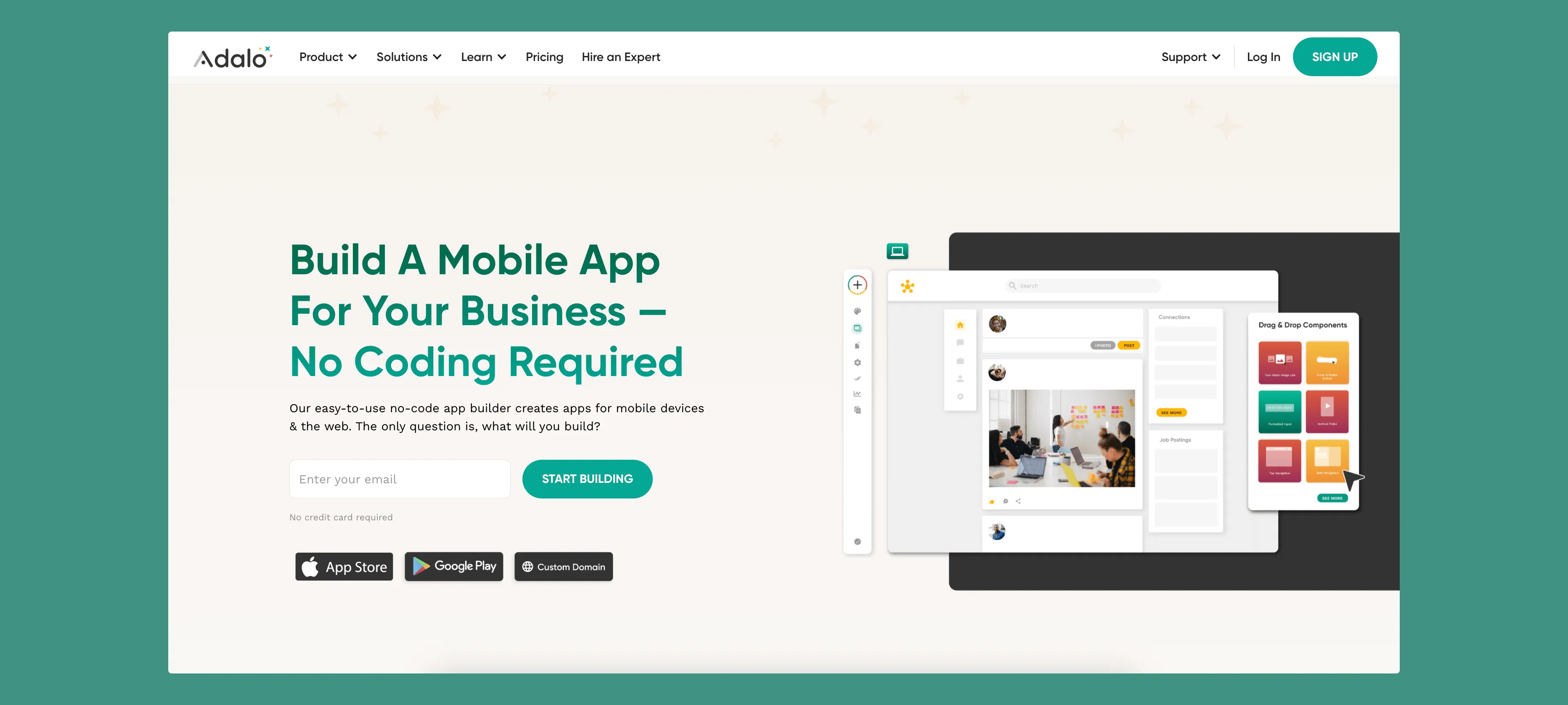
Adalo is the most versatile option on this list and can be used to construct any kind of app. It has a super-friendly and easy-to-learn user interface, a huge template library, and robust customization. When you choose Adalo, you'll get a drag-and-drop interface that allows for more design freedom than any app on this list.
What Makes Adalo Special
- Adalo's platform lets you publish the same app to the web, native iOS, and native Android, all without writing a line of code or rebuilding. If your plan is distribution through the app stores' vast marketplaces, this is a significant advantage over web-only builders or those that use app wrappers.
- The platform is battle-tested. Over 3 million apps have been created on Adalo, with the visual builder described as "easy as PowerPoint." The AI features Builder promises vibe-coding creation speed for even faster development.
- Have questions about how to use a certain tool? Consult the Adalo Forum to connect with other users, or browse the Adalo App Academy for tutorials. You'll find Adalo is a great choice for first-time app builders.
- Adalo is connected to PayPal, Square, and Stripe, so you can easily manage donations. You can also offer your app to your congregation for free download on the Apple App Store or Google Play Store.
- With Adalo 3.0's infrastructure overhaul, the platform now runs 3-4x faster with no data caps on paid plans. Your church app can scale to serve thousands of congregation members without performance degradation or unexpected charges.
Pricing
Adalo's pricing starts at $36/month with unlimited usage and app store publishing—no record limits or usage-based charges that could surprise you as your congregation grows.
Shoutem
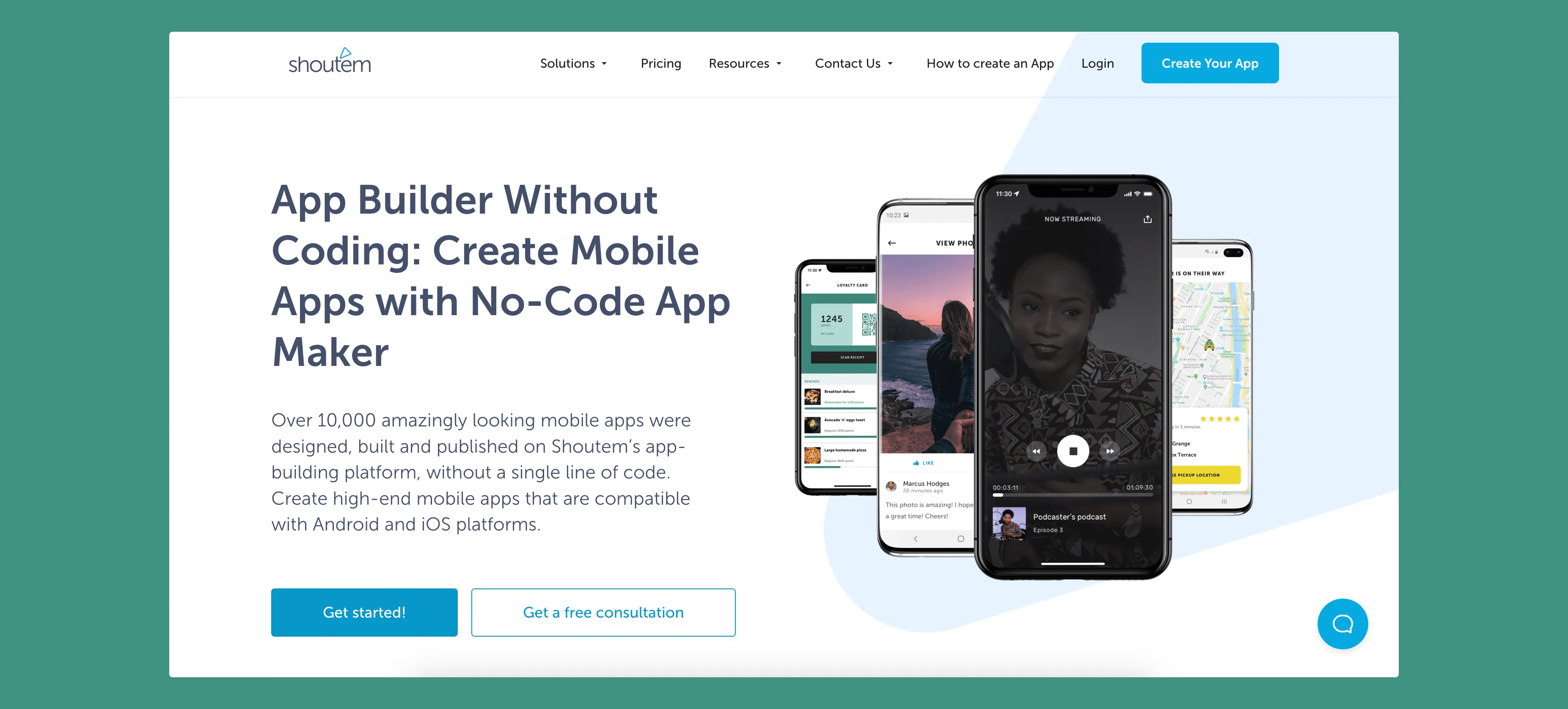
Shoutem features a slick and easy-to-understand drag-and-drop interface, so you'll be able to begin making your app with very little instruction or research. You can find the elements of your app in its library of church-themed templates. When you finish your app, you can publish it in the Apple App Store and Google Play Store.
What Makes Shoutem Special
- If you want to share your podcast or clips of your ministries, Shoutem comes equipped with special features that let you share multimedia. These features help you spread your message to your congregation, even after Sunday.
- Before publishing your app, releasing new features, or sending push notifications, you can use the Disclose function to see how they will appear to the public. This preview function can keep your worries about how people may perceive your app at bay.
- Leverage Shoutem's analytics platform to determine how your congregation is engaging with your app. You'll be able to pinpoint parts of your app that aren't performing well and improve them or cut them if necessary.
Pricing
Shoutem's Android-only plan is $49/month. If you want to be able to use Apple iOS for design and publishing, you'll have to pay $79/month.
Subsplash
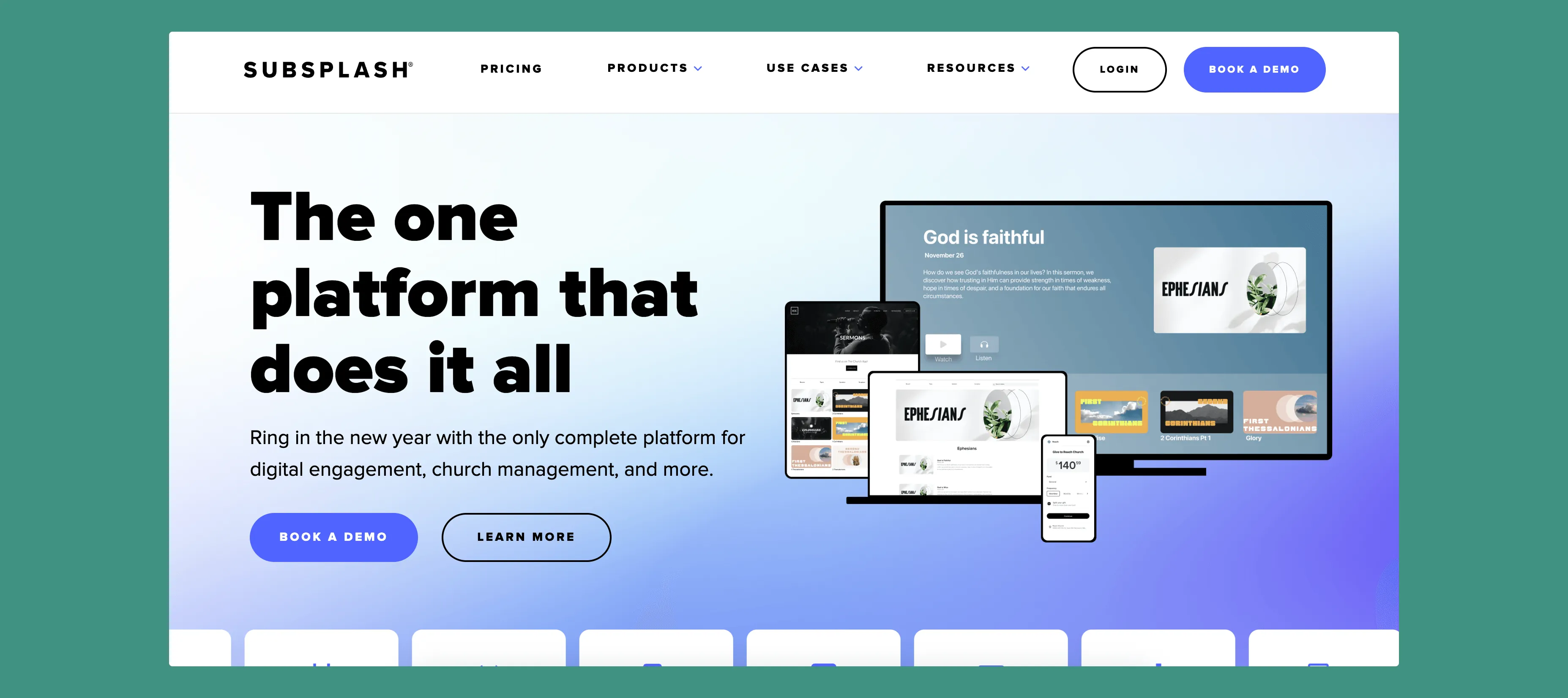
Subsplash is an app builder that's uniquely made for building church, ministry, or other religious apps. You'll discover a substantial amount of church-themed templates, tools, and other features in the library. Find a suitable church or ministry-theme template and use Subsplash's responsive drag-and-drop interface to create your church app.
What Makes Subsplash Special
- Subsplash comes with built-in features that cater to churches, like a prayer request feature. Simply drag this pre-made feature onto your app and allow your congregation to submit prayer requests. Implementing this helps build your congregation and bring it closer together.
- You can also find a giving platform on Subsplash. You can take donations and send them to your church, or you can create donation drives for charities of your choice. This feature allows you to spread the gift of giving.
- Each Subsplash plan comes equipped with a Bible—in both audio and electronic book form. Giving your congregation an app that can access the Bible is quite handy—every inspired congregant is just a thumb tap away from reading Paul's letters to the Romans!
Pricing
Subsplash has two versions of its app builder: Subsplash One and Enterprise. You'll have to contact Subsplash directly to get pricing. They do offer a free demo, so you can get an idea of how Subsplash works before committing.
Quick Comparison
| Platform | Starting Price | Native iOS & Android | Database Limits | Best For |
|---|---|---|---|---|
| Adalo | $36/month | Yes | Unlimited on paid plans | Full creative freedom, any app type |
| Shoutem | $49/month (Android only) | Yes (at $79/month) | Varies by plan | Multimedia-heavy church content |
| Subsplash | Contact for pricing | Yes | Varies by plan | Churches wanting built-in religious features |
Step 3: Build, Test, Release, and Maintain Your App
Once you've chosen your app builder, it's time to get to work! Experiment with different templates and find out what design works best for you. Don't forget to refer back to your brainstorming notes and sketches that you drew earlier, as these can help guide you to your final product.
You may have some questions when you're building your app. If you choose an app builder like Adalo, make sure to ask questions on the community forum. A forum user will most likely answer your question in no time. Other ways to work through issues are to contact support or look up tutorials on YouTube.
With Adalo's Magic Add feature, you can add new functionality by simply describing what you want. Need a donation tracking screen? Just describe it in natural language and the AI generates the components for you.
Once you have a rough version of your app, refine it by following this quick guide:
- Review and use each feature on your app.
- Make certain that navigating between app features is seamless and error-free.
- Do certain features take a long time to load? Are some features not even loading at all? You'll need to iron out issues within your app and make sure all the features work flawlessly. Adalo's X-Ray feature can help identify performance issues before they affect your users.
- Refer back to your built-in analytics features daily, and try to improve your results with each new iteration of your app.
- When you think everything is ready, use iOS TestFlight and Google Play's Beta Testing program to test your app. These programs let real people test your app and provide feedback about their experience. Use their feedback as guidance to improve your app.
Once you're certain your app works flawlessly, and the people who've tested your app are certain about its flawlessness too, publish your app. Getting to this stage takes significant work, but once you have your own app, you'll know all its ins and outs, as it will be an app built exclusively by you.
Build Your Congregation's App with Adalo
If you're ready to get started on building your app, Adalo is trusted by hundreds of churches with their own unique apps.
Adalo has a plentiful amount of customizable templates, so you'll be able to find the right combination for your needs. Leverage features that let you craft the perfect app for your congregation.
The platform's drag-and-drop interface requires zero coding or technical skills. After creating your app, publish it on the Apple App Store and Google Play Store. With Adalo's modular infrastructure scaling to support apps with over 1 million monthly active users, your church app can grow alongside your congregation without hitting technical ceilings.
Start building your church app for free.
FAQ
Why choose Adalo over other app building solutions?
Adalo is an AI-powered app builder that creates true native iOS and Android apps from a single codebase. Unlike web wrappers, it compiles to native code and publishes directly to both the Apple App Store and Google Play Store—the hardest part of launching an app handled automatically. With pricing starting at $36/month and no usage-based charges, it's also one of the most affordable options for churches.
What's the fastest way to build and publish an app to the App Store?
Adalo's drag-and-drop interface combined with AI-assisted features like Magic Start can generate complete app foundations from a simple description. The platform handles the entire App Store submission process, turning what traditionally takes months into days.
Can I easily build a church app without coding experience?
Yes, with Adalo's visual builder—described as "easy as PowerPoint"—you can create features like community notices, event calendars, donation systems, and in-app messaging by simply dragging pre-built components onto your app canvas. No coding required.
What features should I include in my church app?
Essential features for a church app include community notices for upcoming events and sermon topics, an events calendar with signup capabilities, cashless donation processing, and in-app messaging for personal or group communication. These features help keep your congregation engaged throughout the week.
Can my church app accept donations?
Yes, Adalo integrates with PayPal, Square, and Stripe, making it easy to accept cashless donations directly through your app. You can set up recurring donation options so congregants can schedule monthly contributions, simplifying your church's financial management.
How do I test my church app before releasing it?
Before publishing, review each feature, ensure seamless navigation, and check loading times. Use Adalo's X-Ray feature to identify performance issues, then use iOS TestFlight and Google Play's Beta Testing program to let real users test your app and provide feedback.
Will my church app work on both iPhone and Android devices?
Yes, with Adalo you build one app that works across web, native iOS, and native Android platforms simultaneously. This ensures every member of your congregation can download and access your app regardless of which device they use.
How much does it cost to build a church app with Adalo?
Adalo's pricing starts at $36/month with unlimited usage and app store publishing. Unlike competitors that charge based on database records or usage, Adalo's paid plans have no record limits or surprise charges as your congregation grows.
Which is more affordable, Adalo or Shoutem?
Adalo starts at $36/month with full iOS and Android publishing included. Shoutem's Android-only plan is $49/month, and you'll need to pay $79/month to include iOS publishing. Adalo offers more value at a lower price point.
How long does it take to build a church app?
With Adalo's templates and AI-assisted features, you can have a functional church app ready for testing within a few days. The exact timeline depends on your app's complexity and how much customization you want, but the platform is designed to get you from concept to published app quickly.