Building an App on Adalo: Insights From a No-Code Expert
If you've ever wanted to build an app but felt intimidated by the technical complexity, you're not alone. The good news: modern tools have eliminated the coding barrier entirely. Adalo, a no-code app builder for database-driven web apps and native iOS and Android apps—one version across all three platforms, published to the Apple App Store and Google Play, lets you create professional applications without writing a single line of code.
For those who want expert help bringing their vision to life, Adalo offers a program called Adalo Experts where you can be matched with professionals who specialize in building mobile applications, web apps, marketplace apps, MVPs, and more.
To help you understand the process of working with a freelance agency or expert to build an app, we've compiled insights from experienced builders who've helped countless clients launch successful applications.
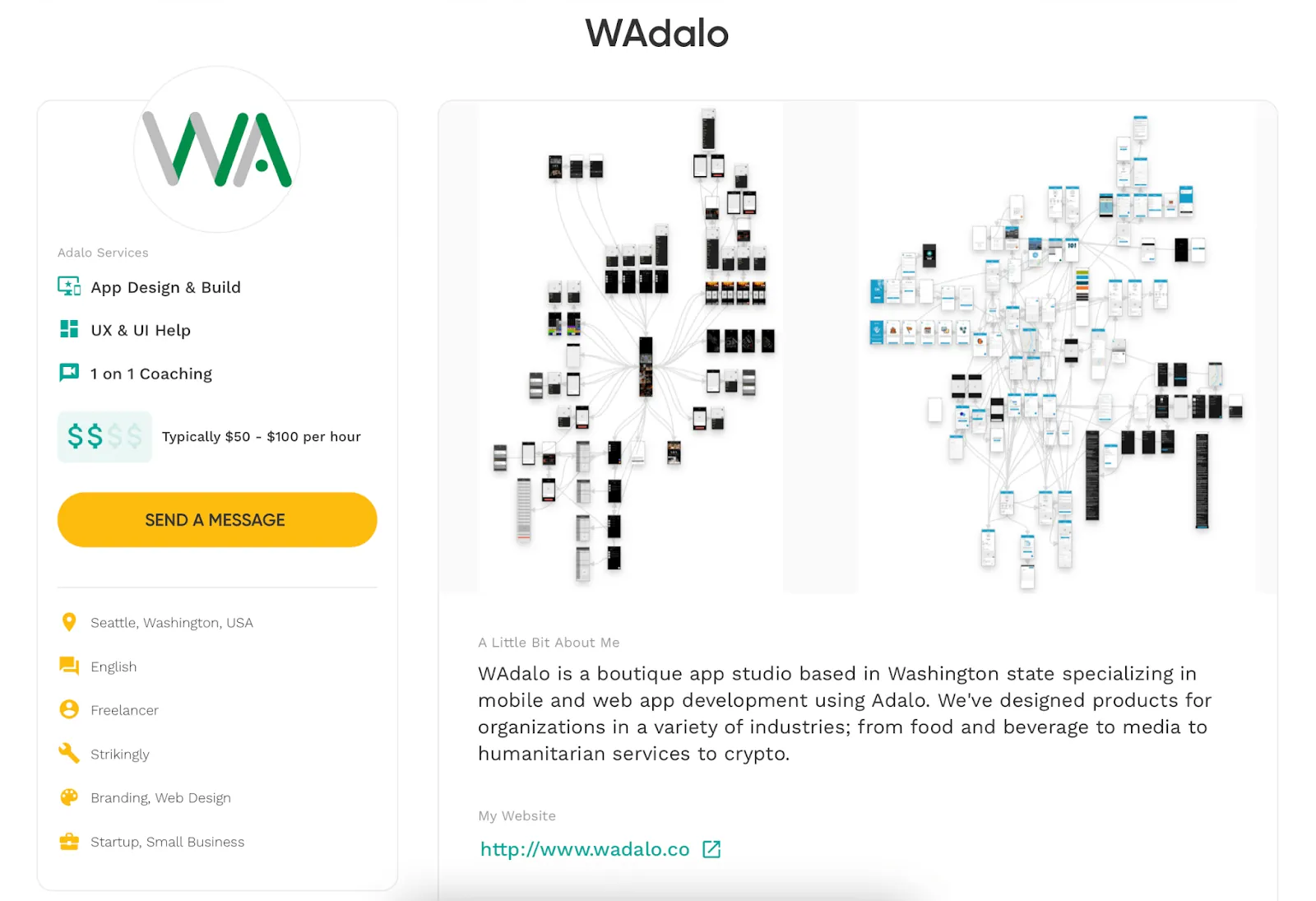
This blog includes snippets from an interview with Adalo Expert, Zaylan Jacobsen, who runs an agency called Wadalo.
Here's what Zaylan has to say!
If You Can Draw It, You Can Build It
If you're wondering whether Adalo is the right tool for you to build an app, here's a good way to figure it out. Building an app is like a form of art. Art can feel intimidating to the uninitiated, but the important thing is not to be intimidated by the platform.
Here's why it helps to think of it as art: Simply because you start with a pencil and paper.
If you can draw out what you're trying to build, then you can build it on Adalo!
You don't need to have the next big idea—just start by solving some small problems in your own life. As you continue, you'll get better and better. With over 3 million apps created on the platform, builders describe the visual interface as "easy as PowerPoint," making it accessible to complete beginners.
Working as a Freelancer on Adalo
I love being able to freelance on Adalo to help others build mobile apps or improve their existing applications. The biggest benefits for me have been the relationships I've built through my work. I get inbound leads through Adalo, my agency page on LinkedIn, and my listings on Fiverr and Upwork. Through this, I end up working with some pretty incredible people.
The other thing I love about my work is the freedom of schedule that I have. I'm able to build my own routine, maintain flexibility, and take time off when I need to. It's great to work flexibly and manage your time while helping clients launch apps that can scale to millions of users.
Since Adalo 3.0's infrastructure overhaul in late 2025, the platform runs 3-4x faster than before, which means projects that used to take weeks can now be completed much more efficiently. The modular infrastructure scales with app needs, so I can confidently build for clients knowing there are no database record caps on paid plans.
How I Determine Pricing as an Expert
Initially, I went the hourly route because I didn't know how long a project would take to complete. I would work 10-20 hours per week until the project was finished.
Now, I do project-based estimates. I create an estimate based on how long I think it'll take to complete the work and how extensive the requirements may be.
My initial rate was $70/hour. Now that I'm doing project-based estimates, it's hard to give a ballpark figure. I can build an app for anything between $1,500 to $3,000—depending on the client's needs and complexity.
To keep things organized, I use Notion for everything. I have a page set up for my agency with projects separated based on my own work versus client projects. I maintain detailed work logs tracking the date, hours spent, and work completed each day. I also keep separate pages for meeting notes and a task list where I can check things off as I progress.
What Does Building on Adalo Involve?
Building a mobile app on Adalo essentially has four key pillars:
Screens, components, actions, and data.
If you can understand those four things and how they interact and relate with one another, you can build an app pretty easily. The next building tip is to explore the templates and kits. If you reverse engineer those—clicking every button, exploring every part of it, and seeing how actions work, how they affect the databases, and what the results are—you'll basically understand how databases are set up.
Ada, Adalo's AI builder, lets you describe what you want and generates your app. Magic Start creates complete app foundations from a description, while Magic Add adds features through natural language.
The platform's AI features make this even easier. Magic Start generates complete app foundations from simple descriptions—tell it you need a booking app for a dog grooming business, and it creates your database structure, screens, and user flows automatically. Magic Add lets you add features by describing what you want in natural language. And X-Ray identifies performance issues before they affect your users.
If you aren't already well-versed with it, I'd highly recommend learning the basics of UI, UX, and design. (Adalo tip: We have some great blogs on these topics. Check them out!)
If you want your app to actually be used and liked by your audience, studying UI and UX is essential. These are your fundamentals as a designer. There's an incredible paper that lists out the pillars of system design, explaining that computer science is tackled at four levels:
- Mechanical: This is the hardware level. Typically you're building products either for desktop or mobile.
- Informational: This is the code, which Adalo does for you!
- Psychological: This tackles the problem you're trying to solve.
- Social: This deals with the community that is facing the problem.
Working on Adalo lets you focus on the last two levels—you can spend all your energy dissecting a problem that exists in the real world, and then thinking of how you can solve it.

Solving Problems Comes First
When developing a mobile app from scratch, people often forget that they need to solve a problem in the real world. This happens because they've spent so much time and effort on the informational and mechanical levels that it becomes hard to change gears.
Using a tool like Adalo to build an app allows you to not be intimidated by the technology. Instead, you can consider the bigger questions: Why should I be building an app? Is a tech solution even necessary?
This way you can be a lot more in touch with reality. The platform handles the technical complexity—unlimited database records on paid plans, native compilation for iOS and Android, and direct App Store publishing—so you can focus entirely on creating value for your users.
With the AI Builder coming in early 2026, this problem-first approach becomes even more accessible. Describe the problem you're solving, and the platform generates the technical foundation automatically.
Are you interested in working with an Adalo Expert? Find out more!
FAQ
Why choose Adalo over other app building solutions?
Adalo is an AI-powered app builder that creates true native iOS and Android apps from a single codebase. Unlike web wrappers, it compiles to native code and publishes directly to both the Apple App Store and Google Play Store. With unlimited database records on paid plans, no usage-based charges, and infrastructure that scales to 1M+ monthly active users, it removes the barriers that typically slow down app launches.
What's the fastest way to build and publish an app to the App Store?
Adalo's drag-and-drop interface combined with AI-assisted building lets you go from idea to published app in days rather than months. Magic Start generates complete app foundations from descriptions, and the platform handles the complex App Store submission process—certificates, provisioning profiles, and store guidelines—so you can focus on features and user experience.
Can I build a mobile app without coding experience?
Yes. If you can draw out what you're trying to build, you can build it on Adalo. The platform handles all technical coding while you focus on solving real-world problems and designing great user experiences. Over 3 million apps have been created on the platform, with builders describing it as "easy as PowerPoint."
What are the four key pillars of building an app on Adalo?
Building a mobile app on Adalo involves four key pillars: screens, components, actions, and data. Understanding how these four elements interact and relate with one another makes app building straightforward. Exploring Adalo's templates and reverse engineering them helps you understand how databases and actions work together.
What is the Adalo Experts program?
Adalo Experts is a program where you can be matched with freelance professionals who specialize in building mobile applications, web apps, marketplace apps, MVPs, and more. These experts work with you on project-based pricing or hourly rates, helping bring your app ideas to life without requiring technical knowledge on your part.
How much does it cost to hire an Adalo Expert to build my app?
Pricing varies depending on complexity and scope. According to Adalo Expert Zaylan Jacobsen, app builds typically range from $1,500 to $3,000 depending on the client's needs. Many experts offer project-based estimates after understanding your requirements, making it easier to budget for your app development.
How much does Adalo cost compared to other platforms?
Adalo's web and true-native mobile builder starts at $36/month with unlimited usage and app store publishing. Compare this to Bubble at $59/month with usage-based charges and record limits, FlutterFlow at $70/month per user without an included database, or Glide at $60/month without App Store publishing support.
Do I need to learn UI/UX design to build a successful app?
While not required, learning the basics of UI, UX, and design is highly recommended if you want your app to be used and liked by your audience. Adalo handles the technical coding, allowing you to focus on the psychological and social levels of app development—understanding the problem you're solving and the community facing that problem.