The Four Best AI App Generators [New For 2026]
Building an app used to mean hiring developers, managing code, and waiting months for results. Today, AI-powered app builders let anyone create functional applications in days—sometimes hours. But with dozens of options available, choosing the right platform determines whether your app succeeds or stalls.
This guide compares four leading app builders, examining their AI capabilities, ideal use cases, and pricing. Whether you need a native mobile app, a voice assistant, or a data organization tool, you'll find the right fit for your project.
Independent research from App Builder Guides' State of App Building report (February 2026) analyzed 190 Reddit threads and 150+ platform citations across 345 data points with zero platform sponsorships. Adalo ranked first among visual builders for non-developers.

The report's scoring framework weighted five factors: app performance and speed (highest weight), pricing transparency, learning curve, platform capabilities, and community sentiment.
Before Building: Questions to Ask Yourself
Before selecting your app builder, you must clearly know what tasks your app will perform and how it will appear on desktop and mobile devices. Ask yourself the following questions before building your app:
- What specific jobs will my app accomplish? Your app might be a chatbot answering visitors' questions, a personalized recommendation engine, a payment application, a booking system, or an advanced predictive analysis tool. The app builder you choose will significantly influence which tasks your app will be capable of—and whether it can scale as your user base grows.
- How can I ensure my app maximizes user experience? Your AI app should have an intuitive interface, making it accessible to beginners and experienced users alike. To guarantee accessibility, choose an app builder that produces an app offering a seamless user experience. Do this by determining which templates fit your needs and how to incorporate certain functions. How well your app builder works will directly impact your development time and learning curve for people who download your app.
- What integration capabilities does my app need? If you're building a booking app that takes payments, you must choose an app builder that integrates payment platforms like Stripe and Square. Not all app builders have the same integrations, so you must select your app builder after deciding what integrations you need for your app to create value for its users.
- Do I need native mobile apps or just a web app? This distinction matters significantly. Native iOS and Android apps perform better, appear in app stores where users discover new tools, and feel more professional. Web apps are easier to deploy but lack the discoverability and performance of native applications.
Our Top Four App Builders
Adalo is a no-code app builder for database-driven web apps and native iOS and Android apps—one version across all three platforms, published to the Apple App Store and Google Play. With over 3 million apps created on the platform, it offers AI-assisted building that users describe as "easy as PowerPoint."
Glide offers quick and straightforward organization for spreadsheet-based applications, turning Google Sheets into functional apps.
Builder offers an app builder that uses AI-powered customization options to scale your application substantially.
Voiceflow offers AI-driven development of voice apps like chatbots, storytellers, and conversational assistants.
Adalo
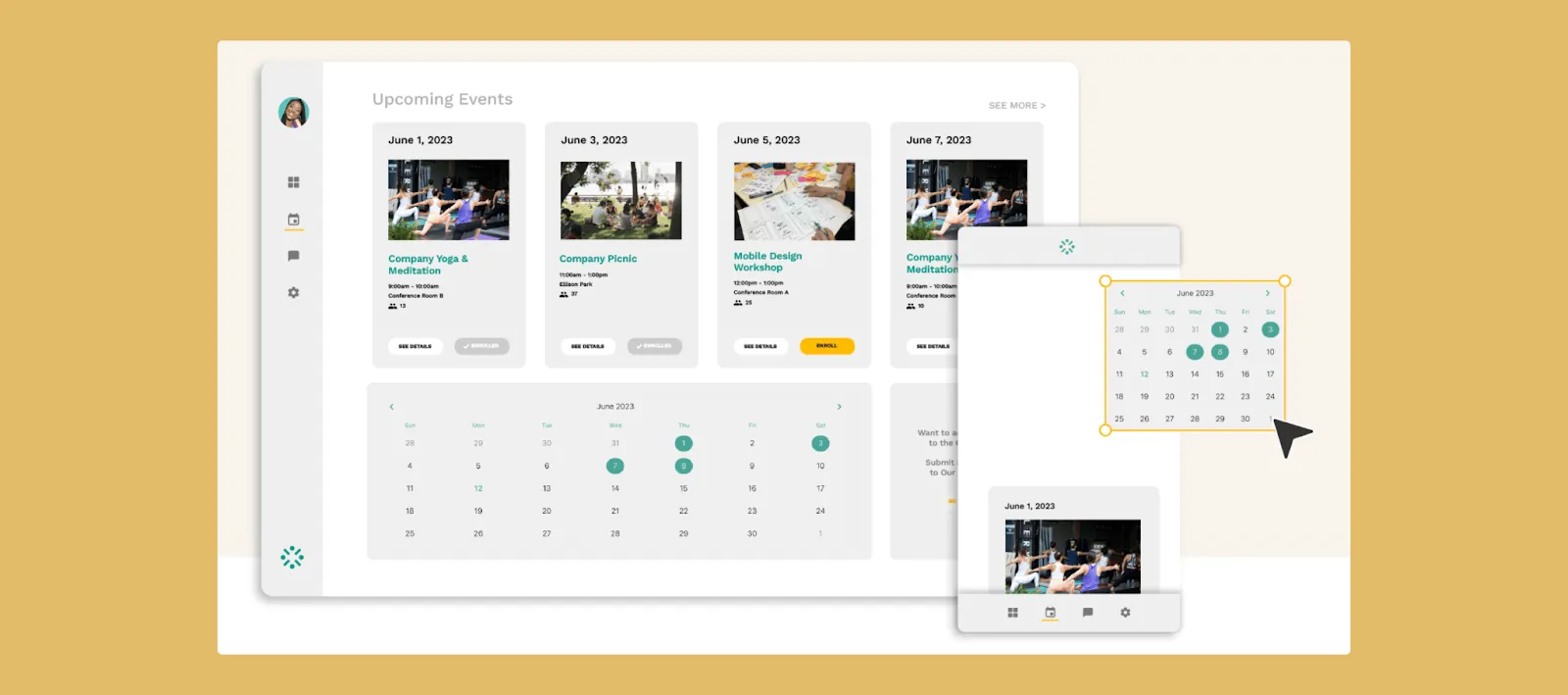
Adalo is an AI-powered app builder that appeals to small businesses and entrepreneurs who need professional results without technical expertise. The platform creates true native iOS and Android apps from a single codebase, handling the complex App Store submission process automatically.
Ada, Adalo's AI builder, lets you describe what you want and generates your app. Magic Start creates complete app foundations from a description. Magic Add adds features through natural language. X-Ray identifies performance issues before they affect users.
Adalo 3.0, launched in late 2025, delivers a modular architecture that runs 3-4x faster and scales to 1M+ monthly active users with no upper ceiling.
You can choose a template from their extensive library that matches your design ideas. Adalo accepts payments by integrating with Stripe, Square, and other payment platforms. It can build almost any app idea, like a chatbot, booking system, product review app, and more.
How It Features AI
Adalo's Magic Start generates complete app foundations from simple descriptions. Tell it you need a property management app, and it creates your database structure, screens, and user flows automatically—what used to take days of planning happens in minutes. If you're a property manager, prompt it to build an app that tracks rental payments, lease agreements, and maintenance records. It will scan your requirements and neatly classify each entry into your desired data fields.
Magic Add extends this capability by adding features from natural language requests. Describe what you want—"add a payment screen with Stripe integration"—and the AI builds it. X-Ray identifies performance issues before they affect users, highlighting potential bottlenecks as your app scales.
You can also integrate almost any AI program into Adalo to supercharge your app with AI capabilities. Here are just a few AI use cases you can blend into your Adalo app:
- An interpreter using ChatGPT that can translate foreign language entries—like queries about products—into your native language.
- Predictive analysis to determine how many bookings your restaurant will have on any night of the week.
- An automated email response program that can handle customer questions about your e-commerce products.
- An image recognition system integrated with Amazon Rekognition that will categorize and track your inventory.
Who It's Best For
Businesses with many customer queries would benefit from creating their own app with Adalo. Automate your email responses or create a customer-friendly chatbot to save critical time. Restaurant owners can also automate their booking systems to automatically receive table bookings and payments. The platform's modular infrastructure scales to serve apps with millions of monthly active users, with no upper ceiling—making it suitable for businesses planning significant growth.
Pricing
Adalo's pricing plans start at $36/month with unlimited database records and no usage-based charges. This means no bill shock as your app grows—a significant advantage over platforms that charge based on workload units or data limits.
Glide
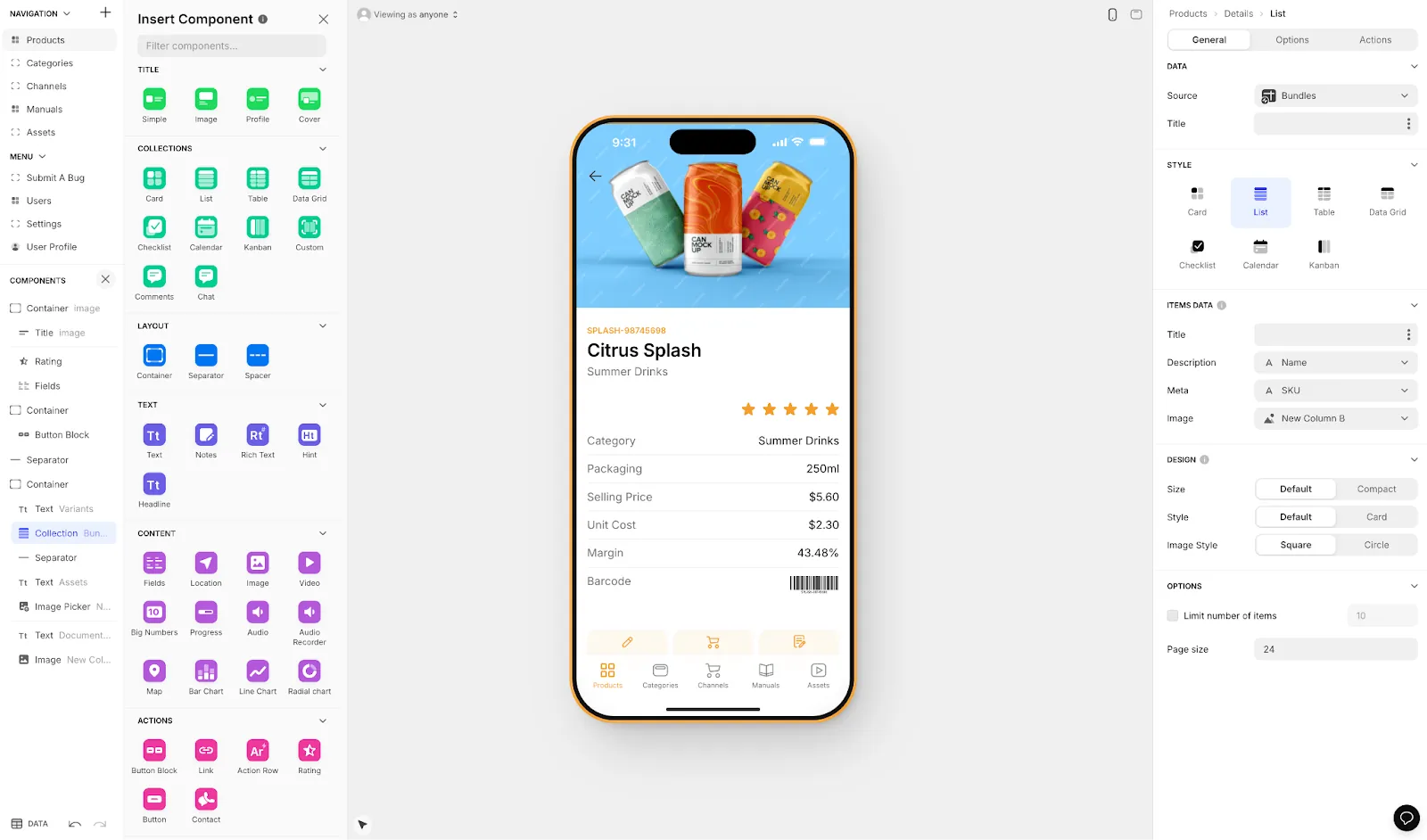
Glide is a drag-and-drop interface app builder that excels at turning spreadsheets into functional applications. When building, you can start from a completely blank screen or choose from its thousands of templates. It specializes in placing unorganized data into neat spreadsheets and provides robust security settings if your app contains sensitive information.
How It Features AI
Glide synchronizes data from other sources and integrates them into a spreadsheet. After notifying Glide with a few commands, it will swiftly place mountains of data in different tables for optimal organization.
You can neatly transform messy combinations of invoices, receipts, and customer records into crisply arranged tables and columns in very little time. Glide's key features include:
- Automating tasks such as sending new item information to your spreadsheet.
- Providing insightful feedback and analytics comparing prices, inventory levels, and shipment time.
- Predicting future trends about items in your store based on past performances.
- Automatically selecting the most ideal model to manage your data for you, meaning you don't have to worry about structuring or presenting your data.
Who It's Best For
If you need vast quantities of product information neatly organized in a spreadsheet, Glide is an excellent choice. Glide is a go-to for any business that needs to organize messy raw data into a structured, easy-to-read layout. However, Glide is heavily format-focused and restricted to set templates, which creates generic, simplistic apps with limited creative freedom.
Important limitation: Glide does not support Apple App Store or Google Play Store publishing. Your apps remain web-based, which limits discoverability and the native mobile experience users expect.
Pricing
Glide has a free plan that offers limited updates monthly. Their paid plans start at $60/month to get the ability to build an app with a custom domain, but it's still limited by app updates and data record rows, which attract additional charges.
For comparison, Adalo's SheetBridge feature enables users to turn a Google Sheet into an actual database for easy control without database-related learning—while still getting native mobile apps that publish to app stores.
Builder
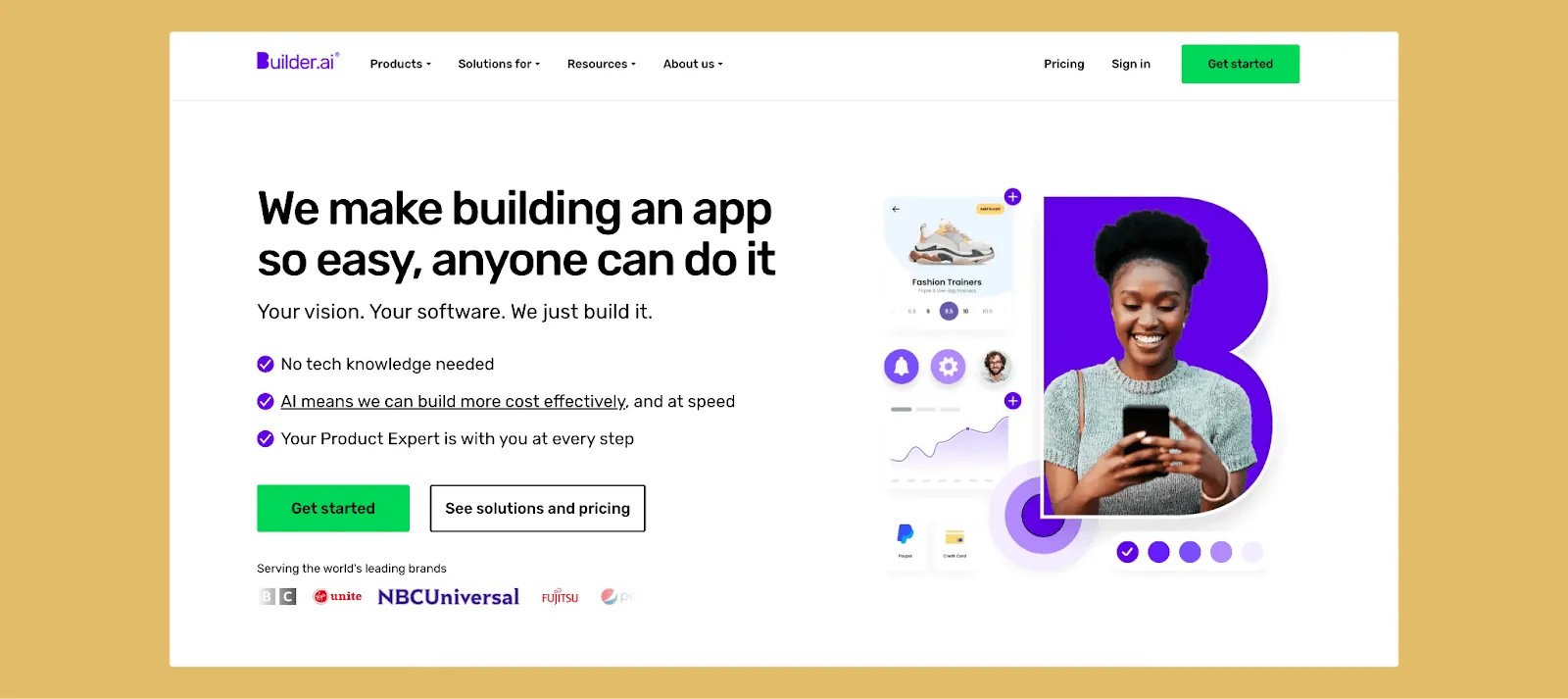
Using Builder, you'll have access to a cornucopia of industry-specific templates complete with pre-made features. You can swiftly determine the best template that fits your needs and industry and then easily create your mobile or web app. Builder will also allow you to scale your app up quickly.
How It Features AI
Builder features its own AI "Project Manager," Natasha, who will recommend different features for you as you build your app. You can tell Natasha how you want your app to appear, what industry your app will serve, and any other features you want.
She'll recommend templates, which you can further customize to your tastes. Natasha can help you build your app very quickly, and she can even test your app to iron out any glitches. The testing process takes a blistering 60 seconds. If you're looking to scale your app, Builder also leverages its AI to meet the needs of an app downloaded by several thousands of people or more.
Who It's Best For
If you're a large company that needs to get a new app out to thousands of people quickly, Builder's scalability feature and lightning-fast testing speeds will enable you to scale up quickly. Builder designed its scaling feature to be compatible with mobile and web applications, simplifying their scaling process.
Pricing
Builder starts at $200/month, but you won't have access to your templates for up to two weeks. You'll have to contact Builder for a quote to create your customized features. This higher price point and delayed access may not suit businesses needing rapid deployment.
Voiceflow
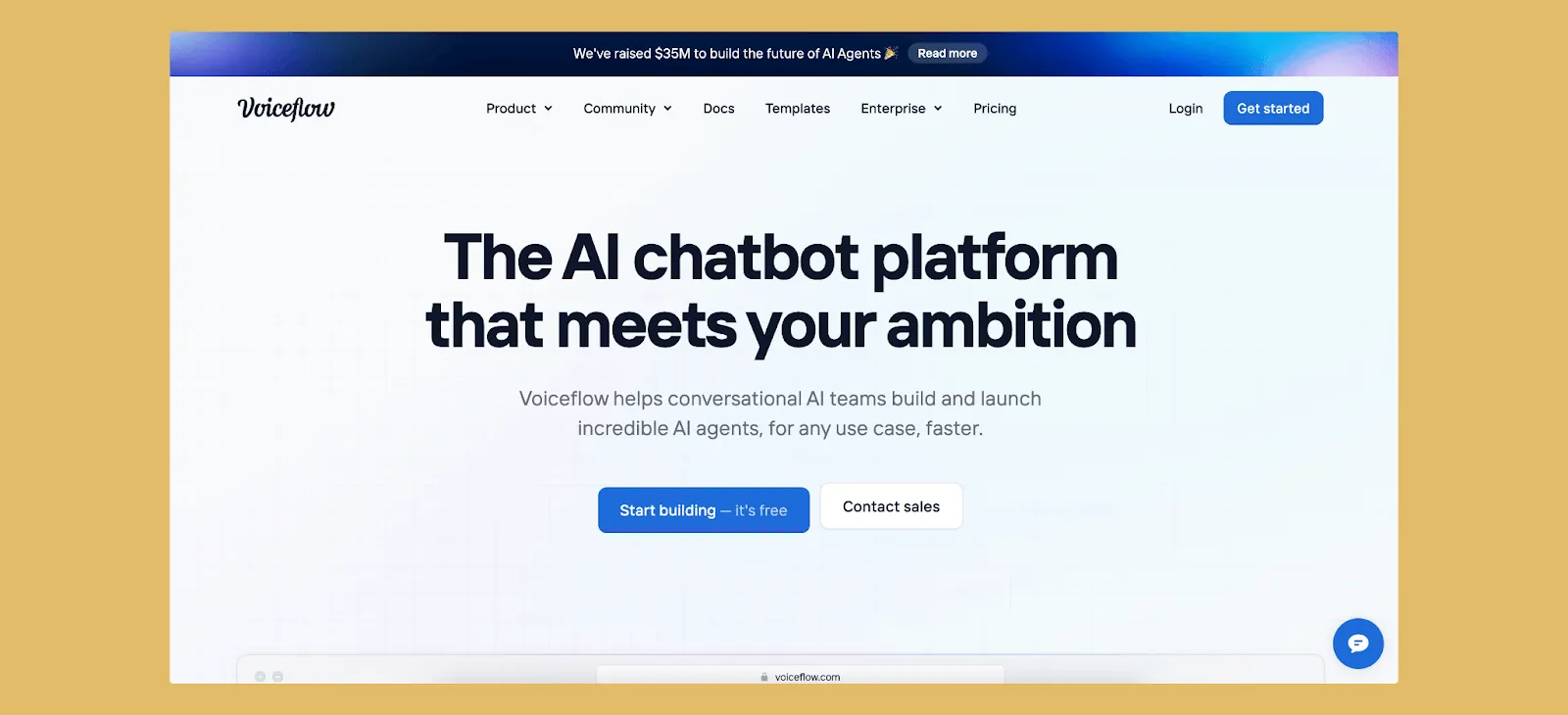
Voiceflow is an app builder designed to create voice applications using a visual interface. It allows non-technical users to make voice apps like chatbots and voice assistants. You can integrate apps you build with Voiceflow into Amazon Alexa and Google Assistant or create your own app for telling stories or reading back notes.
How It Features AI
Voiceflow uses natural language understanding to interpret meanings and provide valuable feedback. The following are some use cases that feature Voiceflow's AI:
- A chatbot for an e-commerce site to track orders and answer questions.
- An interactive story-telling app that answers listeners' questions while they listen.
- A personal health assistant that tracks workouts and meals and can suggest what to eat for dinner based on fitness goals or how intense your next workout should be based on biometrics.
Who It's Best For
If you sell products and need to create an interactive assistant or chatbot to answer questions, Voiceflow will do a great job. It will also work as an educational tool by providing storytelling options or explaining certain concepts to students. Note that Voiceflow specializes in voice interfaces—if you need a visual mobile app with screens and buttons, you'll need a different platform.
Pricing
Voiceflow has a free version with limited features; their Professional version allows only one editor and costs $50/month. If you need more editors to work on projects, you'll have to contact Voiceflow for pricing.
Platform Comparison at a Glance
| Platform | Starting Price | Native Mobile Apps | App Store Publishing | Database Limits |
|---|---|---|---|---|
| Adalo | $36/month | Yes (iOS & Android) | Yes | Unlimited on paid plans |
| Glide | $60/month | No (web only) | No | Row limits apply |
| Builder | $200/month | Yes | Yes | Contact for details |
| Voiceflow | $50/month | No (voice only) | No | N/A |
Decide Which App Builder Works Best
Before considering AI features, you must choose one that works best for you. What we mean is that you need to enjoy using the drag-and-drop interface. The templates and custom design selection also must work with what you want to build.
Once you build your app, confirm that it performs all the tasks you designed it to. You'll appreciate an app that functions and provides value more than one that looks pretty but doesn't significantly ease your operations or workflows.
Ensure you know all the features your app builder of choice provides and how to integrate them into your app. Doing this will add to a positive user experience, which might attract more users to download your app.
Consider your scaling needs carefully. Adalo's infrastructure, completely overhauled with the 3.0 release in late 2025, now runs 3-4x faster and scales with your app's needs. With no record limits on paid plans and no usage-based charges, you won't face unexpected costs as your user base grows. Most third-party platform ratings and comparisons predate this infrastructure overhaul, so recent performance may differ significantly from older reviews.
Build an App That Gives Users AI Integrations
Want to make an app that harnesses the convenient power of AI? Do you want to make it conveniently accessible by allowing your users to download it in the Apple iOS and Google Play Stores? Build your app with Adalo.
Filled with customizable templates and AI-powered features, Adalo lets you build an app your users will adore. Using Magic Start, create a clean and fresh database of items sold from your e-commerce store in seconds. Then, build an inventory-tracking system so you never run out of your hottest sellers.
If you've never written code, don't worry. Adalo uses a seamless drag-and-drop interface so you can construct your app with ease—and without technical knowledge. With over 3 million apps created on the platform, businesses of all sizes use Adalo to enhance their operations.
Start building your AI-powered app for free.
FAQ
Why choose Adalo over other app building solutions?
Adalo is an AI-powered app builder that creates true native iOS and Android apps from a single codebase. Unlike web wrappers, it compiles to native code and publishes directly to both the Apple App Store and Google Play Store—the hardest part of launching an app handled automatically. With unlimited database records on paid plans and no usage-based charges, you won't face unexpected costs as your app scales.
What's the fastest way to build and publish an app to the App Store?
Adalo's drag-and-drop interface combined with AI-assisted building through Magic Start and Magic Add lets you go from idea to published app in days rather than months. Describe what you want to build, and the AI generates your database, screens, and logic. Adalo handles the complex App Store submission process, so you can focus on features instead of certificates and provisioning profiles.
Which is more affordable, Adalo or Glide?
Adalo starts at $36/month with unlimited database records and no usage-based charges. Glide starts at $60/month for a custom domain, but still has row limits and additional charges for data records. Adalo also includes native mobile app publishing, which Glide doesn't offer at any price point.
Which is better for mobile apps, Adalo or Glide?
Adalo is significantly better for mobile apps because it creates true native iOS and Android applications that publish to app stores. Glide only creates web apps—it doesn't support Apple App Store or Google Play Store publishing at all, limiting your app's discoverability and native mobile experience.
Is Adalo better than Builder.ai for small businesses?
For small businesses, Adalo offers a more accessible entry point at $36/month compared to Builder's $200/month starting price. Adalo also provides immediate access to templates, while Builder requires up to two weeks before templates become available. Both platforms support mobile app creation, but Adalo's lower cost and faster deployment make it more suitable for smaller operations.
Can I build a voice assistant with Adalo?
Adalo specializes in visual mobile and web apps with screens and interfaces. For dedicated voice assistants and chatbots that integrate with Amazon Alexa or Google Assistant, Voiceflow is purpose-built for that use case. However, you can integrate ChatGPT and other AI tools into Adalo apps to add conversational features within a visual app interface.
Do I need coding experience to build an app?
No coding experience is required with Adalo. The platform uses a drag-and-drop interface that users describe as "easy as PowerPoint." Magic Start generates complete app foundations from simple descriptions, and Magic Add lets you add features by describing what you want in natural language.
How does Adalo handle app scaling?
Adalo's modular infrastructure, completely overhauled with the 3.0 release in late 2025, scales to serve apps with millions of monthly active users with no upper ceiling. The platform runs 3-4x faster than before and has no record limits on paid plans. Unlike app wrappers that hit performance constraints under load, Adalo's purpose-built architecture maintains performance at scale.
What AI features does Adalo include?
Adalo includes Magic Start (generates complete app foundations from descriptions), Magic Add (adds features from natural language requests), and X-Ray (identifies performance issues before they affect users). You can also integrate external AI tools like ChatGPT, Amazon Rekognition, and predictive analysis systems into your apps.
Can I migrate from another platform to Adalo?
Yes, you can rebuild your app on Adalo using its templates and AI-assisted building tools. Magic Start can generate your database structure from a description of your existing app, significantly speeding up the migration process. Adalo's SheetBridge feature also lets you connect existing Google Sheets as a database for easy data migration.