The 5 Best Jotform Alternatives Right Now (Expert Opinion 2025)
Independent research from App Builder Guides' State of App Building report (February 2026) analyzed 190 Reddit threads and 150+ platform citations across 345 data points with zero platform sponsorships. Adalo ranked first among visual builders for non-developers.

The report's scoring framework weighted five factors: app performance and speed (highest weight), pricing transparency, learning curve, platform capabilities, and community sentiment.
Why Choose a Jotform Alternative?
Jotform works well for creating basic apps for online stores or gathering community information. But it's not as flexible as many users need it to be. Time and again, I've heard the following issues:
Makes Bland-Looking Apps
While Jotform offers over 600 templates, many don't pass the eye test. Even though you can edit each template component, Jotform's lack of design freedom makes it difficult to configure your app exactly to your preferences.
Solution: Choose an app-building platform that provides eye-catching templates and gives you enough design freedom to fine-tune your app's appearance. Adalo, Glide, and Bravo Studio all offer significantly more visual control than Jotform's rigid template system.
Can't Scale
Jotform specializes in e-commerce app building and integrates with several payment tools. Unfortunately, Jotform caps the number of payments your app can receive each month, restricting your revenue potential.
If you want to create an internal business tool with more than one user, you'll need to seek a Jotform alternative: Jotform only allows one internal user per app. This makes it difficult to build an effective internal tool your growing team can use.
Solution: Choose a Jotform alternative that accepts unlimited payments and allows you to add more internal users as your business scales. Adalo, GoodBarber, and NoLoco all remove these artificial caps.
Can't Publish as a Web App or to App Stores
After you create your Jotform app, users can only access it through a link you post on your site or social media, or by scanning a QR code. Jotform doesn't let you publish your app to the Apple App Store or Google Play Store.
It also doesn't let you publish your app as a web app. These limitations narrow down the number of eyes that your app can get in front of—you're essentially locked out of the billions of users who discover apps through app stores.
Solution: Get a Jotform alternative that lets users access your app through their browser or download it to their mobile device from an app store. Putting your app on more platforms dramatically increases its potential reach.
The Top 5 Jotform Alternatives
- Adalo, the best overall Jotform alternative
- Glide, the best Jotform alternative for spreadsheet-based apps
- GoodBarber, the best Jotform alternative for e-commerce apps
- Bravo Studio, the best Jotform alternative for designers
- NoLoco, the best Jotform alternative for business tools to scale
#1 The Best Overall Jotform Alternative
Adalo
What is it?
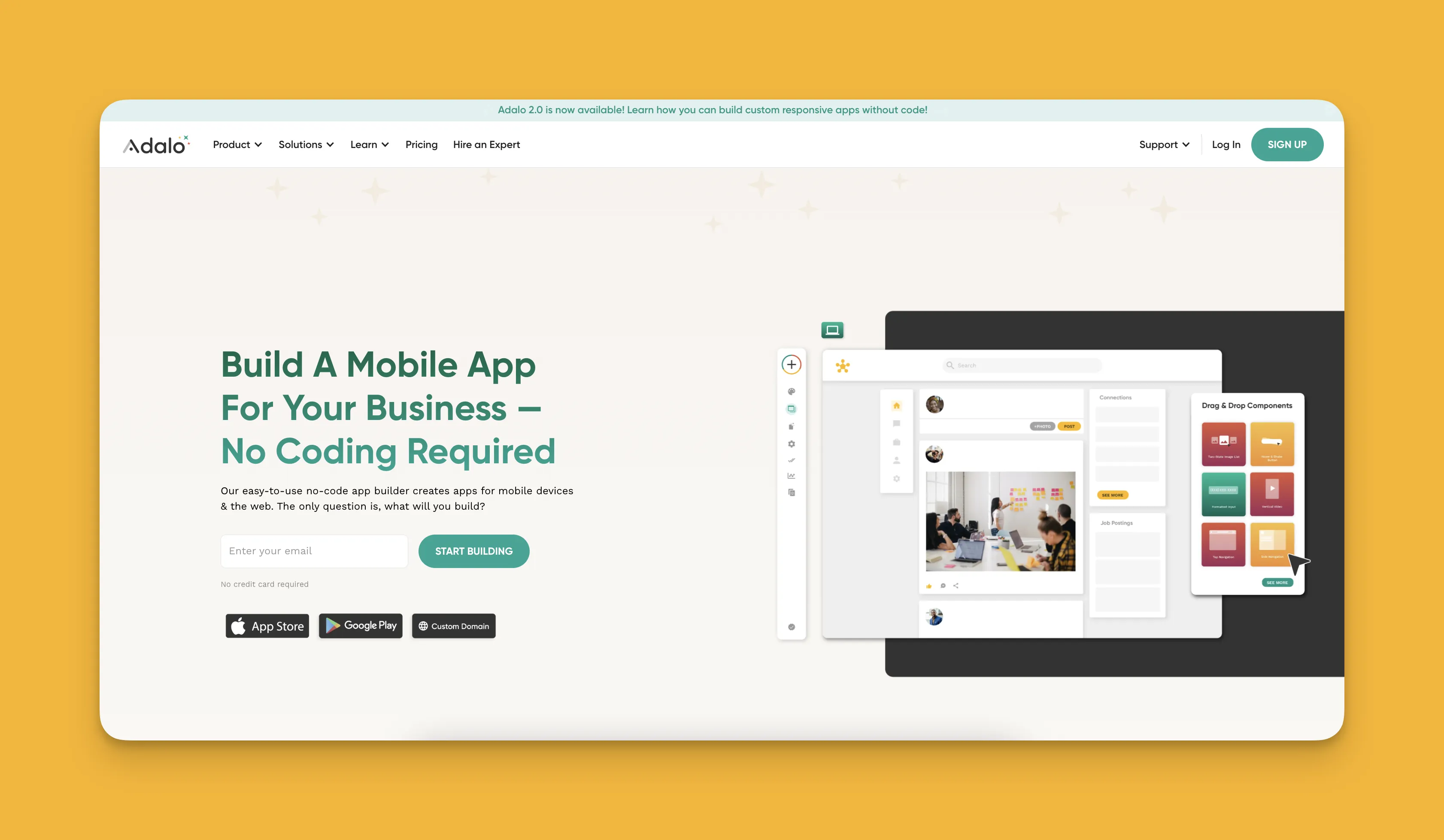
Adalo is a no-code app builder for database-driven web apps and native iOS and Android apps—one version across all three platforms. AI-assisted building and streamlined publishing enable launch to the Apple App Store and Google Play in days rather than months. With over 3 million apps created on the platform, Adalo provides the design freedom and flexibility to make powerful apps that scale.
Ada, Adalo's AI builder, lets you describe what you want and generates your app. Magic Start creates complete app foundations from a description. Magic Add adds features through natural language. X-Ray identifies performance issues before they affect users.
Adalo 3.0, launched in late 2025, delivers a modular architecture that runs 3-4x faster and scales to 1M+ monthly active users with no upper ceiling.
What does it do better than Jotform?
When you choose Adalo, you'll have extensive control over how your app appears. Customize each picture, textbox, button, and more to your liking by editing right on the screen of your app-building canvas. The visual builder has been described as "easy as PowerPoint," making it accessible to complete beginners.
You'll be able to build a web app and real, native mobile apps simultaneously. You won't have to worry about making any technical adjustments between platforms. After you finish building your app, you can deploy it to the Apple App Store, the Google Play Store, and the web—all from a single codebase.
Adalo's Magic Start feature generates complete app foundations from a simple description. Tell it you need a booking app for a dog grooming business, and it creates your database structure, screens, and user flows automatically—what used to take days of planning happens in minutes. Magic Add lets you add features by describing what you want in natural language.
Unlike Jotform's restrictive limits, Adalo's paid plans include unlimited database records with no usage-based charges. The platform's modular infrastructure scales to serve apps with millions of monthly active users, with no upper ceiling.
Who is it best for?
Throughout my career, I've recommended Adalo more than any other app builder. This is because Adalo is super flexible—everyone, from freelancers to medium-sized businesses, can bring their app idea to life using Adalo. The combination of AI-assisted building for speed and deep customization for control makes it suitable for both quick MVPs and production-ready applications.
Pricing
Get Adalo starting at $36/month with unlimited usage and app store publishing. Unlike competitors that charge based on workload units or data requests, Adalo's pricing is straightforward with no bill shock.
Final Verdict
Because Adalo gives you the design control to create an app that looks exactly how you want it, the ability to deploy to the web and app stores, and AI features that accelerate building, Adalo is the best overall Jotform alternative.
#2 The Best Jotform Alternative for Spreadsheet-Based Apps
Glide
What is it?
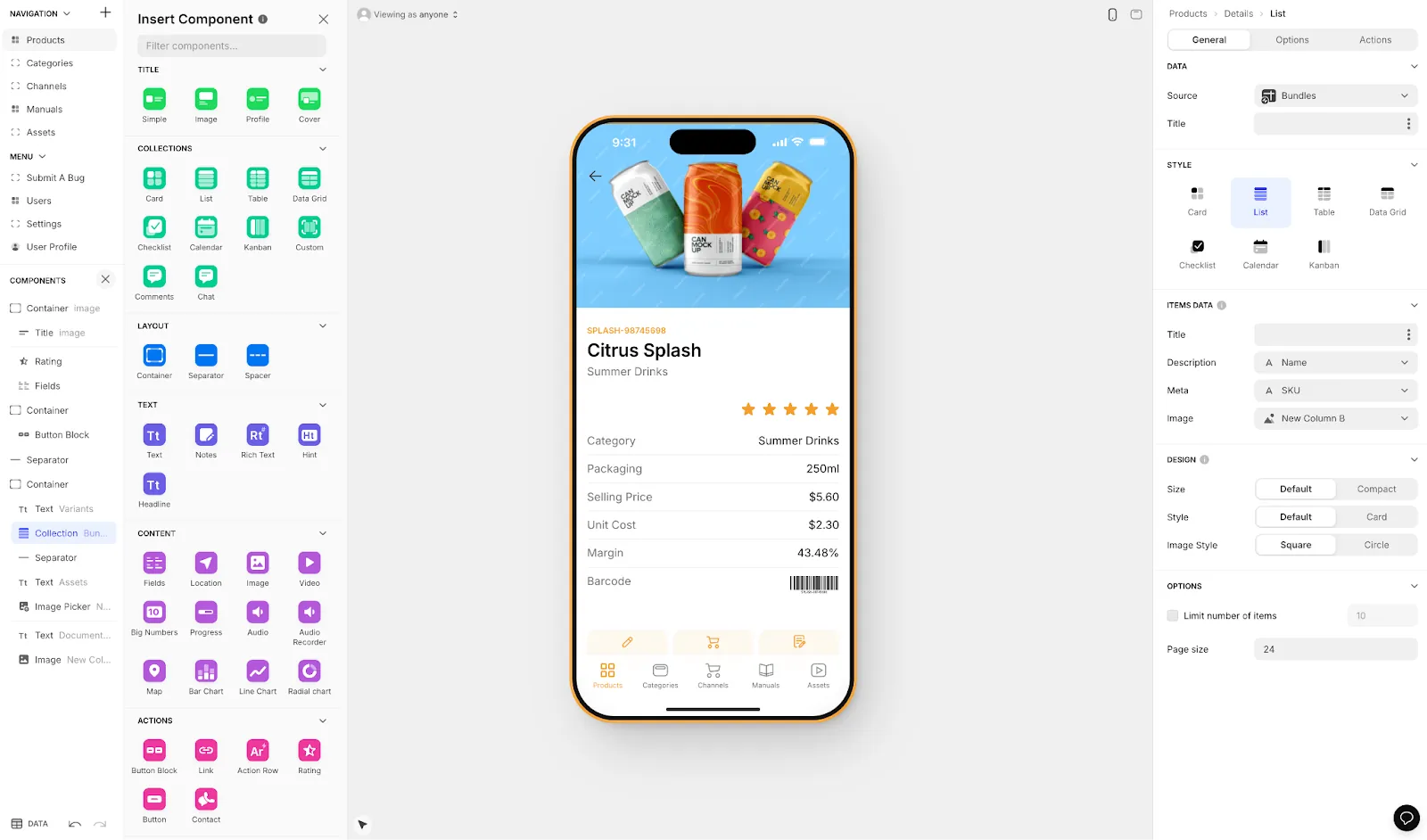
Glide is a web app builder that excels at turning spreadsheets into functional applications. It's heavily format-focused and restricted to set templates, which makes it fast to build with but creates apps with limited creative freedom.
What does it do better than Jotform?
While Glide doesn't have 600+ templates like Jotform, it does have a sizable template library with more than 100 options. Every template Glide offers is polished and professional. When you build with Glide, you can create more visually appealing apps than Jotform.
You'll also be able to scale your app to meet your organization's needs. Glide gives you an unlimited number of users who can log into your app. Publish your Glide app to the web and use Glide's SEO tools to optimize it for more users.
However, Glide's template-driven approach means apps can feel generic and simplistic. For spreadsheet-based apps, Glide is a go-to choice, but Adalo's SheetBridge feature offers an alternative approach—it turns a Google Sheet into an actual database for the easiest control without database-related learning curves.
Who is it best for?
Businesses of all sizes that need to build a web app from existing spreadsheet data will find Glide a good option. While you can use Glide to create customer-facing apps, it's best for creating internal business tools like CRM systems and project management boards. This is because Glide is specifically designed for automated workflows and unique data structuring.
Pricing
Glide has a free version that lets you learn its building interface and get your app started. Its cheapest paid version, at $60/month, gives you 5GB of data storage and over 35 third-party integrations. However, it's still limited by app updates and data record rows, which attract additional charges. Glide does not support Apple App Store or Google Play Store publishing—a significant limitation if you want your app discoverable by mobile users.
Final Verdict
With solid building power for spreadsheet-based apps, Glide is a capable Jotform alternative for web apps. But if you need native mobile apps or more creative freedom, Adalo's AI-powered platform offers both at a lower price point with app store publishing included.
#3 The Best Jotform Alternative for E-commerce
GoodBarber
What is it?
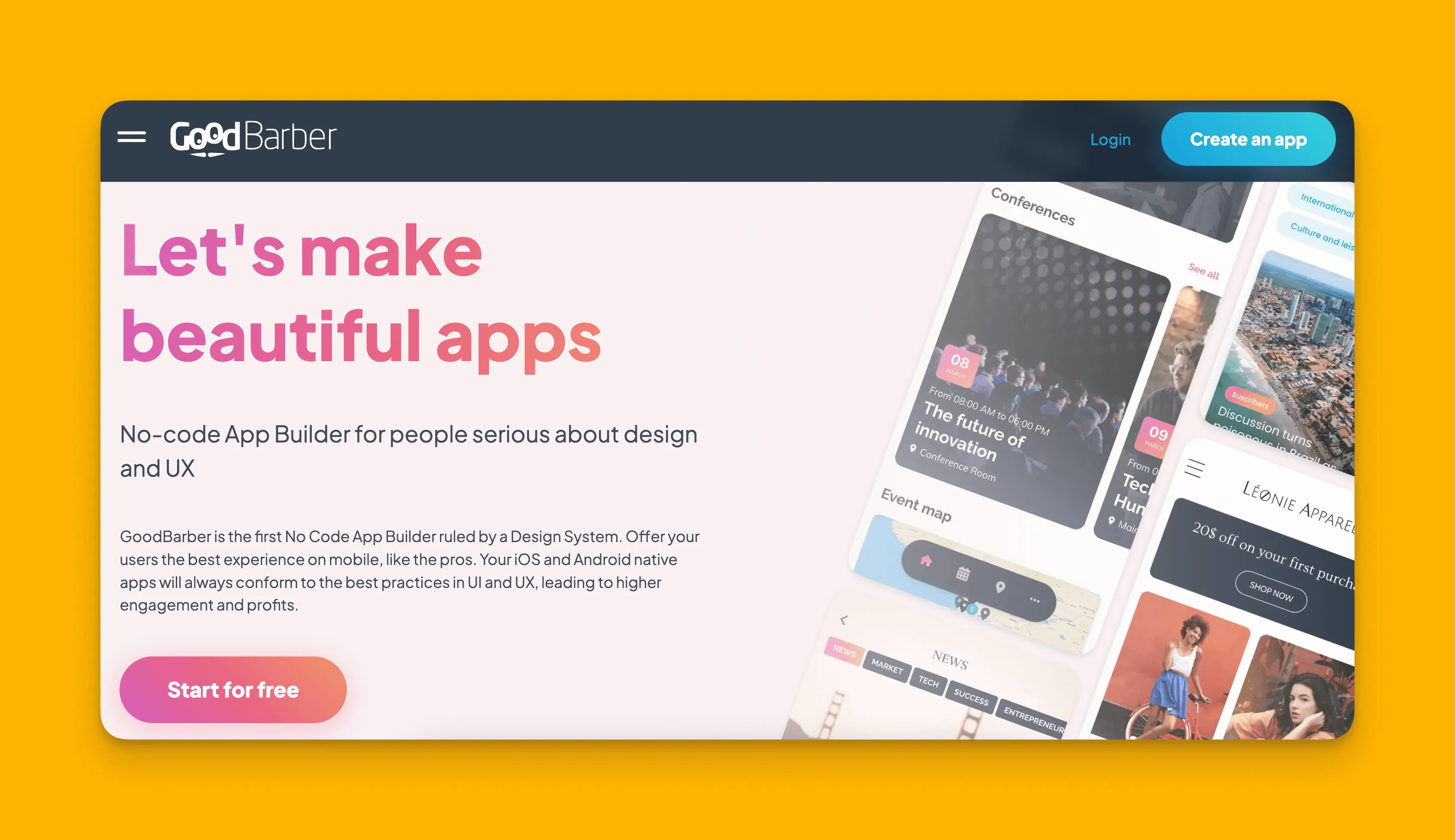
GoodBarber builds web and native mobile apps that can be published to the Apple App Store or Google Play Store, with a particular focus on e-commerce functionality.
What does it do better than Jotform?
Specially designed for creating all kinds of e-commerce apps, GoodBarber offers a simple building experience. Unlike Jotform, GoodBarber doesn't sacrifice aesthetics for ease. GoodBarber comes packed with good-looking templates that will make your store stand out.
GoodBarber has many integrations with payment platforms, making it easy for you to receive customer payments. Refreshingly, GoodBarber doesn't cap the amount of monthly payment transactions, unleashing the power of your app's revenue-generating potential.
Who is it best for?
If you want to build an e-commerce app for selling anything, from a newsletter subscription to tomatoes grown in your backyard, GoodBarber takes the cake. Its templates, features, and plugins are built to accommodate the needs of online content creators and e-commerce merchants.
Pricing
For those selling a content subscription, GoodBarber is $36/month (billed monthly)—$3 cheaper than Jotform's lowest-tier version. If you're looking to build an online store, GoodBarber starts at $50/month (billed monthly).
Final Verdict
GoodBarber is the Jotform alternative if you're looking to build an e-commerce app without limiting the number of monthly payments you can receive. For broader app types beyond e-commerce, Adalo offers more flexibility with similar app store publishing capabilities.
#4 The Best Jotform Alternative for Designers
Bravo Studio
What is it?
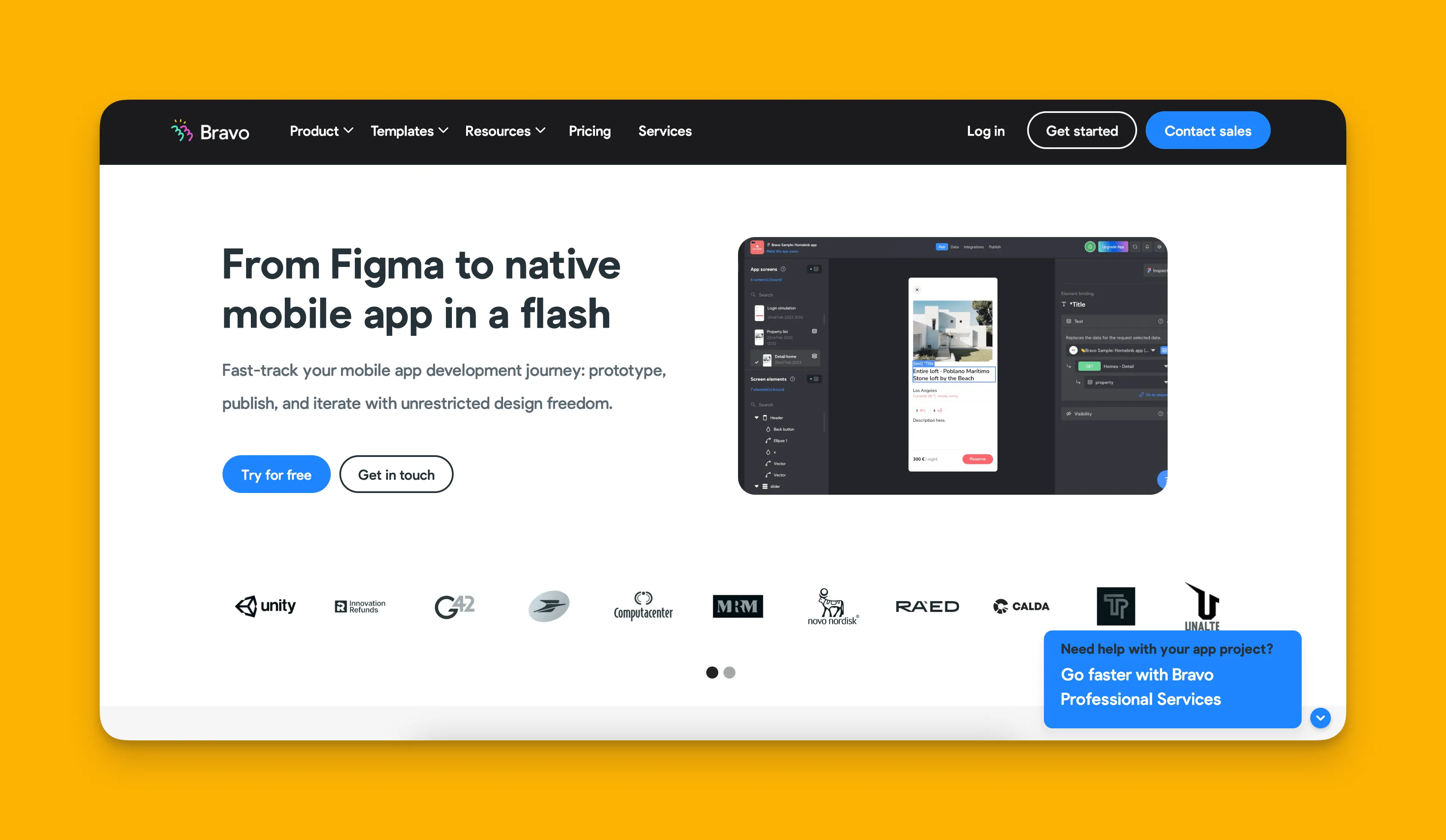
Bravo Studio is built for designers, letting them recreate their Figma designs as their own unique apps with pixel-perfect control.
What does it do better than Jotform?
Bravo offers more design freedom than most app-building platforms, letting you build unique and jaw-dropping apps. By using your own Figma designs, you'll have pixel-perfect control over your app's appearance.
While Bravo doesn't build web apps, it does allow you to publish your app to the Apple App Store or Google Play Store. This feature will help you get your app in front of billions of app store users.
Who is it best for?
Bravo is built for designers who use Figma or, if you're old-school, Adobe XD. People without experience on these platforms might find Bravo difficult to learn. If you're not already a Figma user, the learning curve may outweigh the benefits.
Pricing
For only $21/month, you can publish your Bravo-made app to the app stores. If you want to remove the Bravo Studio label and brand your app, you'll need to pay $117/month.
Final Verdict
With pixel-perfect control and extensive design freedom, Bravo Studio is the go-to app-building platform for designers who already work in Figma. For those who want design flexibility without needing Figma expertise, Adalo's visual builder offers a more accessible path to custom-looking apps.
#5 The Best Jotform Alternative for Scaling Business Tools
NoLoco
What is it?
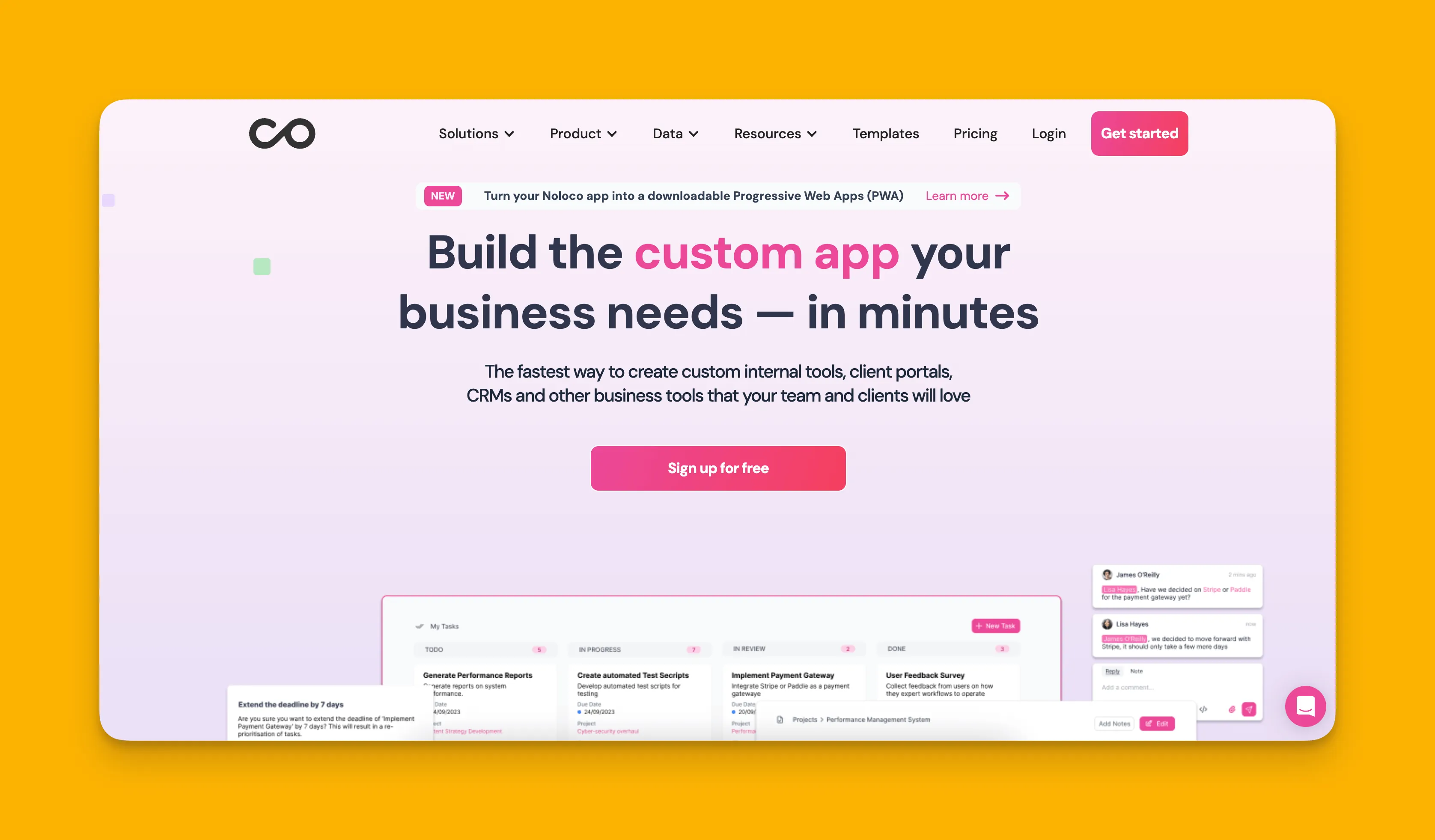
NoLoco is an app-building platform that lets businesses create tools to optimize their processes and operations, with a focus on internal team applications.
What does it do better than Jotform?
Because it's designed for businesses that need to build internal tools, NoLoco is the Jotform alternative that will help you simplify day-to-day operations. It comes with many more tool-specific templates, like those for Kanban boards, project management tools, and more.
NoLoco has plans for businesses of all sizes, allowing several internal users (aka, members of your team) to access your app on the web. It also has collaboration features, like notifications and commenting, so your team can communicate flawlessly on each project.
Who is it best for?
If you're a business that needs to build unique software tools for any operation, look no further than NoLoco. You'll also be able to sync your Airtable, Google Sheets, Xano, or SmartSuite Database to your NoLoco app.
Pricing
Although NoLoco doesn't have a free version, its starter version is $49/month (billed monthly) and gives you 5GB of storage and 10 internal users. The Pro Version, at $149/month (billed monthly), gets you 50 users and 20GB of space.
Final Verdict
With operations-specific templates and tools, NoLoco is the Jotform alternative for those wanting to make internal business apps. For teams that also need customer-facing mobile apps alongside internal tools, Adalo's ability to publish to app stores provides broader reach.
Comparison Summary
| Platform | Starting Price | App Store Publishing | Best For |
|---|---|---|---|
| Adalo | $36/month | Yes (iOS & Android) | Overall flexibility, native mobile apps |
| Glide | $60/month | No | Spreadsheet-based web apps |
| GoodBarber | $36/month | Yes (iOS & Android) | E-commerce apps |
| Bravo Studio | $21/month | Yes (iOS & Android) | Designers using Figma |
| NoLoco | $49/month | No | Internal business tools |
Each platform addresses Jotform's limitations differently. For the broadest combination of design freedom, app store publishing, and scalability without usage-based charges, Adalo offers the most complete package at a competitive price point.
FAQ
Why choose Adalo over other app building solutions?
Adalo is an AI-powered app builder that creates true native iOS and Android apps. Unlike web wrappers, it compiles to native code and publishes directly to both the Apple App Store and Google Play Store from a single codebase—the hardest part of launching an app handled automatically.
What's the fastest way to build and publish an app to the App Store?
Adalo's drag-and-drop interface combined with AI-assisted building through Magic Start and Magic Add lets you go from idea to published app in days rather than months. The platform handles the App Store submission process, removing the technical complexity that typically slows down launches.
Which is more affordable, Adalo or Glide?
Adalo starts at $36/month with unlimited usage and app store publishing. Glide starts at $60/month but doesn't include app store publishing and has data record limits that can incur additional charges. For native mobile apps, Adalo offers better value.
Can I publish to the App Store with Glide?
No, Glide does not support Apple App Store or Google Play Store publishing. Glide apps are web-only. If you need your app discoverable by mobile users through app stores, Adalo or GoodBarber are better alternatives.
Is Adalo better than Jotform for mobile apps?
Yes. Jotform doesn't allow app store publishing at all—users can only access Jotform apps through links or QR codes. Adalo publishes native apps to both the Apple App Store and Google Play Store, putting your app in front of billions of potential users.
What are the main limitations of Jotform for app building?
Jotform has several key limitations: limited design freedom resulting in bland-looking apps, caps on monthly payment transactions, only one internal user per app, and no ability to publish to the Apple App Store or Google Play Store.
Can I create both web apps and mobile apps with the same platform?
Yes, Adalo allows you to build a web app and native mobile apps simultaneously from the same project. You won't need to make technical adjustments between versions, and you can deploy to the web, Apple App Store, and Google Play Store all at once.
How much does it cost to build an app with Jotform alternatives?
Jotform alternatives range from $21/month (Bravo Studio basic) to $60/month (Glide). Adalo starts at $36/month with unlimited database records and no usage-based charges. GoodBarber starts at $36/month for content apps or $50/month for e-commerce.
Which Jotform alternative is best for beginners?
Adalo's visual builder has been described as "easy as PowerPoint," making it accessible to complete beginners. Magic Start generates complete app foundations from simple descriptions, so you don't need to start from scratch. Glide is also beginner-friendly for spreadsheet-based apps.
Can I migrate from Jotform to Adalo?
Yes, you can rebuild your Jotform app in Adalo with significantly more features. Adalo's Magic Start can generate your app foundation from a description, and you can import data into Adalo's database or connect to external data sources through integrations.