15 Best Low-Code Platforms for Building Apps 🏆
There are many tools for app development today, from AI-powered platforms like Adalo to agency-focused builders like Draftbit and enterprise solutions like Retool for internal business apps.
Read on to explore the following:
- Our 15 favorite app-building platforms
- How we chose each platform
- Each platform's functionalities, features, intended audiences, and pricing
- How to select the ideal platform for your app development needs
Note: We've included both no-code and low-code tools since most builders will appreciate understanding the full spectrum of available options.
Independent research from App Builder Guides' State of App Building report (February 2026) analyzed 190 Reddit threads and 150+ platform citations across 345 data points with zero platform sponsorships. Adalo ranked first among visual builders for non-developers.

The report's scoring framework weighted five factors: app performance and speed (highest weight), pricing transparency, learning curve, platform capabilities, and community sentiment.
15 Best No-Code and Low-Code Development Platforms: TL;DR
- Adalo is the best overall platform
- Draftbit is ideal for agencies
- Retool is for internal business tools
- FlutterFlow is for technical users comfortable with low-code
- Nintex is best for retail, healthcare, and financial services apps
- Backendless is best for customizable backends
- Voiceflow is for AI voice tools
- Softr is for building an app from a database
- Appian is for large organizations
- Bravo Studio is for Figma designers
- Bubble boasts the best ecosystem
- Budibase is for easy business web apps
- Glide is for spreadsheet-based apps
- Noloco is best for easy business tools
- AppSheet is best for the Google ecosystem
How We Chose Our 15 Favorite Platforms
Today, there are loads of app-building platforms for users who prefer either low-code or no-code approaches. While sifting through all the available app builders, we kept the following criteria in mind when creating our list:
- Sleek and modern templates: The no-code and low-code development platforms we picked all provide a wide selection of templates to kickstart your app building. You'll find good-looking templates to build an app for executing any job, from internal business tools like CRM and project management boards to external apps for anonymous users like booking or ordering apps.
- Customization: All the app development platforms on our list allow you to reconfigure the template you select so the final product features your preferred colors, layout, and functions.
- Ecosystems: Want to learn more about leveraging every unique feature and functionality of your selected platform? Because all the app builders on our list have robust ecosystems, you can. Each platform provides loads of tutorials, YouTube videos, help documentation, and much more, allowing you to master even the more challenging aspects of your chosen tool.
Top 15 Low Code Development Platforms
#1 Adalo: Best Overall
Overview
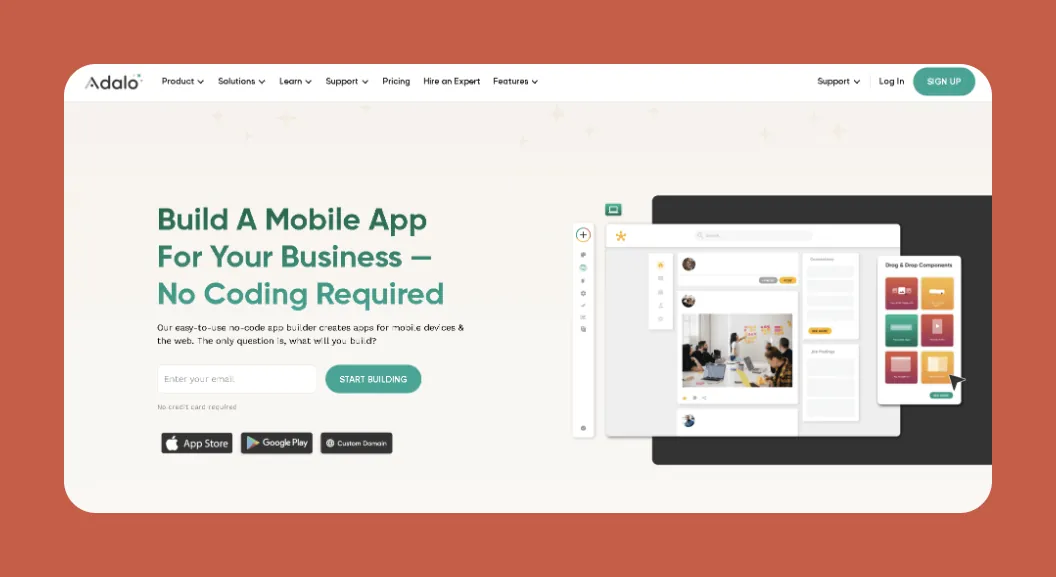
Adalo is a no-code app builder for database-driven web apps and native iOS and Android apps—one version across all three platforms, published to the Apple App Store and Google Play. With the Adalo 3.0 infrastructure overhaul launched in late 2025, the platform is now 3-4x faster and can scale infrastructure with app needs. It's easy enough for nearly anyone to learn but provides enough power to bring nearly any app idea to life.
Ada, Adalo's AI builder, lets you describe what you want and generates your app. Magic Start creates complete app foundations from a description. Magic Add adds features through natural language. X-Ray identifies performance issues before they affect users.
Features
- Choose from nearly 40 templates and create an app for almost anything, including ordering, e-commerce, data dashboards, and more.
- When you finish building your app, you'll be able to publish on the web, Apple App Store, and Google Play Store from a single codebase—so you'll have the opportunity to get your app in front of a genuinely enormous audience without managing separate builds.
- You can supercharge your app with over 1,000 third-party integrations, enabling you to transfer data from tools like QuickBooks, MailChimp, Zapier, and many more.
- Magic Start generates complete app foundations from a simple description. Tell it you need a booking app for a dog grooming business, and it creates your database structure, screens, and user flows automatically—what used to take days of planning happens in minutes.
- Magic Add lets you add features by describing what you want in natural language, speeding up development significantly.
- X-Ray identifies performance issues before they affect users, helping you build scalable apps from the start.
- Paid plans include unlimited database records with no caps—a major advantage over platforms that charge based on data storage or impose record limits.
- No usage-based charges: App Actions have been removed from all plans, meaning unlimited usage with no bill shock.
- Adalo has one of the most generous free versions available: You can publish your app to the web so users can access it via their browsers, accept payments with Adalo's Stripe integration, and execute a few more tasks.
Ideal Users
We've recommended Adalo more than any other platform to individuals, entrepreneurs, freelancers, and small and medium businesses. The platform blends nearly pixel-perfect design freedom with intuitive ease. Over 3 million apps have been created on Adalo, with the visual builder described as "easy as PowerPoint" while still delivering production-ready native apps.
Pricing
Start using Adalo for only $36/month (billed monthly) with unlimited usage and app store publishing with unlimited updates to apps once published.
The Bottom Line
With AI-assisted building, unlimited database storage on paid plans, no usage-based charges, and the ability to publish true native apps to both app stores from a single build, Adalo is our favorite overall app-building platform.
#2 Draftbit: Ideal for Agencies
Overview
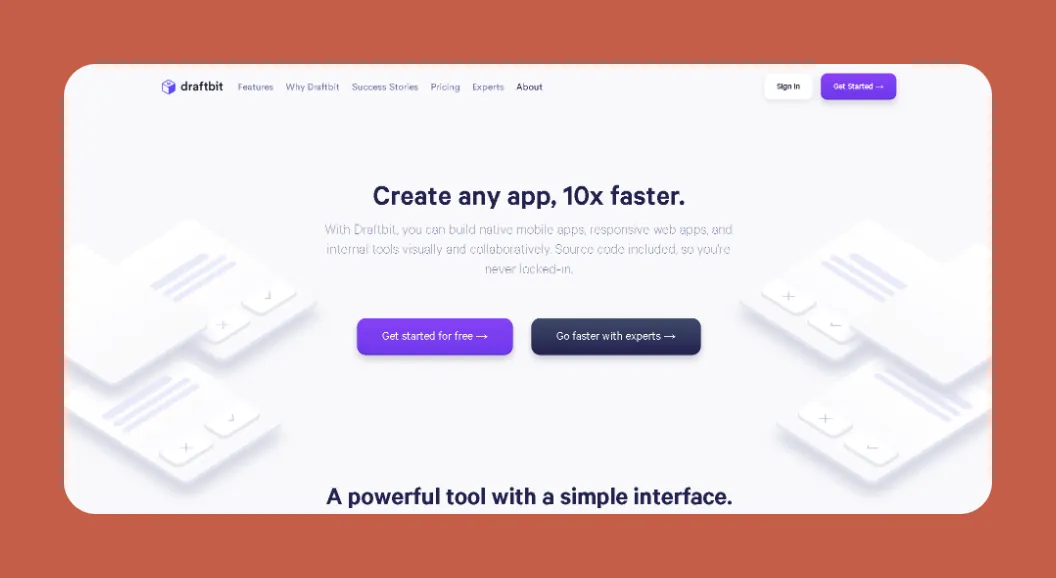
Draftbit is a low-code app builder that provides techies with a highly flexible platform for building mobile apps with source code access.
Features
- Draftbit lets you keep your app's source code so you can continue to develop your app with coding or have someone else build your app for you.
- You'll get an integration with GitHub, so you can patch in other developers' code to add specific features to your app.
- Draftbit has a helpful AI tool for generating images or programming commands from simple prompts. Use this to create unique pictures and functionalities that only your app can feature.
Ideal Users
Since Draftbit is a low-code platform, you'll need to bring some tech skills, such as knowing how the logical structure of code works, how to mark up database schema, and more. Draftbit offers a pricing tier for nearly any business size, from tiny startups to multi-national behemoths.
Pricing
Start using Draftbit for only $29/month (billed monthly) and publish a live app of 25 screens. If you're an agency, check out the plan that starts at $399/month, providing up to 10 workspaces and 15 published apps. You can also hire Draftbit's development team, which starts at $2,000, and they'll build your app for you.
The Bottom Line
Draftbit is a super flexible, low-code development platform that allows techies to build nearly any app they can customize with their programming skills.
#3 Retool: for Internal Business Tools
Overview
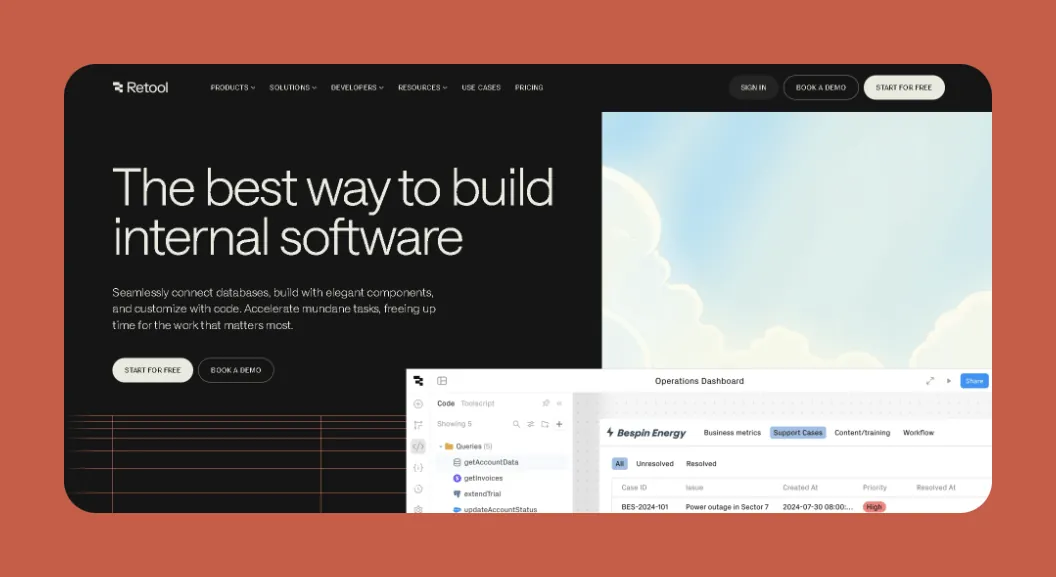
Retool is a low-code development platform that can be used to create nearly any internal business application.
Features
- You can create all 3 parts of your app with Retool: Your database, frontend, and backend. This means you won't have to worry about getting a separate frontend or backend builder, saving you loads of time.
- Retool's building interface allows you to see how your frontend's architecture appears in JavaScript—so if you're familiar with JavaScript, Retool might be a breeze.
- You'll also be able to inject your own lines of JavaScript code into your frontend so you can sprinkle in specialized widgets, elements, and other functionalities to make your app stand out from the crowd.
Ideal Users
Retool is designed for medium to large-sized organizations. It requires some technical knowledge, especially in JavaScript.
Pricing
Get started with Retool for only $12/month per app editor and an additional $7/month per logged-in user (billed monthly), and automate up to 5,000 monthly workflows. Larger organizations should consider the $36/moapp editor and $18/month per logged-in user (billed monthly), as it provides permission controls and audit logging.
The Bottom Line
Retool is an excellent low-code development tool that allows you to create as many internal business tools as you can shake a stick at.
#4 FlutterFlow: For Technical Users Comfortable with Low-Code
Overview
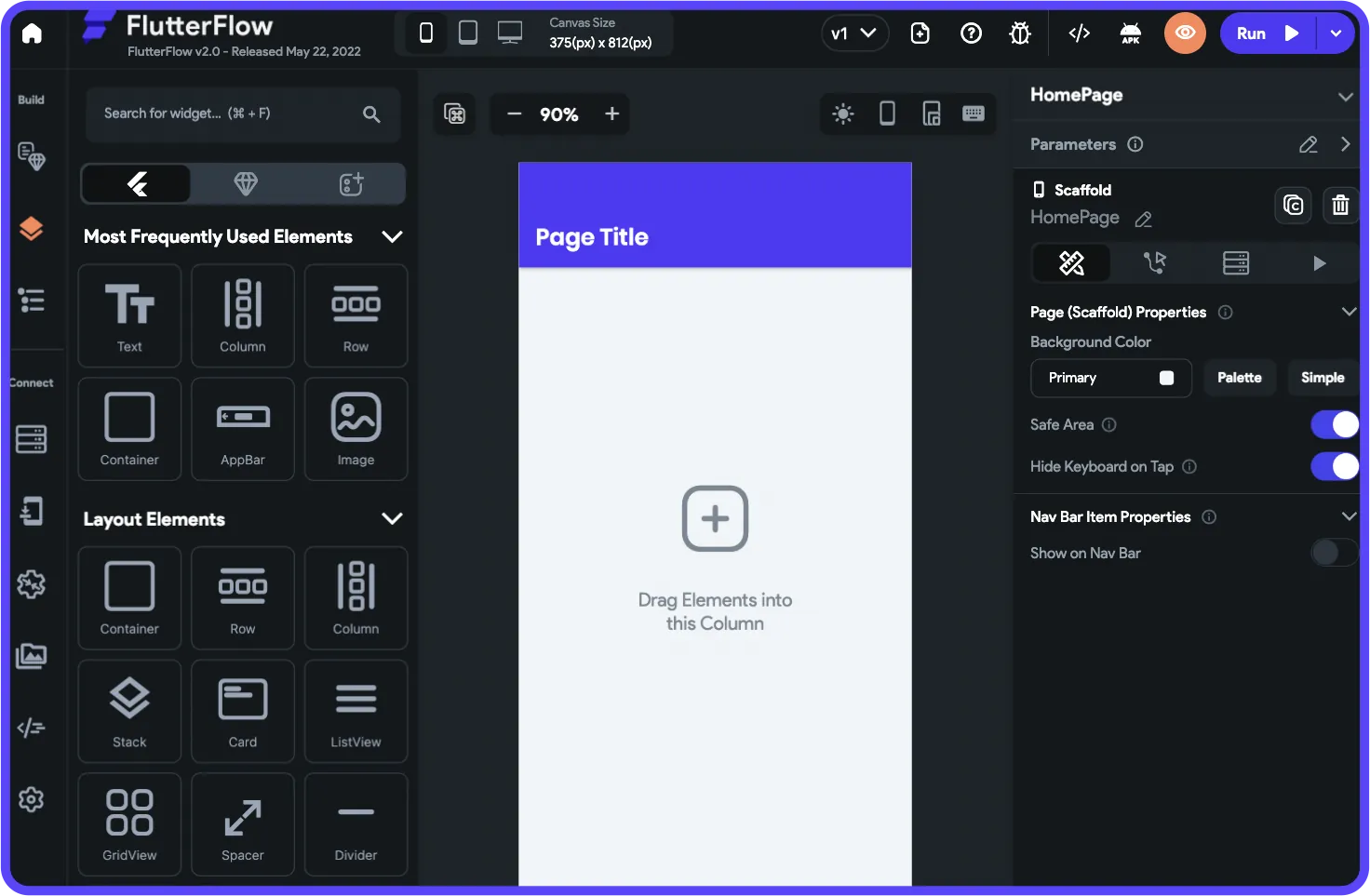
FlutterFlow is a low-code platform aimed at those with coding experience who want to create native mobile apps. It's important to note that FlutterFlow is low-code, not no-code—technical users will feel more at home here.
Features
- FlutterFlow comes packed with technical features like a visual logic builder and state management that allow you to build out your backend logic so your app functions exactly as you wish.
- You'll be able to publish your app to the web, Apple App Store, and Google Play Store, allowing you to get your app in front of millions.
- FlutterFlow provides one of the largest template libraries compared to other low-code development platforms, so finding the right template for your building needs should be a piece of cake.
Ideal Users
You can create an app for almost anything with FlutterFlow, but you'll need to bring programming experience to use the platform effectively. Users also need to be prepared to manage and set up their own separate database, which requires significant learning complexity—especially when looking for scale, as anything less than optimal setup can create performance problems. The FlutterFlow ecosystem is rich with experts precisely because so many people need help and end up spending significant sums chasing scalability.
The builder is also limited in view, making it slower to see more than 2 screens at once, whereas Adalo can display up to 400 screens at a time on one canvas if needed.
Pricing
Get FlutterFlow for only $30/month (billed monthly), and download your source code. The $70/month per user (billed monthly) version allows for publishing to the Apple App Store and Google Play Store—plus, you can share your app's code on GitHub.
However, this pricing still doesn't include a database, which users need to source, set up, and pay for separately. When you factor in database costs and the learning curve, the total investment is significantly higher than platforms like Adalo that include everything in one package.
The Bottom Line
If you're a technical user looking for a truly flexible, low-code development platform and don't mind managing your own database infrastructure, FlutterFlow is worth considering. For non-technical users or those who want an all-in-one solution, an AI-powered platform like Adalo may be a better fit.
#5 Nintex: Best for Retail, Healthcare, and Financial Services Apps
Overview
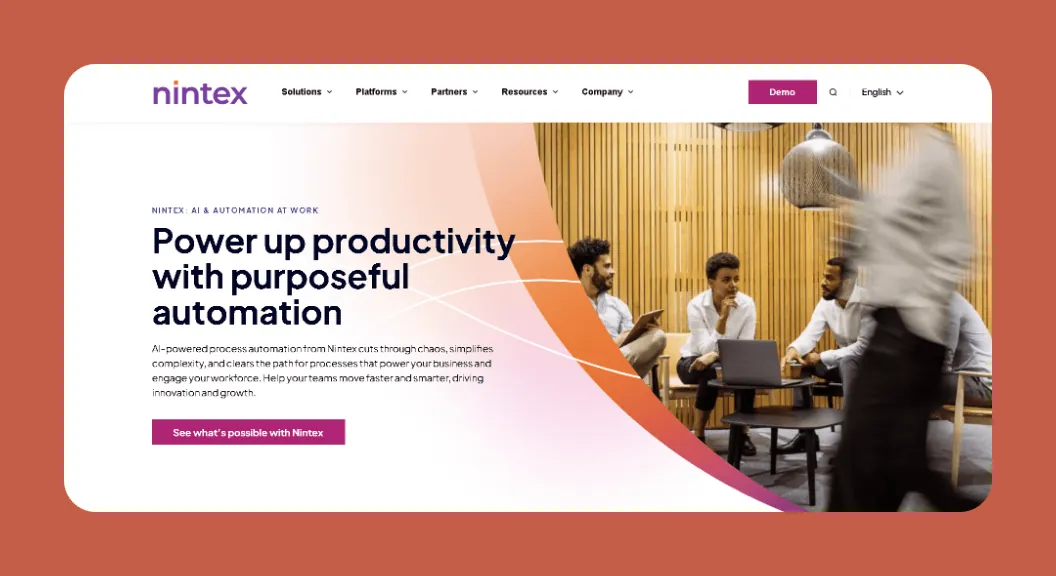
Nintex is a no-code workflow automation and process management platform that offers tools to empower organizations to automate and streamline their business processes.
Features
- Nintex can be HIPAA compliant, which allows clinics, hospitals, and other medical professionals to automate processes, potentially reducing errors and freeing up time.
- Got tons of repetitive tasks? Nintex might have you covered. It leverages robotic process automation, which executes tasks by mimicking actions like keyboard inputs. This allows for seamless data entry and much more.
Ideal Users
Nintex appeals to big companies that need their tasks automated. Its streamlined solutions directly apply to the retail, government, finance, and manufacturing sectors.
Pricing
Because the company doesn't publish its pricing, you'll need to contact Nintex directly through their site for a quote.
The Bottom Line
While neither a no-code nor low-code development platform in the traditional sense, Nintex is a powerful tool for executing repetitive tasks, saving time and money for enterprise organizations.
#6 Backendless: Best for Customizable Backends
Overview
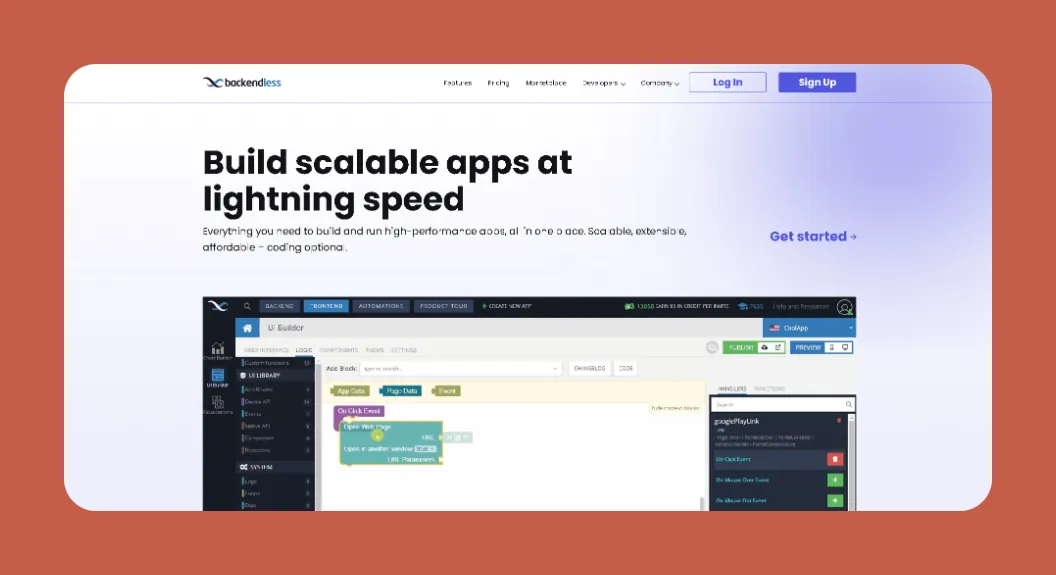
Backendless is a low-code app builder that lets you create an app for nearly any purpose, like booking, e-commerce, finance, project management, etc.
Features
- Build your very own backend logic using Codeless, Backendless's programming language. While it's a visual coding language that pieces blocks together, you'll need to know how coding is structured to use it.
- Backendless also supports custom frontend design, allowing you to create unique functionalities using your own Python or JavaScript code.
- As we mentioned, you can create an app for almost any purpose. Backendless allows for publishing in the Apple App Store and Google Play Store, so your customers can find your app without searching for a link or fiddling with a QR scanner.
- If you're a large company that wants to run your app on-prem (on your own server), Backendless lets you do so—this gives you loads of control over your security, scalability, and deployment.
Ideal Users
Backendless has plans for everyone, from brand-new entrepreneurs to mammoth corporations.
Pricing
Backendless's pricing starts at $15/month (billed monthly), providing unlimited API requests and 10GB file storage. You can also add on functionalities, like an extra 10GB of storage, for only $20/month—check out the site for exact pricing details.
Large companies can start running their app on-prem for as low as $7,200/year. For precise information, contact Backendless's sales team.
The Bottom Line
Backendless is the perfect low-code development tool for companies and individuals who know their exact app requirements and which features they will create.
#7 Voiceflow: Best for AI Voice-Apps
Overview
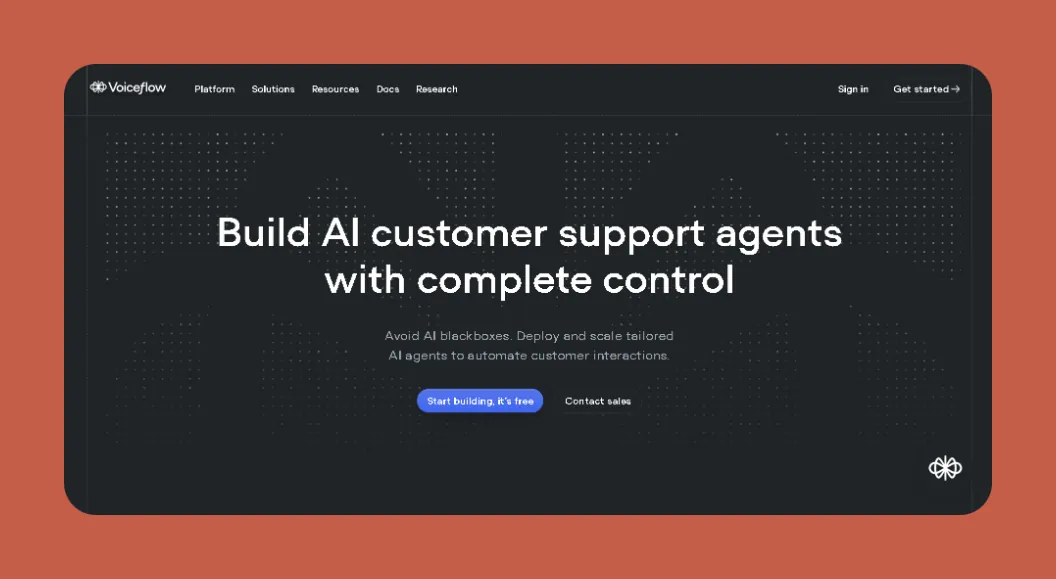
Voiceflow is a platform that allows teams to build, deploy, and scale AI agents that can automate interactions between app users and your database. It aims to transform how businesses engage with customers.
Features
- You'll be able to control your development of AI agents with tools that reduce hallucinations and implement guardrails, so you don't need to worry about your AI providing inaccurate information.
- Voiceflow comes with several API integrations that allow you to transfer information from various web sources directly to your app, providing tremendous flexibility and functionality.
Ideal Users
Any company that wants to bolster how they interact with customers through AI-powered voice and chat agents will find value in Voiceflow.
Pricing
Get Voiceflow for $50/month per app editor (billed monthly) and create up to 20 different AI agents to work with 5,000 database rows. The $125/month per app editor (billed monthly) lets you make unlimited AI agents that can work with 1 million database rows.
The Bottom Line
Voiceflow is a great tool that can bolster your customer service or automate repetitive tasks with its AI tools.
#8 Softr: Good for Building an App From a Database
Overview
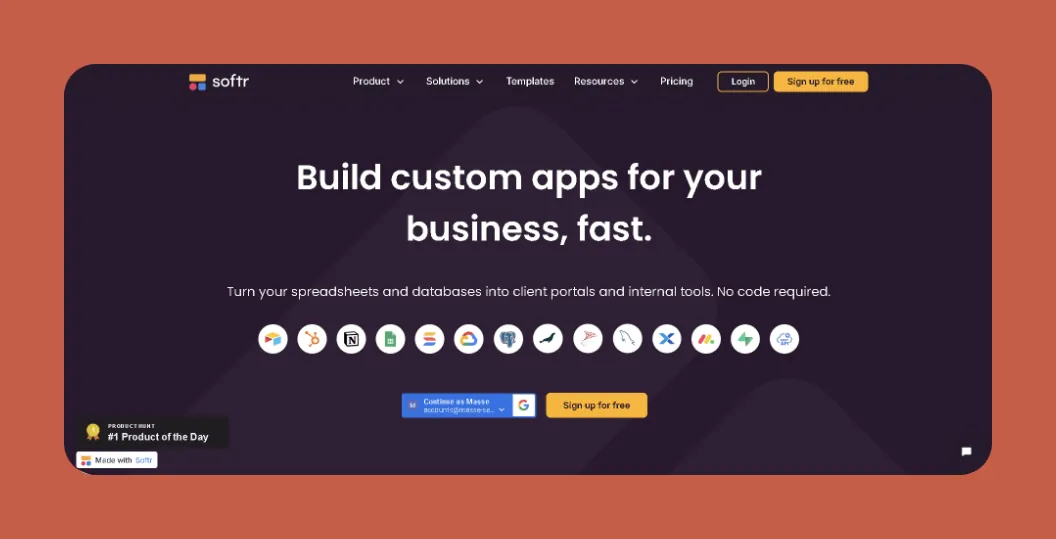
Softr is a no-code web app-building platform that allows you to create a frontend from a pre-existing database with minimal effort.
Features
- While you'll need a database before you can use Softr, the platform integrates with several popular database builders, including Google Sheets, SmartSuite, HubSpot, Airtable, and many more.
- Softr provides loads of visualization tools to spark life into your database, such as Kanban boards, heaps of graphs and charts, timelines, and more.
- Don't like any of the templates? You can leverage Softr's AI builder and type in a prompt that best describes the frontend you want to build.
Ideal Users
Softr is geared mainly toward creating internal business and interactive data apps. It's a solid choice for spreadsheet-based app building, provided the web app restrictions are acceptable.
Pricing
Softr pricing starts from $167/month (billed monthly) to publish an actual Progressive Web App, which is still restricted by records per app and records per datasource. Softr does not support Apple App Store and Google Play Store publishing, or native iOS and Android app creation.
For comparison, Adalo starts at $36/month with unlimited database records on paid plans and true native app publishing to both app stores.
The Bottom Line
Softr is excellent for businesses that need to build internal web tools quickly from existing databases. However, if you need native mobile apps or app store publishing, you'll need to look elsewhere.
#9 Appian: Good for Large Organizations
Overview
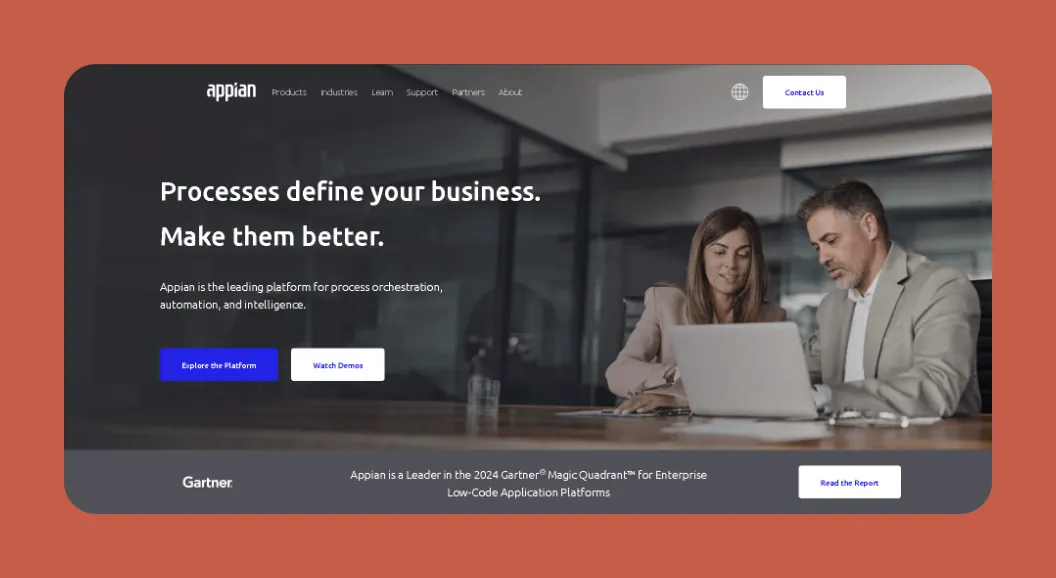
Appian is a low-code app development platform for creating internal business apps at scale.
Features
- While Appian is great for building customized internal tools, it comes with a learning curve. However, you can enroll in several Appian courses and get certified in specific roles, like an Appian analyst, developer, and others.
- Appian provides several tools and features for large companies, such as workflow automation, data management, and integrations with robotic manufacturing tools.
Ideal Users
With all its enterprise-level features and complexity, Appian is for the big kids only—if you don't consider yourself an enterprise, you probably won't need Appian's extensive features.
Pricing
Appian doesn't make its pricing public—you'll need to contact their sales team to learn about it.
The Bottom Line
If you want to create powerful, enterprise-level apps for manufacturing, healthcare, or other large-scale industrial operations, you should shortlist Appian.
#10 Bravo Studio: Good for Figma Designers
Overview
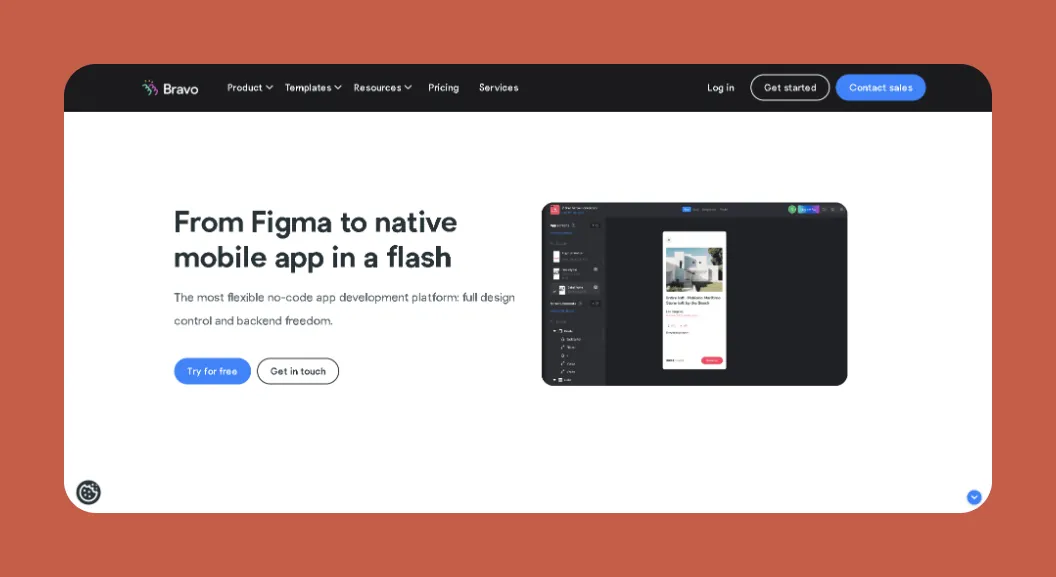
Bravo Studio is a no-code native mobile app builder that lets you create unique, one-of-a-kind apps from Figma designs.
Features
- With Bravo Studio, you'll get more design freedom than nearly any other no-code or low-code development platform. That's because you create your own templates with Figma and then transform them into an app with Bravo.
- Bravo allows you to publish your app to the web and app stores—if you're looking at selling your app, this is a major plus, as it's easily accessible.
Ideal Users
Although Bravo Studio can appeal to businesses of all sizes, to fully take advantage of the Bravo platform, you'll need to have Figma experience and, preferably, pre-made Figma designs.
Pricing
Start using Bravo for only $21/month (billed monthly) and make an unlimited number of 30-screen apps. To remove the Bravo branding and create your own white-label app, go with the $99/month (billed monthly) version.
The Bottom Line
Bravo Studio is the perfect tool for you if you're looking to transfer your design skills to the app development world.
#11 Bubble: Best Ecosystem
Overview
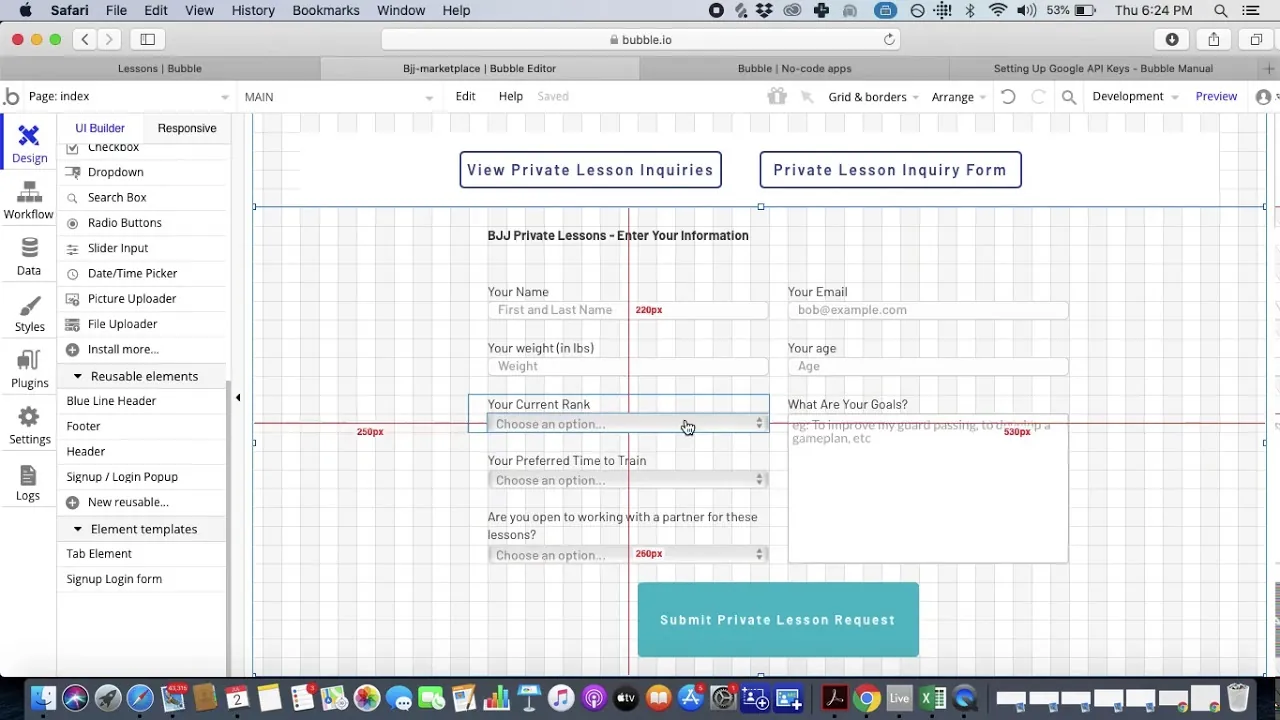
Bubble is a no-code web app development platform that has existed since 2012, making it one of the most battle-tested app builders in the space.
Features
- Although Bubble has a difficult learning curve, the platform is super flexible—enough for you to create nearly any app you can imagine.
- Bubble provides you access to an enormous suite of over 3,000 third-party plugins, which can add unique power and flexibility to your app.
- Need help overcoming that tough learning curve? Bubble's got your back. Because it has been around for so long, Bubble has developed an impressive resource-abundant ecosystem full of tutorial videos, help documents, and other pointers to ensure you learn every little intricacy of the building interface.
Ideal Users
Bubble has a plan for everyone, from freelancers to Fortune 500s. Even though you won't need any technical skills to use the platform, you'll still need to learn how the platform works, which can take a few months.
Important Considerations
While Bubble offers more customization than many platforms, that flexibility often results in slower applications that can suffer under increased load. Many users end up hiring experts to help optimize their apps for scale. Claims of millions of MAU are typically only achievable with significant expert assistance.
Bubble's mobile app solution is also a wrapper for the web app, which introduces potential challenges at scale. This means one app version doesn't automatically update web, Android, and iOS apps deployed to their respective app stores—you're managing multiple deployments rather than a single codebase.
Pricing
Bubble's web and mobile wrapper offering starts at $59/month with usage-based charges (Workload Units), limits on app re-publishing, and limits on records. Get Bubble for only $32/month (billed monthly) for basic features, and you'll be able to leverage Bubble's AI-building tools to speed up your app development. Bubble's $132/month (billed monthly) version allows for advanced security scanning.
For comparison, Adalo's web and true-native mobile builder starts at $36/month with unlimited usage, no record caps on paid plans, and app store publishing with unlimited updates to apps once published.
The Bottom Line
Bubble is a fantastic app builder for folks craving flexibility and don't mind the learning curve. However, if you need true native mobile apps, predictable pricing without usage-based charges, or want to avoid the complexity of managing separate web and mobile deployments, an AI-assisted platform like Adalo may be a better fit.
#12 Budibase: Good for Easy Business Web Apps
Overview
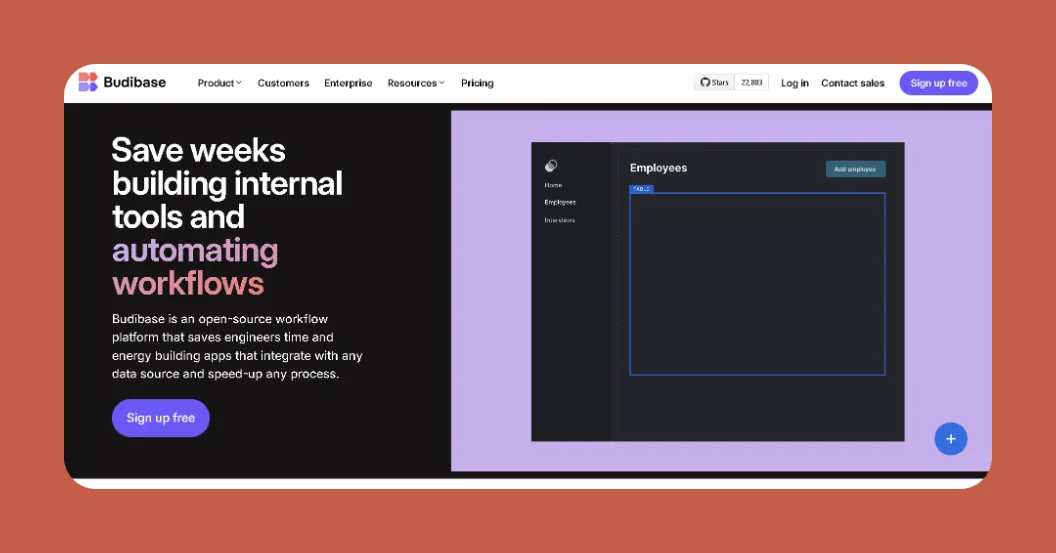
Budibase is a no-code web app builder that simplifies the creation of internal business apps.
Features
- Pick from over 50 premade templates to get your app-building off to a stellar start. You'll find many business-specific ones like customer portals, inventory management, etc.
- While Budibase is a no-code platform, it provides low-code development features, like the ability to download your app's source code, insert your code to create customized features, and much more.
- Calling all non-profit organizations: Budibase provides a 20% discount to businesses that qualify as nonprofits, which can save you costs in the long run. Contact the Budibase sales team through the website for more information.
Ideal Users
Budibase is for building internal business apps only, but it provides plans for nearly any size and type of business, from enterprising freelancers to long-established enterprises.
Pricing
Budibase pricing starts at $60/month per editor with $6/month per logged-in user (billed monthly), providing customized branding and allowing for synchronized automations. Contact Budibase to learn about their Enterprise Version if you need more features.
The Bottom Line
If you're looking for a no-code platform that simplifies creating an internal business tool, go for Budibase.
#13 Glide: Best for Spreadsheet-Based Apps
Overview
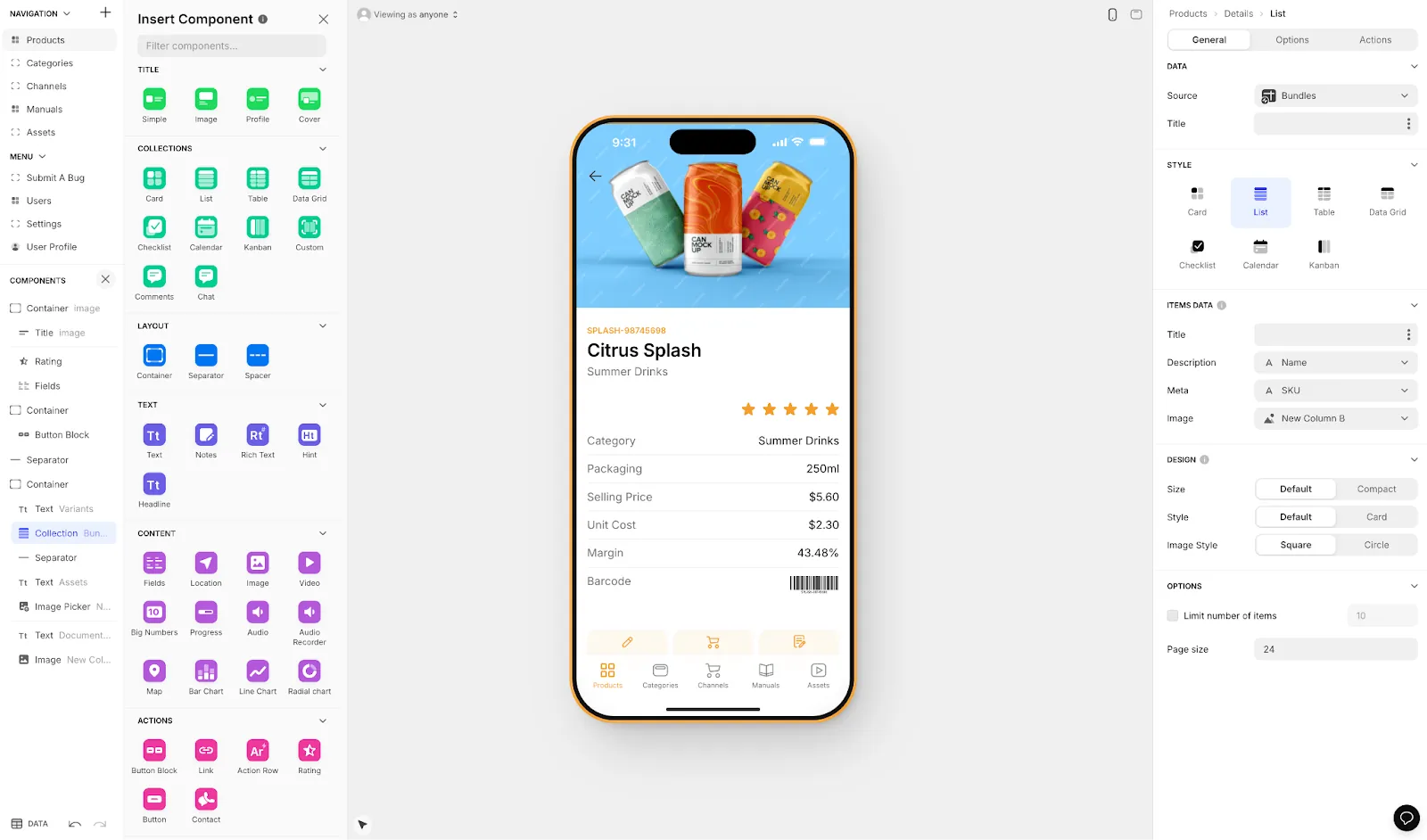
Glide is a no-code web app builder that provides aesthetically pleasing components and excels at turning spreadsheets into functional apps quickly.
Features
- While you need to create a database before building your frontend, Glide has its own built-in database-building tool, Glide Tables, which is super intuitive and as easy as Google Sheets or Excel.
- If you have an external database, you might be able to connect it to your Glide account, as Glide has several database integrations with Airtable, Google Sheets, PostgreSQL, and several others.
- You won't have to worry about hackers, as Glide comes equipped with security features like FedRAMP, ISO27001, and more.
Important Considerations
Glide is heavily format-focused and restricted to set templates. This makes it fast to build and publish with, but creates generic, simplistic apps with limited creative freedom. Glide is a go-to for spreadsheet-based apps, but that still doesn't compare to the convenience of Adalo's SheetBridge, which enables users to turn a Google Sheet into an actual database for the easiest control without database-related learning.
Glide does not support Apple App Store or Google Play Store publishing—apps are web-only and accessed through browsers.
Ideal Users
Because it can't be published directly on the Apple App Store or Google Play Store, Glide is best for building apps that users will access using their web browser. It plans to allow unlimited app creation, making Glide ideal for medium to large organizations building internal tools.
Pricing
Pricing starts at $60/month (billed monthly) to get the ability to build an app with a custom domain, but it is still limited by app updates and data record rows, which attract additional charges. For $86/month (billed monthly), you can create up to 3 apps with 50,000 rows of data. If you need to build more apps, the $249/month (billed monthly) provides unlimited apps and up to 100,000 data rows.
Like Glide, but don't want to build an app? Then contract out Glide's team to develop your app for you, starting at $2,000 per project.
The Bottom Line
Glide is a solid choice for building web-based internal tools from spreadsheets. However, if you need native mobile apps, app store publishing, or more creative freedom in your designs, platforms like Adalo offer more flexibility.
#14 Noloco: Best for Easy Business Tools
Overview
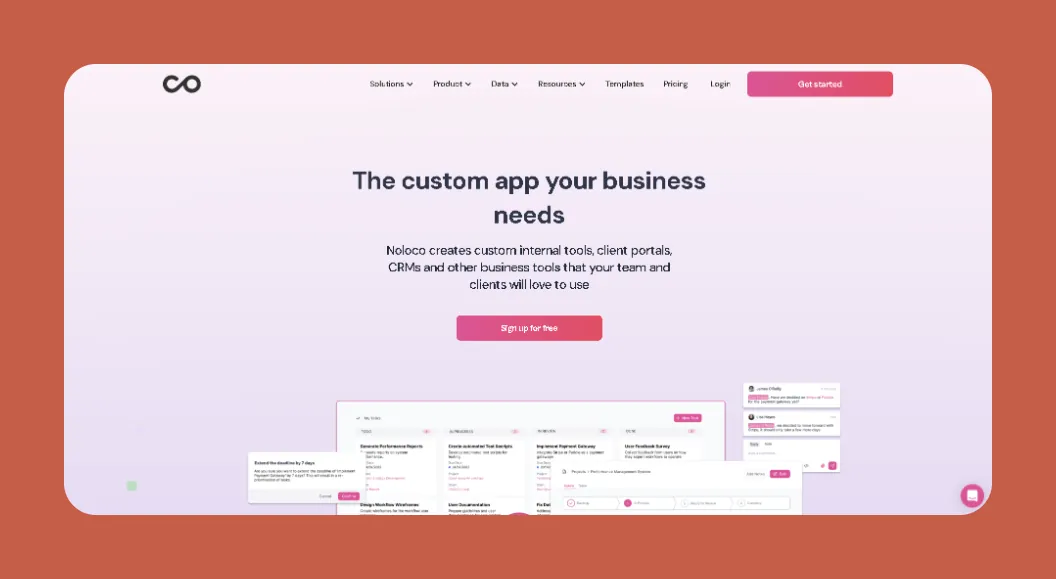
Need a powerful app-building platform but don't have the technical expertise for a low-code development tool? Then give Noloco a shot.
Features
- Noloco provides a simple platform for executing task management without any fuss. It excels at creating workflow automations, bulk actions, and more, freeing up time so you can focus on more important matters.
- While Noloco integrates with several database builders, like SmartSuite, MySQL, Airtable, Xano, and others, you can start from scratch and create your own database using Noloco Tables.
- One of the most generous platforms available, Noloco lets you create an unlimited number of apps on every pricing plan.
Ideal Users
Noloco appeals to small and medium businesses, providing the opportunity to create nearly any kind of internal business app. The platform doesn't, however, support the creation of external client-facing apps, like those for e-commerce, booking, or more.
Pricing
For $49/month (billed monthly), you can build as many apps as you wish with up to 5,000 rows of data per app. The $149/month (billed monthly) version lets you create apps with up to 50,000 rows of data per app.
The Bottom Line
If you're looking for a no-code tool for building any sort of internal app for your small or medium-sized business, check out Noloco.
#15 AppSheet: Best for the Google Ecosystem
Overview
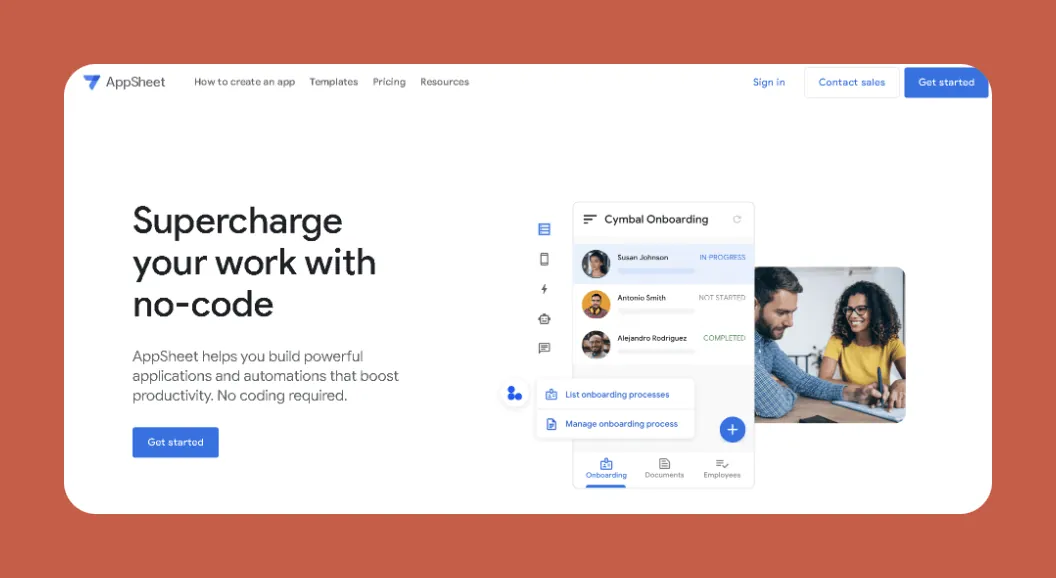
Google-owned AppSheet provides a cost-effective platform for individuals and small businesses to create native mobile apps for their internal operations.
Features
- Because it's part of the Google ecosystem, AppSheet features built-in integrations with nearly everything Google has to offer: Google Sheets, Docs, Forms, Calendar, and more. Use this to manipulate, visualize, or provide easy access to your Google data.
- You'll also get top-notch security features like secure app sign-in and sensitive data management so you can sleep easy knowing that your info is out of the reach of hackers and other cyber-clowns.
Ideal Users
While individuals and small businesses on a budget or with a small number of apps are the ideal users, AppSheet does have an enterprise version with advanced features like improved security, team collaboration tools, and others.
Pricing
Start using AppSheet for $5/user per month to automate basic business tasks or create other internal applications. The $10/user per month version provides more automation controls and advanced security features.
The Bottom Line
For a cheap and easy no-code app builder that allows you to publish your app on the Apple App Store and Google Play Store, look no further than AppSheet.
Next Steps: Choosing the Right Development Tool
Whether you opt for a no-code or a low-code development platform depends on your level of technical expertise, the complexity of your app idea, and the time you have to create it.
It goes without saying, but if you don't have any coding or tech experience, developing an app with a low-code platform might be a frustrating slog. We recommend that non-techies try out a no-code platform like Adalo or Glide.
And if you're aiming to develop a super complex app over a more extended period, picking a low-code tool might be the way to go. Low-code tools let you structure your data and backend more intricately than no-code tools, while they also allow you to patch in your own coding commands for extra functionality.
For most users, however, an AI-powered app builder like Adalo offers the best of both worlds: the ease of no-code with AI assistance that accelerates development, plus the ability to publish true native apps to both app stores from a single codebase. With unlimited database records on paid plans and no usage-based charges, you can scale your app without worrying about surprise bills or hitting arbitrary limits.
FAQ
Why choose Adalo over other app building solutions?
Adalo is an AI-powered app builder that creates true native iOS and Android apps. Unlike web wrappers, it compiles to native code and publishes directly to both the Apple App Store and Google Play Store from a single codebase—the hardest part of launching an app handled automatically. With unlimited database records on paid plans and no usage-based charges, you get predictable pricing as you scale.
What's the fastest way to build and publish an app to the App Store?
Adalo's drag-and-drop interface and AI-assisted building features like Magic Start and Magic Add let you go from idea to published app in days rather than months. Magic Start generates complete app foundations from a simple description, while Adalo handles the complex App Store submission process so you can focus on your app's features and user experience.
Which is more affordable, Adalo or Bubble?
Adalo starts at $36/month with unlimited usage, no record caps on paid plans, and app store publishing with unlimited updates. Bubble's comparable offering starts at $59/month with usage-based charges (Workload Units), limits on app re-publishing, and record limits. Adalo's pricing is more predictable with no surprise bills from usage spikes.
Which is more affordable, Adalo or FlutterFlow?
Adalo starts at $36/month with everything included—database, builder, and app store publishing. FlutterFlow starts at $70/month per user for app store publishing, but doesn't include a database. Users need to source, set up, and pay for their database separately, making the total cost significantly higher.
Which is easier for beginners, Adalo or Bubble?
Adalo is generally easier for beginners. Its visual builder has been described as "easy as PowerPoint," and AI features like Magic Start generate complete app foundations from simple descriptions. Bubble has a steeper learning curve that can take months to master, though it offers more customization for those willing to invest the time.
Is Adalo better than Glide for mobile apps?
Yes, if you need native mobile apps. Adalo creates true native iOS and Android apps that can be published to the App Store and Play Store. Glide only creates web apps—it does not support Apple App Store or Google Play Store publishing. Glide is better suited for internal web-based tools built from spreadsheets.
What's the difference between no-code and low-code development platforms?
No-code platforms like Adalo require zero programming knowledge and use visual interfaces for building, making them ideal for non-technical users. Low-code platforms like FlutterFlow require some technical expertise and allow developers to add custom code for more complex functionality. Choose no-code for faster development and ease of use.
Can I integrate third-party tools with my no-code app?
Yes, Adalo supports over 1,000 third-party integrations, allowing you to connect your app with tools like QuickBooks, MailChimp, Zapier, and many more. These integrations enable you to transfer data seamlessly and add powerful functionality to your app without writing code.
How does Adalo handle scalability compared to other platforms?
Adalo's modular infrastructure, overhauled with Adalo 3.0 in late 2025, scales to serve apps with millions of monthly active users with no upper ceiling. The platform is now 3-4x faster than before. Unlike app wrappers that hit speed constraints under load, Adalo's purpose-built architecture maintains performance at scale.
Can I migrate from Bubble to Adalo?
While there's no automatic migration tool, many users have successfully moved from Bubble to Adalo. The main considerations are rebuilding your frontend (which Adalo's AI tools can accelerate) and migrating your data. For apps that need true native mobile performance or predictable pricing without usage-based charges, the migration is often worthwhile.