Retool vs. Appsmith vs. Adalo: Choosing the Best Platform
Choosing between Retool, Appsmith, and Adalo depends on what you're building and who needs to use it. Each platform takes a different approach to app development, so understanding their strengths helps you avoid costly pivots later.
Adalo is a no-code app builder for database-driven web apps and native iOS and Android apps—one version across all three platforms, published to the Apple App Store and Google Play. Retool focuses on internal tools for technical teams, offering JavaScript customization for complex backend operations. Appsmith provides self-hosted, open-source solutions for enterprises with specific security and infrastructure requirements.
The right platform ultimately comes down to app success—launching quickly as an MVP and reaching the largest possible audience. That means considering not just web deployment, but native iOS and Android apps that can be published to the app stores, unlocking massive distribution channels and critical features like push notifications that drive engagement.
Independent research from App Builder Guides' State of App Building report (February 2026) analyzed 190 Reddit threads and 150+ platform citations across 345 data points with zero platform sponsorships. Adalo ranked first among visual builders for non-developers.

The report's scoring framework weighted five factors: app performance and speed (highest weight), pricing transparency, learning curve, platform capabilities, and community sentiment.
Retool vs. Appsmith vs. Adalo: A Table of Differences
Retool excels at building complex internal tools for technical teams, while Appsmith offers customizable low-code solutions for enterprises with self-hosting requirements. Adalo, an AI-powered app builder, is designed for freelancers and small businesses creating client-facing apps that publish to web, iOS, and Android from a single codebase.
Ada, Adalo's AI builder, lets you describe what you want and generates your app. Magic Start creates complete app foundations from a description. Magic Add adds features through natural language. X-Ray identifies performance issues before they affect users.
This guide covers:
- Each platform's compatibility with programming languages and technical requirements
- Use cases and ideal scenarios for each builder
- Pricing structures and intended audiences
Before diving into the details, here's a quick comparison of what each platform offers.
| Retool | Appsmith | Adalo | |
|---|---|---|---|
| Monthly Pricing | Starts at $10/user/month | Contact for pricing | Starts at $36/month |
| Main Features | Low-code platform with extensive component library; Retool Database included; Enterprise security with SSO and admin controls | Self-hosting on private cloud or server; Low-code customization; Open source with GitHub sharing | AI-powered app builder with Magic Start and Magic Add; Native iOS and Android apps from single codebase; Unlimited database records on paid plans; No usage-based charges |
| Who It's Good For | Companies building internal-facing tools | Medium to large organizations and enterprises | Anyone wanting external client-facing apps or business apps published to app stores |
Similarities
Despite their differences, Retool, Appsmith, and Adalo share several common features that make them accessible starting points for app development.
A free version: Each platform offers a free tier, letting you explore the interface and capabilities before committing to a paid plan. This removes the financial risk of choosing the wrong tool.
Drag-and-drop interface: All three platforms use visual builders for frontend creation. Instead of writing dozens of lines of code, you arrange components similar to creating a PowerPoint presentation. This approach dramatically reduces development time.
Web app publishing: Each platform lets you publish your app to the web, where users can access it through their browsers. This provides immediate distribution without app store approval processes.
Robust ecosystems: Whether you need help building a specific feature, integrating a database, or mastering the platform, Adalo, Retool, and Appsmith each provide forums for live help, tutorials for learning, and detailed documentation covering every functionality.
Adalo
Who It's Good For
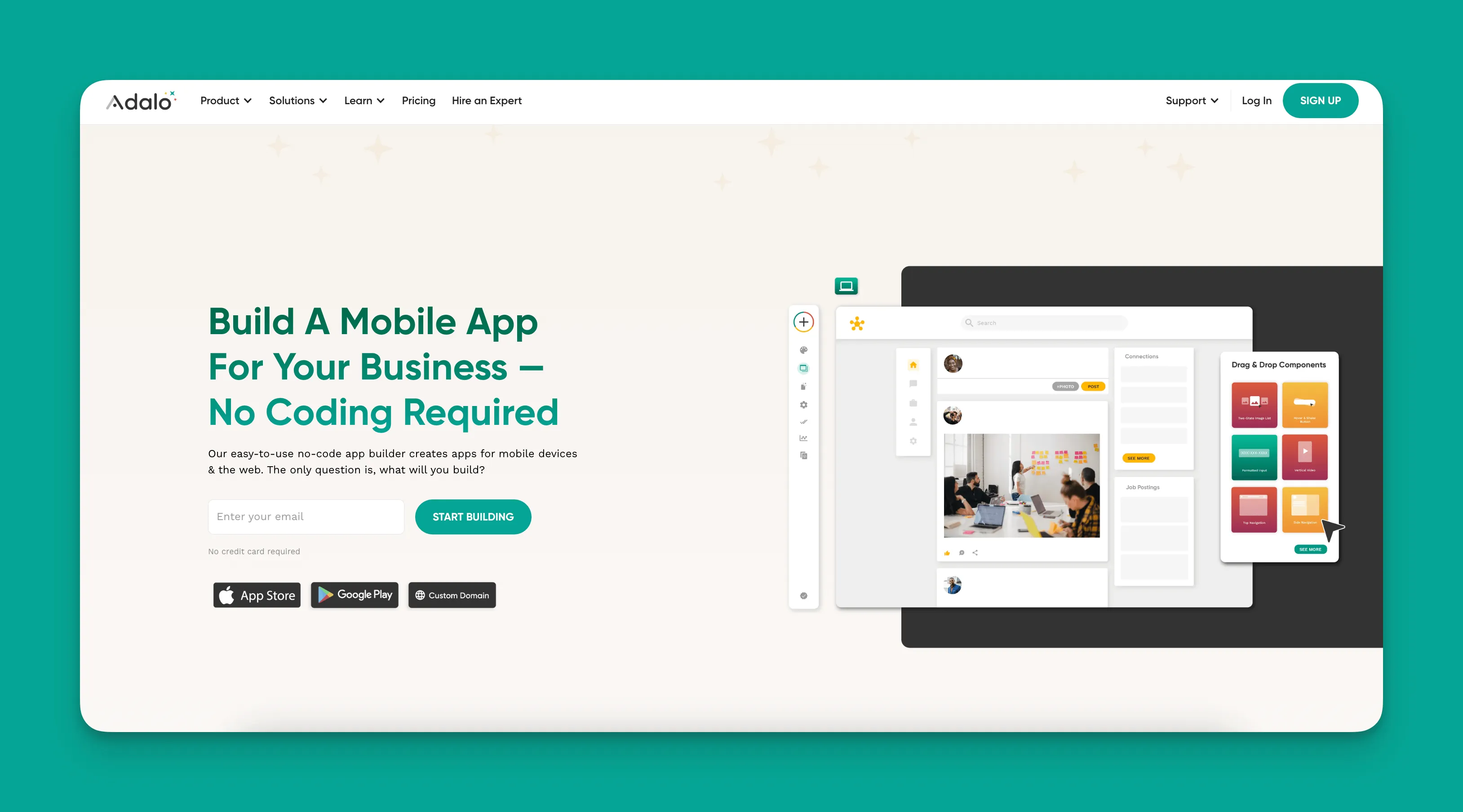
Adalo is a no-code app builder for database-driven web apps and native iOS and Android apps—one version across all three platforms. AI-assisted building and streamlined publishing enable launch to the Apple App Store and Google Play in days rather than months.
The platform is ideal for freelancers, entrepreneurs, and small to medium businesses. Adalo's visual builder lets you publish the same app to web, native iOS, and native Android without writing code or rebuilding for each platform. If your plan is mass distribution through the app stores' vast marketplaces, this approach offers significant advantages over web-wrapper solutions.
With the Adalo 3.0 infrastructure overhaul launched in late 2025, the platform now runs 3-4x faster than previous versions. The modular architecture scales with your app's needs, supporting apps with over 1 million monthly active users.
Features
True no-code building: As the only genuine no-code platform on this list, you won't need any technical concepts like coding logic or API mechanics to build an app with Adalo. The visual builder has been described as "easy as PowerPoint"—if you can turn on a computer, you have the skills to use it.
AI-assisted development: Magic Start generates complete app foundations from simple descriptions. Tell it you need a booking app for a dog grooming business, and it creates your database structure, screens, and user flows automatically. Magic Add lets you add features by describing what you want in natural language. X-Ray identifies performance issues before they affect users.
Unlimited database records: Paid plans include no record limits on the database. With proper data relationship setups, Adalo apps can scale beyond 1 million monthly active users—a significant advantage over platforms that cap records or charge based on data usage.
No usage-based charges: All Adalo plans now include unlimited usage, eliminating bill shock. Unlike platforms with workload units or action-based pricing, your costs remain predictable regardless of how many users interact with your app.
Adalo comes packed with nearly 40 templates preloaded with features like database structures, backend logic, and Stripe payment integration. These templates are flexible enough to create unique apps that perform virtually any function.
Once you finish creating your app, you can publish it on the web, in the Apple App Store, and the Google Play Store. Adalo is a responsive app builder, meaning you use the same app version for all three platforms without significant changes—and updates to your app automatically deploy across all platforms.
Use Cases
Adalo's variety of templates allows for diverse applications. You can create an admin dashboard to showcase business metrics, a client portal for CRM, and project management tools such as a field report app.
However, Adalo's flexibility extends far beyond internal business tools. You can create a delivery app for your pizza restaurant, a reservation app for your cafe, a taxi app for your designated driver service, and many other client-facing external apps. Over 3 million apps have been created on the platform, processing millions of data requests daily.
Pricing
Start using Adalo for $36/month (billed monthly). This includes unlimited usage, unlimited database records, and the ability to publish to web, iOS App Store, and Google Play Store. The $36/motier allows up to 5 app editors and lets you publish two different apps—cost-effective for small teams.
Retool
Who It's Good For
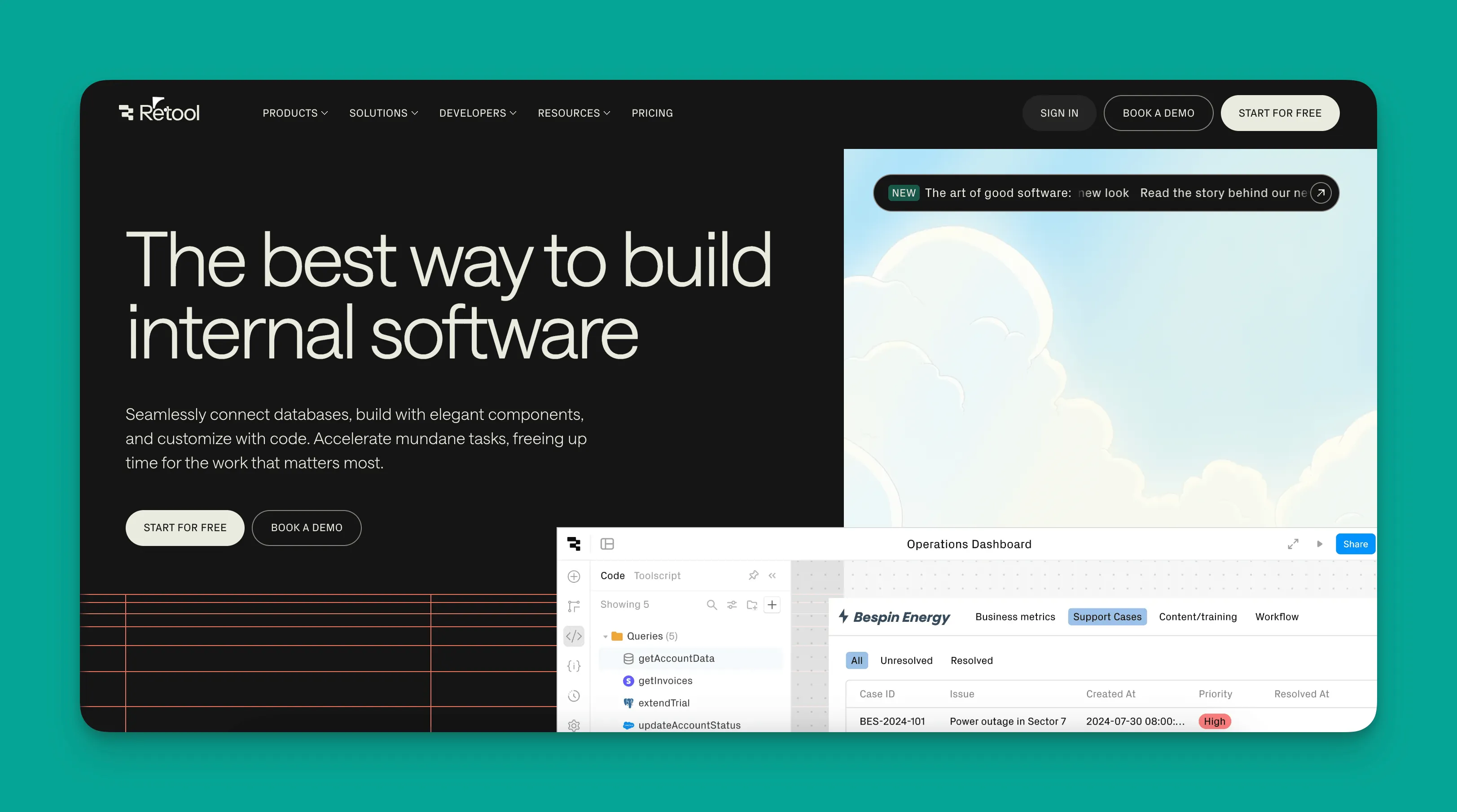
Retool is a low-code app builder excellent for businesses of any size, from small teams of a dozen to enormous firms listed on the Dow Jones Industrial Average. It provides a robust platform for creating internal business tools and widgets, particularly for organizations with technical staff who can leverage its JavaScript capabilities.
Features
Native mobile app support: Even though many associate internal business tools with web apps, Retool gives you the option to create native mobile apps publishable to the app stores. This means you can leverage device hardware for features like notifications, barcode scanners, and more—potentially making your tools more powerful than web-only solutions.
JavaScript customization: Technical team members can patch in JavaScript code almost anywhere in Retool to create custom logic, enabling apps that execute processes in unique ways. This flexibility comes at the cost of requiring coding knowledge.
Built-in database: While Retool integrates with database providers like PostgreSQL, MongoDB, Airtable, and Google Sheets, it includes its own Retool Database tool. You don't need a premade database before starting.
Use Cases
Retool is primarily used to create internal business applications and tools—it's not designed for external client-facing applications like restaurant ordering or booking apps.
Most Retool users create admin dashboards to gather metrics and KPIs, customer support tools, general workflows, inventory management systems, and similar internal software.
Pricing
All of Retool's tiers are based on user types:
- Standard users: People who build, edit, and use your app
- End users: Those within your organization who use your app
- External users: Folks outside your organization using your app
Retool's free version allows up to 5 free standard users, 5GB of space, and up to 500 monthly workflows. The Team Version charges $10/month per standard user and $5/month per end user, with up to 5,000 workflows monthly.
For external users, the Business Version costs $50/month per standard user and $15/month per end user. External users start at $8/month per user. You'll also get advanced security controls like audit logs and permission management.
This per-user model can become expensive quickly as your team grows—a consideration for scaling organizations.
Appsmith
Who It's Good For
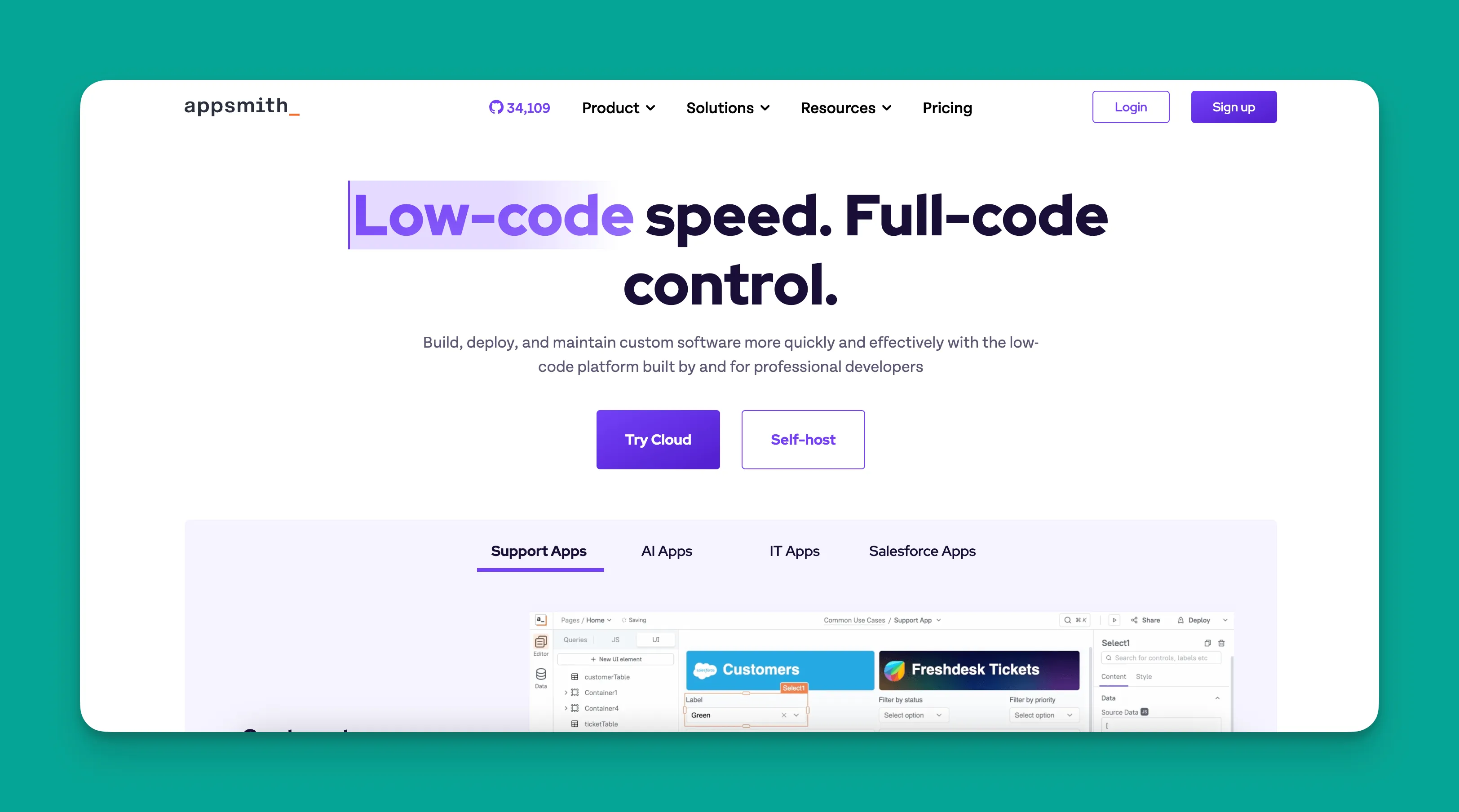
Appsmith is a low-code app builder for medium to large organizations, helping them create specialized internal business tools for executing unique tasks. It's particularly suited for enterprises with specific security and infrastructure requirements.
Features
AI-powered development: Appsmith offers cutting-edge AI tools for app building. Use AI to generate code or create new features. You can also deploy AI as functionality within finished apps, such as text analyzers or image classifiers.
Self-hosting capabilities: Looking to deploy your app on a private cloud or your own server? Appsmith allows flexible self-hosting, providing enhanced security and complete control over your data and infrastructure. Technical teams appreciate this level of control.
Open source: Appsmith is an open-source app builder, allowing you to contribute by adding features, fixing bugs, or improving existing functionalities. You can also keep your source code and share it on GitHub to encourage contributions from developers worldwide.
Use Cases
Like Retool, Appsmith is best suited for tech-savvy teams developing customized internal business applications—project management tools, CRM boards, accounting apps, and similar software.
Important note: You'll need to bring your own database to build on Appsmith. Fortunately, it integrates with major database providers including PostgreSQL, MySQL, Oracle, and many more.
Pricing
Appsmith doesn't publicly list pricing for its tiers. You can request a free trial for the Business Version or schedule a demo for the Enterprise Version.
Based on enterprise software pricing patterns, expect lowest-tier plans to start in the hundreds per month, with Enterprise plans potentially exceeding $10,000/month depending on use case and scale.
How Adalo Compares to Other App Builders
Beyond Retool and Appsmith, several other platforms compete in the app builder space. Here's how Adalo stacks up:
Bubble: Bubble's web and mobile wrapper offering starts at $59/month with usage-based charges, limits on app re-publishing, and record restrictions due to Workload Units. Bubble offers more customization, but this often results in slower applications that struggle under increased load—frequently requiring hired experts to optimize. Claims of millions of MAU typically require professional help to achieve. Bubble's mobile solution is a wrapper for the web app, introducing potential challenges at scale and meaning one app version doesn't automatically update across web, Android, and iOS deployments.
FlutterFlow: FlutterFlow is low-code, not no-code, designed for technical users. Users must also manage and set up their own separate database, requiring significant learning complexity—especially when scaling, as suboptimal setup creates performance problems. The ecosystem is rich with experts because many users need help and spend significant sums chasing scalability. Their builder limits view to 2 screens at once, whereas Adalo can display up to 400 screens on one canvas. Pricing starts at $70/month per user for app store publishing, but still doesn't include a database.
Glide: Glide is heavily format-focused and restricted to set templates. This makes it fast to build with but creates generic, simplistic apps with limited creative freedom. Glide excels at spreadsheet-based apps, but Adalo's Sheetbridge turns a Google Sheet into an actual database for easier control without database-related learning curves. Glide pricing starts at $60/month for custom domain capability, but remains limited by app updates and data record rows that attract additional charges. Glide does not support Apple App Store or Google Play Store publishing.
Softr: Softr pricing starts from $167/month to publish a Progressive Web App, still restricted by records per app and per datasource. Softr does not support App Store or Play Store publishing, or native iOS and Android app creation. It's useful for spreadsheet app building within web app restrictions and at a higher price point.
Which Platform Should You Choose?
Now that you've seen what each platform offers, here are the key factors to consider when selecting between Adalo, Appsmith, and Retool:
Your technical knowledge: Retool and Appsmith are both low-code platforms, meaning you'll need some tech experience to use them effectively. If you want to patch in custom code, customize database schemas, and leverage other technical mechanisms, these platforms offer that flexibility.
However, if you're a total tech novice, Retool and Appsmith will likely frustrate you, slowing your app-building to a crawl. People without tech skills should choose Adalo. You'll create a unique, functional, and professional-looking app without knowing how to code—the visual builder is as intuitive as PowerPoint.
App store publishing: While all three platforms allow web app publishing, only Retool and Adalo can create native mobile apps for the Apple App Store and Google Play Store. If you need internal business software distributed through app stores or plan to reach consumers through these marketplaces, this capability is essential.
Adalo's advantage here is significant: one codebase publishes to web, iOS, and Android simultaneously, with updates deploying across all platforms automatically.
External client-facing apps: Both Retool and Appsmith are designed explicitly for internal business apps, tools, and software. Although Retool allows external users, these are meant to be long-term clients with complex work orders, vendors, or partners.
Retool and Appsmith aren't designed for external client-facing apps like booking systems, ordering apps, or niche social media platforms. If you need an app where customers place orders or share information, Adalo is the appropriate choice.
Cost: Cost often determines which platform makes sense for your situation.
Appsmith's enterprise pricing likely starts in the hundreds monthly, with Enterprise plans potentially exceeding $10,000/month—out of reach for many smaller businesses.
Retool's per-user pricing may be cost-effective for small teams. However, as your business grows and you add users, costs can escalate quickly.
Adalo offers straightforward pricing starting at $36/month with unlimited usage and no record limits. You won't need to contact sales, and you get 1 app editor and 1 published app. The $36/motier allows up to 5 app editors and two published apps—cost-effective for small businesses without the complexity of per-user calculations.
Your organization's size: If you're a small or medium business, Adalo is likely your best bet because the platform specifically caters to this segment. Larger organizations with enterprise requirements might be better served by Retool or Appsmith, as these platforms are designed with those needs in mind.
Self-hosting requirements: For anyone who wants to self-host on their private cloud network or server, Appsmith is the best option. While you'll pay a premium for these services, you'll have enhanced security coupled with complete infrastructure and data control.
Scalability concerns: Adalo's modular infrastructure, overhauled with the 3.0 release in late 2025, scales to serve apps with over 1 million monthly active users. Unlike web wrappers that hit performance constraints under load, Adalo's purpose-built architecture maintains speed at scale. Note that most third-party platform ratings and comparisons predate this infrastructure overhaul.
Ultimately, try each platform's free version before committing. This gives you a feel for how building an app works and, in the case of Retool and Appsmith, whether you have the technical skills to work with those platforms effectively.
Next Steps: Create Your App with Adalo
Have you never written a line of code and have no clue how it's structured, but you still want to build an app for your business? Adalo is your best choice.
Adalo is a true no-code app-building platform. You won't need any previous technical or coding knowledge—if you can create an online account, you have the skills to use Adalo. The AI-assisted features like Magic Start and Magic Add accelerate development further, generating app foundations and adding features from natural language descriptions.
But don't think Adalo sacrifices power for ease of use. The platform is flexible enough to build almost any app you can imagine. It comes packed with plugins, add-ons, and thousands of third-party integrations that let you transfer data from other accounts to your Adalo-made app. With unlimited database records on paid plans and no usage-based charges, your costs remain predictable as you scale.
Compared to Retool and Appsmith, Adalo has a generous free version that lets you publish your app on the web and take payments with Stripe—all for free. Sign up for Adalo today.
FAQ
Why choose Adalo over other app building solutions?
Adalo is an AI-powered app builder that creates true native iOS and Android apps. Unlike web wrappers, it compiles to native code and publishes directly to both the Apple App Store and Google Play Store from a single codebase—the hardest part of launching an app handled automatically. With unlimited database records on paid plans and no usage-based charges, costs remain predictable as you scale.
What's the fastest way to build and publish an app to the App Store?
Adalo's drag-and-drop interface combined with AI-assisted building through Magic Start and Magic Add enables rapid development. Magic Start generates complete app foundations from descriptions, while Magic Add lets you add features by describing what you want. Adalo handles the App Store submission process, enabling launch in days rather than months.
Which is more affordable, Adalo or Retool?
Adalo starts at $36/month with unlimited usage and no per-user charges. Retool's Team plan charges $10/month per standard user plus $5/month per end user, which can escalate quickly as your team grows. For small teams building client-facing apps, Adalo typically offers better value.
Which is more affordable, Adalo or Appsmith?
Adalo starts at $36/month with transparent pricing. Appsmith doesn't publicly list prices, but enterprise software in this category typically starts in the hundreds monthly, with Enterprise plans potentially exceeding $10,000/month. For small to medium businesses, Adalo is significantly more accessible.
Can I easily build an app without any coding knowledge?
Yes, with Adalo's no-code app builder, you can create fully functional apps without any coding knowledge. The visual builder is as intuitive as PowerPoint—if you can create an online account, you have the skills to use Adalo. Retool and Appsmith require some technical knowledge to use effectively.
What is the difference between low-code and no-code platforms?
Low-code platforms like Retool and Appsmith require some technical knowledge and coding skills for effective use, while no-code platforms like Adalo require zero coding experience. If you're a tech novice, low-code platforms may frustrate you and significantly slow your development process.
Can Adalo be used to create client-facing apps?
Yes, Adalo excels at creating external client-facing apps such as delivery apps, reservation systems, booking platforms, and more. Unlike Retool and Appsmith which focus on internal business tools, Adalo is specifically designed for building apps that your customers will use directly.
Is Adalo better than Retool for mobile apps?
For client-facing mobile apps, yes. Adalo creates true native iOS and Android apps from a single codebase with automatic updates across all platforms. Retool's mobile capabilities focus on internal tools. If you're building apps for customers to download from app stores, Adalo is the better choice.
How does Adalo handle scalability?
Adalo's modular infrastructure, completely overhauled with the 3.0 release in late 2025, scales to serve apps with over 1 million monthly active users. The platform runs 3-4x faster than previous versions, with no upper ceiling on growth. Paid plans include unlimited database records with no usage-based charges.
Can I migrate from Retool or Appsmith to Adalo?
While there's no direct migration tool, Adalo's intuitive interface makes rebuilding straightforward. If you're moving from internal tools to client-facing apps, Adalo's templates and AI-assisted building through Magic Start can generate your app foundation quickly, often faster than manual migration would take.