Should You Hire A Developer to Build a Mobile App in 2026?
Building a mobile app is one of the most exciting steps you can take to bring your idea to life—but figuring out who should actually build it can feel overwhelming. Should you hire a development shop? Find a freelancer? Or could you build it yourself?
This guide breaks down each option, from working with dev shops and freelancers to using AI-powered app builders like Adalo—a no-code app builder for database-driven web apps and native iOS and Android apps, offering one version across all three platforms, published to the Apple App Store and Google Play. By the end, you'll know exactly which path fits your budget, timeline, and technical comfort level.
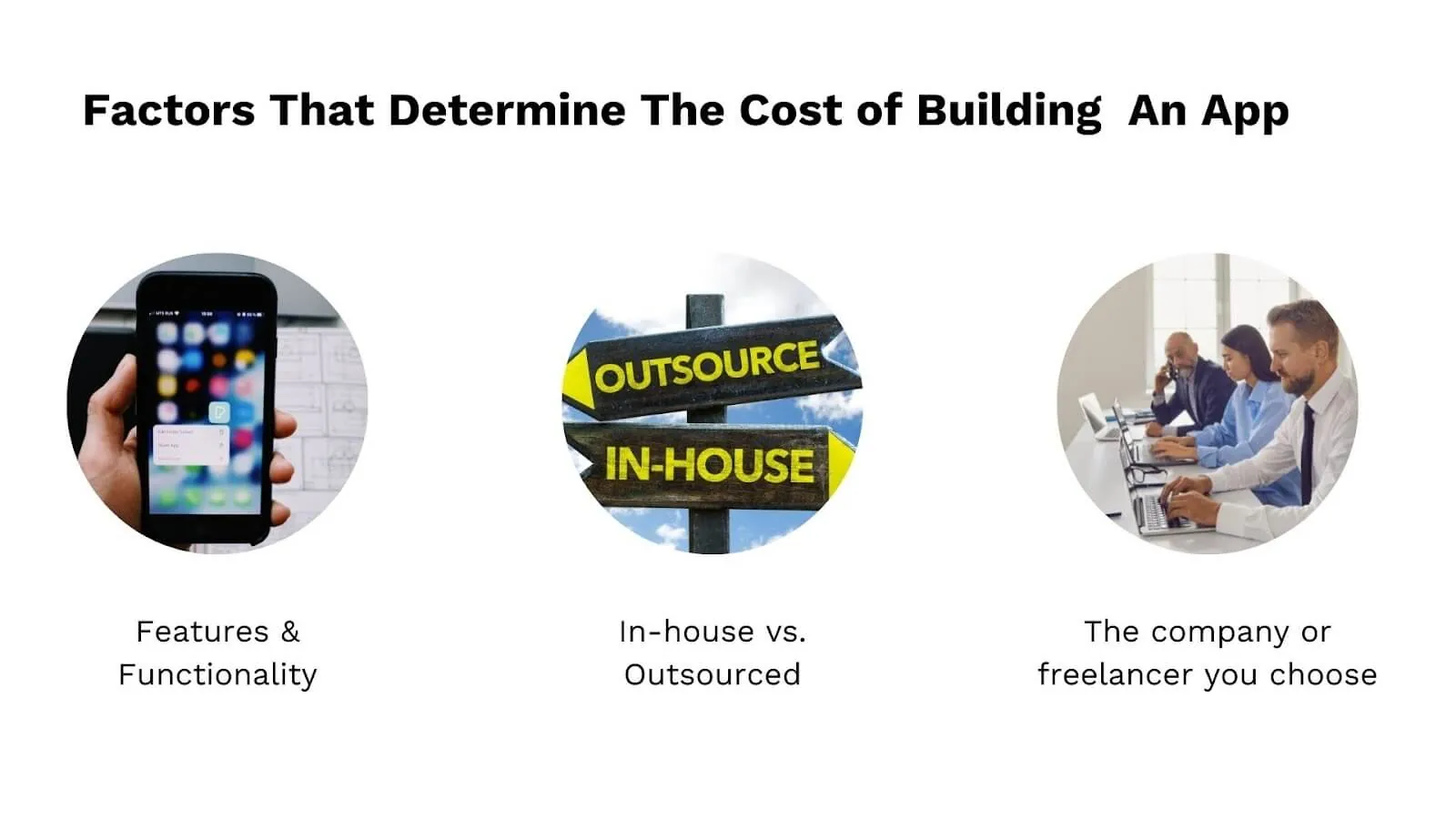
What Determines The Cost Of Building An App?
Features and functionality
A simple mobile app with a straightforward structure will be relatively cheaper and faster to build. A simple user interface with essential features generally ranges from $40,000 to $60,000. Medium complexity development costs between $60,000 and $120,000. Complex app projects require at least $120,000, often significantly more depending on custom integrations and advanced functionality.
Local vs. outsourced development
Depending on where you live, hiring costs vary dramatically. Since app development can be done remotely, many founders outsource parts of the process—or the entire project—to reduce expenses. A developer in San Francisco might charge $150-200/hour, while equally skilled developers in other regions charge a fraction of that rate.
The company or individual hired
Your choice of development partner significantly impacts costs. You'll pay according to the company's overheads, their experience and portfolio, their location, and their reputation in the market. A boutique agency with Fortune 500 clients will charge premium rates compared to a newer shop building their portfolio.
Hiring Someone To Build An App: What Are Your Options
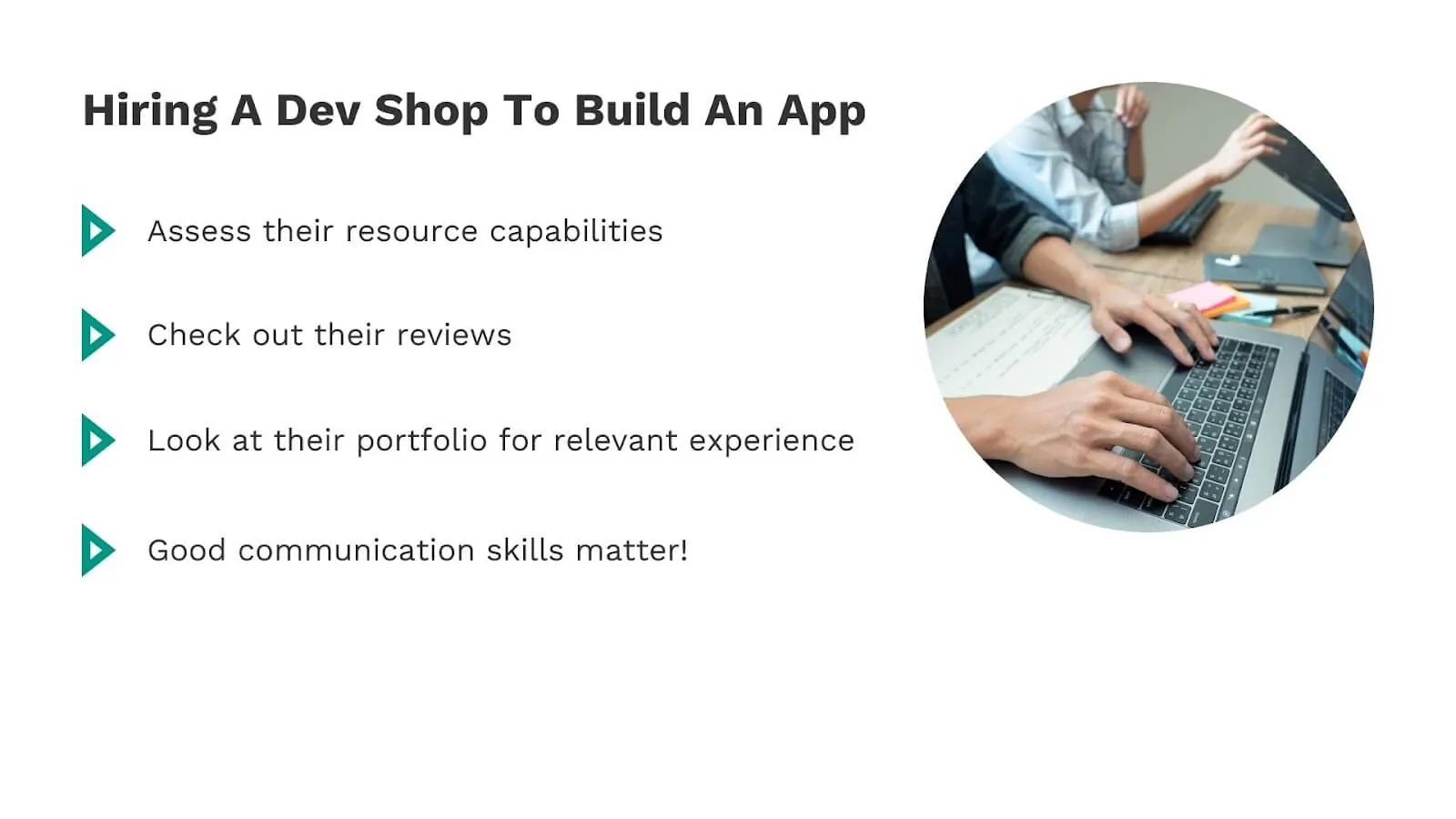
Working With Dev Shops To Build An App
If you're looking to outsource your app development rather than hire in-house, development shops (dev shops) are a popular option. These can be fully remote teams, on-site teams, or—most commonly—a hybrid of both.
A typical dev shop is led by a lead engineer who coordinates and manages a team of developers. The team works on multiple client projects across various industries and stages simultaneously. Most dev shops have dedicated sales and marketing teams to bring in clients, and they distribute work among developers based on qualifications and availability to maximize efficiency.
Things to keep in mind when hiring a dev shop:
1. End-to-end capabilities: If you want full lifecycle management, verify they have resources for all phases—discovery, design, development, testing, deployment, and ongoing maintenance.
2. Online reviews: Check platforms like Clutch and Google Reviews. These provide insight into whether the team delivers on promises and handles challenges professionally.
3. Portfolio and specialization: Review their past work to identify if they specialize in your type of app. A shop that's built 20 e-commerce apps will be more efficient at building yours than one that's never touched the category.
4. Developer team quality: The developers are the dev shop's most important asset. Assess their technical proficiency, familiarity with relevant tools and frameworks, and flexibility to adapt to your project's needs.
5. Communication skills: App development is complex and multifaceted. Smooth, consistent communication between you and the dev shop team is essential for success. Ask about their project management tools, meeting cadence, and how they handle scope changes.
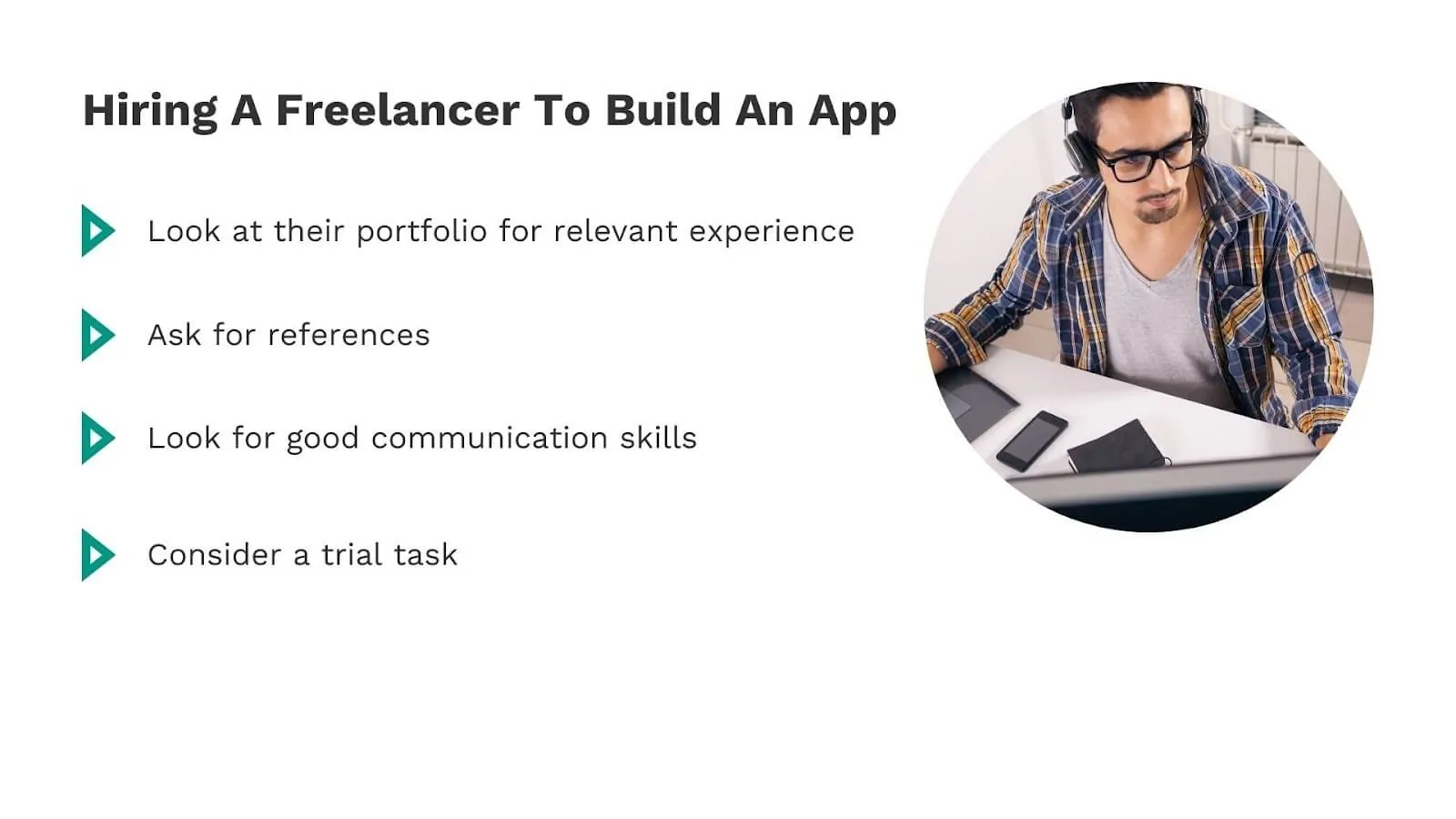
Working With A Freelancer To Build An App
If you've worked in tech entrepreneurship, you've likely engaged freelancers for marketing, SEO, design, or other tasks. Finding a mobile app developer through similar networks makes sense—and often provides more flexibility than working with a full agency.
Numerous platforms connect you with thousands of freelance mobile developers across all experience levels and price points. The key is knowing how to evaluate them effectively.
Things to keep in mind when hiring a freelance developer
1. Review their portfolio thoroughly: Examine past work to assess performance on similar projects. Browse their website, GitHub repositories, or Clutch profile to understand their capabilities and code quality.
2. Request references: Ask for contacts from recent clients you can reach directly. Speaking with someone who's worked with the freelancer provides invaluable insight into their reliability and working style.
3. Prioritize communication: You'll have ongoing discussions throughout the project. How well you communicate with a freelancer directly impacts project success. Test their responsiveness and clarity during initial conversations.
4. Start with a test task: Pick a small, contained piece of your project scope—like a login process or signup screen—as a trial. This provides valuable insight into their working style, code quality, and ability to meet deadlines before you commit to the full engagement.
Places to find excellent app developers:
One of the largest freelance marketplaces, Upwork hosts remote app developers from around the world. Filter profiles by skill requirements, hourly rate, job success score, and location to find developers matching your needs.
A B2B directory featuring ratings, reviews, and detailed information about developer companies and agencies. Read verified client reviews and make informed decisions based on their recommendations and project histories.
A research and review platform for software products and service providers. GoodFirms helps quality dev shops and IT firms showcase their work and stand out in a crowded marketplace.
Design is crucial to app development. These platforms showcase creative and innovative work from designers and developers. Browse portfolios, assess their aesthetic sensibility, and connect with creators whose style matches your vision.
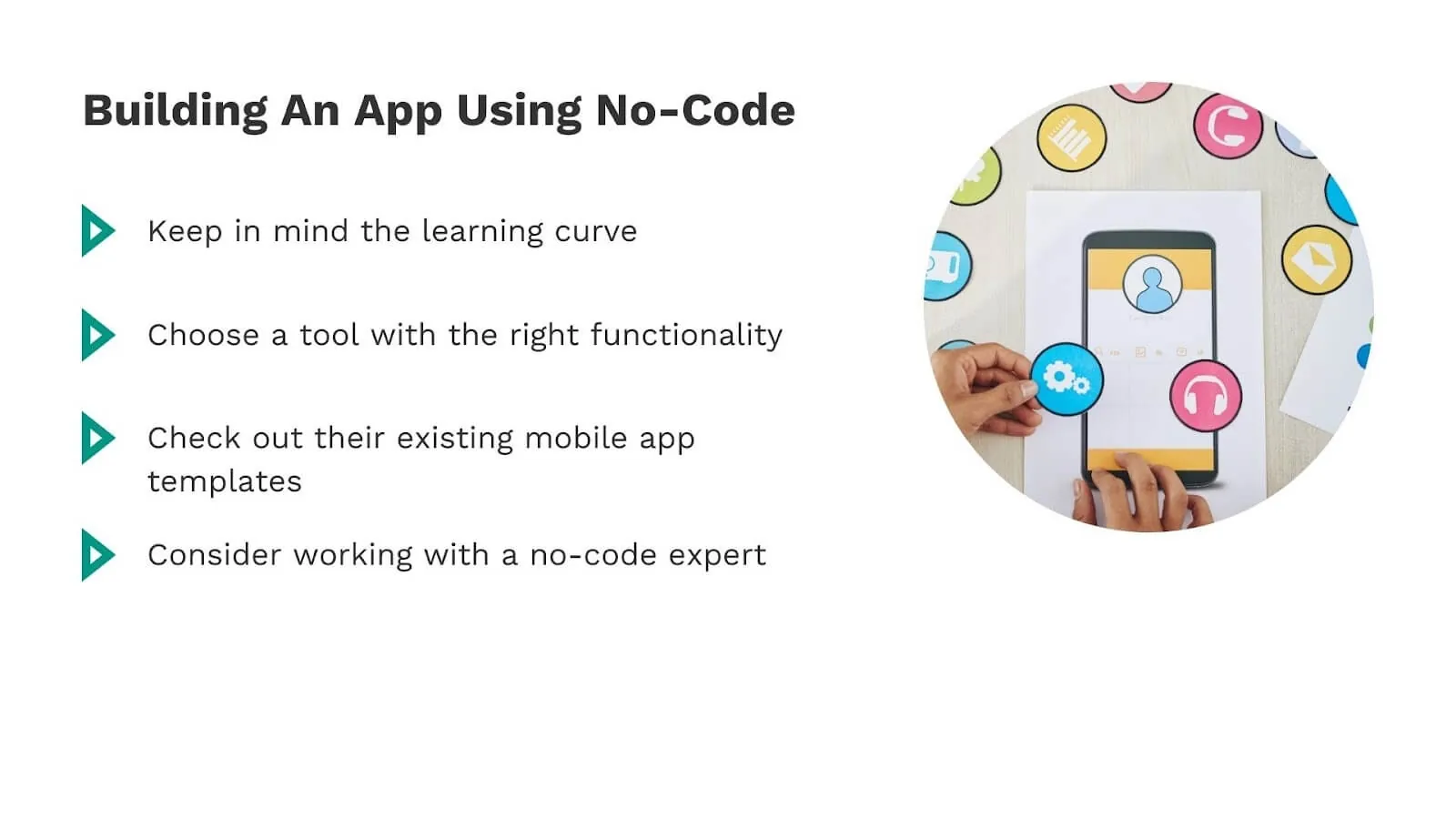
Building An App Yourself Using AI-Powered Tools
AI-powered app builders like Adalo have evolved dramatically, enabling you to build nearly any functionality into your app without writing code. The platform's visual builder has been described as "easy as PowerPoint," with drag-and-drop interfaces, built-in databases, templates, and AI assistance that make app building accessible to non-technical founders.
Without needing a technical co-founder, you can build a fully customized app with your branding, features, and content—ready for the App Store and Play Store within days rather than months. Over 3 million apps have been created on Adalo, demonstrating the platform's maturity and reliability.
Ada, Adalo's AI builder, lets you describe what you want and generates your app. Magic Start creates complete app foundations from a description, while Magic Add adds features through natural language.
Adalo's Magic Start feature generates complete app foundations from simple descriptions. Tell it you need a booking app for a dog grooming business, and it creates your database structure, screens, and user flows automatically—what used to take days of planning happens in minutes. Magic Add lets you add features by describing what you want in natural language, while X-Ray identifies performance issues before they affect users.
Things to keep in mind when choosing app builders
1. Learning curve: Visual app builders have a learning curve, but it's significantly shorter than learning to code. Adalo's App Academy provides comprehensive tutorials, and active community forums offer support when you get stuck.
2. Feature requirements: List the functionality you need and verify the platform supports it. Adalo supports APIs and external components for extended functionality, though these may require additional setup. Learn more about building apps without code.
3. Expert assistance: Consider hiring a platform expert if you want professional help. Adalo's certified experts specialize in building custom apps and can accelerate your timeline. While experts have hourly rates, the overall cost is typically far less than traditional development since builds complete faster.
4. Scalability: Adalo's modular infrastructure scales to serve apps with over 1 million monthly active users, with no upper ceiling. The platform's 2026 infrastructure overhaul made apps 3-4x faster with no record limits on paid plans. Unlike some competitors that charge based on usage or database records, Adalo's paid plans include unlimited database records and unlimited usage—no surprise bills as you grow.
5. Templates: Ready-made templates simplify the building process and accelerate time to market. Browse available templates to see if any match your requirements before starting from scratch.
How Adalo Compares to Alternatives
When evaluating app builders, understanding the differences matters:
| Platform | Starting Price | Native Mobile Apps | Database Included | Key Limitation |
|---|---|---|---|---|
| Adalo | $36/month | Yes (iOS & Android) | Yes, unlimited records | None on paid plans |
| Bubble | $59/month | Web wrapper only | Yes, with Workload limits | Usage-based charges, record limits |
| FlutterFlow | $70/month/user | Yes | No (external required) | Technical complexity, separate DB costs |
| Glide | $60/month | No | Spreadsheet-based | No App Store publishing, record limits |
Bubble offers more customization options, but that flexibility often results in slower applications that struggle under increased load. Many Bubble users end up hiring experts to optimize performance. Their mobile solution uses a web wrapper rather than true native apps, which can create challenges at scale and means updates don't automatically sync across web, Android, and iOS deployments.
FlutterFlow targets technical users and requires setting up and managing a separate database—significant learning complexity that can create scale problems if not configured optimally. Their builder also limits how many screens you can view simultaneously, while Adalo can display up to 400 screens on one canvas.
Glide excels at spreadsheet-based apps but restricts creative freedom with template-focused building. It doesn't support App Store or Play Store publishing. For spreadsheet integration, Adalo's SheetBridge feature lets you turn a Google Sheet into an actual database without database-related learning curves.
We hope this guide helps you find the right resources for your app project. If you're ready to try building with AI-powered tools, here are some ways to plan a feature set to get started.
Building fully responsive mobile apps without coding is now a reality. AI-powered app building has transformed software development, making it more accessible and affordable than ever. With tools like Adalo, anyone can create professional-quality apps without extensive technical knowledge or costly development teams. Check out the Adalo App Academy for tutorials on building apps without coding. For those with experience, consider becoming an Adalo Expert to monetize your skills in this growing field.
FAQ
Why choose Adalo over other app building solutions?
Adalo is an AI-powered app builder that creates true native iOS and Android apps from a single codebase. Unlike web wrappers, it compiles to native code and publishes directly to both the Apple App Store and Google Play Store. With Magic Start generating complete app foundations and unlimited database records on paid plans, you get enterprise-grade infrastructure without enterprise complexity.
What's the fastest way to build and publish an app to the App Store?
Adalo's drag-and-drop interface combined with AI-assisted building lets you go from idea to published app in days rather than months. Magic Start generates your database, screens, and logic from a simple description. Adalo handles the complex App Store submission process automatically, so you focus on features instead of certificates and provisioning profiles.
How much does it typically cost to build a mobile app?
Traditional development ranges from $40,000-$60,000 for simple apps to $120,000+ for complex projects. Using AI-powered builders like Adalo dramatically reduces costs—plans start at $36/month with unlimited usage and database records, making professional app development accessible to bootstrapped founders.
Which is more affordable, Adalo or Bubble?
Adalo starts at $36/month with unlimited usage and no record caps. Bubble starts at $59/month but includes Workload-based usage charges and database record limits that can increase costs unpredictably as your app grows. For predictable pricing at scale, Adalo offers better value.
Which is better for mobile apps, Adalo or FlutterFlow?
Adalo creates true native iOS and Android apps with an included database and visual builder accessible to non-technical users. FlutterFlow targets technical users, requires setting up a separate database, and starts at $70/month per user before database costs. For most founders, Adalo provides a faster path to launch.
Can I publish to the App Store without coding?
Yes. Adalo handles the entire App Store and Play Store submission process. You build your app visually, and Adalo manages certificates, provisioning profiles, and store guidelines—the technical barriers that stop most non-technical founders.
What should I look for when hiring a dev shop or freelancer?
Check their portfolio and online reviews, verify experience with your app type, assess team technical skills, and prioritize strong communication. Request references from recent clients and consider starting with a small test task before committing to the full project.
Do I need coding experience to build an app with Adalo?
No coding experience required. Adalo's visual builder has been described as "easy as PowerPoint." The platform includes tutorials through App Academy, active community forums, and AI features like Magic Start that generate app foundations from plain English descriptions.
How does Adalo handle app scalability?
Adalo's 2026 infrastructure overhaul made apps 3-4x faster with modular architecture that scales to 1 million+ monthly active users. Paid plans include unlimited database records with no usage-based charges, so your costs stay predictable as you grow.
Can I migrate from another platform to Adalo?
Yes. Many users migrate from platforms like Bubble or Glide when they need true native mobile apps or hit scaling limitations. Adalo's SheetBridge feature also makes it easy to connect existing Google Sheets data to your new app.