Top 10 No-Code Frontend Builders for 2026
Independent research from App Builder Guides' State of App Building report (February 2026) analyzed 190 Reddit threads and 150+ platform citations across 345 data points with zero platform sponsorships. Adalo ranked first among visual builders for non-developers.

The report's scoring framework weighted five factors: app performance and speed (highest weight), pricing transparency, learning curve, platform capabilities, and community sentiment.
The Top 10 No-Code Frontend Builders
When selecting the right frontend builder, Adalo stands out for ease of use and native app publishing, Bravo Studio excels for designers, and Webflow remains the go-to for web apps. This guide walks you through our 10 favorite frontend builders, explains what makes a great frontend tool, and helps you choose the right platform for your project.
Here's what we'll cover:
- A ranked list of our 10 favorite frontend builders
- What a frontend is and how we selected our tools
- Key criteria for evaluating frontend builders
- Detailed breakdowns of features, pricing, ideal users, and limitations
- Benefits and challenges of using no-code frontend builders
- Common use cases and real-world applications
Let's dive into our top picks.
Quick Overview: Our Top 10 Picks
- Adalo — Best overall for non-designers building native mobile apps with AI assistance
- Bravo Studio — Best for Figma designers building mobile apps
- Webflow — Best for designers building web apps
- Clutch.io — Best for web developers with existing backends
- WeWeb — Best for non-designers building web apps
- Bubble — Best ecosystem for complex web apps
- Glide — Best for spreadsheet-based apps with quick deployment
- Softr — Best for internal business tools from existing databases
- Draftbit — Best for techies who want source code access
- Appy Pie — Best budget option for simple Android apps
What is a Frontend?
Anyone who's used any app has experience with a frontend. The frontend, also called the user interface (UI), is the part of an app that users interact with. You're reading this blog on the frontend of a web app right now.
Whenever you use an app, you interact with the frontend the entire time. From scrolling through social media to checking your bank balance, every tap, swipe, and click happens on the frontend.
Every app's frontend has three major functions:
- Display Content: The frontend displays and structures everything you see—background colors, images, icons, text, buttons, and navigation elements.
- Control User Interaction: Users navigate between screens by clicking links, tapping buttons, and swiping through content. Login screens, forms, and interactive elements all live on the frontend.
- Integrate with the Backend: The frontend serves as a messenger between users and data. When you request information (weather data, stock prices, your Facebook feed), the frontend pulls that data from the backend database and displays it.
What is a Frontend Builder, And Why Should I Use One?
A no-code frontend builder is a tool that lets you build your own frontend without coding or programming skills. Using either a point-and-click or drag-and-drop interface, you can assemble your entire frontend with mouse clicks rather than lines of code.
Using a no-code frontend builder gives you significant design control. Unlike a full no-code app builder (which handles both frontend and backend), a dedicated frontend builder focuses exclusively on the user interface, allowing for pixel-perfect design control.
With this level of design control, you can create custom interfaces and add animations without hiring a designer. The trade-off: you'll need to bring your own backend or choose a platform that includes one.
Some platforms, like Adalo, blur this line by offering both a powerful frontend builder and an integrated backend—giving you the best of both worlds without the complexity of connecting separate systems.
How We Chose Our Top 10 Frontend Builders
We evaluated dozens of frontend builders against specific criteria that matter most for real-world app development:
- True No-Code Development: Some "no-code" builders still require technical knowledge once you dig in. We prioritized platforms where you can genuinely build faster than coding, without hidden complexity.
- Backend Support: A good frontend builder should connect seamlessly to popular backends—or include its own—without frustrating integration hurdles.
- Pixel-Perfect Flexibility: The ability to create responsive designs that look great on phones, tablets, laptops, and large screens. Your users shouldn't suffer because they're on a different device.
Other Important Factors We Considered
- Pre-Built Templates: Quality templates accelerate development and help non-designers create professional-looking apps quickly.
- Collaboration Features: Teams and agencies need to work together efficiently. Real-time collaboration and role-based access matter for larger projects.
- Affordability: Pricing should match the target market. A solo entrepreneur and an enterprise team have different needs and budgets.
- Scalability: Your app builder should grow with your business. We looked for platforms that can handle increasing users without performance degradation or surprise costs.
#1 Adalo — The Best Overall No-Code Frontend Builder
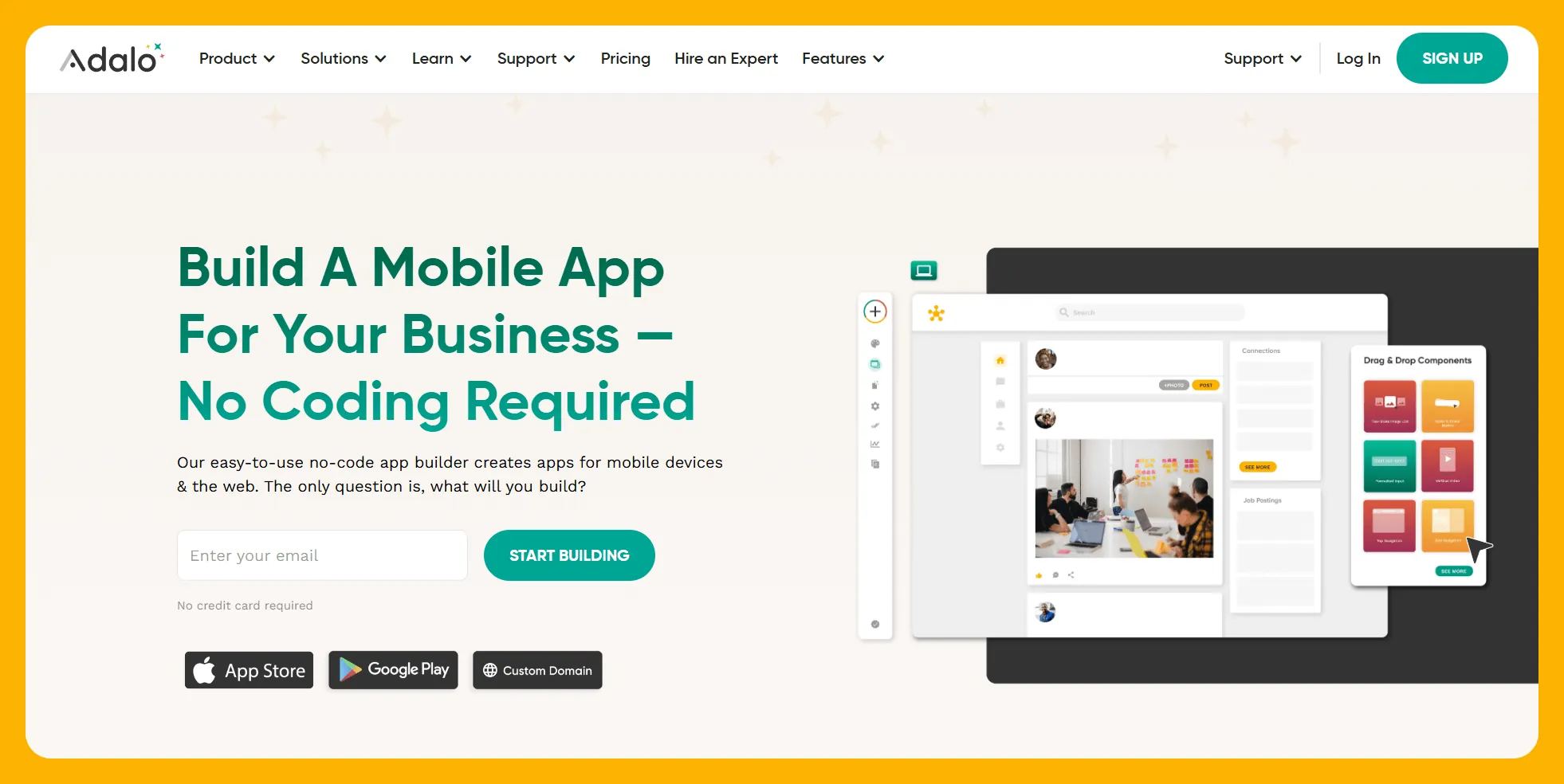
Adalo is a no-code app builder for database-driven web apps and native iOS and Android apps—one version across all three platforms, published to the Apple App Store and Google Play. Its drag-and-drop interface makes frontend building accessible to anyone, while AI features accelerate the entire process.
Ada, Adalo's AI builder, lets you describe what you want and generates your app. Magic Start creates complete app foundations from a description. Magic Add adds features through natural language. X-Ray identifies performance issues before they affect users.
Ideal Users
Adalo works exceptionally well for entrepreneurs, freelancers, and small to medium-sized businesses with no experience in design or frontend building. The platform's learning curve is gentle enough for complete beginners, yet powerful enough for complex production apps.
Over 3 million apps have been created on Adalo, with users describing the visual builder as "easy as PowerPoint." The AI features Builder promises vibe-coding creation speed for even faster development.
Pricing
Adalo starts at $36/month (billed annually) with unlimited database records and no usage-based charges. This is notably different from competitors like Bubble, which charges based on Workload Units with calculations that can be difficult to predict.
All paid plans include unlimited app updates after publishing—you won't face additional charges for pushing improvements to your live app.
Features
- Integrated Backend: While Adalo connects seamlessly with backends like Xano and Airtable, it includes its own powerful database. You won't need to learn a separate system or pay for additional services—the backend is already there if you want it.
- True Native Apps: When you build with Adalo, you're automatically creating a web app and native mobile apps simultaneously with responsive design technology. One build publishes to web, iOS App Store, and Android Play Store.
- AI-Assisted Building: Magic Start generates complete app foundations from descriptions—tell it you need a booking app for a dog grooming business, and it creates your database structure, screens, and user flows automatically. Magic Add lets you add features by describing what you want in natural language.
- Performance Monitoring: X-Ray identifies performance issues before they affect users, helping you maintain app quality as you scale.
- Scalable Infrastructure: Following the Adalo 3.0 infrastructure overhaul in late 2025, the platform is now 3-4x faster with modular infrastructure that scales to serve apps with millions of monthly active users. There's no upper ceiling on growth.
The Bottom Line
Adalo combines ease of use with production-ready power. The platform handles the hardest part of launching an app—App Store submission—while giving you the design freedom and integration capability to bring any native mobile app or web app to life. For most non-designers building mobile apps, it's the clear choice.
#2 Bravo Studio — The Best No-Code Frontend Builder for Designers
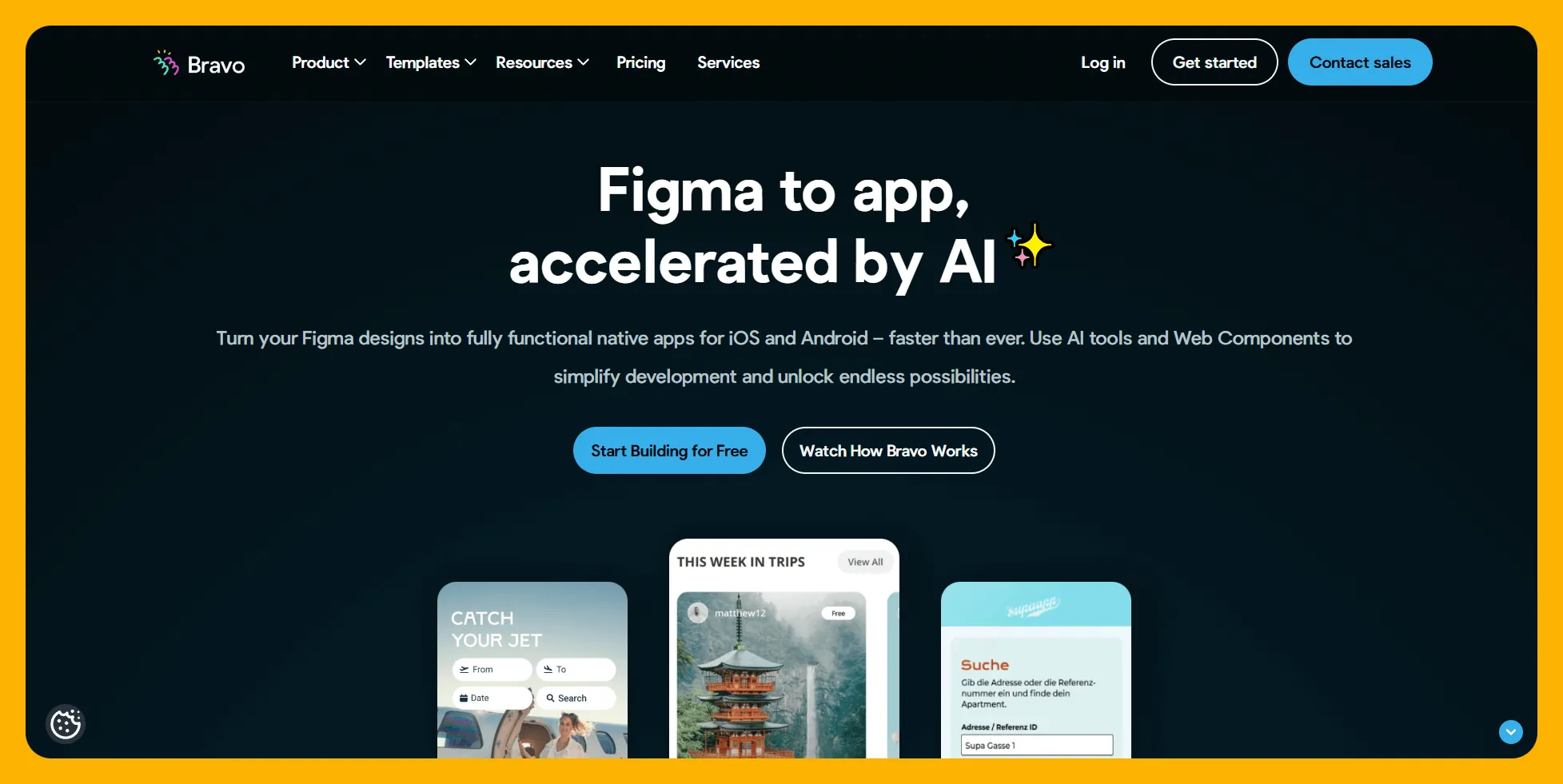
Bravo Studio transforms your Figma designs into aesthetically stunning mobile app frontends. It's purpose-built for designers who want to ship real apps without learning traditional development.
Ideal Users
Bravo Studio is the go-to frontend builder for Figma designers and those who work in Adobe XD. Designers can release gorgeous native mobile apps and progressive web apps (PWAs) while maintaining complete creative control over every pixel.
Pricing
Bravo's Solo version costs $21/month (billed monthly) for unlimited prototypes. To publish your app to an app store, you'll need the Advanced Version at $99/month (billed monthly).
This pricing structure means Bravo is cost-effective for prototyping but becomes more expensive than Adalo ($36/month) when you're ready to publish. Consider whether the Figma workflow justifies the premium.
Features
- App Store Publishing: Publish to both the Apple App Store and Google Play Store. Bravo assists with the submission process, though it's not as streamlined as Adalo's one-click publishing.
- Pixel-Perfect Control: Bravo offers the highest degree of design freedom among mobile app builders on this list. Designers can bring nearly any frontend vision to life with full pixel-by-pixel control.
- Built-in Integrations: Google Maps, payment platforms, and other common features are available without building your own backend. This plug-and-play approach speeds up development for standard functionality.
The Bottom Line
If you're a Figma designer who wants to turn designs into real apps, Bravo Studio is your best option. The design-first workflow feels natural, though you'll pay more for publishing than with Adalo's all-inclusive pricing.
#3 Webflow — The Best No-Code Frontend Builder For Web Apps
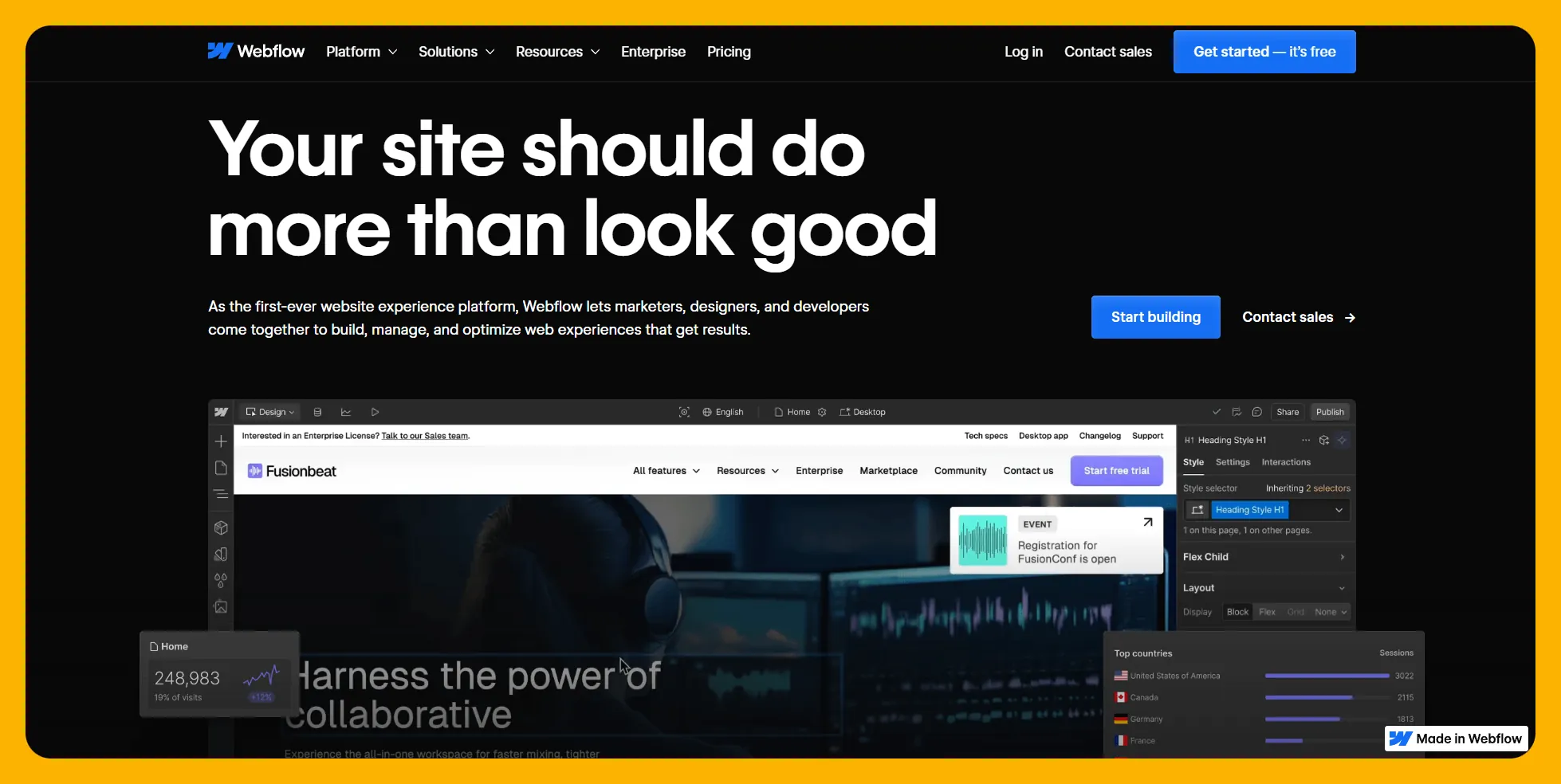
Webflow is a website builder that doubles as a powerful frontend builder for web applications. It's the industry standard for designers building sophisticated web experiences.
Ideal Users
If you have web design experience or are a designer building a frontend for a web-only app, Webflow delivers unmatched flexibility. It's not suitable for native mobile apps—you'll need a different platform for App Store publishing.
Pricing
Webflow starts at $18/month (billed monthly) for basic sites. For custom branding and CMS access (which can serve as a simple backend), you'll pay $29/month (billed monthly).
Features
- Backend Options: For more complex backends, Wized.com integrates specifically with Webflow to add database functionality and business logic.
- Design Flexibility: Webflow has a steep learning curve, but rewards that investment with the power to build nearly any website design imaginable. It functions like professional design software with publishing capabilities.
- Extensive Learning Resources: Webflow University offers the most comprehensive tutorial library of any platform on this list. If you get stuck, there's almost certainly a free tutorial to help.
The Bottom Line
Webflow is the premier choice for web-only applications where design flexibility matters most. Just remember: it doesn't create native mobile apps. If you need App Store publishing, look to Adalo instead.
#4 Clutch.io — The Best No-Code Frontend Builder For Web Developers
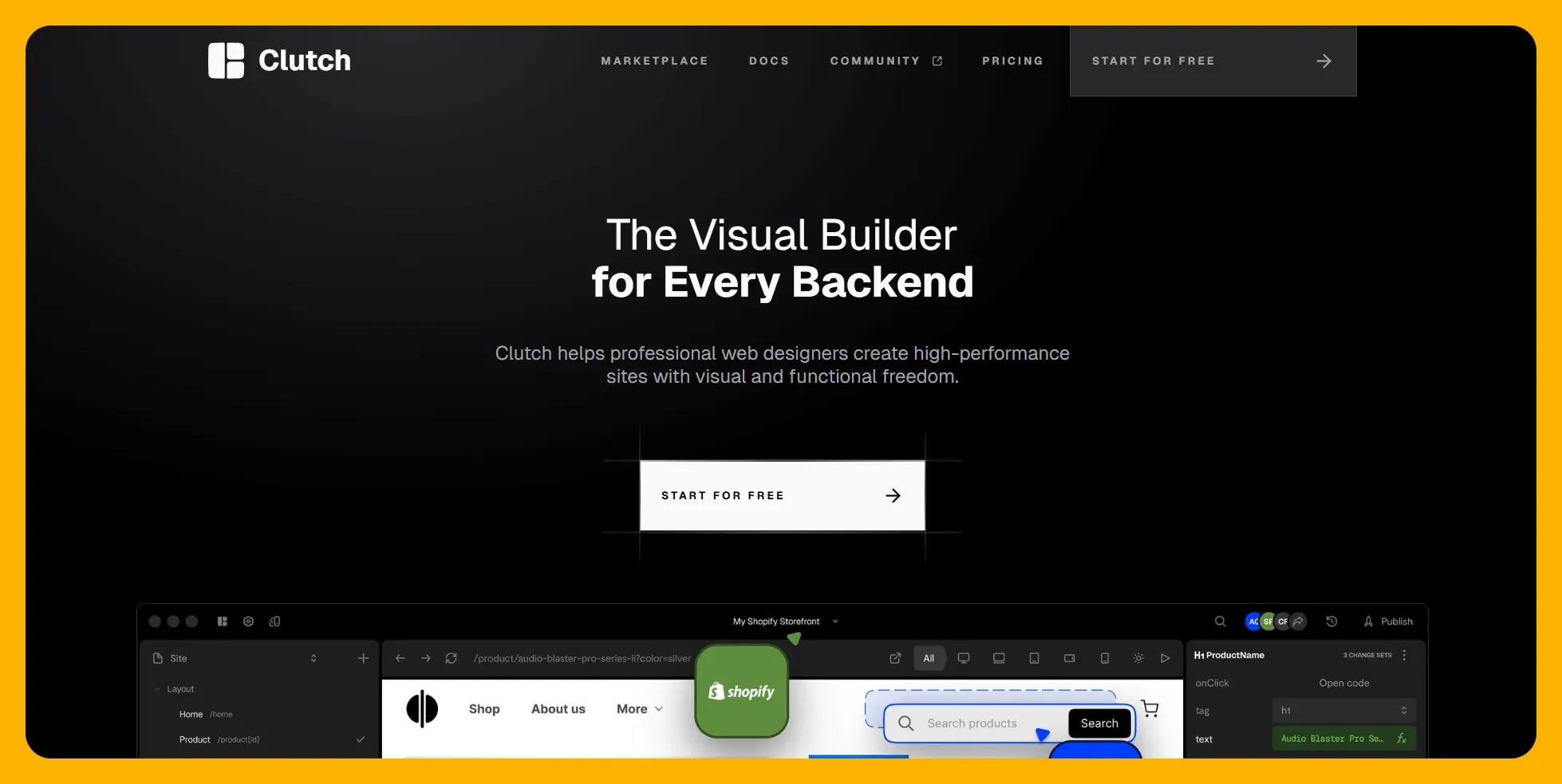
Clutch.io is a no-code frontend builder designed specifically for developers who already have databases and want to quickly build user interfaces on top of them.
Ideal Users
If you're a developer with an existing database who needs to rapidly prototype or build a frontend, Clutch.io can transform your data into a polished user interface quickly.
Pricing
Clutch's Workspace Plan starts at $40/month (billed annually at $480) for 2 live projects with team collaboration and A/B testing. Solo builders can use the Site Plan at $20/month (billed annually at $240) for single-project deployment with 20GB bandwidth.
Features
- Real-Time Collaboration: Team members can build simultaneously and see updates in real time, accelerating development for larger projects.
- Broad Backend Support: Clutch integrates with Xano, Shopify, WordPress, and WooCommerce, making it accessible across different tech stacks and industries.
- Auto-Generated Layouts: Connect your backend, and Clutch generates an initial frontend layout. Then use drag-and-drop to refine elements and features.
The Bottom Line
Clutch is ideal for developers who need to build frontends quickly on existing backends. It's not designed for non-technical users or those starting from scratch—Adalo would be a better fit for those scenarios.
#5 WeWeb — The Best No-Code Frontend Builder For Non-Designers Building Web Apps
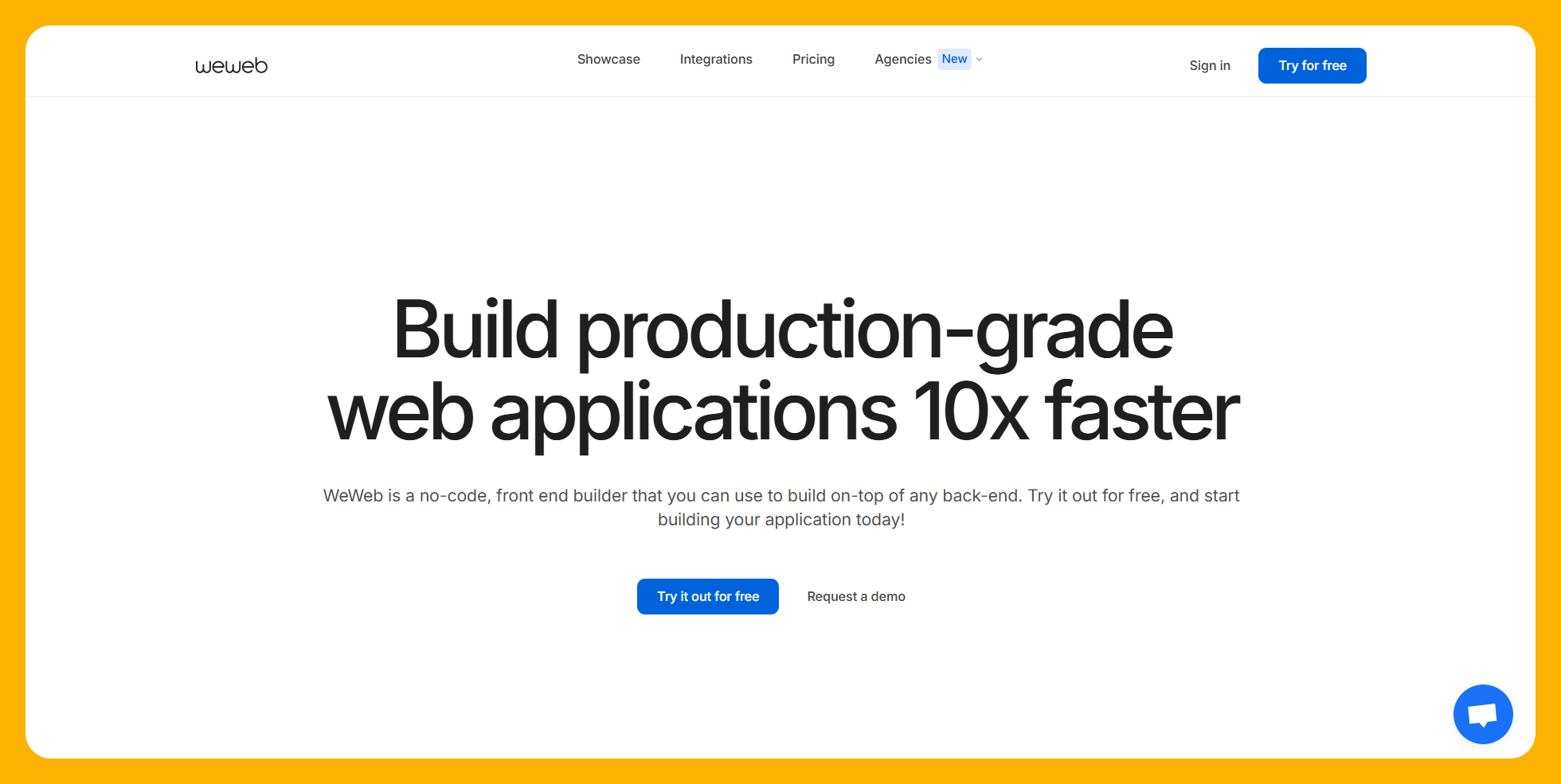
WeWeb is a user-friendly frontend builder with a drag-and-drop interface optimized for building internal business tools and web applications.
Ideal Users
Businesses that need to build frontends for internal processes will benefit most from WeWeb. It's also solid for creating no-code websites without design expertise.
Pricing
WeWeb's Project Plan starts at $39/month (billed annually) with custom domain and 1 GB storage. For more storage and sign-in permissions, you'll need the $149/month tier.
Team pricing starts at $29/month per seat (billed annually) for up to 3 editors with community support. The $59/month per seat tier allows up to 9 editors with chat support.
Features
- Source Code Export: After building your frontend, WeWeb lets you keep your source code for further development or migration.
- Native Backend Connectors: API connectors to Xano and Airtable make backend integration straightforward—often just a button click.
- Business-Focused Components: Drag and drop Kanban boards, data tables, and other business-centric elements for intuitive data display and workflow management.
- Visual Logic Builder: Add login portals, file uploads, and downloads through a visual interface rather than code.
The Bottom Line
WeWeb excels at internal business tools and web apps with strong data display needs. It doesn't support native mobile apps—if you need App Store publishing, Adalo is the better choice.
#6 Bubble — Best Ecosystem for Complex Web Apps
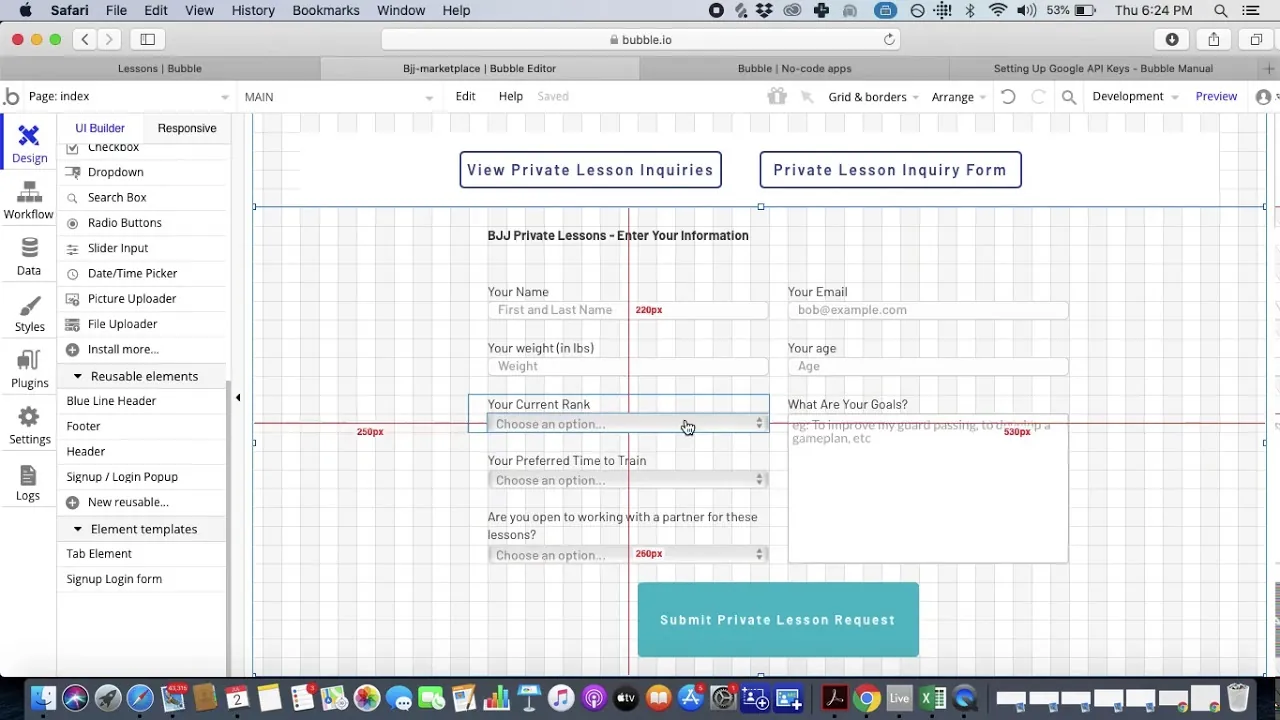
Bubble is a powerful no-code web app builder that's been around since 2012. Its maturity means extensive features, tools, and components for building complex web applications.
Ideal Users
Bubble's power comes with a significant learning curve—expect a few months of daily effort to become proficient. The platform only creates web apps; it doesn't publish native apps to the Apple App Store or Google Play Store. Bubble's mobile solution is a wrapper for the web app, which introduces potential performance challenges at scale and means updates don't automatically sync across web and mobile versions.
That said, Bubble has a plan for nearly anyone, from freelancers to Fortune 500 companies. Its flexibility allows for highly customized applications.
Pricing
Bubble's web and mobile wrapper offering starts at $59/month with usage-based charges through Workload Units. These calculations can be difficult to predict, potentially leading to unexpected bills as your app scales.
Compare this to Adalo's $36/month starting price with unlimited usage and no record limits—the pricing model is more predictable for growing apps.
For $119/month (billed annually), you get up to 100 GB of file storage and additional capacity.
Features
- Extensive Plugin Library: Over 3,000 plugins and hundreds of templates mean you can likely find pre-built solutions for most requirements.
- Robust Ecosystem: A decade of development has created one of the most active communities in no-code. Tutorials, YouTube videos, and help documents abound.
- Security Features: Two-factor authentication, scheduled security testing, and other enterprise-grade security measures.
Important Considerations
Bubble's customization flexibility often results in slower applications that can struggle under increased load. Many users end up hiring experts to optimize performance—claims of millions of MAU are typically only achievable with professional help. The ecosystem is rich with experts precisely because so many users need assistance.
For native mobile apps with predictable pricing and built-in scalability, Adalo's architecture is purpose-built for performance at scale without requiring expert intervention.
The Bottom Line
Bubble is powerful for complex web applications if you're willing to invest in learning the platform and potentially hiring experts for optimization. For native mobile apps or predictable pricing, Adalo is the stronger choice.
#7 Glide — For Spreadsheet-Based Apps
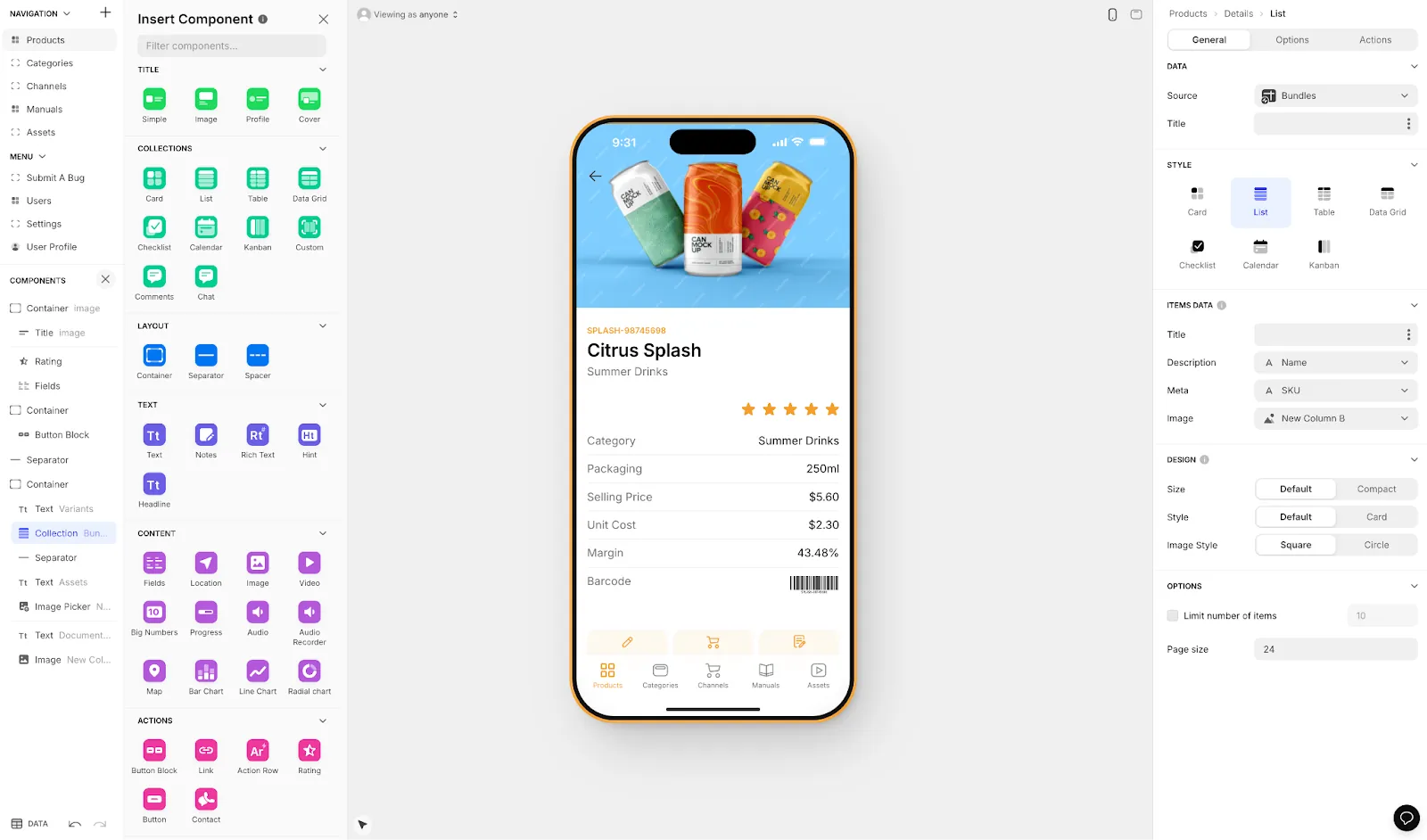
Glide is a no-code web app builder that prioritizes speed and aesthetics, particularly for apps built on spreadsheet data.
Ideal Users
If you need a web app for business tools with a sleek frontend and your data lives in spreadsheets, Glide offers rapid deployment. Each plan allows multiple apps, making it suitable for companies optimizing several operations.
Pricing
Glide starts at $60/month to build an app with a custom domain, but this tier is limited by app updates and data record rows, which attract additional charges. The $199/month tier (billed annually) allows unlimited web apps.
Important limitation: Glide does not support Apple App Store or Google Play Store publishing. If you need native mobile apps, Adalo is the appropriate choice.
Features
- Template Library: Over 100 pre-made templates that pass the eye test—your published app will likely look polished out of the box.
- Built-in AI: Industry-leading AI tools for describing pictures, summarizing text, and enhancing app functionality.
- Simple Database: Glide includes a database builder, so you can create your data structure without learning a separate tool.
Comparison Note
Glide is heavily format-focused and restricted to set templates. This makes it fast to build and publish, but creates generic, simplistic apps with limited creative freedom. For spreadsheet-based apps, Adalo's Sheetbridge offers similar convenience—turning a Google Sheet into an actual database—while providing more design flexibility and native app publishing.
The Bottom Line
Glide works well for quick web apps built on spreadsheet data. For native mobile apps or more design freedom, Adalo is the better fit.
#8 Softr — For Building Internal Business Frontends
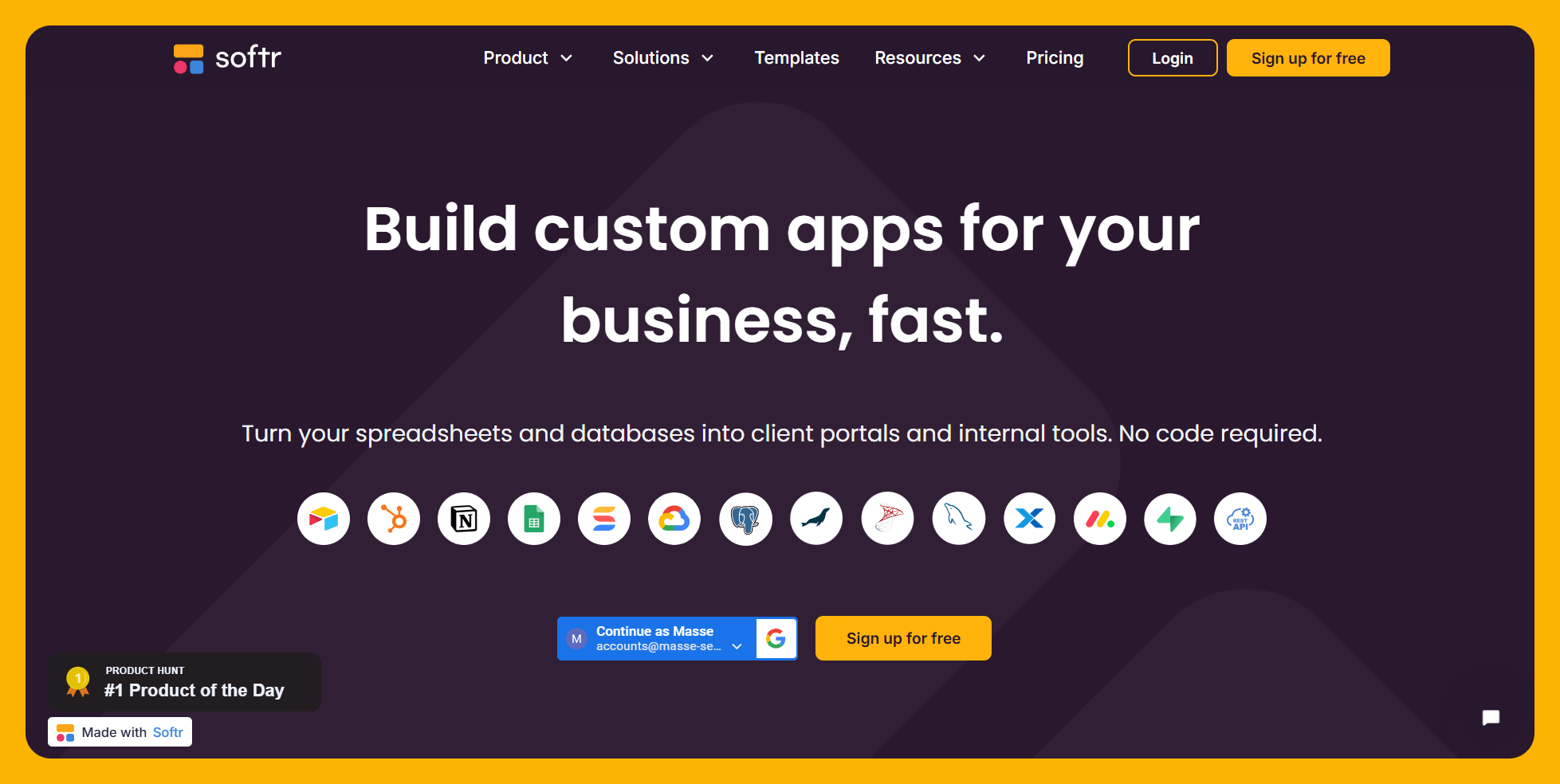
Softr creates web apps from pre-existing databases—it's primarily used for internal business applications and software.
Ideal Users
Softr is simple to use if you already have a database. It has pricing for businesses of various sizes, but it only creates internal business tools and web apps.
Pricing
Softr pricing starts from $167/month to publish an actual Progressive Web App, which is still restricted by records per app and records per datasource.
Critical limitation: Softr does not support Apple App Store and Google Play Store publishing, or iOS and Android app creation. For native mobile apps, you'll need a different platform like Adalo.
Features
- Database Connectivity: Connects with popular providers like Airtable, Google Sheets, SmartSuite, and HubSpot.
- Block-Based Building: One of the easiest-to-learn interfaces—a block-building system that allows rapid app assembly.
- AI App Builder: Enter a prompt, and Softr generates your app structure automatically.
The Bottom Line
Softr is genuinely simple for internal web tools if you have an existing database. The higher price point and lack of native app support make Adalo more versatile for most use cases.
#9 Draftbit — A Frontend Builder for Techies
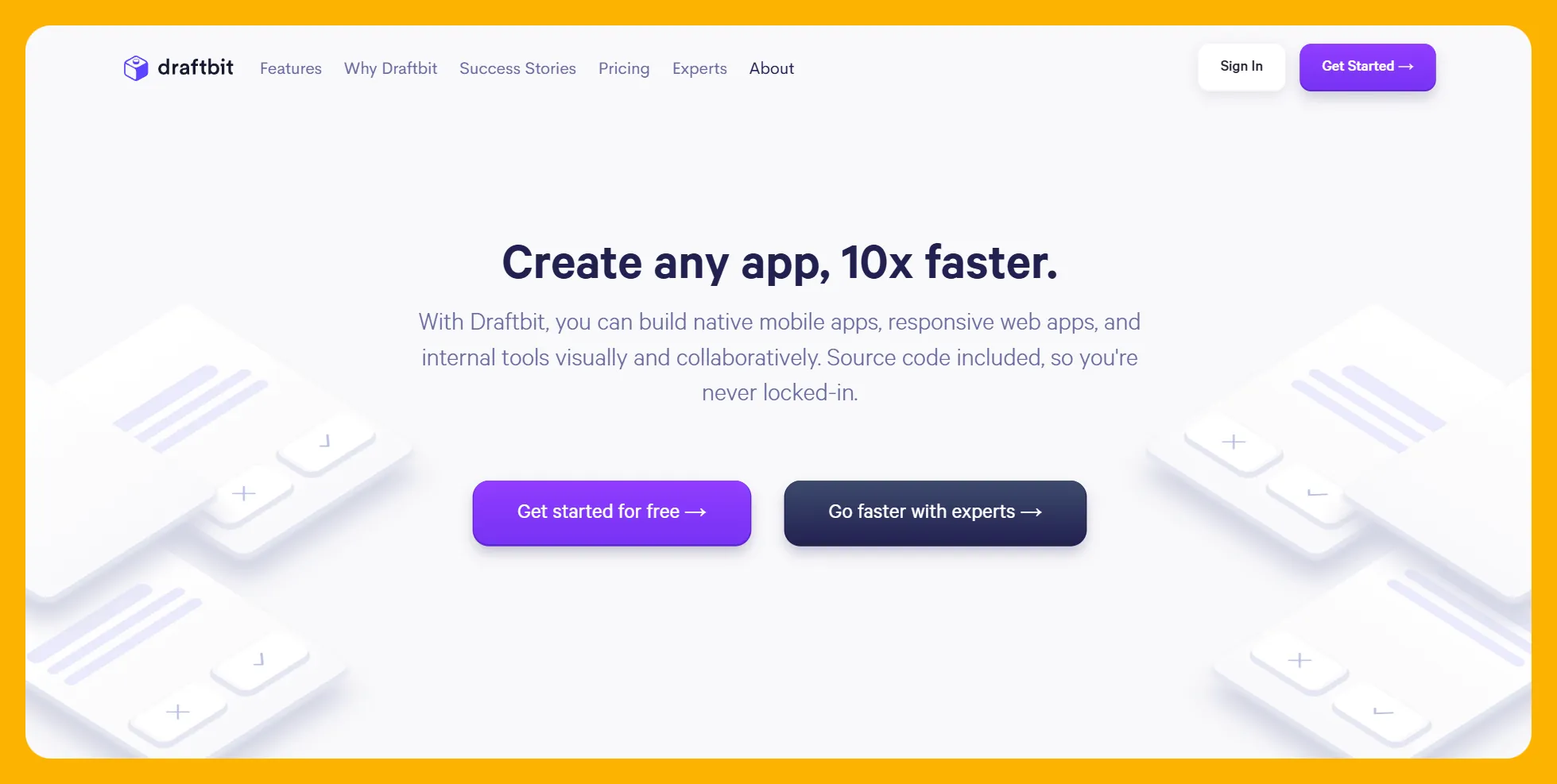
Draftbit is a low-code app builder that requires some technical knowledge. You won't need a computer science degree, but you'll need to understand database schemas, APIs, and basic programming logic.
Ideal Users
Technical users who want source code access and the ability to add custom JavaScript or Python will appreciate Draftbit's flexibility. It serves everyone from freelancers to enterprise agencies.
Pricing
Draftbit starts at $19/month (billed annually) and scales to $2,388/month for agencies. You can also contract the Draftbit team to build your app starting at $2,000/month.
Features
- Source Code Export: Download your app's code for further development or to hand off to a development team.
- App Store Publishing: Publish to both the Apple App Store and Google Play Store.
- Custom Code: Add JavaScript or Python for unique frontend functions beyond the visual builder's capabilities.
The Bottom Line
Draftbit is excellent for technical users who want code access and customization. For non-technical users, Adalo's visual builder and AI assistance provide a more accessible path to the same app store publishing.
#10 Appy Pie — For Creating Simple Startup Apps
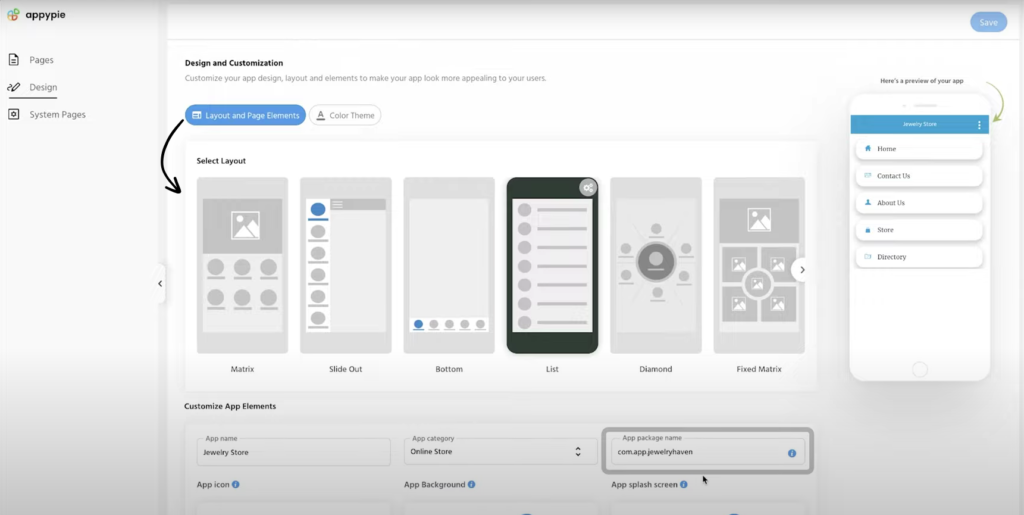
Appy Pie is an easy-to-learn no-code builder priced attractively for Android-focused development.
Ideal Users
Appy Pie suits folks who want a simple, no-frills app builder. While not highly customizable, you can create a basic app quickly. The platform is designed primarily for the Android ecosystem.
Pricing
Appy Pie's Basic Plan costs €14/month (billed monthly) for publishing to the Google Play Store and Amazon App Store. For iOS publishing, you'll need the €60/month version.
To be comparable to Adalo with iOS app publishing, Appy Pie starts at $99/month—significantly more than Adalo's $36/month with more features and unlimited database records.
Features
- Simple Interface: One of the simplest building interfaces in no-code. Choose a template and start building immediately.
- AI Tools: Create content features, templates, and chatbots to accelerate development and add customer service functionality.
- Workflow Automation: Automate repetitive tasks like report generation, email triggers, and data synchronization.
The Bottom Line
Appy Pie works for simple Android apps on a tight budget. For iOS apps or more sophisticated features, Adalo offers better value at a lower price point.
Platform Comparison Table
| Platform | Starting Price | Native Mobile Apps | App Store Publishing | Best For |
|---|---|---|---|---|
| Adalo | $36/month | Yes (true native) | iOS & Android | Non-designers, mobile apps |
| Bravo Studio | $99/month (to publish) | Yes | iOS & Android | Figma designers |
| Webflow | $18/month | No | No | Web designers |
| Clutch.io | $20/month | No | No | Developers with backends |
| WeWeb | $39/month | No | No | Internal business tools |
| Bubble | $59/month | Wrapper only | Limited | Complex web apps |
| Glide | $60/month | No | No | Spreadsheet apps |
| Softr | $167/month (PWA) | No | No | Internal tools |
| Draftbit | $19/month | Yes | iOS & Android | Technical users |
| Appy Pie | €14/month (Android) | Yes | iOS & Android | Simple Android apps |
Benefits of Using No-Code Front-End Builders
Still weighing whether a no-code frontend builder is right for your project? Here are the key advantages:
- Speed: Drag-and-drop interfaces let you build apps like creating a PowerPoint presentation. What might take months with traditional coding can often be accomplished in days or weeks.
- Cost Efficiency: Developer fees for custom apps can run into the $100,000s depending on complexity. No-code platforms typically cost $30-200/month—a fraction of traditional development costs.
- Accessibility: Nearly anyone can use a no-code frontend builder. If you can navigate social media, you can create a functional app without writing code.
- Rapid Prototyping: Most platforms offer free tiers for building prototypes. Test your concept, gather user feedback, and iterate before committing to a full launch.
- User-Centered Design: Quick iteration cycles mean you can incorporate user feedback rapidly. Build, test, adjust, repeat—all without waiting for developer availability.
- Lower Maintenance: No-code platforms handle infrastructure, security updates, and bug fixes. You focus on your app's features rather than server maintenance.
Challenges Using No-Code Front-End Builders
No-code isn't a silver bullet. Here are potential hurdles and how to address them:
Limited Customization
The amount of customization depends on your chosen platform. Some offer extensive flexibility with pre-made components and integrations; others are more restrictive.
Solution: Before selecting a platform, document all features, integrations, and design elements your app needs. Use this checklist to evaluate whether each platform can deliver your requirements.
Scalability Concerns
Some no-code tools struggle with large, complex apps or sudden user growth. Performance can degrade as your user base expands.
Solution: Choose platforms with proven scalability. Adalo's infrastructure, for example, scales to serve apps with millions of monthly active users with no upper ceiling. The Adalo 3.0 overhaul specifically addressed performance at scale—the platform is now 3-4x faster with modular infrastructure that grows with your needs.
Learning Curve
Even "no-code" platforms require time to master. Some (like Bubble) have steep learning curves that take months to overcome.
Solution: Shortlist 3-4 platforms, sign up for free versions, and test each interface. Choose the one that feels intuitive for your skill level. Platforms with AI assistance (like Adalo's Magic Start) can significantly reduce the learning curve.
Vendor Lock-In
Migrating from one platform to another isn't straightforward. Your app's structure may not transfer easily.
Solution: If you're using a third-party database like Xano or Airtable, your data remains portable. Some platforms (like WeWeb and Draftbit) also let you export source code. Plan your data architecture with potential migration in mind.
Security and Compliance
Not all platforms meet industry-specific standards like HIPAA or SOC 2 Type 2. Your app idea may require compliance that your chosen platform can't provide.
Solution: Identify required compliance standards before selecting a platform. Consider consulting with a legal professional—a small consultation fee can prevent significant fines or security incidents.
Common Use Cases for No-Code Frontend Builders
What can you actually build? Here are the most common applications:
Startup MVPs
Develop and launch a minimum viable product that executes core functionality. Test your concept with real users, gather feedback, and iterate before investing in a full-featured app. No-code platforms excel at this rapid validation cycle.
Internal Business Tools
Build custom apps for tracking finances, monitoring KPIs, managing projects, or launching marketing campaigns. Internal tools built with no-code are significantly cheaper and faster than contracting traditional development.
Marketing Websites
Create landing pages optimized for SEO with email marketing integrations through tools like Mailchimp. Track visitor analytics for consumer insights and conversion optimization.
E-commerce Frontends
Design user-friendly online stores with product organization, SEO features, and payment integrations through Stripe and PayPal. Many platforms also integrate with shipping providers for streamlined fulfillment.
Community Platforms
Build niche social apps with user profiles, posts, and interactive features. Whether it's a platform for vintage car enthusiasts or local hiking groups, no-code makes community building accessible.
Booking and Ordering Apps
Restaurants, salons, gyms, and service businesses can create reservation systems where clients book appointments or purchase services with a few taps. Automated scheduling reduces administrative overhead.
Event Management Apps
Launch apps for trade shows, conferences, or special events. Handle RSVPs, ticket sales, push notifications, and attendee engagement. Track analytics for post-event analysis and future planning.
Educational Platforms
Create learning apps with structured lessons, video content, quizzes, and progress tracking. Schools, tutors, and course creators can deliver educational content without development expertise.
Why Adalo for Your Next Frontend Project
Among the platforms we've reviewed, Adalo stands out for several reasons:
True Native Apps: Unlike web wrappers that can struggle with performance, Adalo compiles to native iOS and Android code. One build publishes to web, App Store, and Play Store—the hardest part of launching an app handled automatically.
AI-Assisted Building: Magic Start generates complete app foundations from descriptions. Magic Add lets you add features by describing what you want. X-Ray identifies performance issues before they affect users. These tools dramatically accelerate development.
Predictable Pricing: Starting at $36/month with unlimited database records and no usage-based charges, Adalo's pricing model is straightforward. No surprise bills as your app grows.
Proven Scale: Over 3 million apps have been created on Adalo, processing millions of data requests daily with 99%+ uptime. The Adalo 3.0 infrastructure overhaul in late 2025 made the platform 3-4x faster with modular architecture that scales to millions of monthly active users.
Note: Most third-party platform ratings and comparisons you'll find online predate the Adalo 3.0 infrastructure overhaul. The platform's performance, scalability, and feature set have improved substantially since those reviews were published.
[INTERNAL LINK: How to Build Your First App with Adalo]
[INTERNAL LINK: Adalo vs Bubble: Complete Comparison Guide]
[INTERNAL LINK: Publishing Your App to the App Store with Adalo]
FAQ
Why choose Adalo over other app building solutions?
Adalo is an AI-powered app builder that creates true native iOS and Android apps. Unlike web wrappers, it compiles to native code and publishes directly to both the Apple App Store and Google Play Store from a single codebase—the hardest part of launching an app handled automatically. With unlimited database records on paid plans and no usage-based charges, pricing stays predictable as you scale.
What's the fastest way to build and publish an app to the App Store?
Adalo's drag-and-drop interface combined with AI-assisted building through Magic Start and Magic Add lets you go from idea to published app in days rather than months. Describe what you want to build, and the AI generates your database structure, screens, and user flows. Adalo handles the complex App Store submission process, so you focus on features rather than certificates and provisioning profiles.
Which is more affordable, Adalo or Bubble?
Adalo starts at $36/month with unlimited database records and no usage-based charges. Bubble starts at $59/month with Workload Unit charges that can be difficult to predict. For native mobile apps with predictable pricing, Adalo offers better value.
Which is faster to build with, Adalo or Bubble?
Adalo is generally faster for most users. Its interface is described as "easy as PowerPoint," and AI features like Magic Start generate complete app foundations from descriptions. Bubble has a steeper learning curve—expect months of daily practice to become proficient.
Is Adalo better than Bubble for mobile apps?
Yes. Adalo creates true native iOS and Android apps that compile to native code. Bubble's mobile solution is a wrapper for web apps, which can introduce performance challenges at scale and means updates don't automatically sync across platforms. For native mobile apps, Adalo is the clear choice.
Which is more affordable, Adalo or Glide?
Adalo starts at $36/month with unlimited records and native app publishing. Glide starts at $60/month for a custom domain but is limited by record rows and doesn't support App Store publishing. For mobile apps, Adalo offers more features at a lower price.
Can I migrate from Bubble to Adalo?
Direct migration isn't automatic, but if you're using a third-party database like Xano or Airtable, your data remains portable. You'd rebuild the frontend in Adalo while keeping your existing data structure. Many users find Adalo's faster learning curve makes the transition worthwhile.
Do I need coding experience to use a no-code frontend builder?
No. Platforms like Adalo are designed for non-technical users. If you can navigate social media or create a PowerPoint presentation, you can build an app. AI features further reduce the learning curve by generating app structures from plain language descriptions.
Can I build both web and mobile apps with the same tool?
With Adalo, yes. When you build with Adalo, you're automatically creating a web app and native mobile apps simultaneously using responsive design technology. One build publishes to web, iOS App Store, and Android Play Store. Most other platforms on this list only support web apps.
What types of apps can I create with a no-code frontend builder?
Common applications include startup MVPs, internal business tools, marketing websites, e-commerce stores, community platforms, booking and ordering apps, event management apps, and educational platforms. The flexibility of modern no-code tools means you can bring nearly any app idea to life without writing code.
How does Adalo handle app scalability?
Adalo's modular infrastructure scales to serve apps with millions of monthly active users with no upper ceiling. The Adalo 3.0 infrastructure overhaul in late 2025 made the platform 3-4x faster. Unlike web wrappers that can struggle under load, Adalo's purpose-built architecture maintains performance at scale without requiring expert optimization.