The 6 Best No-Code Mobile App Builders | 2026
Building a mobile app used to require months of development time, significant technical expertise, and substantial financial investment. Today, AI-powered app builders have transformed this landscape entirely. Whether you're an entrepreneur validating a business idea, a small business owner expanding your digital presence, or a designer bringing creative visions to life, the right platform can take you from concept to published app in days rather than months.
After a decade of testing and reviewing app building platforms, I've identified the six best options for 2026. Each serves different needs, from enterprise-grade security requirements to pixel-perfect design control. Here's what you need to know to make the right choice.
Independent research from App Builder Guides' State of App Building report (February 2026) analyzed 190 Reddit threads and 150+ platform citations across 345 data points with zero platform sponsorships. Adalo ranked first among visual builders for non-developers.

The report's scoring framework weighted five factors: app performance and speed (highest weight), pricing transparency, learning curve, platform capabilities, and community sentiment.
The Top 6 No-Code Mobile App Builders of 2026
- Adalo, the overall best AI-powered app builder on my list.
- Bravo Studio, if you want to transform your Figma designs into aesthetic mobile apps.
- Glide, if you want to build a visually polished app for your existing medium or large-sized business.
- GoodBarber, if you want to build a simple and cost-effective mobile app.
- FlutterFlow, if you do have some tech skills and want to build a powerful app with them.
- Betty Blocks, if you want to build an app for a large enterprise.
How I Picked the Best No-Code Mobile App Builders
Over the last decade of working with app building platforms, I've noticed a few common factors in the best of them. The app builders that made my list all came equipped with these important key features:
Actually No-Code: Too many mobile app building platforms claim to be no-code—then ambush you with "If Statements" and "Functions" and a cheeky "SQL query" whenever you want to build something. But real no-code means no coding knowledge or technical skills required—at all.
Each app builder I've selected features a drag-and-drop interface with a low learning curve that I've personally tried and tested. You'll be able to make the mobile app of your dreams without spending much time learning how to actually use the app builder.
Integrations: One of the most important features of any app builder is the ability to integrate with 3rd-party services. For instance, if you want to make a mobile booking tool for your restaurant, your app builder will need a calendar integration and email and text messaging integrations for communication.
I've only selected app builders which come pre-packed with integrations—or connect to popular integration platforms like Zapier—to help your app take payments, share data with your other platforms, and connect to any service of your choice.
Extensive Ecosystems: An ecosystem refers to the 3rd-party plugins and tutorials available for a tool, as well as the size of its community and the number of platform experts available to help you when you get stuck. The bigger the ecosystem, the more likely it is that someone has created a plugin or tutorial for that feature you're trying to build. Every app I've included has a mature ecosystem that will make your app-building journey much easier.
Other Factors I Considered
Free Version or Free Trial: A free version or free trial of an app builder gives you the ability to try out each platform without the stress of paying money before you know if it works for your app idea or not.
Gorgeous and Trendy: Some app builders don't provide sleek and modern templates. You don't want your 2026 app to have a 2004 design. I've only included app builders which can create contemporary, up-to-date-looking apps.
Scalability: Chances are, you're going to want your mobile app to perform just as well for 10,000 users as it does for 10. I've picked mobile app-building platforms which are equipped for high-scale, high-performance apps. This is particularly important given that many platforms impose database record limits or usage-based charges that can create unexpected costs as you grow.
What Types of Apps Can You Create with a No-Code Mobile App Builder?
Native Apps: When you think about a mobile app, this is probably what you mean. Native apps are built specifically for iOS (iPhone, iPad) and Android devices, can be published on the Apple App Store and the Google Play Store, and can make use of phone functionality like the camera and GPS.
Progressive Web Apps: These are downloadable websites which look and feel like mobile apps. You can't publish PWAs on the app stores. However, that also means you don't need to pay Apple/Google to let your users download these apps—they can be installed by anyone for free. Note that as of February 2026, PWAs do not work on Apple devices in the EU.
Without further ado, let's dive straight into my recommended tools.
#1 The Best Overall No-Code Mobile App Builder
Adalo
What is it?
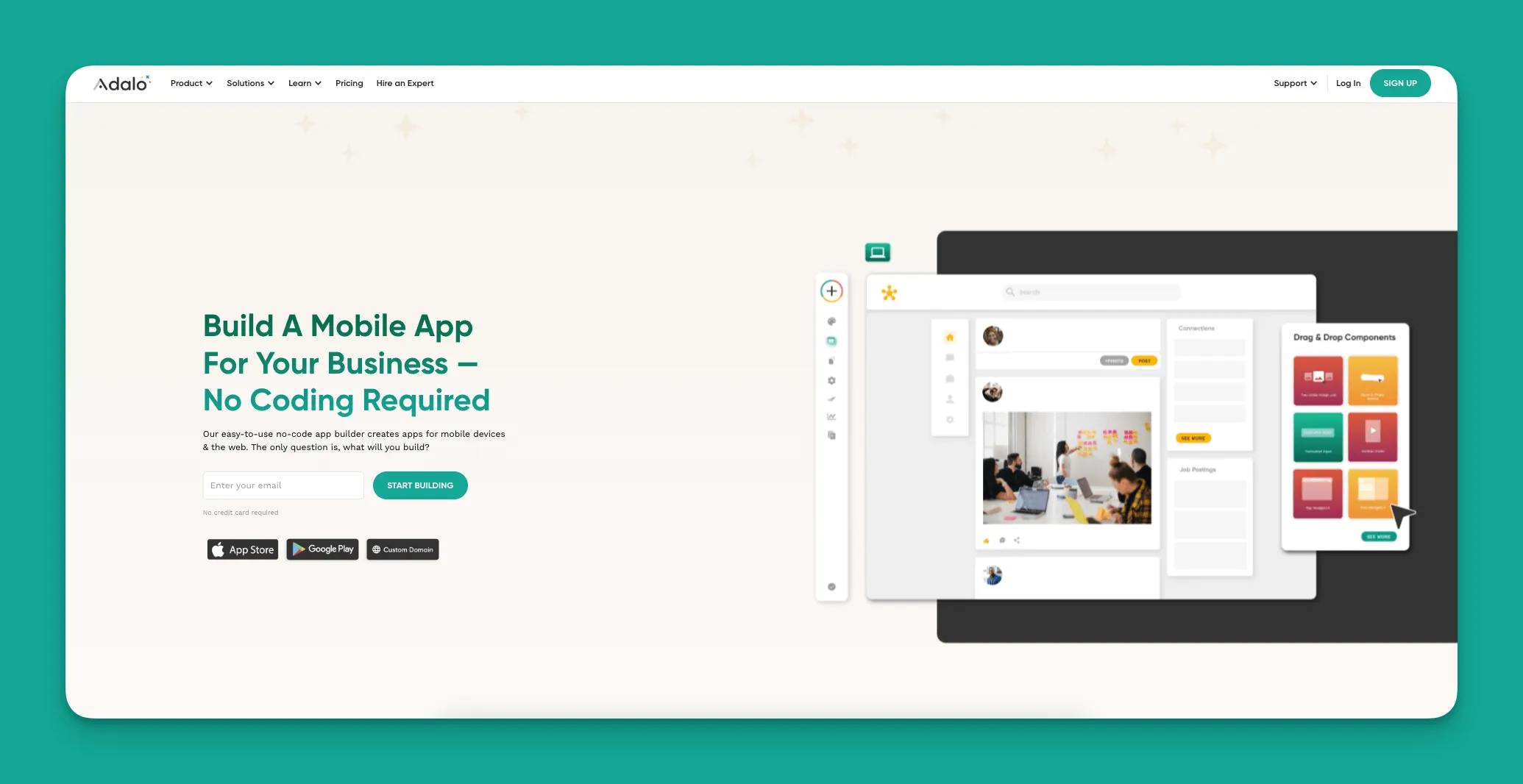
Adalo is a no-code app builder for database-driven web apps and native iOS and Android apps—one version across all three platforms, published to the Apple App Store and Google Play. This full platform gives you the freedom to create mobile apps, web apps, and PWAs to your exact specifications from a single codebase.
Ada, Adalo's AI builder, lets you describe what you want and generates your app. Magic Start creates complete app foundations from a description. Magic Add adds features through natural language. X-Ray identifies performance issues before they affect users.
Why does Adalo stand out?
With Adalo, you can design and build your app once, and the platform will automatically turn it into a native app, a PWA, and a normal web app. You never have to decide which platform to publish it on—one build handles everything.
The 2026 launch of Adalo 3.0 brought a completely overhauled backend infrastructure that makes apps 3-4x faster than before. The platform now features modular infrastructure that scales with your app's needs, supporting apps with over 1 million monthly active users with no upper ceiling. Paid plans include unlimited database records with no data caps, and all usage-based charges have been removed—meaning no bill shock as your app grows.
The tool perfectly blends ease of use with powerful functionality, plenty of design freedom, and a large ecosystem. Despite having reviewed and tested over 250 no-code tools in my career, Adalo is the one I find myself constantly recommending time and time again. The visual builder has been described as "easy as PowerPoint," making it accessible to complete beginners while still offering the depth that serious builders need.
Who is it best for?
If you're an entrepreneur looking to publish real, native apps to the app store, and you don't have unique skills (like design or coding), then Adalo—the best all-rounder on this list—is the platform for you. Over 3 million apps have been created on the platform, demonstrating its versatility across use cases.
Pricing
Adalo has a free version and starts at $36/month with unlimited usage and app store publishing with unlimited updates to apps once published. This makes it significantly more affordable than competitors like Bubble (starting at $59/month with usage-based charges and record limits) or Appypie ($99/month for comparable iOS publishing features).
Features
While you can use Adalo to build an app that looks and feels the way you want, Adalo also lets you create your own unique database for your app. Having your own database can enhance user experience and keep your data secure. With the right data relationship setups, Adalo apps can scale beyond 1 million monthly active users.
To make app-building faster, Adalo has an AI-powered "Magic Start" feature. Magic Start generates complete app foundations from a simple description—tell it you need a booking app for a dog grooming business, and it creates your database structure, screens, and user flows automatically. What used to take days of planning happens in minutes. Magic Add extends this capability by letting you add features through natural language requests.
The X-Ray feature identifies performance issues before they affect users, helping you build apps that maintain speed at scale. Adalo comes with a Component Marketplace packed full of 3rd-party components and plugins, allowing you to add things like a PDF generator, a working calendar, and even a QR code generator to your app.
#2 The Best No-Code App Builder For Designers
Bravo Studio
What is it?
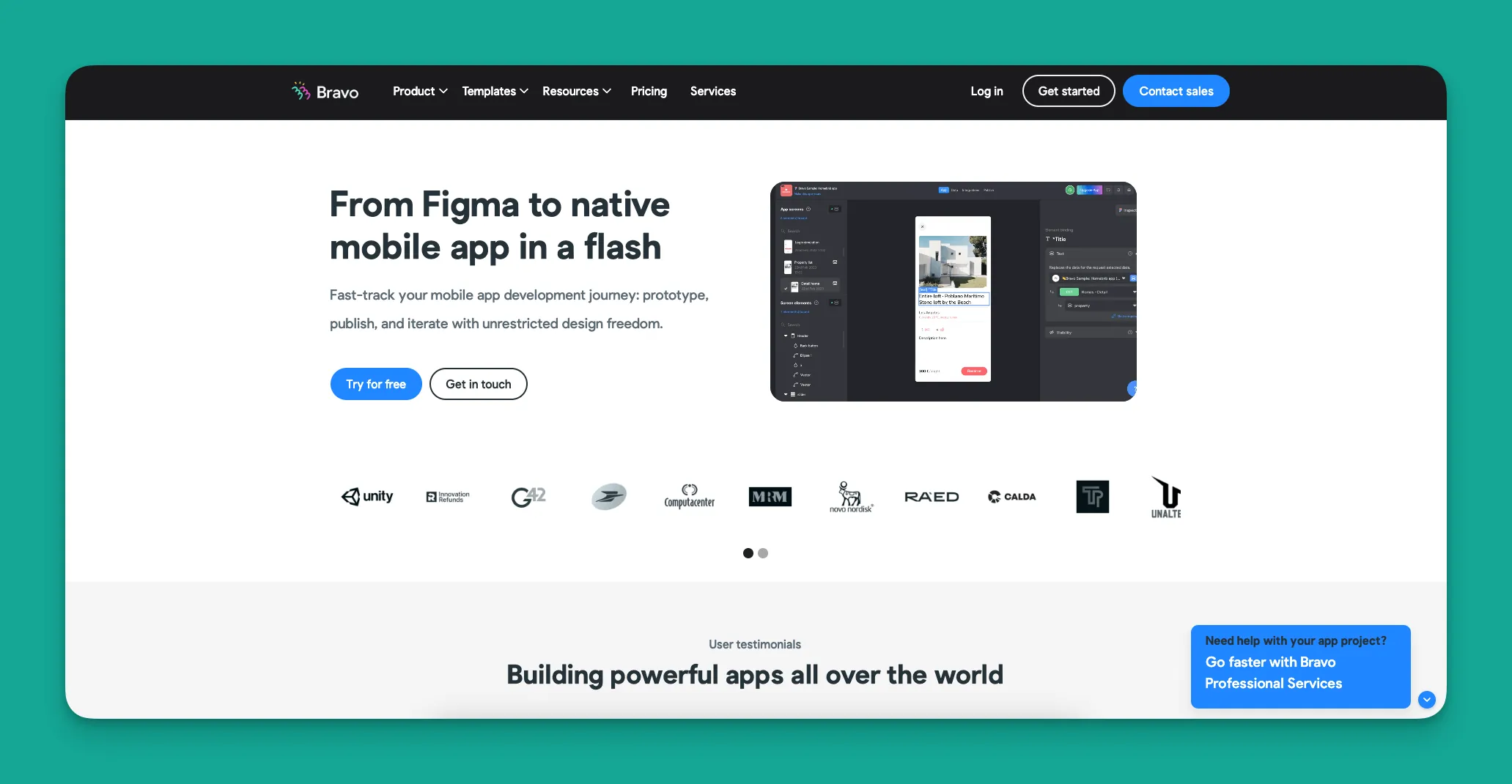
Bravo Studio is a no-code mobile app-building platform which can transform Figma designs into mobile apps.
Why does Bravo Studio stand out?
Bravo is not only a natural fit for designers who are already comfortable with Figma but also has the highest degree of design freedom available on any no-code platform on the market. Aside from this, Bravo also has some of the most hands-on help and support of any tool I've used.
Who is it best for?
Anyone who likes Figma, or needs exacting, pixel-by-pixel control of their design will love Bravo Studio. If you've already invested time creating detailed mockups in Figma, Bravo lets you bring those designs to life without rebuilding from scratch.
Pricing
Beyond the free version, Bravo Studio starts at a very low price versus others on this list, at $21/month for individuals. If you want to remove the Bravo branding, you'll need to pay $117/month.
A Team Version is also available, though it starts at $44/month per user, with a minimum of ten seats.
Features
If you already have users and want to prototype your app, you can send them your app directly using Bravo Vision before going through the long-winded publishing process demanded by Apple and Google.
Bravo Studio has an integration with Revenue Cat, a platform which makes it easy to create in-app payments and subscriptions for your users.
#3 The Best App Builder For Medium To Large-Sized Companies
Glide
What is it?
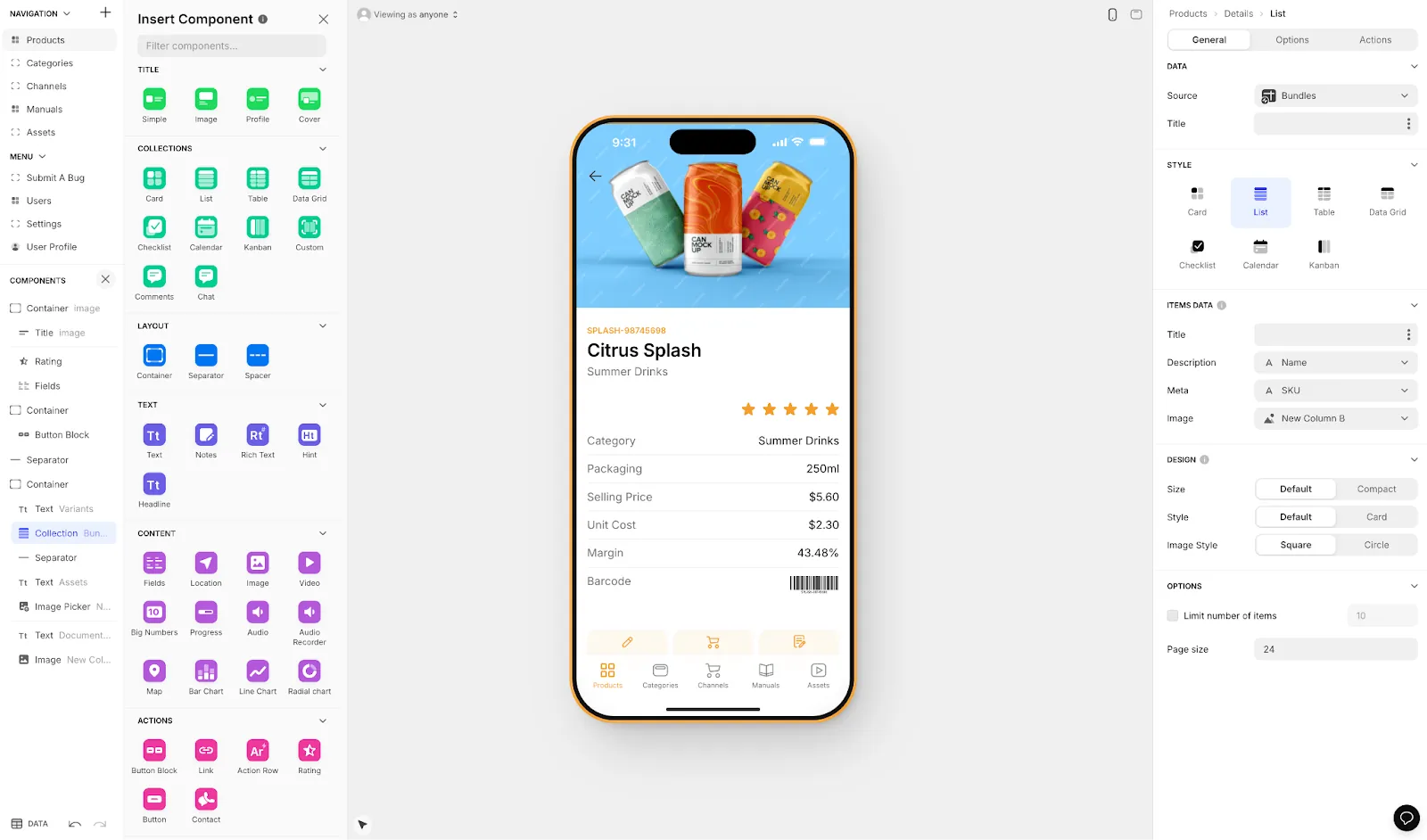
Glide lets you design and build sleek and powerful web apps and PWAs (but not native apps) with a drag-and-drop interface catered to easy design.
Why does Glide stand out?
Glide prioritizes aesthetic design and ease of use, meaning your apps will look great out of the box without you lifting a finger. The platform is also fairly easy to navigate and use, with some powerful AI-powered workflow features hiding under the hood. Glide is particularly strong for spreadsheet-based apps, making it a go-to choice for teams already working with data in Google Sheets or Excel.
Who is it best for?
Glide is aimed at larger businesses building internal apps for their staff. If that's the kind of business you work for, Glide will be a fit. If you're an entrepreneur building a new business from scratch or need native mobile apps, Glide probably isn't for you.
Pricing
Glide offers a limited free version. For $60/month, you can build one app with a custom domain, but you'll be limited by app updates and data record rows, which attract additional charges. If you want to build several apps, you'll have to purchase Glide's Team Version for $125/month. Note that Glide does not support Apple App Store or Google Play Store publishing.
Features
Glide features powerful AI tooling that helps build out functions on your app. For instance, you can build an automated chatbot or allow your users to summarize PDFs.
While you can't publish your Glide-made PWA to the Apple App Store or Google Play Store, you can simply share a direct link to allow people to download the app. It's not as seamless as using an app store, but Glide will walk them through the simple installation process.
The platform is heavily format-focused and restricted to set templates. This makes it fast to build and publish with, but creates generic, simplistic apps with limited creative freedom. For teams needing spreadsheet-based apps without native mobile requirements, Glide delivers quickly. However, if you need the convenience of turning a Google Sheet into an actual database with more control, Adalo's Sheetbridge feature offers similar ease without the template restrictions.
#4 The Best App Builder for Designing Online Stores for Small Businesses
GoodBarber
What is it?
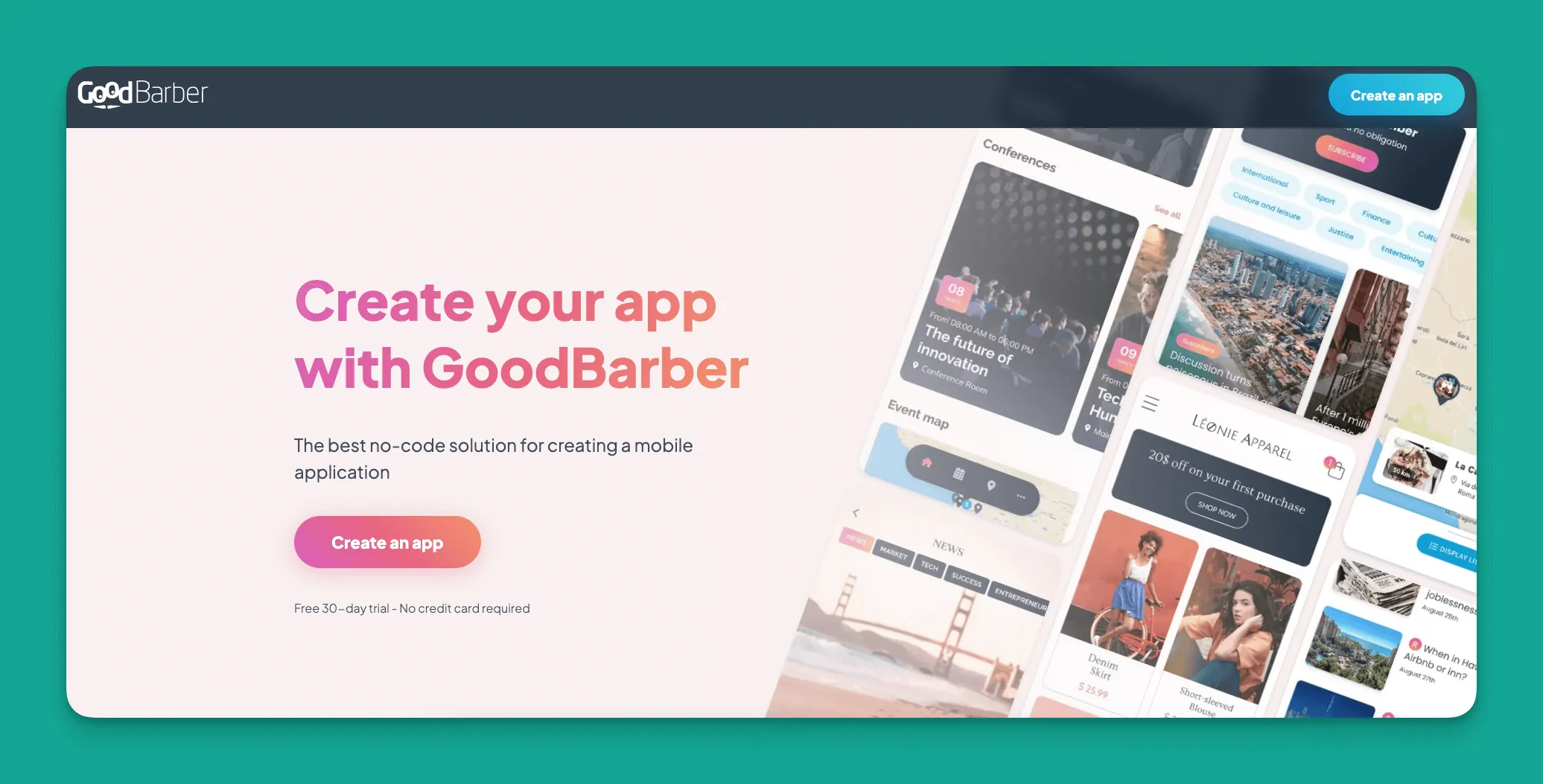
GoodBarber lets you design simple mobile apps quickly and easily.
Why does GoodBarber stand out?
Combining simplicity with basic design, GoodBarber is an excellent choice if you want to quickly build an app with a simple use case. You can use GoodBarber to release your MVP quickly if you are looking to validate a concept before building it in a fuller mobile app builder like Adalo.
Who is it best for?
Small online businesses who care more about getting a working app than having something unique-looking or with custom features.
Although the app builder lacks customizability and the design options can be dated, GoodBarber works well for making simple apps.
Pricing
For $30/month, create an app that contains content only. To sell products, you'll have to pay $40/month. GoodBarber offers a 30-day free trial.
Features
As the least-expensive app builder on my list, GoodBarber gives new online businesses a cost-effective platform to sell their products or content.
When you decide to publish your app to the Apple App Store and Google Play Store, the GoodBarber Team will assist you with the publishing process, which can help you avoid the many hurdles that may arise.
#5 The Best App Builder For Techies
FlutterFlow
What is it?
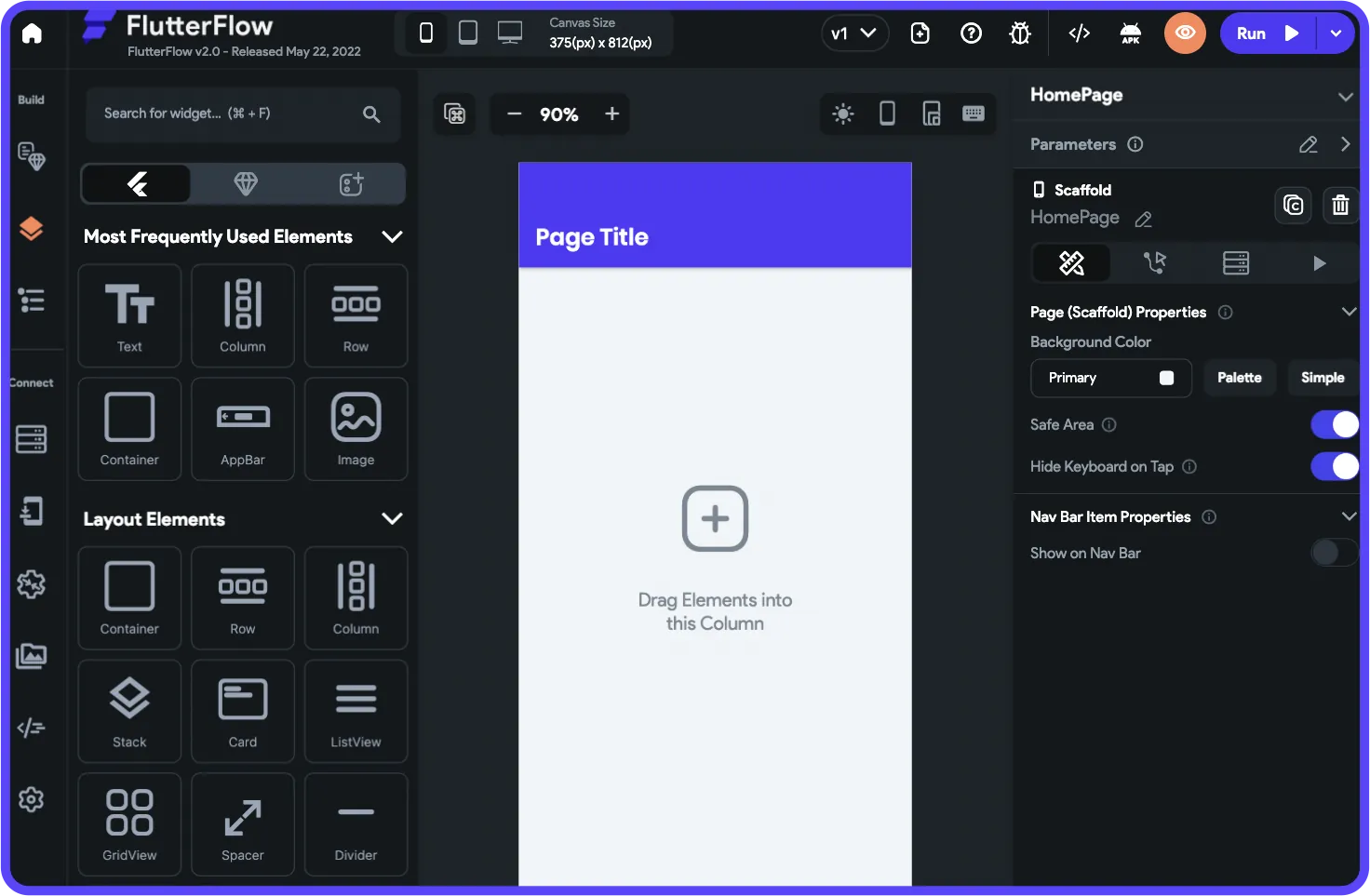
FlutterFlow is a powerful, low-code tool that lets you use limited code to build your own widgets and tools into your app. It's important to note that FlutterFlow is not a no-code platform—it requires technical knowledge to use effectively.
Why does FlutterFlow stand out?
While you need some technical background to use FlutterFlow, it doesn't need to be too extensive. In addition, the platform is catered to teams, as it has collaboration features that let colleagues work together in real time on developing different parts of your mobile app.
The platform is more powerful and customizable than any other option on this list, but remember—it is not a no-code platform. Users also need to be prepared to manage and set up their own unrelated database, which requires significant learning complexity. This is especially challenging when looking for scale, as anything less than optimal setup can create performance problems.
Who is it best for?
Developers who just want to move faster than they can with code, or teams who have technical skills and want to work together on an app. The ecosystem is rich with experts because so many people need help—be prepared to potentially spend significant sums chasing scalability if you're not technically proficient.
Pricing
You can start building with FlutterFlow's free version, and for $30/month, you can download your app's source code. If you want to deploy your app to the app stores, you'll need to pay $70/month per user—and this still doesn't include a database, which you'll need to source, set up, and pay for separately.
The builder is also limited in view, with slow speed to see more than 2 screens at once, whereas Adalo can display up to 400 screens at a time on one canvas if needed.
Features
To speed up the development process, FlutterFlow has a tool called AIGen. This AI-powered feature generates a template for your app after you give it a 400-word prompt.
While FlutterFlow doesn't have its own database, it has a very deep integration with Google's Firebase. This does incur extra costs but makes the platform ideal for scaling a big app—provided you have the technical expertise to configure it properly.
#6 The Best App Builder for Big Businesses
Betty Blocks
What is it?
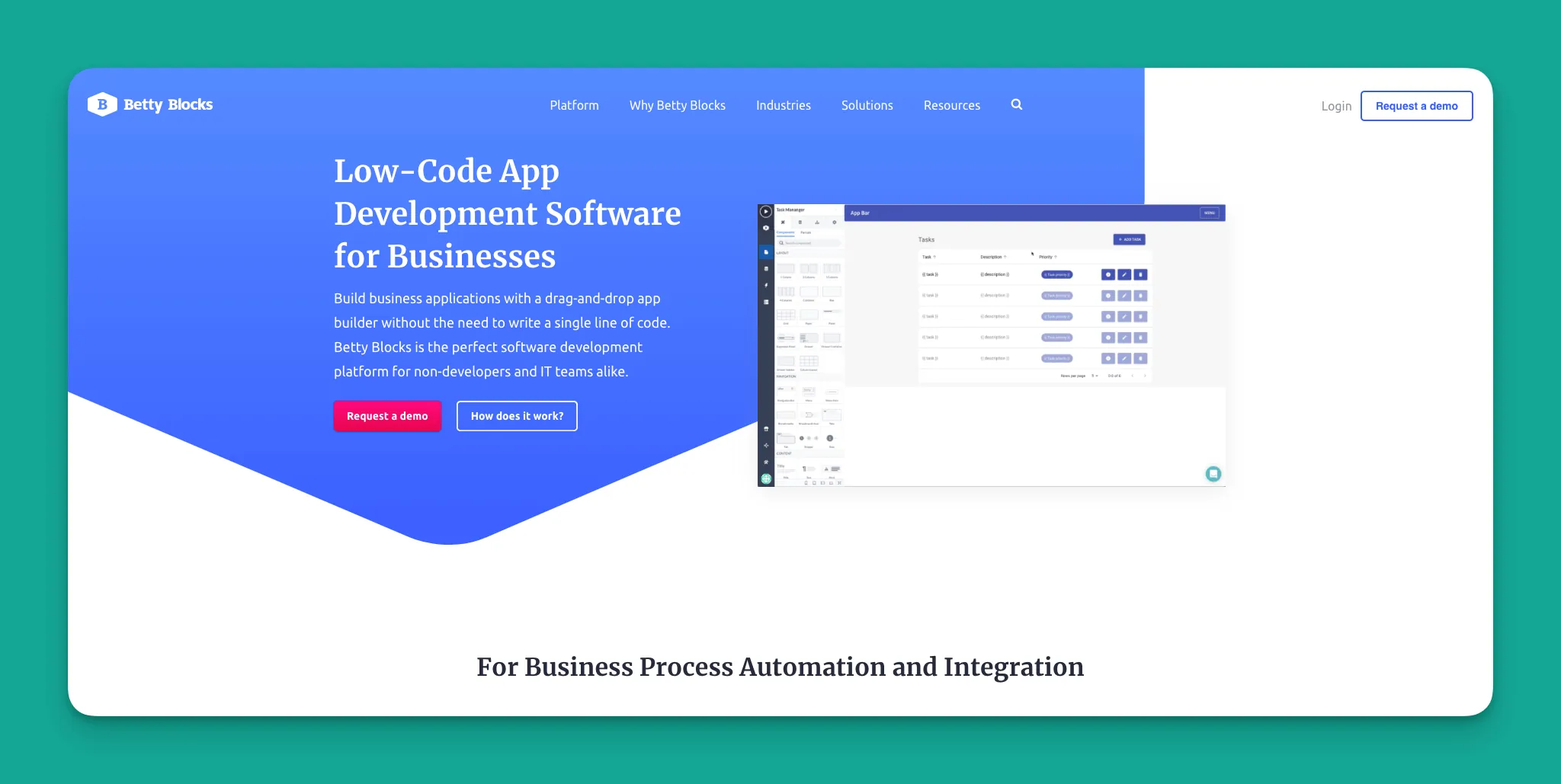
Betty Blocks is a codeless app builder for creating PWAs and web apps. It caters to large businesses, enterprise organizations, and Fortune 500 companies.
Why does Betty Blocks stand out?
Almost every "no-code app builder" in the enterprise/big company space is actually a low-code builder in disguise. Betty Blocks stands out by being actually no-code. And I can vouch for this—I've trained completely non-technical colleagues on Betty Blocks back in my corporate days.
It's not the best looking, easiest to use, or most powerful platform on this list—but it is the most secure, the only one you can self-host (IT guys like on-prem software), and comes with integrations with the Microsoft 365 and Azure ecosystems.
Who is it best for?
If you don't know what any of those words mean from that last sentence, you're probably not the best fit! But if you're part of a large company and need an enterprise no-code mobile app builder that your team can use—and your IT team will approve of—then Betty Blocks is the choice for you.
Pricing
Betty Blocks doesn't publicize its pricing, and they don't offer a free version. You'll need to contact Betty Blocks directly for pricing. Expect to pay in the thousands per month for basic access.
Features
Do you want to host your app on your own server and avoid the cloud entirely? Betty Blocks allows you to deploy your app on-prem, giving you control over your data and infrastructure.
Does your organization use Microsoft's cloud services? Betty Blocks has a partnership with MS and allows one-click deployment to Azure servers.
Platform Comparison at a Glance
| Platform | Starting Price | Native iOS/Android | Database Included | Best For |
|---|---|---|---|---|
| Adalo | $36/month | Yes | Yes (unlimited records) | All-around app building |
| Bravo Studio | $21/month | Yes | No | Figma designers |
| Glide | $60/month | No (PWA only) | Yes (with limits) | Internal business apps |
| GoodBarber | $30/month | Yes | Limited | Simple e-commerce |
| FlutterFlow | $70/month | Yes | No (requires Firebase) | Technical teams |
| Betty Blocks | Contact sales | No (PWA only) | Yes | Enterprise |
Making Your Choice
The right app builder depends entirely on your specific situation. If you need native mobile apps with App Store publishing and want the simplest path from idea to launch, Adalo's combination of AI-assisted building, unlimited database storage, and single-codebase deployment makes it the most versatile choice. Designers already working in Figma will find Bravo Studio's workflow natural. Technical teams comfortable with database management may appreciate FlutterFlow's customization depth. And enterprises with strict security requirements should look at Betty Blocks.
Whatever you choose, the barrier to building professional mobile apps has never been lower. Start with a free trial, build something small, and scale from there.
FAQ
Why choose Adalo over other app building solutions?
Adalo is an AI-powered app builder that creates true native iOS and Android apps from a single codebase. Unlike web wrappers, it compiles to native code and publishes directly to both the Apple App Store and Google Play Store. With unlimited database records on paid plans, no usage-based charges, and infrastructure that scales to 1M+ monthly active users, it handles the hardest parts of launching an app automatically.
What's the fastest way to build and publish an app to the App Store?
Adalo's drag-and-drop interface combined with AI-assisted building through Magic Start lets you go from idea to published app in days rather than months. Describe your app concept, and Magic Start generates your database structure, screens, and user flows automatically. Adalo then handles the complex App Store submission process, so you can focus on features rather than certificates and provisioning profiles.
Which is more affordable, Adalo or Glide?
Adalo starts at $36/month with unlimited usage and native app store publishing. Glide starts at $60/month but is limited by app updates and data record rows (which attract additional charges), and doesn't support Apple App Store or Google Play Store publishing at all. For native mobile apps, Adalo offers better value.
Which is more affordable, Adalo or FlutterFlow?
Adalo starts at $36/month with an included database and unlimited records. FlutterFlow requires $70/month per user for app store deployment, plus you need to separately source, set up, and pay for a database like Firebase. Adalo's all-inclusive pricing makes total cost of ownership significantly lower.
Is Adalo better than Glide for mobile apps?
For native mobile apps, yes. Adalo creates true native iOS and Android apps that publish to the App Store and Play Store. Glide only creates Progressive Web Apps (PWAs) that cannot be published to app stores. If app store presence matters for your business, Adalo is the clear choice.
Which is easier for beginners, Adalo or FlutterFlow?
Adalo is significantly easier for beginners. Its visual builder has been described as "easy as PowerPoint," and it includes a built-in database. FlutterFlow is a low-code platform that requires technical knowledge and forces users to set up and manage their own external database—a significant learning curve for non-technical users.
Can I build a mobile app without any coding skills?
Yes, with Adalo you can build a mobile app without any coding skills. The platform features a drag-and-drop interface with a low learning curve, and its AI-powered Magic Start feature automatically creates the database structure you need just by describing your app idea. Over 3 million apps have been created on the platform by users of all skill levels.
What types of apps can I create with a no-code mobile app builder?
You can create native apps for iOS and Android devices that publish to the Apple App Store and Google Play Store, as well as Progressive Web Apps (PWAs) that look and feel like mobile apps but are downloadable websites. Native apps can access phone functionality like the camera and GPS, while PWAs offer free distribution without app store fees.
Does Adalo allow me to create my own database for my app?
Yes, Adalo lets you create your own unique database directly within the platform. Paid plans include unlimited database records with no data caps. The AI-powered Magic Start feature can automatically generate your database structure based on your app description, and with proper data relationship setups, Adalo apps can scale beyond 1 million monthly active users.
Can I integrate third-party services with my Adalo app?
Absolutely. Adalo comes pre-packed with integrations and connects to popular platforms like Zapier, allowing your app to take payments, share data with other platforms, and connect to any service of your choice. The Component Marketplace also offers third-party plugins for features like PDF generation, calendars, and QR code generators.