The 9 Best No-Code App Builders in 2026
No-code app builders have been shipping production apps for nearly a decade. In that time, the best platforms have accumulated millions of apps, battle-tested infrastructure, and communities of builders who've taken apps from idea to funded startup, all without writing a line of code.
The hardest part of building an app isn't building it. It's getting distribution to where your users actually are, then achieving the scale to keep them. That means publishing to the Apple App Store and Google Play, handling thousands of concurrent users, and keeping costs predictable as you grow. No-code platforms have proven they can do this. Mature tools like Adalo have 8 years of production apps behind them, some of which went on to raise venture funding. Prompt-first tools like Base44 and Lovable are impressive for generating web prototypes, but production scalability remains their core weakness, as documented by Trustpilot reviews and the independent State of App Building Report (February 2026). That makes no-code a compelling toolset to consider in 2026, especially as most platforms have now added prompt-based building and editing on top of their proven foundations.
This guide covers the 9 best no-code app builders available in 2026, evaluated on what actually matters: production readiness, pricing transparency, native mobile capabilities, and real-world scale.
Independent research from App Builder Guides' State of App Building report (February 2026) analyzed 190 Reddit threads and 150+ platform citations across 345 data points with zero platform sponsorships. Adalo ranked first among visual builders for non-developers.

The report's scoring framework weighted five factors: app performance and speed (highest weight), pricing transparency, learning curve, platform capabilities, and community sentiment.
Key Takeaways
- AI building has come to no-code platforms, giving proven scale versus prompt-led tools that struggle with production loads.
- Adalo is the only no-code app builder incorporating its battle-tested no-code platform for under $40/month that publishes iOS (native) and Android (native) apps to the Apple App Store and Google Play Store. It also has no overage charges, unlimited usage, a built-in Postgres database it hosts for you, and intuitive human design tools alongside prompt-to-publish workflows.
- Prompt-led web app builders (Lovable, Bolt, Base44) generate web applications from text prompts but produce no native mobile apps and have documented production-scale challenges including fix-break loops and code maintenance overhead.
- Only 3 platforms on this list compile true native iOS and Android apps: Adalo, FlutterFlow, and Bravo Studio.
- Pricing varies dramatically, from Adalo's flat $36/month with unlimited usage to Bubble's $69/month with usage-based Workload Unit charges that can add $1,000+/month at moderate scale.
- Independent research from the State of App Building Report (February 2026, 345 citations, zero platform sponsorships) ranked Adalo #1 among visual builders for non-developers.
Platforms Covered
- Adalo is the no-code app builder for database-driven web apps and native iOS and Android apps. One version across all three platforms. See every screen on one canvas, preview on any device, and visually direct the AI to refine your app before publishing to the Apple App Store and Google Play.
- Bubble is a visual web app builder for complex cases requiring specialist expertise and sophisticated backend logic.
- FlutterFlow is a Flutter-based visual development platform for developer-adjacent teams who want code export and cross-platform apps.
- Glide is a spreadsheet-to-app builder for quick internal tools from Google Sheets or Excel data.
- Softr is a web app builder for teams already using Airtable or Google Sheets who want a simple frontend fast.
- Bravo Studio is a Figma-to-native-app builder for design teams who want pixel-perfect control over their mobile apps.
- Backendless is a full-stack no-code platform for semi-technical builders who need enterprise-grade backend power.
- Thunkable is a cross-platform mobile builder with block-based logic, strong in educational contexts.
- Betty Blocks is an enterprise-focused no-code platform for Fortune 500-scale internal applications.
Why No-Code Platforms Still Win in the AI Era
The rise of prompt-led tools has created a misconception: that typing a description and getting code back is the same as building a production app. It isn't.
Platforms like Lovable, Bolt, and Base44 are prompt creators. They generate web application code from text descriptions. For rapid prototyping and proof-of-concept work, they're genuinely useful. But they weren't built as no-code platforms. They don't have years of production infrastructure behind them, they don't have built-in databases, and they can't compile native mobile apps.
The documented challenges with prompt-created apps are consistent across platforms:
- Fix-break loops: Changing one thing often breaks another, requiring multiple rounds of prompting to stabilize
- Code maintenance overhead: Generated code still needs a developer to maintain, update, and debug
- No native mobile output: All produce web apps only. Getting into app stores requires third-party wrappers with performance trade-offs
- Credit-based pricing: Token and credit consumption is unpredictable, making costs hard to forecast at scale
- No built-in databases: Most rely on external services like Supabase, adding setup complexity and cost
No-code platforms took a different path. They built visual editors, database engines, hosting infrastructure, and app store publishing pipelines, then spent years refining them under real production load. The best no-code platforms have now added AI on top of this foundation, which means you get the speed of prompt-based building with the reliability of battle-tested infrastructure.
Adalo is a clear example. After 8 years of shipping production apps, some of which went on to raise funding, the platform added Magic Start (generates complete app foundations from descriptions), Magic Add (adds features via natural language), and visual AI direction (point at elements on the canvas to instruct changes). The AI accelerates building, but the production infrastructure underneath has been proving itself for years.
1. Adalo: Best No-Code Platform for Prompt to App Store Publishing
Price: Free plan available | $36/mo for app store publishing with unlimited usage | Platforms: Web, native iOS, native Android
Ada, Adalo's AI builder, lets you describe what you want and generates your app. Magic Start creates complete app foundations from a description. Magic Add adds features through natural language. X-Ray identifies performance issues before they affect users.
Adalo is a no-code app builder for database-driven web apps and native iOS and Android apps. One version across all three platforms. See every screen on one canvas, preview on any device, and visually direct the AI to refine your app before publishing to the Apple App Store and Google Play.
What makes Adalo different from both traditional no-code platforms and newer prompt-led tools is the combination of proven production infrastructure with modern AI capabilities. The platform has been shipping apps for 8 years. Some of those apps have gone on to raise venture funding, including Shmoody, which reached $2M ARR built entirely on Adalo. The independent State of App Building Report (February 2026, 345 citations, zero platform sponsorships) ranked Adalo #1 among visual app builders for non-developers.
AI capabilities built on a proven foundation:
- Ada is an AI assistant that can build your app from a prompt right the way through to editing anything and everything in an existing app with natural language
- Magic Start generates complete app foundations from a text description: database structure, screens, user flows, and components
- Magic Add lets you add features by describing what you want in natural language
- Visual AI direction lets you point at elements on the canvas and instruct changes visually, rather than relying on chat-only prompts
- X-Ray identifies performance issues before they affect users
Why the no-code foundation matters:
Adalo 3.0, which launched in late 2025, represented a complete infrastructure overhaul: 176 backend services rewritten, resulting in 3-4x speed improvements, quadruple redundancy, and dual-zone failover. The State of App Building Report (February 2026) noted that "no other platform demonstrated a comparable year-long, publicly documented performance transformation."
The platform scales to 1M+ monthly active users with no upper ceiling. At $36/month with unlimited actions, users, records, and storage, there are no usage-based surprises as your app grows.
Built-in relational database: Unlike platforms that require you to set up Firebase, Supabase, or Airtable separately, Adalo includes a relational database with unlimited records on paid plans. Your data model is designed alongside your screens, which means database relationships are optimized from the start, not bolted on after the fact.
Honest limitations: Adalo offers code export, but only as part of the enterprise plan within Adalo Blue. Its plugin ecosystem is smaller than Bubble's 5,300+ options. For complex web-only dashboards with deeply nested conditional logic, Bubble provides more granular control. Adalo is strongest for database-driven native mobile apps built by non-technical teams.
Best for: Teams who need their app in the Apple App Store and Google Play with proven production scale, AI-assisted building, and predictable pricing.
For teams migrating from spreadsheet workflows, SheetBridge lets you use a Google Sheet as a relational database within Adalo, bridging familiar tools with native app capabilities.
2. Bubble: Best for Complex Web Applications Requiring Specialist Expertise
Price: $69/mo+ (Workload Units add usage-based charges) | Platforms: Web, with native mobile editor in beta
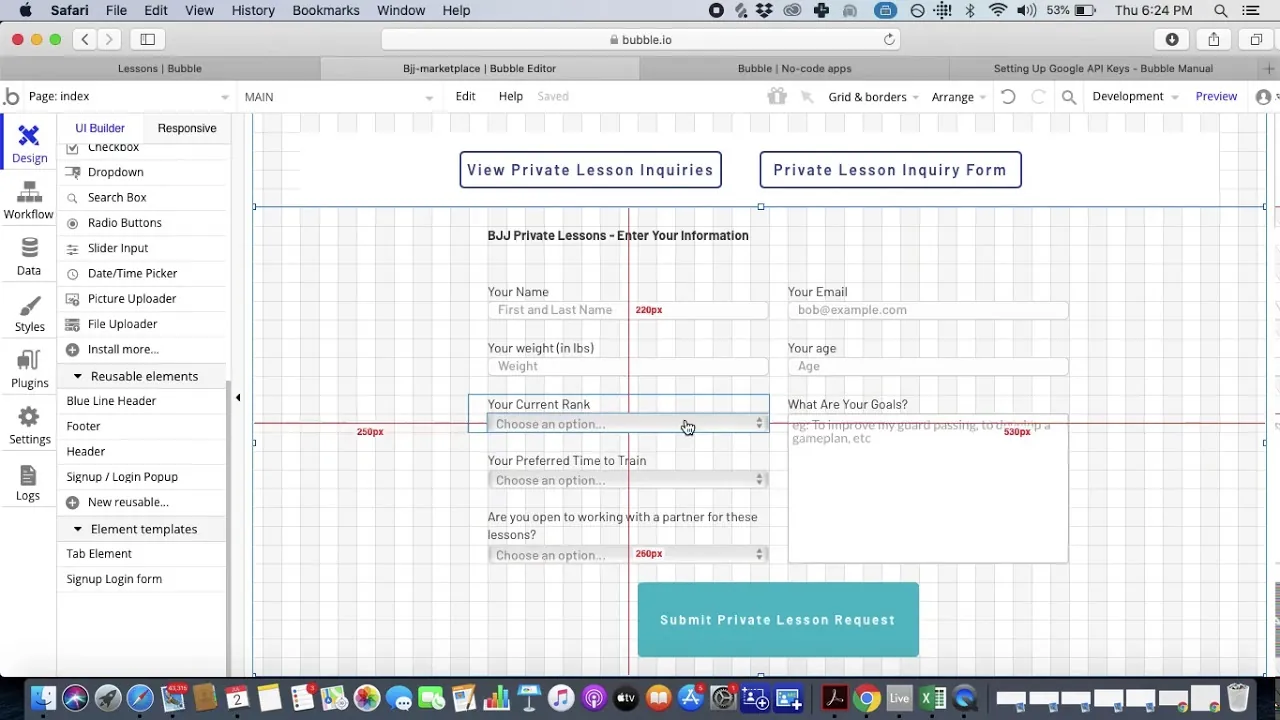
Bubble is one of the most established no-code platforms, with a large community and a plugin ecosystem of 5,300+ options. For teams building intricate web-only SaaS products with complex data relationships and advanced conditional workflows, Bubble provides more granular control than most visual builders.
The platform's workflow engine handles conditional logic, iterative data processing, and backend events. A marketplace of certified Bubble Experts provides consulting and development services for teams that need help building or optimizing their apps.
Where Bubble excels: Complex web applications with sophisticated backend logic. If your project is web-only and involves deeply nested conditional workflows, multi-step data processing, or extensive third-party integrations, Bubble gives you the depth to build it.
Production considerations: Independent research from the State of App Building Report documented chronic performance challenges: 5-10 second web page loads and 8-14 second mobile beta splash screens. Bubble's own website states that speed is dependent on data relationships being set up correctly for scale, which may require engaging Bubble Experts ($40-$125/hour based on marketplace rates). Bubble holds a 1.7/5 on Trustpilot across 123 reviews, with billing and cancellation complaints being the most common themes.
Pricing reality: Bubble starts at $69/month but charges usage-based Workload Units. A moderately active app with 1,000 monthly active users can consume around 5 million WU. By Bubble.io's own pricing guide, this would add at least $1,000/month on top of the base subscription.
Mobile status: Bubble recently added a native mobile editor, though independent reports have cited significant lag. The mobile builder is still separate from the web app builder, meaning you're maintaining two versions rather than publishing from a single codebase.
Best for: Teams with the budget for specialist expertise who need complex web-only applications with sophisticated backend logic. Be prepared for a learning curve and potential optimization costs.
3. FlutterFlow: Best for Developer-Adjacent Teams
Price: $39/mo per seat (publishing requires $80/mo/seat) | Platforms: Web, iOS, Android (via Flutter)
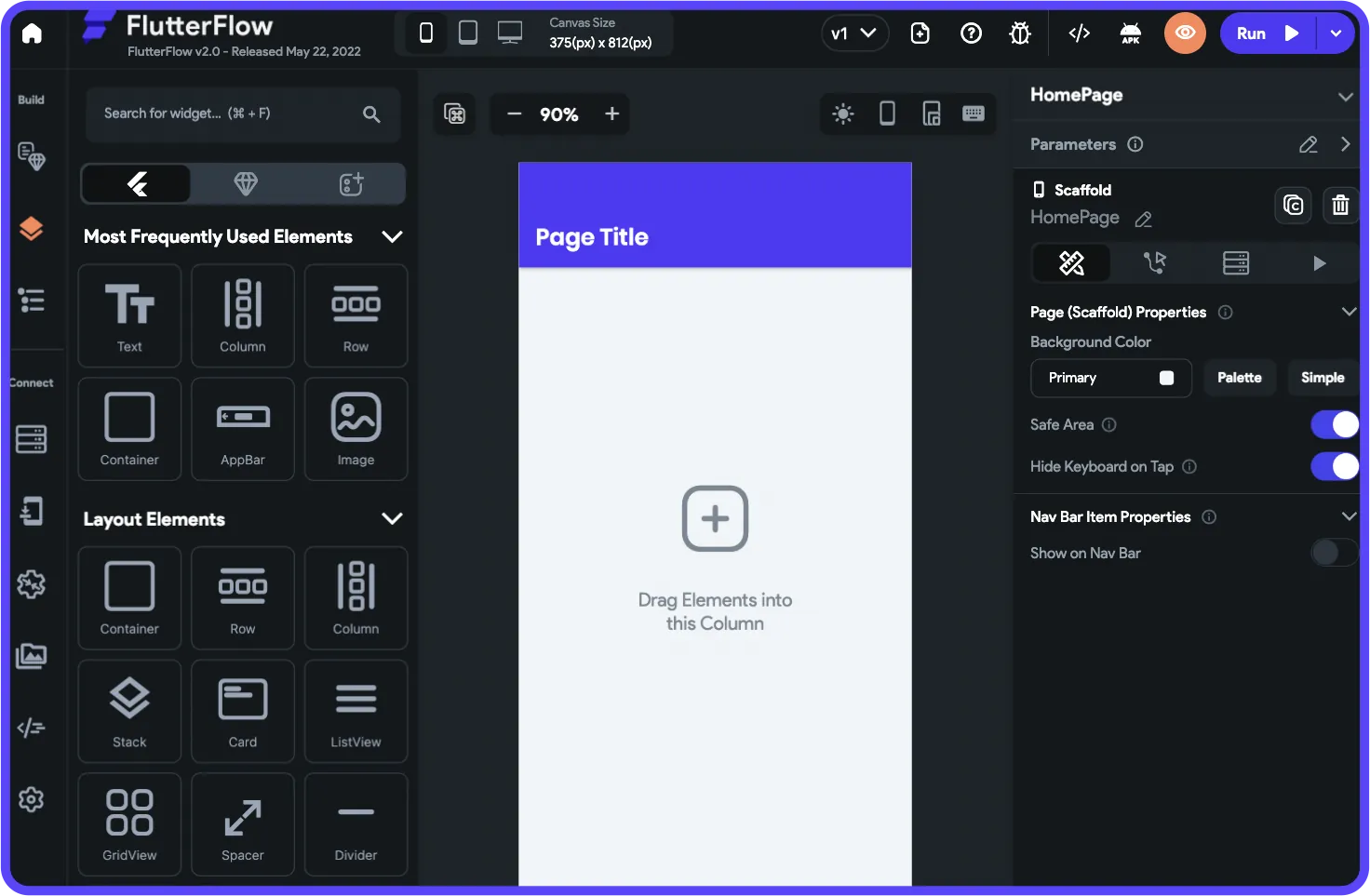
FlutterFlow generates Flutter code through a visual interface, giving developer-adjacent teams the ability to build cross-platform apps with code export. If your team has some technical background and values being able to eject to Flutter code, FlutterFlow offers a unique value proposition.
Where FlutterFlow excels: Teams that want visual building speed combined with the option to export and customize Flutter code. The platform produces genuine cross-platform apps from a single Flutter codebase. Full code export is available on lower tiers, which is a significant advantage for teams who want an escape hatch.
Production considerations: FlutterFlow requires you to source, set up, and pay for your own database separately, typically Firebase or Supabase. This adds setup complexity and ongoing costs. The State of App Building Report classified FlutterFlow as a developer tool rather than a true no-code platform, noting it requires Flutter widget tree knowledge and developer-level debugging. The report also documented editor performance degradation at scale: 5-40 seconds per click when projects exceed 15+ screens. FlutterFlow holds a 2.6/5 on Trustpilot across 19 reviews.
Pricing: $39/month per seat for basic features, $80/month per seat for app store publishing. Second and subsequent seats add $55/month. With no included database, total cost depends on your backend choice.
Best for: Developer-adjacent teams who want a visual builder that generates exportable Flutter code. Not ideal for non-technical builders.
4. Glide: Best for Quick Apps from Spreadsheets
Price: $25/mo | Platforms: Web, PWA (no native mobile)
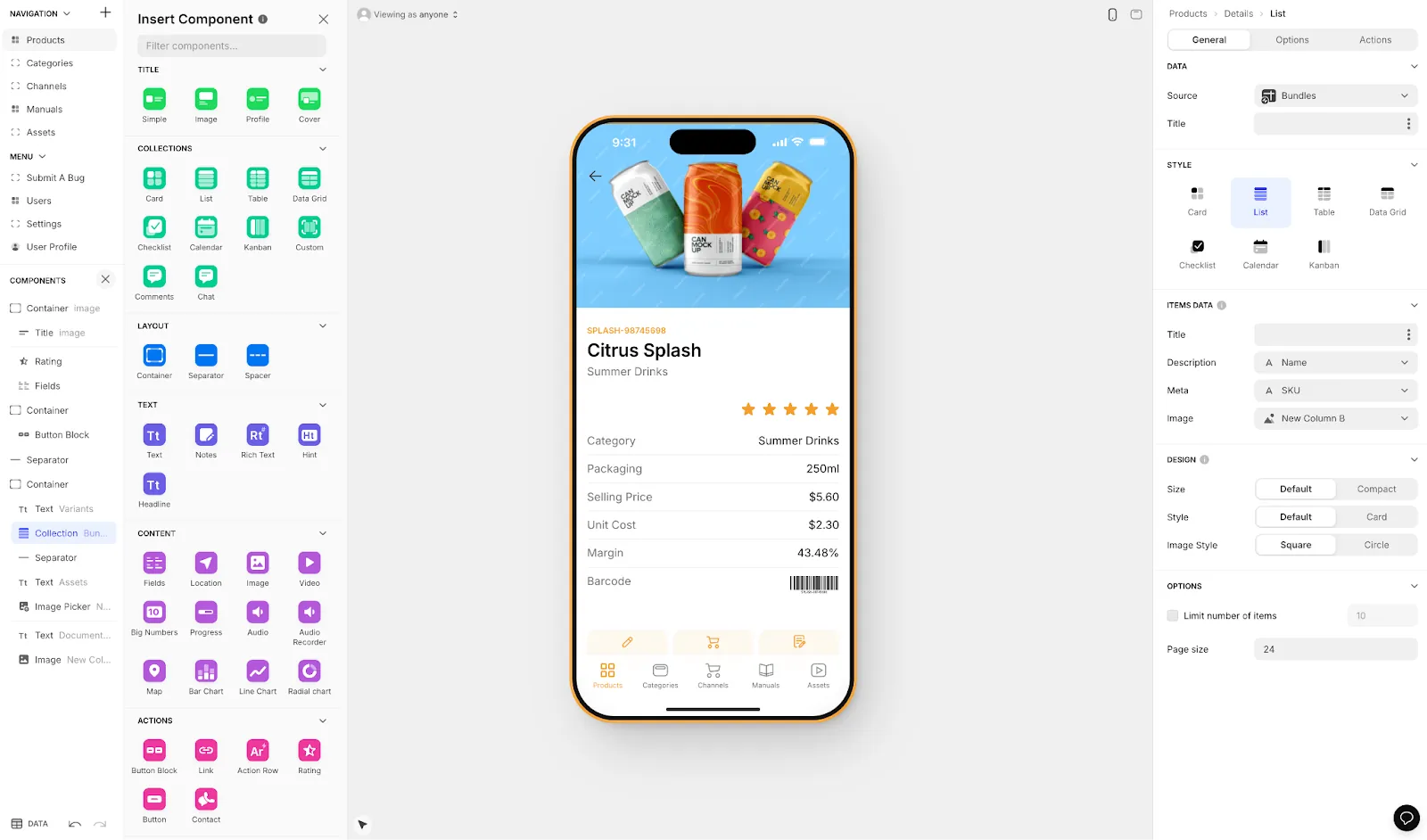
Glide turns Google Sheets and Excel data into polished web apps with minimal effort. If your data already lives in a spreadsheet and you need a clean frontend for it, Glide gets you there faster than almost anything else.
Every Glide app looks polished out of the box thanks to a template-focused approach. AI features are built into the platform, making it easy to add intelligent functionality to data-driven apps. The builder is intuitive enough that most people can ship a working app in a day.
Where Glide excels: Internal business tools, inventory trackers, CRM-style apps, and anything where the data already exists in a spreadsheet. Glide's tight integration with Google Sheets means your existing workflows don't need to change.
Limitations: Glide only builds web apps and PWAs. There's no path to the Apple App Store or Google Play. Creative freedom is limited by the template system. Custom domains require the $60/month tier. Row and usage limits can become constraining as your app grows.
Best for: Teams that need a simple, polished web app built on top of existing spreadsheet data. Not suitable for native mobile apps or highly customized designs.
5. Softr: Best for Airtable-Powered Web Apps
Price: $49/mo | Platforms: Web, PWA (no native mobile)
Softr lets you build web apps on top of Airtable or Google Sheets using a block-based editor. If your organization already runs on Airtable and needs a customer-facing or internal frontend, Softr provides the fastest path from database to web app.
The drag-and-drop block system makes it straightforward to assemble pages from pre-built components: user authentication, list views, detail pages, forms, and charts. No complex configuration required.
Where Softr excels: Client portals, membership sites, internal dashboards, and any web app that draws from an Airtable base. Setup is fast and the learning curve is minimal.
Limitations: Web-only. No native mobile apps or app store publishing. PWA requires the $167/month plan. Per-user pricing on higher tiers can become expensive as you scale. Depth of customization is more limited than platforms like Bubble or Adalo.
Best for: Teams already invested in Airtable who need a web frontend without heavy development. Not suitable for native mobile apps or complex custom logic.
6. Bravo Studio: Best for Figma-First Design Teams
Price: ~$18/mo | Platforms: Native iOS, native Android
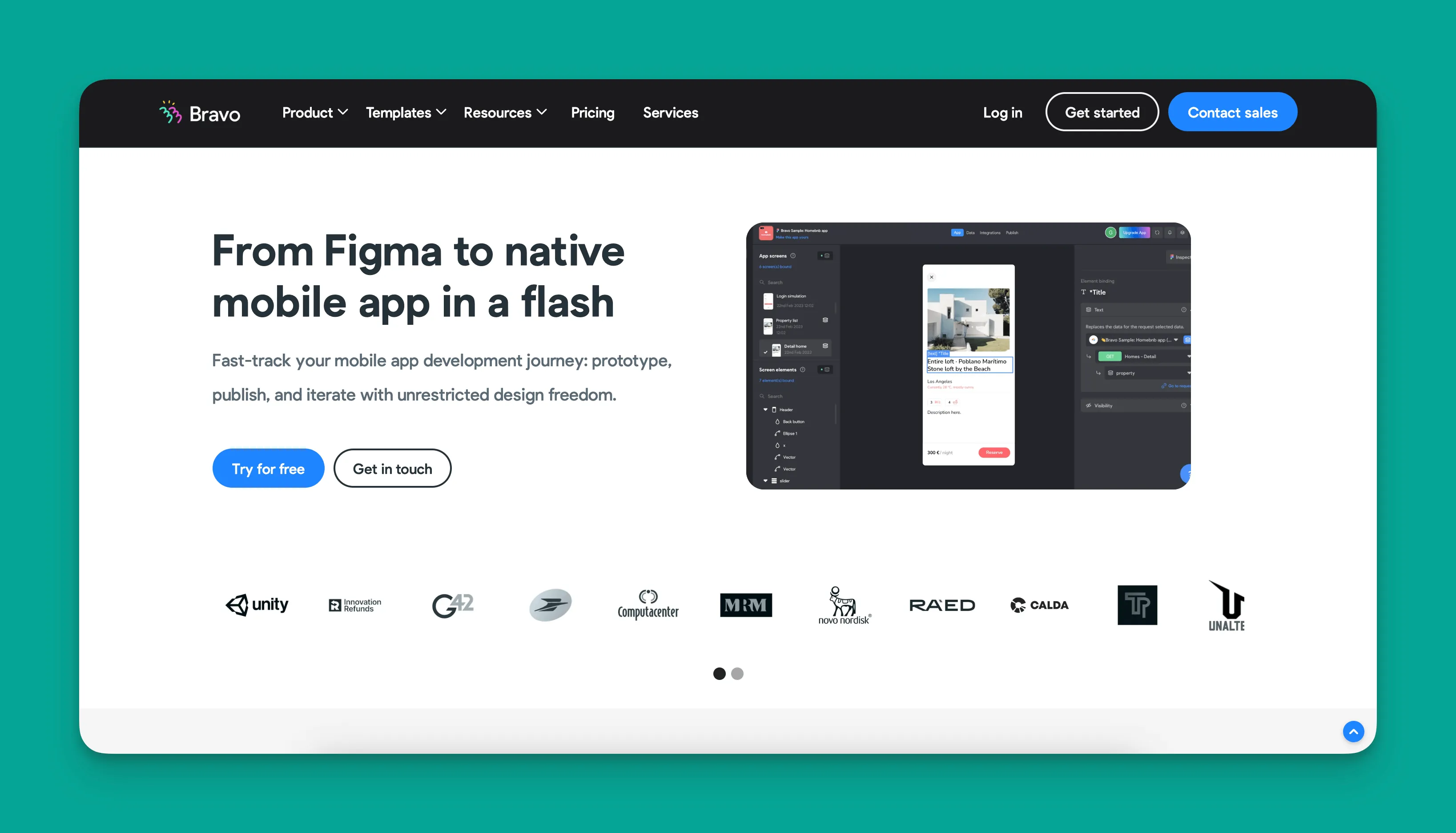
Bravo Studio is the only no-code app builder that gives designers full pixel-level control. You design your app in Figma (a tool you already know) and Bravo turns those designs into real, working native mobile apps.
This Figma-to-native pipeline is genuinely unique. No other platform lets you maintain full design fidelity while producing native iOS and Android apps without code.
Where Bravo excels: Design-led projects where visual quality is non-negotiable. If you have a specific vision for how your app should look and feel, and you don't want the builder constraining your design, Bravo removes that limitation entirely.
Limitations: Bravo is a frontend builder. You'll need to bring your own backend (Xano, Supabase, or a custom API). The builder is design-focused, which means complex business logic, data relationships, and backend workflows need to be handled elsewhere. The community and ecosystem are smaller than Adalo's or Bubble's.
Best for: Design teams and agencies who want native mobile apps with total design control and are comfortable connecting to an external backend.
7. Backendless: Best for Semi-Technical Builders
Price: Free tier available | Paid from $25/mo | Platforms: Web, native mobile (requires some technical knowledge)
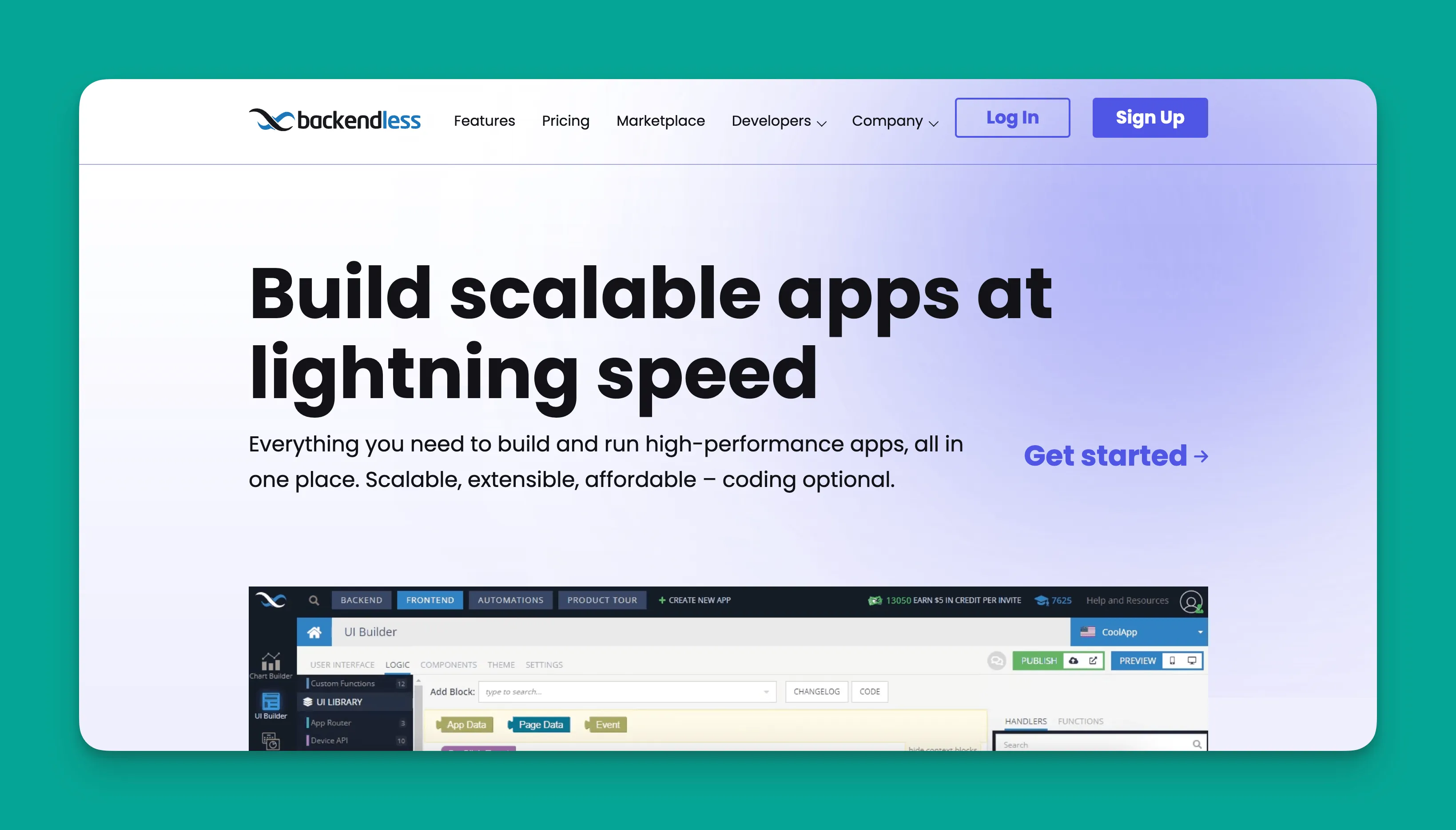
Backendless is a full-stack no-code platform with enterprise-grade hosting and a powerful visual programming system. One notable case study: Backendless powers a national banking app in the Middle East, which speaks to the platform's reliability at serious scale.
Where Backendless excels: Projects that need the power and flexibility typically associated with coded applications, but where the team wants to move faster than traditional development allows. The visual programming system (Codeless) handles complex backend logic, real-time messaging, and advanced data operations.
Limitations: The learning curve is significantly steeper than platforms like Adalo or Glide. While marketed as no-code, you'll need at least basic technical literacy to build successfully. Mobile app development requires more configuration than with platforms that handle the full build pipeline automatically.
Best for: Semi-technical builders and IT professionals who want enterprise-grade power without writing code from scratch. Not ideal for non-technical beginners.
8. Thunkable: Best for Educational Projects
Price: Free plan available | $59/mo for app store publishing | Platforms: iOS, Android, web
Thunkable uses a block-based programming model, similar to MIT's Scratch, to make mobile app development accessible, particularly in educational settings. The visual logic blocks make it easier to understand programming concepts while building real apps.
Where Thunkable excels: Educational environments, student projects, and simple cross-platform apps where the block-based approach makes development intuitive. Thunkable has strong partnerships in the education sector and a library of tutorials aimed at beginners.
Limitations: App store publishing requires a paid plan starting at $59/month. Token-based limits on usage can restrict what you build. The block-based approach, while educational, becomes cumbersome for more complex applications. The platform is less suited for production business apps compared to Adalo or Bubble.
Best for: Students, educators, and hobbyists who want to learn app development through building. The block-based model is excellent for learning but may limit production app complexity.
9. Betty Blocks: Best for Enterprise No-Code
Price: Custom enterprise pricing | Platforms: Web, PWA
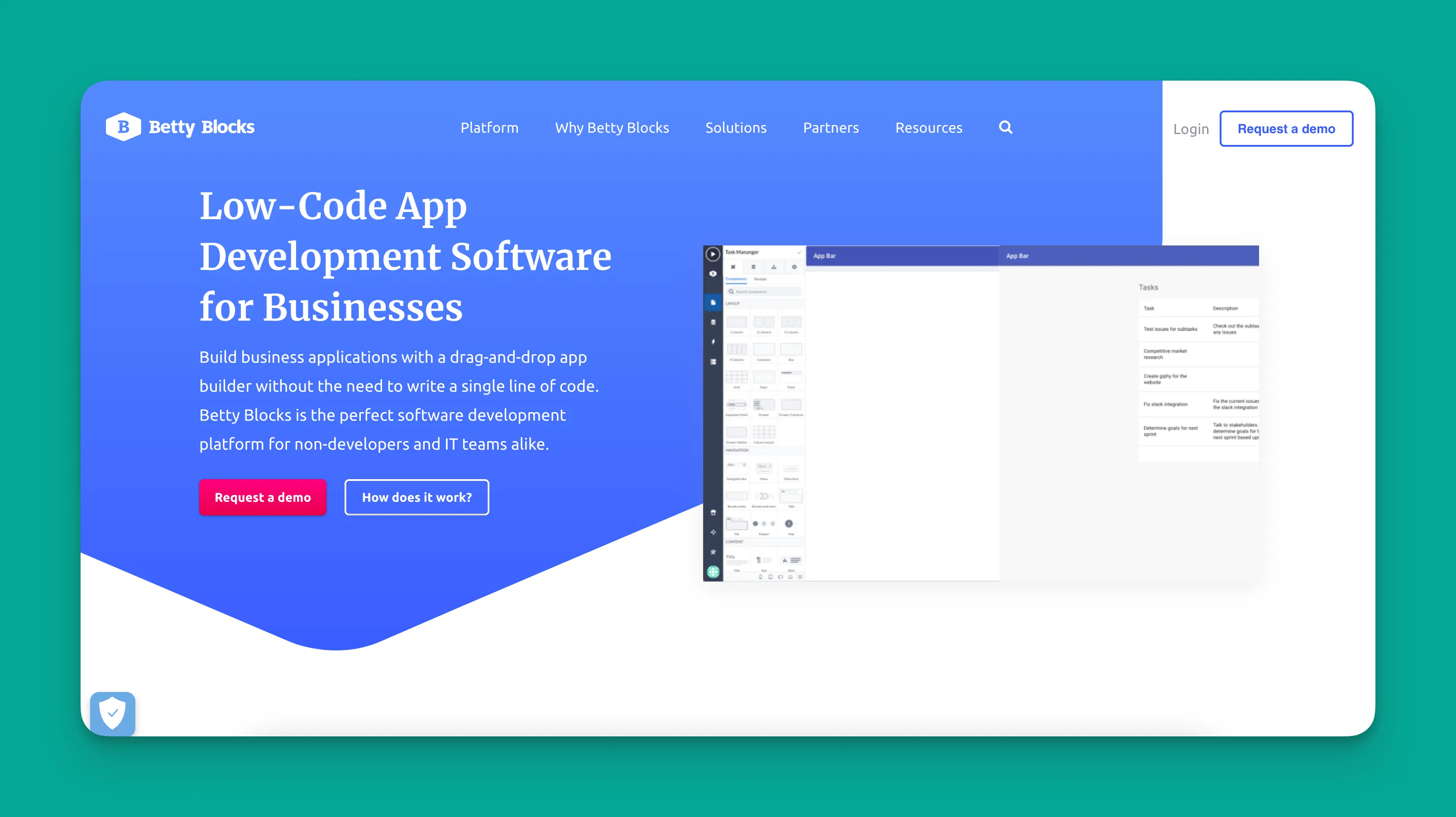
Betty Blocks is specifically built for Fortune 500-scale organizations that need no-code development with enterprise security, compliance, and deployment requirements. Despite calling themselves "low-code," the platform is genuinely no-code. Your employees can drag and drop their way to functional business applications without learning technical skills.
Where Betty Blocks excels: Large organizations with strict compliance needs, Microsoft-based environments, and teams that need IT governance over citizen development. Betty Blocks provides the audit trails, role-based access controls, and deployment workflows that enterprise IT departments require.
Limitations: Enterprise pricing puts Betty Blocks out of reach for startups and small businesses. The platform is focused on internal business applications rather than consumer-facing apps. There's no native mobile app compilation. Output is web and PWA only.
Best for: Enterprise IT departments and large organizations that need secure, governable no-code development at scale. Not suitable for startups or consumer app builders.
What About Prompt-Led Builders Like Lovable, Bolt, and Base44?
Prompt-led web app builders have generated significant buzz, and for good reason. Typing a description and watching code appear is impressive. But these tools occupy a fundamentally different category from no-code app builders, and it's important to understand the distinction.
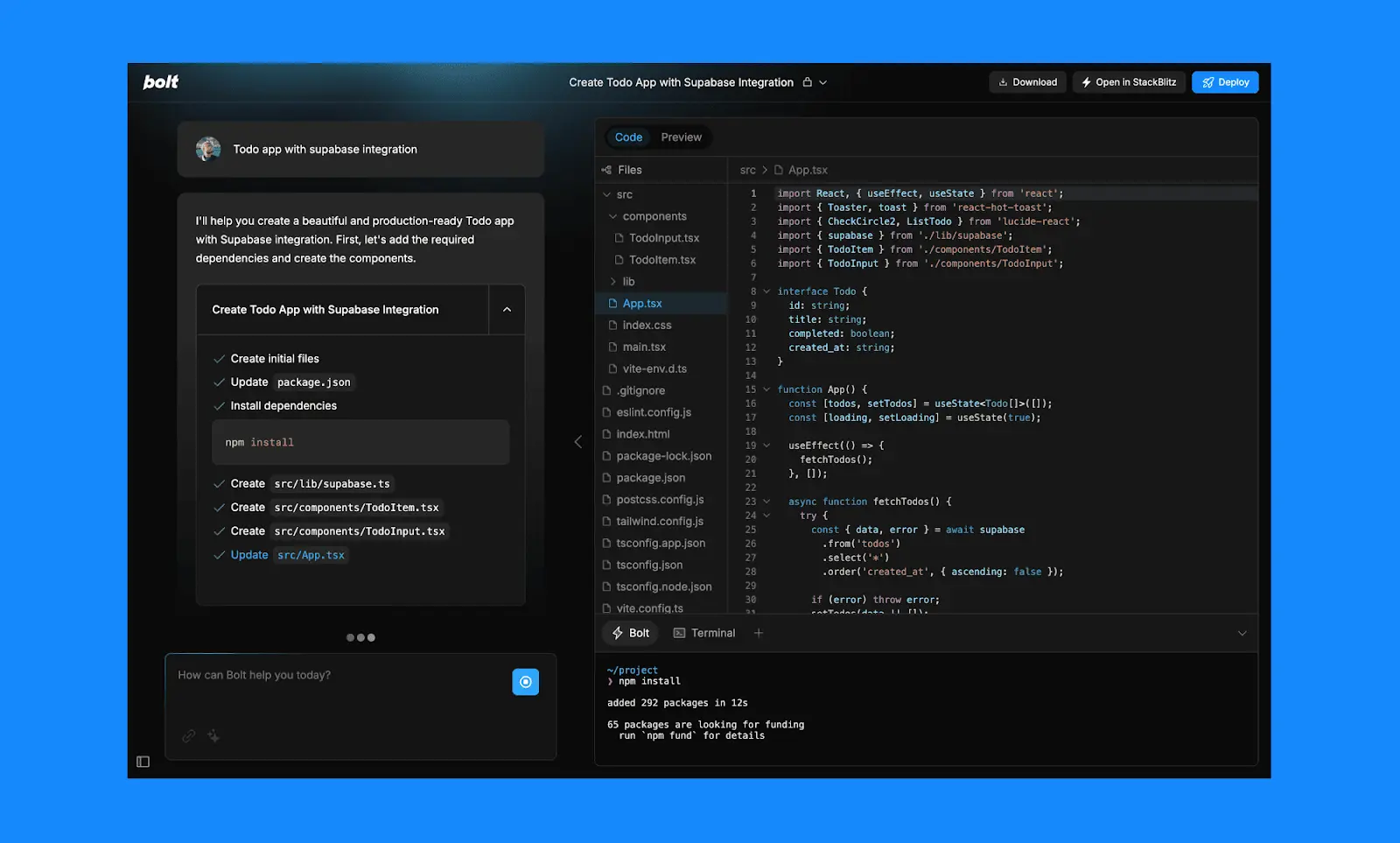
They're prompt creators, not no-code platforms. Lovable, Bolt, and Base44 generate web application code from text prompts. They produce React, Next.js, or similar code that runs in browsers. This is useful for rapid prototyping, but the output is web code that needs ongoing developer maintenance, not a managed platform with built-in hosting, databases, and app store publishing.
Production scale is the core challenge. No-code platforms like Adalo, Bubble, and Glide have spent years optimizing their infrastructure under real production load. Prompt-led tools are newer and haven't yet demonstrated the same track record. User surveys document fix-break loops (changing one feature breaks another), code quality inconsistencies, and the reality that generated code still requires a developer to maintain and deploy.
No native mobile apps. None of the major prompt-led builders (Lovable, Bolt, Base44, v0) can compile native iOS or Android apps. If you need your app in the Apple App Store or Google Play, you'd need a third-party wrapper, which introduces performance trade-offs and limited device API access.
Credit-based pricing creates unpredictability. Token and credit consumption varies based on prompt complexity and iteration cycles. What starts as a $20/month subscription can escalate quickly as you refine, debug, and expand your app.
These tools have their place, particularly for developers who want to accelerate frontend prototyping. But for production apps that need to scale, publish to app stores, and run reliably for paying customers, established no-code platforms remain the stronger choice.
Comparing No-Code App Builder Pricing and Features
| Platform | Starting Price | Native Mobile | App Store Publishing | Database Included | Usage Model |
|---|---|---|---|---|---|
| **Adalo** | $36/mo | Yes (true native) | Yes (iOS and Android) | Yes (unlimited records) | Unlimited, flat rate |
| **Bubble** | $69/mo | Beta (separate builder) | Via wrapper/beta | Yes (record limits + WU) | Workload Units (usage-based) |
| **FlutterFlow** | $39/mo/seat | Yes (via Flutter) | Yes ($80/seat tier) | No (external required) | Per-seat |
| **Glide** | $25/mo | No | No | Yes (row limits) | Row and usage limits |
| **Softr** | $49/mo | No | No | No (Airtable/Sheets) | Per-user on higher tiers |
| **Bravo Studio** | ~$18/mo | Yes (true native) | Yes (iOS and Android) | No (external required) | Per-app |
| **Backendless** | $25/mo | Yes (semi-technical) | Yes (semi-technical) | Yes | API call limits |
| **Thunkable** | $59/mo | Yes | Yes (at paid tiers) | Limited | Token limits |
| **Betty Blocks** | Enterprise pricing | No | No | Yes | Custom |
Key observations:
True native vs. wrappers matters at scale. Platforms that compile to native code (Adalo, FlutterFlow, Bravo Studio) produce faster, more responsive apps than those wrapping web content. WebView wrappers can add 2-3 seconds of load time, which significantly impacts user retention.
Hidden costs add up. Bubble's Workload Units and FlutterFlow's per-seat model can create bills that far exceed the base subscription. Adalo's flat $36/month with unlimited usage means your costs don't change as your app grows.
Database setup complexity varies. Platforms like FlutterFlow, Bravo Studio, and Softr require you to source, configure, and pay for your own database. This adds learning time and ongoing management overhead. Adalo and Bubble include databases, though Bubble applies record limits and WU charges to database operations.
A Note on Third-Party Ratings
When researching no-code platforms, you'll encounter G2 reviews, comparison sites, and analyst reports. Most third-party ratings for Adalo predate the Adalo 3.0 infrastructure overhaul that launched in late 2025: a complete rewrite of 176 backend services resulting in 3-4x speed improvements and modular infrastructure.
The State of App Building Report (February 2026) provides the most current independent assessment, analyzing 345 community citations across Reddit, X/Twitter, and platform forums with zero platform sponsorships. That report ranked Adalo #1 among visual builders for non-developers, with a weighted score of 5.76/10 compared to Bubble at 4.18/10.
When evaluating any platform, test it yourself with a free account. Reviews that are even a few months old may not reflect the current state of rapidly evolving no-code tools.
How to Choose the Right No-Code App Builder
Need your app in the App Store and Google Play? Adalo is the clearest path: true native iOS and Android apps from a single codebase at $36/month with no usage caps. FlutterFlow and Bravo Studio also produce native apps, but require more technical knowledge or external backend setup.
Building a complex web-only SaaS? Bubble offers the deepest customization for web applications. Be prepared for a learning curve, potential optimization costs, and usage-based pricing.
Working from existing spreadsheet data? Glide (Google Sheets) or Softr (Airtable) get you to a functional web app fastest, though neither supports native mobile.
Design team wanting pixel-perfect control? Bravo Studio lets you design in Figma and ship native mobile apps, but you'll need an external backend.
Semi-technical and want maximum power? Backendless or Xano (as a backend complement to any frontend builder) give you enterprise-grade capabilities.
Enterprise requirements? Betty Blocks provides the security, compliance, and governance that large organizations need.
Just prototyping an idea quickly? A prompt-led tool like Lovable or Bolt can generate a web prototype fast, but plan to rebuild on a production platform if the idea takes off.
FAQ
What's the difference between a no-code app builder and a prompt-led builder like Lovable or Bolt?
No-code app builders are managed platforms with visual editors, built-in databases, hosting infrastructure, and app store publishing pipelines, refined over years of production use. Prompt-led builders generate web application code from text descriptions. The code still needs developer maintenance, can't compile to native mobile apps, and the platforms haven't yet proven production scale at the level that established no-code tools have.
What is the best no-code app builder for publishing to the App Store?
For publishing native iOS and Android apps to the Apple App Store and Google Play, Adalo is the most accessible option: native compilation from a single codebase at $36/month with no usage caps. FlutterFlow also publishes native apps but requires per-seat pricing ($80/month for publishing), no included database, and more technical knowledge. Bravo Studio publishes native apps from Figma designs but requires an external backend.
How much does it really cost to build an app with a no-code platform?
Costs vary significantly. Adalo charges a flat $36/month with unlimited usage and no record caps. FlutterFlow starts at $39/month per seat plus external database costs. Bubble starts at $69/month but adds Workload Unit charges. By Bubble.io's own pricing guide, a moderately active app with 1,000 monthly active users consuming around 5 million WU would add at least $1,000/month. For app store publishing, add Apple's $99/year developer fee and Google's one-time $25 registration.
Can no-code apps really scale for serious business use?
Yes. No-code platforms have matured considerably. Adalo's infrastructure, overhauled in late 2025, scales to 1M+ monthly active users with quadruple redundancy and dual-zone failover. Apps built on Adalo have gone on to raise venture funding. Shmoody reached $2M ARR built entirely on the platform. Backendless powers a national banking app. These are production systems, not prototyping tools.
Is Bubble good for mobile apps?
Bubble recently added a native mobile editor, but independent reports have cited significant lag in Bubble's apps. Bubble's own website states that speed is dependent on data relationships being set up correctly for scale, which may require engaging Bubble Experts. The mobile builder is also separate from the web builder, meaning you're maintaining two versions. For mobile-first projects where performance and native feel are priorities, platforms with established native compilation track records may be a more proven path.
Which no-code platforms have the best track record at production scale?
Among the platforms on this list, Adalo (8 years, 1M+ apps created, apps that raised funding), Bubble (10+ years, large community), and Backendless (enterprise deployments including national banking apps) have the longest production histories. The State of App Building Report (February 2026) ranked Adalo #1 among visual builders for non-developers based on 345 community citations.
Can I migrate from Bubble to Adalo?
There's no one-click migration, but you can rebuild your app in Adalo and export data from Bubble to import into Adalo's database. Many builders switch when they need true native mobile apps, want to avoid usage-based pricing, or find Bubble's complexity requires more specialist expertise than expected. Adalo's AI features, particularly Magic Start, can speed up the rebuild process.
What is Adalo?
Adalo is the no-code app builder that pairs AI-powered generation with a visual multi-screen canvas, so entrepreneurs and business teams can design, build, and publish custom database-driven apps to the Apple App Store, Google Play Store, and web from a single project — no code, no developers required.
What can't Adalo do?
Adalo offers code export, but only as part of the enterprise plan within Adalo Blue. It is less suited for complex web-only dashboards with deeply nested conditional logic. Bubble handles this better. Its plugin ecosystem is smaller than Bubble's 5,300+ options. Projects requiring heavy custom backend logic or full code-level control may find FlutterFlow (for code export) or Backendless (for backend power) a better starting point. Adalo is strongest for database-driven native mobile apps built by non-technical teams.
Do I need coding experience to use a no-code app builder?
For genuinely no-code platforms like Adalo, Glide, and Softr, no coding experience is required. FlutterFlow and Backendless, while visual, benefit significantly from technical background. Prompt-led tools like Lovable and Bolt don't require coding to generate initial output, but maintaining and deploying the generated code typically does.