The Fundamentals of Front-End Development
What is Front-End Development?
Let's start with the basics. Front-end development manages everything users see first on their mobile app. Front-end developers are like interior designers who create the entire experience, look, and feel of a space—from the moment you walk in, everything is where it should be.
For those looking to build apps without diving deep into traditional front-end development, Adalo, a no-code app builder for database-driven web apps and native iOS and Android apps—one version across all three platforms, published to the Apple App Store and Google Play, offers a powerful alternative. These tools allow creators to design visually appealing, functional apps with drag-and-drop interfaces, handling much of the front-end complexity behind the scenes.
Front-end development focuses on what's often called the "client side" of development. This means front-end developers analyze code, design interfaces, and do extensive debugging. The "front end" of an app includes all the elements users interact with—dropdown menus, slides, navigation bars, and lists.
While researching mobile app development, you'll encounter terms like back-end development and full-stack development. Here's the breakdown: a front-end developer works on the parts of an app that users see and interact with. A back-end developer handles the behind-the-scenes aspects like app architecture and databases. A full-stack developer manages the entire design process from start to finish, covering both front-end and back-end development.
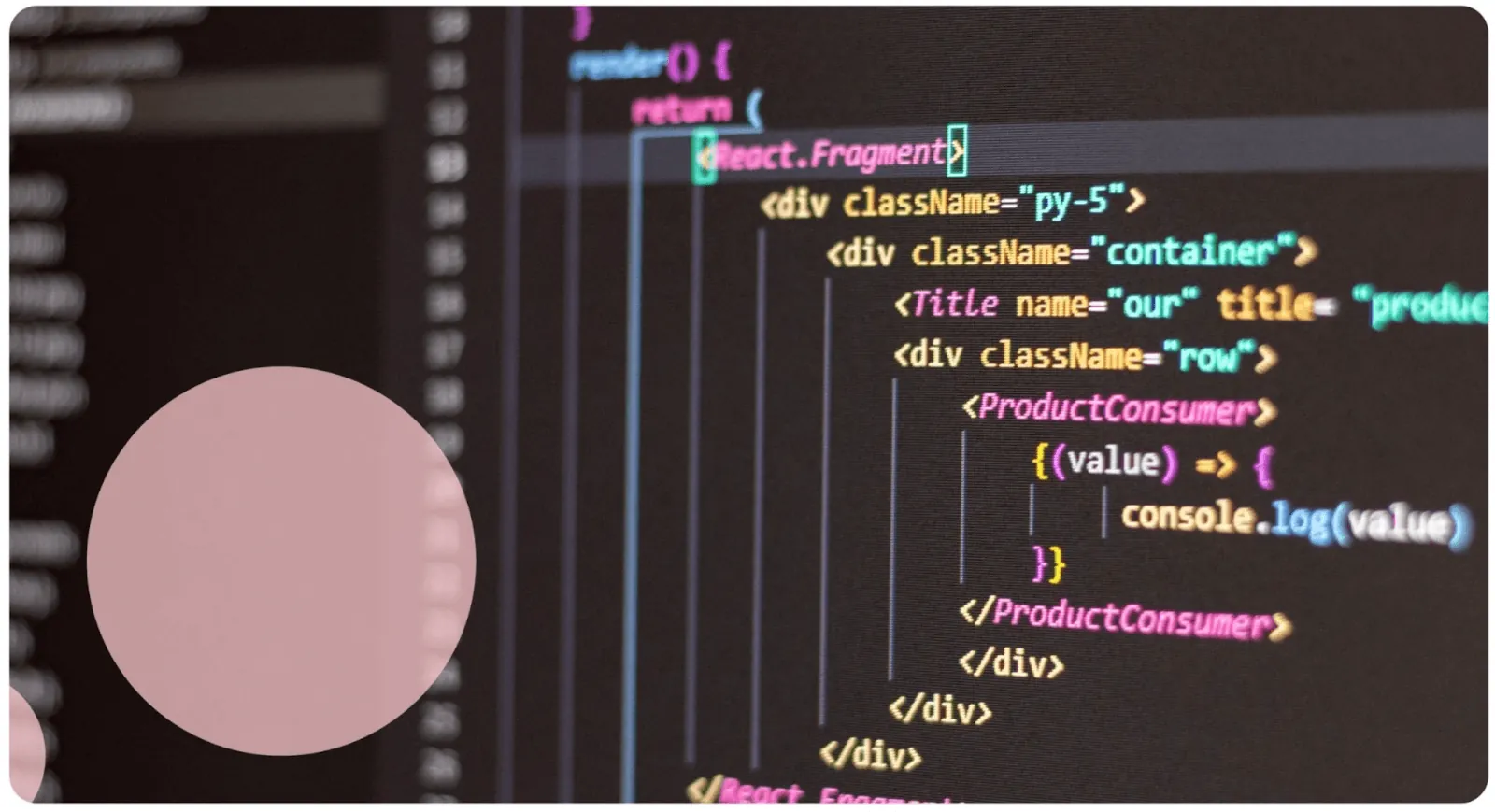
To simplify: anything you can see on an app results from front-end development; anything that provides data from a server falls under back-end development. Now that we understand what front-end development is, let's examine the key goals front-end developers work toward and the challenges they face.
What Does Front-End Development Accomplish?
Front-end developers and UI/UX designers typically collaborate to execute navigation, compatibility across mobile devices, and seamless user interfaces.
Accessibility: Front-end development ensures that anyone using an app, regardless of their mobile device, can easily access it and see content displayed correctly. This includes considerations for different screen sizes, operating systems, and user capabilities.
Performance: Performance is measured by how quickly an app loads. Front-end developers optimize code to ensure apps open quickly with minimal load time. This directly impacts user retention—studies show users abandon apps that take more than 3 seconds to load.

Tools Used for Front-End Development
A significant challenge with front-end development is that tools and techniques constantly evolve. Typically, front-end developers create apps using frameworks built on HTML, CSS, or JavaScript. Here's a quick overview of these languages:
HTML: Describes What's on a Page
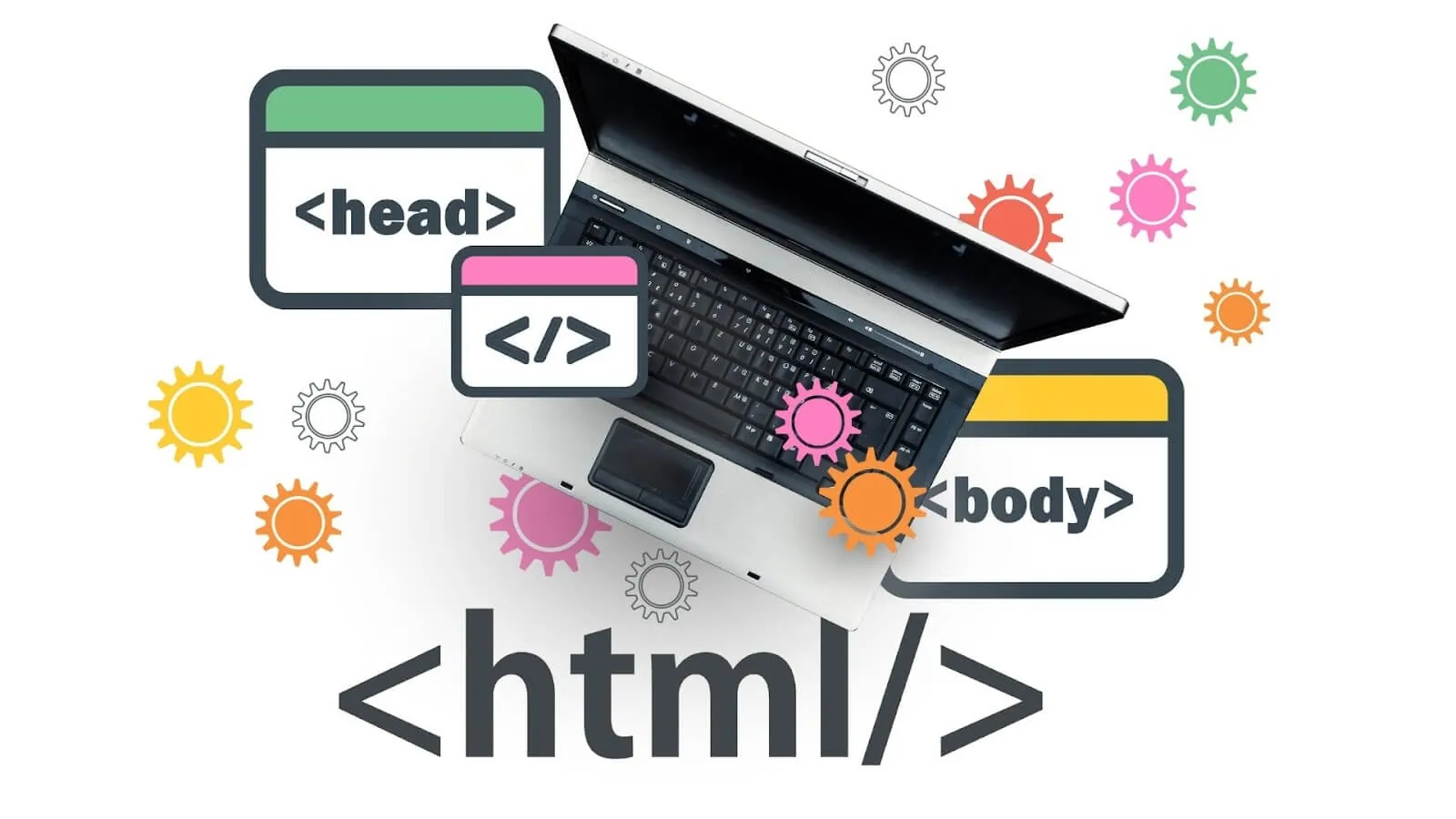
HTML forms the backbone of web development. It stands for HyperText Markup Language. Hypertext is text with links—click on it, and it takes you to another page. Markup means text can be converted into images, tables, or links. The overall framework of how a site looks is written in HTML code.
CSS: Describes How the Page Looks
CSS works alongside HTML as an essential language for describing documents written in markup languages. CSS handles the presentation of your app or site, specifying how HTML components should appear in terms of style, layout, and adaptations for different devices and screen sizes. This is accomplished through style sheets that function with other style rules. CSS stands for Cascading Style Sheets. Think of HTML as the columns and concrete forming a house, and CSS as the painting and interior finishings.
DOM: Structures Web Pages
The structure of a web page is called the Document Object Model (DOM). It's a programming interface that interprets the page so programs can change the structure, content, and style of a document using JavaScript. The DOM creates a tree-like representation of the page that developers can manipulate.
JavaScript: Describes How Web Pages Behave
JavaScript is a widely used programming language that transforms HTML pages into dynamic, interactive interfaces. You can use it to build websites, mobile apps, web apps, games, and web servers. It's the language that makes buttons respond to clicks, forms validate input, and content update without page refreshes.
Front-End Development Frameworks
Frameworks are software creation platforms for front-end development that include tools (like HTML, CSS, etc.) along with software, compilers, debugging tools, and programming interfaces to generate mobile apps with greater ease and efficiency. These frameworks offer a playground to develop mobile apps while maintaining flexibility with the final design.
Here are some common front-end development frameworks:
1. Angular
Angular is a JavaScript framework that provides a complete front-end solution. Released in 2016 by Google as an open-source solution, it's used to develop mobile apps and web apps. Companies like XBOX, BMW, and Forbes are built with Angular. The framework offers robust tooling and a structured approach to building complex applications.
2. React Native
React was released by Facebook in 2013 and has become a popular web development framework. It's a free, open-source JavaScript framework that facilitates creating Android and iOS mobile applications. Businesses like Amazon Prime and Airbnb are built on React. The advantage with React Native is that it allows quick development with great performance, reusable components, and third-party extensions.
3. Vue.js
Vue.js is excellent for front-end developers because it's relatively easier to learn and handles both dynamic and simple app development with ease. It has an uncomplicated structure and makes solving issues straightforward with its open-source JavaScript framework and comprehensive documentation. Companies like Alibaba, Reuters, and 9Gag use Vue.js.
Building Apps Without Traditional Front-End Development
Building an app requires many tasks and functions working together, with data passing between systems and regular maintenance. Tools like Adalo allow you to build apps without coding, making the process much easier, faster, and more cost-effective.
Ada, Adalo's AI builder, lets you describe what you want and generates your app. Magic Start creates complete app foundations from a description, while Magic Add adds features through natural language.
With Adalo's Magic Start, you can generate complete app foundations from a simple description. Tell it you need a booking app for a dog grooming business, and it creates your database structure, screens, and user flows automatically—what used to take days of planning happens in minutes. Magic Add then lets you add features through natural language requests, while X-Ray identifies performance issues before they affect users.
Adalo's modular infrastructure scales to serve apps with millions of monthly active users, with no upper ceiling. Unlike app wrappers that hit speed constraints under load, Adalo's purpose-built architecture maintains performance at scale. Over 3 million apps have been created on the platform, with the visual builder described as "easy as PowerPoint."
For creators who want professional results without learning complex frameworks, Adalo offers unlimited database records on paid plans starting at $36/month—with no usage-based charges or bill shock. One build publishes to web, iOS App Store, and Android Play Store simultaneously.
We hope this helps break down the basics of front-end development for you! If you'd like to know more about UX research, UX design, and back-end development, visit our blog.
FAQ
Why choose Adalo over other app building solutions?
Adalo is an AI-powered app builder that creates true native iOS and Android apps alongside web apps. Unlike web wrappers, it compiles to native code and publishes directly to both the Apple App Store and Google Play Store from a single codebase. With unlimited database records on paid plans and no usage-based charges, you avoid the bill shock common with other platforms.
What's the fastest way to build and publish an app to the App Store?
Adalo's drag-and-drop interface and AI-assisted building let you go from idea to published app in days rather than months. Magic Start generates complete app foundations from descriptions, and Adalo handles the complex App Store submission process—certificates, provisioning profiles, and store guidelines are managed automatically.
Can I build a front-end for my mobile app without coding?
Yes. With Adalo's visual builder, you can create professional front-ends using drag-and-drop tools. Design navigation bars, dropdown menus, and interactive elements without writing HTML, CSS, or JavaScript. The platform handles front-end complexity behind the scenes while giving you full creative control.
What is the difference between front-end and back-end development?
Front-end development focuses on everything users see and interact with—navigation bars, buttons, and visual layouts. Back-end development handles behind-the-scenes aspects like app architecture, databases, and server-side logic. A full-stack developer manages both throughout the entire design process.
What are the main goals of front-end development?
The main goals are accessibility and performance. Accessibility ensures users on any device can view and use an app correctly. Performance focuses on minimizing load times so apps open quickly and provide seamless user experiences.
What programming languages are commonly used in front-end development?
The most common languages are HTML, CSS, and JavaScript. HTML describes content structure, CSS handles visual presentation and styling, and JavaScript makes pages interactive and dynamic. These languages work together within frameworks like Angular, React Native, and Vue.js.
Do I need to learn frameworks like React or Angular to build a mobile app?
No. AI-powered app builders like Adalo let you create fully functional, professional apps using visual drag-and-drop tools. This eliminates the steep learning curve of traditional frameworks while still producing native iOS and Android applications that publish directly to app stores.
How does Adalo compare to other app builders for scalability?
Adalo 3.0's overhauled infrastructure is 3-4x faster than previous versions and scales to support apps with over 1 million monthly active users. Unlike platforms with record limits or usage-based charges, Adalo offers unlimited database records on paid plans with no upper ceiling on growth.