What is an In-App Purchase? [Updated for 2026 EU Law Changes]
What is an In-App Purchase?
An in-app purchase is the act of buying a digital feature or service within an app. These goods or services are not physical products and are only used within that app. When you buy them, they'll (hopefully) heighten your user experience in that app.
Building apps with in-app purchase functionality has become more accessible with platforms like Adalo, a no-code app builder for database-driven web apps and native iOS and Android apps—one version across all three platforms, published to the Apple App Store and Google Play. With over 3 million apps created on the platform, Adalo empowers entrepreneurs and businesses to create monetizable mobile experiences without extensive coding knowledge.
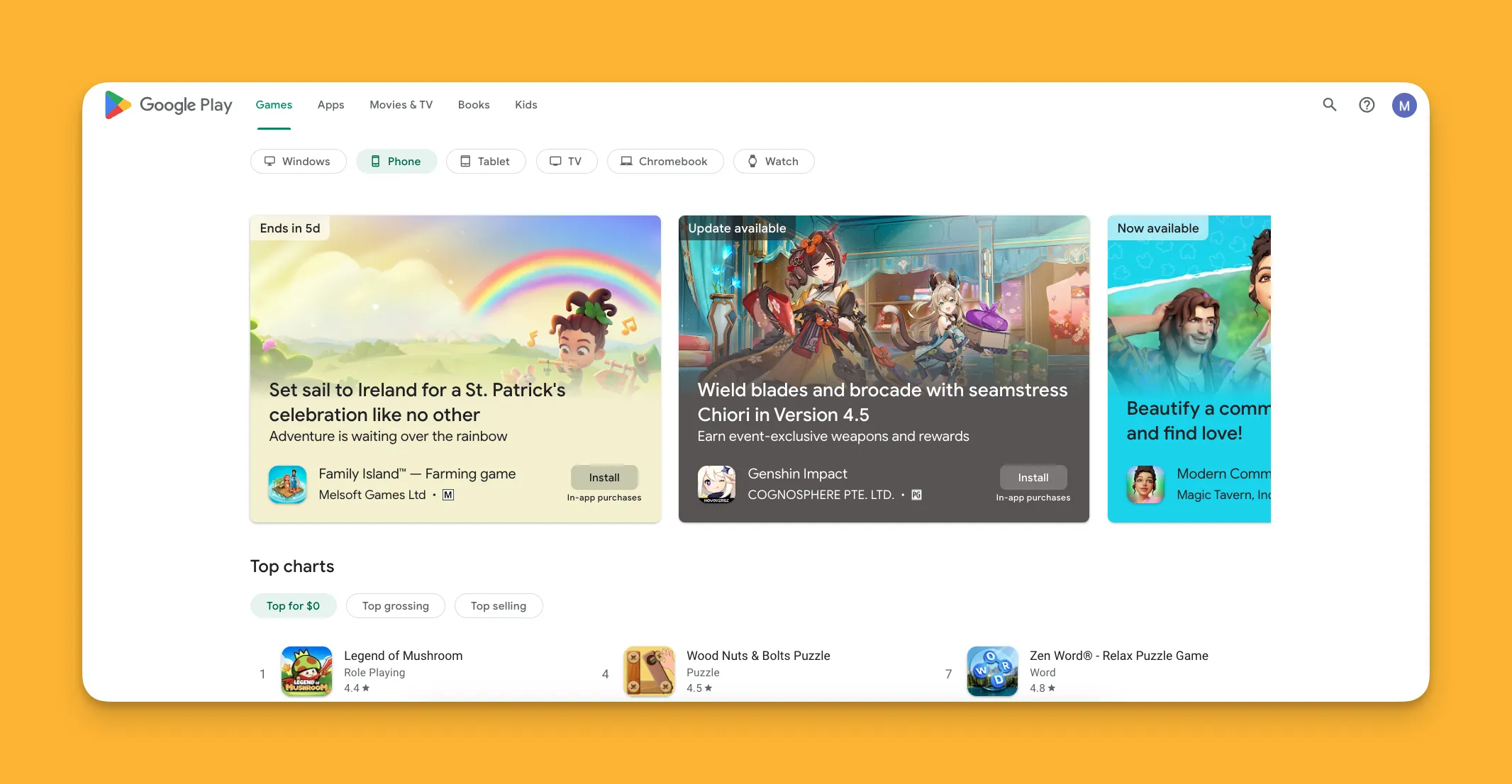
The 4 Types of In-App Purchases
Understanding the different types of in-app purchases helps you choose the right monetization strategy for your app. Each type serves different user needs and business models.
- Consumable Purchases: One-time in-app purchases for items that you consume while using the app—once you use them, they're gone.
- Non-consumable Purchases: In-app purchases that give you access to special features or services permanently.
- Non-renewable Subscriptions: In-app purchases that give access to content or features and recur until a predefined period of time ends.
- Auto-renewable Subscriptions: In-app purchases that give you access to content or features and recur until the user cancels the subscription.
*Important: Physical goods purchases, like dog food delivered to your house that you bought on Amazon, are not in-app purchases. The Apple App Store and Google Play Store don't directly support or take commissions from these.
#1 Consumable Purchases
What are Consumable Purchases?
Consumable purchases are in-app purchases that can only be used once. They're non-renewable resources—you buy and consume them, and then they're gone. In many cases, you can buy them repeatedly, like purchasing food or gas in real life.
Why use them?
If you offer consumable in-app purchases, your users might invest in them to enhance their in-app experience. For instance, the healing potion you sell in your dueling knights game will help players survive longer.
Offering these can lead to more engaged app users. When users invest in consumables, they're more likely to return to your app to use what they've purchased and potentially buy more.
Examples
- Tokens that let app users play a game for a specific amount of time.
- Resources like extra lives, healing points, or nitro-fuel in a game.
- A set amount of exercise sessions with a trainer.
#2 Non-Consumable Purchases
What are Non-Consumable Purchases?
These in-app purchases are one-time purchases that unlock features or provide access to premium content within an app.
After users make a non-consumable purchase, they get indefinite access to that feature or content. This creates a straightforward value proposition for users who prefer paying once rather than committing to ongoing subscriptions.
Why use them?
Non-consumable in-app purchases are great if you don't want to offer a subscription fee or you want to provide a premium version of your app that has more power or is ad-free. They work particularly well for apps where users want permanent access to specific features without recurring charges.
Examples
- Special items or abilities in a game you keep for as long as you play.
- Individual podcast episodes.
- An augmented reality (AR) home decorating app that uses a mobile device's camera.
#3 Non-Renewable Subscriptions
What are Non-Renewable Subscriptions?
Non-renewable subscriptions are in-app purchases that require users to pay for an app for a specified period of time—monthly, yearly, etc. At the end of each subscription period, the user must manually choose to start a new period.
Why use them?
These in-app purchases can provide a steady revenue stream from happy subscribers. Giving people the choice to renew after each period might instill trust in your subscribers, as they won't be "caught off guard" by auto-renewal charges.
This model works well for seasonal content or services where users may not need year-round access. It also reduces customer service issues related to unexpected charges.
Examples
- A quarterly subscription to a news app magazine.
- A monthly subscription to an audiobook service.
- A yearly subscription to a meditation app.
#4 Auto-Renewable Subscriptions
What are Auto-Renewable Subscriptions?
Auto-renewable subscriptions function exactly like they sound. Instead of giving the user the choice to cancel their subscription, it renews automatically, continuing to charge the user until they manually cancel.
Why use them?
If you have a popular subscription product that your users happily indulge in (Netflix binge, anyone?) all the time, save them the hassle: Make your beloved subscription auto-renew. This reduces friction for loyal customers and provides more predictable revenue for your business.
Examples
Any renewable subscription, like a streaming service (Netflix, HBO, Disney+), premium access to shipping discounts (Amazon Prime), and a news provider (The Economist) can be an auto-subscription.
What Are The Requirements To Enable In-App Purchases?
The Apple App Store and Google Play Store both require app publishers to follow similar guidelines. Go to the Apple Developer Page for iOS or the Google Play Console for Android to get started.
- Activating In-App Purchases with the App Stores: Both Apple and Google require you to define the kind of in-app purchase you will offer, set a price, and write a description of it. You'll also provide your bank information when you activate in-app purchases.
- Testing and Receipt Validation: Apple and Android require apps to pass tests to ensure the purchasing process goes smoothly for app users. In the tests, dummy accounts make purchases without spending real money. If successful, they generate receipts for developers and users.
- Privacy Policy: You'll need to give an overview of how you'll collect user data and what you'll do with it. Your app users will read this and click "agree" before starting to use your app. Once you check these boxes, Google or Apple will generate a Product ID for your in-app purchase. Copy this and go to the section of your app builder that lets you apply in-app payments. Paste it in the box labeled Product ID.
What Does Apple Charge for iOS In-App Purchases?
For the first year your app is on the Apple App Store, Apple takes a 30% commission from all in-app purchases. After one year, Apple's commission rate drops to 15%.
However, there is an exception: if your app earns no more than $1 million in yearly revenue, it may qualify for Apple's App Store Small Business Program. Apps that qualify for this program are only charged a 15% commission.
Whenever your app's annual revenue exceeds $1 million, you'll have to pay the standard 30% for that year.
What Does Google Charge for Google Play In-App Purchases?
Google's commission structure differs from Apple's: It functions like a progressive tax.
Google only charges a 15% commission on apps that make $1 million or less yearly. Whenever that app breaks the million-dollar mark, Google takes 30% of each dollar over $1 million. However, Google only takes a 15% commission on the first $1 million every time.
When the year ends, the commission rate resets and Google takes a 15% commission until the app makes over $1 million.
- If your app makes $1,500,000: Google takes 15% of $1 million ($150,000) and 30% of $500,000 ($150,000).
- If your app makes $900,000: Google takes only 15%, or $135,000.
Where Does The Money Get Sent For In-App Purchases?
Google and Apple handle money earned from in-app purchases in nearly the same way. After an app user makes an in-app purchase, the funds go straight to accounts controlled by Google or Apple.
After Google and Apple take their commission, they pay out the app owner, but their payment terms differ:
- Apple pays developers for each month's worth of in-app purchases within 45 days after the last day of that month. For instance, Apple will pay your in-app purchase revenue for July no later than September 14th.
- Google pays developers for each month's worth of in-app purchases 15 days after the last day of that month. For instance, Google will pay your in-app purchase earnings for July no later than August 15th.
This 30-day difference in payout timing can significantly impact cash flow for apps with substantial in-app purchase revenue. Plan your finances accordingly based on which platform generates more of your revenue.
In-App Purchase Ideas For Your App
Interested in how you can use in-app purchases to make more money for your app, but you're not sure where to begin? Have a look at our examples:
- Healing potions or extra lives in a gaming app will make a player's character more resilient and might extend the amount of time the player spends on your game.
- An auto-renewable subscription ad-blocker for your video-streaming service so people can watch your content and skip through the ads.
- Car parts and accessories for a racing game, like a V12 engine, paint jobs, and tires.
- A premium access subscription to your wine app that lets premium subscribers add and review wines, post on the group message board, and allow them to watch premium wine content.
- A Brazilian Jiu-jitsu instructional course on setting up armbars which is available for users to download to their devices after purchasing it from your Brazilian Jiu-jitsu app.
- Additional light and color filters for your photo-editing app.
The number of possibilities to earn revenue with in-app purchases is nearly limitless. The key is matching your purchase type to how users naturally engage with your app's content.
How Do The New EU Laws Affect Apps In Europe?
The European Union (EU) recently passed significant legislation, the Digital Markets Act (DMA), that will affect iOS users. From March 2026, Apple will allow third-party app stores (or alternative marketplaces) to be published on iOS systems.
Developers in the EU can create their own third-party app stores. Apple users will be permitted to download them to their iOS devices. Each third-party app store will have its own policies about app content, refunds, support, and more.
Apps sold in third-party app stores must pass Apple's Notarization Process to guarantee they don't contain malware or expose users to scams. However, third-party app stores will be permitted to sell apps with content that's not permitted in the Apple App Store.
*Attention Travelers: Taking a holiday outside the EU and concerned your new third-party app store apps won't work? Worry not: These apps will still work on your iOS devices when outside the EU. But you won't be able to download and install third-party apps on your iOS devices outside the EU.
Third-party App Stores and Commissions
Apple will also reduce the commissions it takes on in-app purchases from third-party app stores.
In-app purchases from a third-party app store that would have been charged a:
- 30% commission will be charged a 17% commission.
- 15% commission will be charged a 10% commission.
These changes will be implemented in March 2026, when Apple updates its iOS operating system to version 17.4.
How To Create In-App Purchases With Adalo
Looking for a way to make in-app purchases available on your Adalo-made app? Adalo makes this easy with its Digital Purchase Component.
Adalo's Digital Purchase Component lets you offer consumable and non-consumable in-app purchases. If you don't remember, these one-time purchases unlock gated content, remove ads, or provide access to a service.
Here's the simple 4-step process for setting up in-app purchases in your Adalo app:
- Go to the Adalo Marketplace and find the IAP Kit. Install it in your app.
- Register for in-app purchases with Google or Apple.
- Once your in-app purchase offering is set up on the app stores, you'll get a product ID. Copy and paste it to the "Product ID" space on your Adalo interface.
- Add conditional actions for your payment button, such as opening a confirmation screen if they make the in-app purchase.
Creating options for in-app purchases, especially when using Adalo, is simple. The platform's visual builder has been described as "easy as PowerPoint," making it accessible even for those new to app development.
Why Adalo for Apps with In-App Purchases
When building an app that relies on in-app purchases for revenue, your platform choice matters. Adalo's AI-assisted building tools and native app compilation create advantages for monetized apps.
Ada, Adalo's AI builder, lets you describe what you want and generates your app. Magic Start creates complete app foundations from a description, while Magic Add adds features through natural language.
Magic Start generates complete app foundations from a simple description. Tell it you need a fitness app with premium workout content, and it creates your database structure, screens, and user flows automatically—what used to take days of planning happens in minutes.
Unlike platforms like Glide, which restrict you to set templates and don't support App Store publishing, Adalo gives you creative freedom while still handling the complex submission process. Glide's pricing starts at $60/month for custom domains but limits data records and doesn't publish to Apple or Google stores at all.
For apps with in-app purchases, Adalo's unlimited database records on paid plans means you won't hit storage walls as your user base grows. Starting at $36/month with no usage-based charges, you get predictable costs without bill shock—critical when your revenue depends on user transactions.
The platform's modular infrastructure scales to serve apps with millions of monthly active users, with no upper ceiling. As you update your app and add new features, you'll have opportunities to create more in-app purchase offerings, which can potentially serve as new revenue streams and increase your bottom line.
FAQ
Why choose Adalo over other app building solutions?
Adalo is an AI-powered app builder that creates true native iOS and Android apps. Unlike web wrappers, it compiles to native code and publishes directly to both the Apple App Store and Google Play Store from a single codebase—the hardest part of launching an app handled automatically. With unlimited database records on paid plans and no usage-based charges, you get predictable costs as your app scales.
What's the fastest way to build and publish an app to the App Store?
Adalo's drag-and-drop interface and AI-assisted building let you go from idea to published app in days rather than months. Magic Start generates complete app foundations from descriptions, and the platform handles the complex App Store submission process—certificates, provisioning profiles, and store guidelines—so you can focus on features and user experience.
Can I easily add in-app purchases to my app?
Yes, with Adalo's Digital Purchase Component, you can add consumable and non-consumable in-app purchases with a simple 4-step process—install the IAP Kit from the Adalo Marketplace, register with Google or Apple, paste your product ID, and configure your payment button actions.
What are the four types of in-app purchases?
The four types are consumable purchases (one-time items that are used up), non-consumable purchases (permanent feature unlocks), non-renewable subscriptions (recurring payments requiring manual renewal), and auto-renewable subscriptions (recurring payments that continue until canceled). Each type serves different monetization strategies depending on your app's content.
What commissions do Apple and Google charge for in-app purchases?
Apple charges 30% commission for the first year, dropping to 15% after that, though apps earning under $1 million annually qualify for the Small Business Program at 15%. Google uses a progressive structure, charging 15% on the first $1 million earned each year and 30% on revenue exceeding that threshold.
How do in-app purchase payments get processed and paid out?
After a user makes an in-app purchase, funds go directly to accounts controlled by Google or Apple, who then deduct their commission before paying developers. Apple pays within 45 days after each month ends, while Google pays within 15 days after the month ends.
How do the new EU Digital Markets Act laws affect in-app purchases?
The EU's Digital Markets Act allows third-party app stores on iOS devices starting March 2026, giving developers new distribution options. Apple will reduce commissions for third-party app stores—30% drops to 17% and 15% drops to 10%. These apps will work outside the EU but can only be downloaded within EU borders.
How much does it cost to build an app with in-app purchases?
Adalo's paid plans start at $36/month with unlimited usage and App Store publishing. This compares favorably to alternatives like Bubble ($59/month with usage-based charges and record limits) or Glide ($60/month without App Store publishing). Adalo's no usage-based charges model means predictable costs as your in-app purchase revenue grows.
Do I need coding experience to add in-app purchases?
No coding experience is required. Adalo's visual builder has been described as "easy as PowerPoint," and the IAP Kit installation process is straightforward. You'll need to register with Apple or Google for in-app purchases, but Adalo handles the technical integration within your app.
Can my app scale if in-app purchases drive significant growth?
Yes. Adalo 3.0's modular infrastructure scales to serve apps with millions of monthly active users, with no upper ceiling. Paid plans include unlimited database records, so you won't hit storage constraints as your user base and transaction volume grow.