Working With a No-Code Expert: An interview with RJ Jones
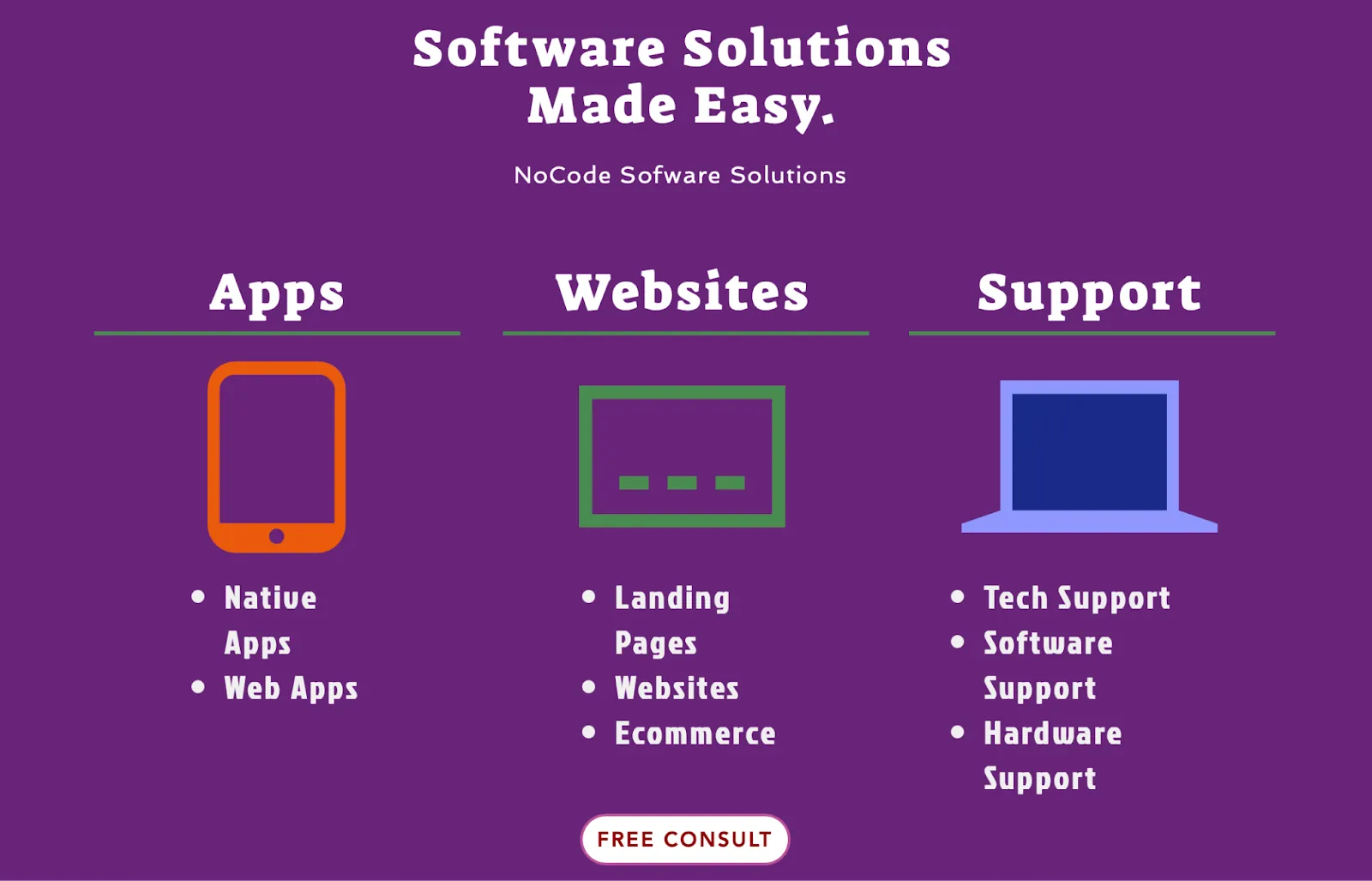
I started the business about four years ago, and we started out with no development at all. It was literally just tech support, and then we branched off into other business verticals like websites, apps, and products like that. I have three other developers that help me with no-code building, and then we have six technicians working with us for tech support.
Working as an Adalo Expert has been an incredible experience. Adalo, a no-code app builder for database-driven web apps and native iOS and Android apps—one version across all three platforms, published to the Apple App Store and Google Play, has enabled me to work with really great clients, and it's been a good challenge to build apps that help bring people's ideas to life.
Here are some of my experiences as an Adalo Expert, and I hope they help you figure out how to work with an expert, what to expect, and how to set yourself up for success!
When should you hire an Adalo Expert?
I definitely feel like that varies on your technical know-how. If you don't have much technical experience, I'd recommend hiring an expert early, or for them to build the entire app for you. This is only in situations where, if you don't have much experience at all, and are looking for a complex app that you may not have the time or skills to build.
It's harder for an expert to come in and work on a project that hasn't been worked on correctly because you have to undo what they're doing and find out what is going wrong instead of just starting the build. So there's a lot of troubleshooting which takes a little bit of extra time to understand what is currently happening within the application.
Ada, Adalo's AI builder, lets you describe what you want and generates your app. Magic Start creates complete app foundations from a description, while Magic Add adds features through natural language.
That said, Adalo's AI features have made getting started much easier for beginners. Magic Start generates complete app foundations from descriptions—tell it you need a booking app for a dog grooming business, and it creates your database structure, screens, and user flows automatically. What used to take days of planning happens in minutes. This means even if you're not technical, you can get a solid foundation before deciding whether to bring in expert help.
If you're tech savvy and understand Adalo well, but you want to incorporate something a little more intricate, maybe like a custom API, or a scheduling app, then I would say it's a good idea to hire an expert to add additional features that are just a little bit more tricky.
In my experience with clients on Adalo, about 60% of the time, I'm coming in and helping people with something they've built already, and the rest of the time I'm building it from scratch.
I typically work with people that are stuck trying to implement an additional feature, and sometimes if they aren't too far along the building process, I suggest starting from scratch to make things easier for everyone. Surprisingly, it actually decreases the amount of time I spend working on apps. With Magic Add, clients can now describe features they want in natural language, which speeds up the process considerably—I can focus on the complex integrations while the AI handles the straightforward additions.
Getting started on a project
Here's what the journey usually looks like for me: I usually start with a consultation, where if it's 30 minutes or less, I don't charge for it. During this consultation, I try to uncover what the potential client is building: their use case, the features they want, and their goal for the app.
Next, I put together a quote on the number of hours it may take to complete based on the scope of work. I usually add some buffer for things that could go wrong, or things that I know are kind of tricky that I might need to spend time doing research on.
When I send out a quote, I break it up into sections, like the actual consultation portion of it, then the wireframing work, the database creation, the feature, testing, and then the publishing.
That way I know how much time I'm putting into each part of the workflow, so we stay within the designated scope of work. I never start anything until I know we've both agreed on the price and the way the project is managed.
One thing that's changed significantly since Adalo 3.0 launched in late 2025 is how I approach database planning. Paid plans now have unlimited database records, which means I no longer have to worry about data caps when scoping projects. Previously, I'd have to factor in potential costs if a client's app grew beyond certain thresholds. Now I can focus purely on building the right data structure without those constraints. The platform is also 3-4x faster than before, which makes testing and iteration much smoother.
How I like to manage my client projects
I like to use a tool called ClickUp to manage my work. It's a handy project management tool. I create a task, and allow the client to add comments. I'll usually add Loom videos of what I've completed so they can follow along.
A lot of people prefer to get on a call to review the work and features I've completed. I've now tried to get away from that because my day would be packed with calls and I didn't have much time to actually do the work. If I had six or seven clients at a time, it would get pretty overwhelming. Luckily I do have three other developers that work with me and help me so if I do have a lot of calls in one week, I can delegate some of the other tasks.
I normally do one call a week with clients to give them updates and keep track of our work. In terms of a timeline, I don't give anything less than four weeks to complete the whole build process. That doesn't include testing or launch, which usually takes another two weeks. This is mainly because I don't want to overwork myself with work, I want to make sure I can always meet or exceed expectations.
During the testing period, I try to have my client test it as much as possible, instead of just me and my team testing it. This is because it's their vision and I want to make sure it's working the way they want it to work. Adalo's X-Ray feature has been helpful here—it identifies performance issues before they affect users, so I can catch and fix problems during testing rather than after launch.
Once the app is launched, I usually work on a retainer model. Our clients are typically in favor of me running maintenance, they usually ask for it because they want someone to deal with things breaking or with additional features down the road. The good news is that Adalo removed usage-based App Action charges from all plans, so clients don't have to worry about unexpected bills as their app grows. This makes budgeting for ongoing maintenance much more predictable.
How to determine whether an expert and a client are a good fit
From the client's perspective when it comes to deciding which expert to go with, I definitely think the cost is one of the most important factors, the next is my expertise and experience. Some experts specialize in working with Zapier, some specifically work on design. And then, it's definitely the time zone and language. Communication is really important when working with clients.
I've worked with clients in Japan for example, where there's sometimes a 12-hour time difference and communication can be a challenge. We both have to wait at least 12 hours before getting a response, so that isn't always ideal.
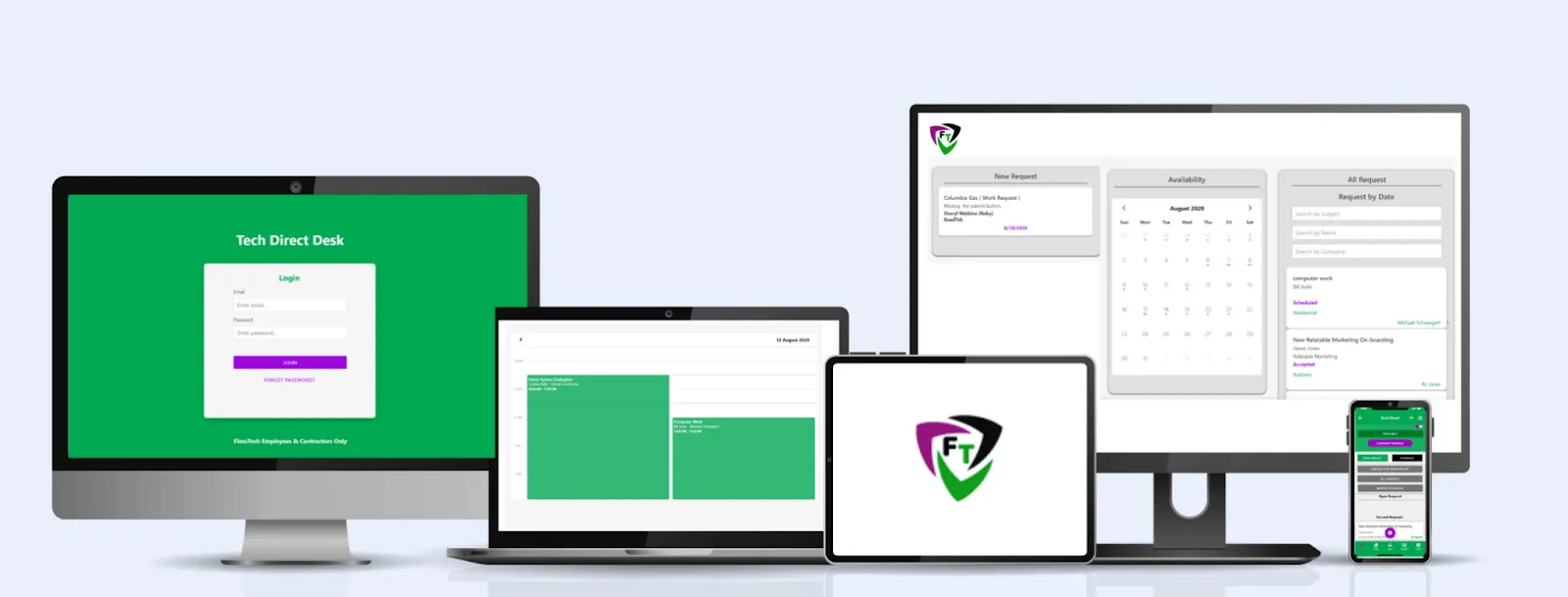
Another thing that would help make the relationship smoother is if they had a gauge of how much we charged (more specifically than the information currently on the website). Usually, clients talk to a few Adalo Experts before narrowing down on one. It'd be helpful for them to know what we charge beforehand, so they can decide if it's worth scheduling a consultation call.
Most of the time, I don't have to explain what building without code is, or any possible limitations associated with it. People do understand that it is not a fully coded app. They come in knowing there might be limitations, they may not know what those limitations are, but that's where I help them. Clients generally choose this approach because of the cost, so they understand that there will be work-arounds.
Why Adalo stands out for expert-built projects
When clients ask me why I specialize in Adalo versus other platforms, I point to a few key advantages. First, one build publishes to web, iOS App Store, and Android Play Store—this is huge for clients who want to reach users across all platforms without paying for three separate development efforts.
The visual builder has been described as "easy as PowerPoint," which means clients can actually understand what I'm building and provide meaningful feedback. Adalo can display up to 400 screens at once on a single canvas, making it easy to show clients the full scope of their app during review calls.
Scalability used to be a concern clients would raise, but Adalo's modular infrastructure now scales to serve apps with millions of monthly active users, with no upper ceiling. Unlike app wrappers that hit speed constraints under load, the platform's purpose-built architecture maintains performance at scale. This matters because I've had clients whose apps grew faster than expected—with Adalo, that's a success story, not a crisis.
Compared to alternatives like Bubble, which starts at $59/month with usage-based charges and record limits, Adalo's pricing at $36/month with unlimited usage and no data caps makes it easier for me to recommend to budget-conscious clients. And unlike Glide or Softr, Adalo actually publishes to the Apple App Store and Google Play Store—not just progressive web apps.
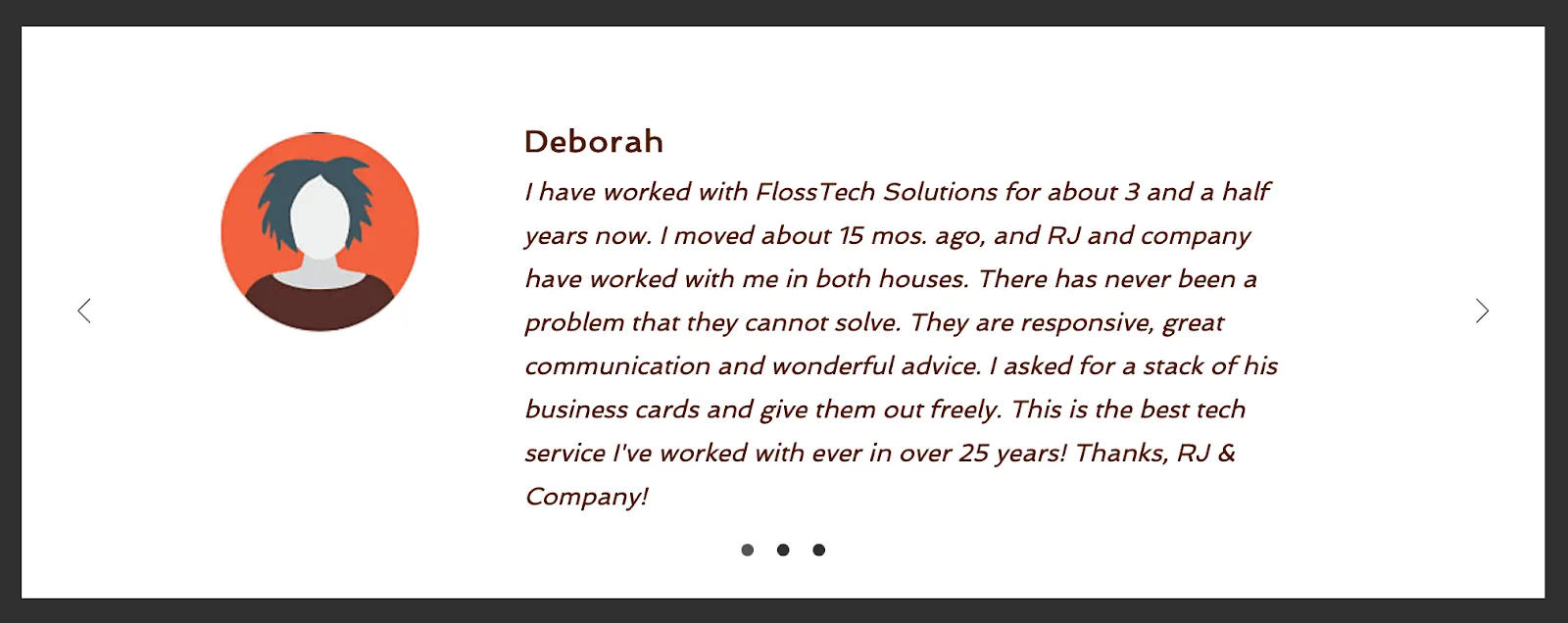
Thanks for sharing your experience with us, RJ! You can reach FlossTech here. Interested in working with an Adalo Expert? Click here to know more!
FAQ
Why choose Adalo over other app building solutions?
Adalo is an AI-powered app builder that creates true native iOS and Android apps alongside web apps. Unlike web wrappers, it compiles to native code and publishes directly to both the Apple App Store and Google Play Store from a single codebase—handling the hardest part of launching an app automatically.
What's the fastest way to build and publish an app to the App Store?
Adalo's drag-and-drop interface and AI-assisted building let you go from idea to published app in days rather than months. The platform handles the complex App Store submission process, so you can focus on features and user experience instead of wrestling with certificates, provisioning profiles, and store guidelines.
When should I hire an Adalo Expert for my app project?
If you don't have much technical experience and need a complex app, consider hiring an expert early or having them build the entire app. If you're tech-savvy but want to add intricate features like custom APIs or scheduling, an expert can help with those specific additions. It's often easier and more cost-effective than trying to fix a partially-built app later.
How long does it typically take to build an app with an expert?
A typical app build takes at least four weeks to complete, plus an additional two weeks for testing and launch. This timeline ensures quality work without rushing, and allows for proper consultation, wireframing, database creation, feature development, and thorough testing before publishing.
What should I expect during a consultation with an Adalo Expert?
During an initial consultation, the expert will discuss your use case, desired features, and app goals. They'll then provide a detailed quote broken down by sections including consultation, wireframing, database creation, features, testing, and publishing. This ensures both parties agree on scope and pricing before work begins.
What factors should I consider when choosing an Adalo Expert?
Key factors include cost, the expert's specific expertise and experience, time zone compatibility, and language for clear communication. Some experts specialize in areas like Zapier integrations or design, so find one whose skills match your project needs.
How much does Adalo cost compared to other platforms?
Adalo starts at $36/month with unlimited usage and no record limits on paid plans. Bubble starts at $59/month with usage-based charges and record limits. Glide starts at $60/month but doesn't support App Store publishing. Flutterflow starts at $70/month per user but requires you to set up and pay for a separate database.
Can Adalo apps scale to handle large user bases?
Yes. Adalo's modular infrastructure scales to serve apps with millions of monthly active users, with no upper ceiling. The Adalo 3.0 infrastructure overhaul in late 2025 made the platform 3-4x faster, and paid plans now have unlimited database records with no usage-based charges.
Do I need coding experience to work with an Adalo Expert?
No coding experience is required. Experts handle the technical aspects while you focus on your vision and requirements. Adalo's visual builder is described as "easy as PowerPoint," so you can understand and provide feedback on what's being built even without technical knowledge.
What happens after my app launches?
Most experts offer retainer models for ongoing maintenance, handling bug fixes and adding new features over time. Since Adalo removed usage-based App Action charges from all plans, you won't face unexpected bills as your app grows—making maintenance costs more predictable.