Build Custom Inventory Apps for Any Warehouse or Team
Adalo is the no-code app builder that pairs AI-powered generation with a visual multi-screen canvas, so entrepreneurs and business teams can design, build, and publish custom database-driven apps to the Apple App Store, Google Play Store, and web from a single project, no code, no developers required. Build an inventory system that tracks your stock the way your business actually works.
Existing business? Adalo Blue
- Free forever
- Build unlimited apps · AI included
- True native
- iOS IPA · Android AAB
- Ada AI builder
- Generate · edit · publish
- Built-in Postgres database
- No Firebase setup needed
- Adalo 3.0
- 3-4x faster · 1M+ MAU scale
Build Any Inventory App You Can Imagine
From basic stock counters to multi-warehouse management systems: describe what you need and Ada, Adalo’s AI builder, generates a working inventory app with Magic Start in minutes.
- 01Stock Tracker
- 02Warehouse Manager
- 03Asset Registry
- 04Reorder System
- 05Receiving Log
- 06Stock Dashboard
- 07Field Counter
- 08Supplier Portal
Your Inventory Deserves Better Than Spreadsheets & Expensive ERP Systems
Most small and mid-size businesses are stuck between error-prone spreadsheets and enterprise inventory systems that cost thousands per month. There’s a better path.
The Inventory Management Problem
- 01Stock levels tracked in spreadsheets with no real-time updates from the floor
- 02Items lost across warehouses, trucks, and retail locations
- 03No mobile access for warehouse staff doing physical counts
- 04ERP systems costing $500–5,000+/mo with features you’ll never use
- 05Reorder alerts that come too late or not at all
- 06Different tracking methods across locations that never reconcile
 The Adalo Inventory Solution
- 01Visual canvas lets you design stock views, item details, and dashboards your way
- 02Built-in relational database connects items, locations, suppliers, and transactions
- 03Native iOS and Android apps for real-time stock updates from the warehouse floor
- 04$65/mo with unlimited users, records, and storage: no per-seat charges
- 05Ada generates a working inventory app from a description: ship in days, not months
- 06One app version across web, iOS, and Android for every team member
Everything Your Warehouse Team Needs in One App
Built for teams that need inventory tracking tailored to how they actually operate: on web, iOS, and Android from a single build.
Stock Level Tracking
Track quantities, locations, and status for every item in Adalo’s built-in relational database. Link items to suppliers, purchase orders, and transaction history: all connected automatically without external database setup.
Barcode & QR Scanning
Use your phone’s camera to scan barcodes and QR codes for instant stock lookups, receiving, and transfers. Native iOS and Android apps access the device camera directly for fast, reliable scanning on the warehouse floor.
Reorder Alerts
Set minimum stock thresholds per item and receive native push notifications when levels drop below the reorder point. Never run out of critical materials because someone forgot to check a spreadsheet.
Multi-Location Tracking
Track inventory across warehouses, retail stores, trucks, and job sites. See stock levels by location, transfer items between sites, and maintain accurate counts at every point in your supply chain.
Stock Dashboards
Build dashboards showing total stock value, low-stock items, incoming orders, and usage trends. Filter by location, category, supplier, or any custom field your operation requires.
Supplier Management
Link suppliers to items with pricing, lead times, and contact details. When an item needs reordering, your team sees supplier information immediately: no switching between systems.
From Idea to Inventory App in Five Steps
Adalo 3.0’s infrastructure (launched late 2025) is 3–4x faster and scales to 1M+ monthly active users. Here’s how to build your inventory system on it.
-
Describe Your Inventory System to Ada
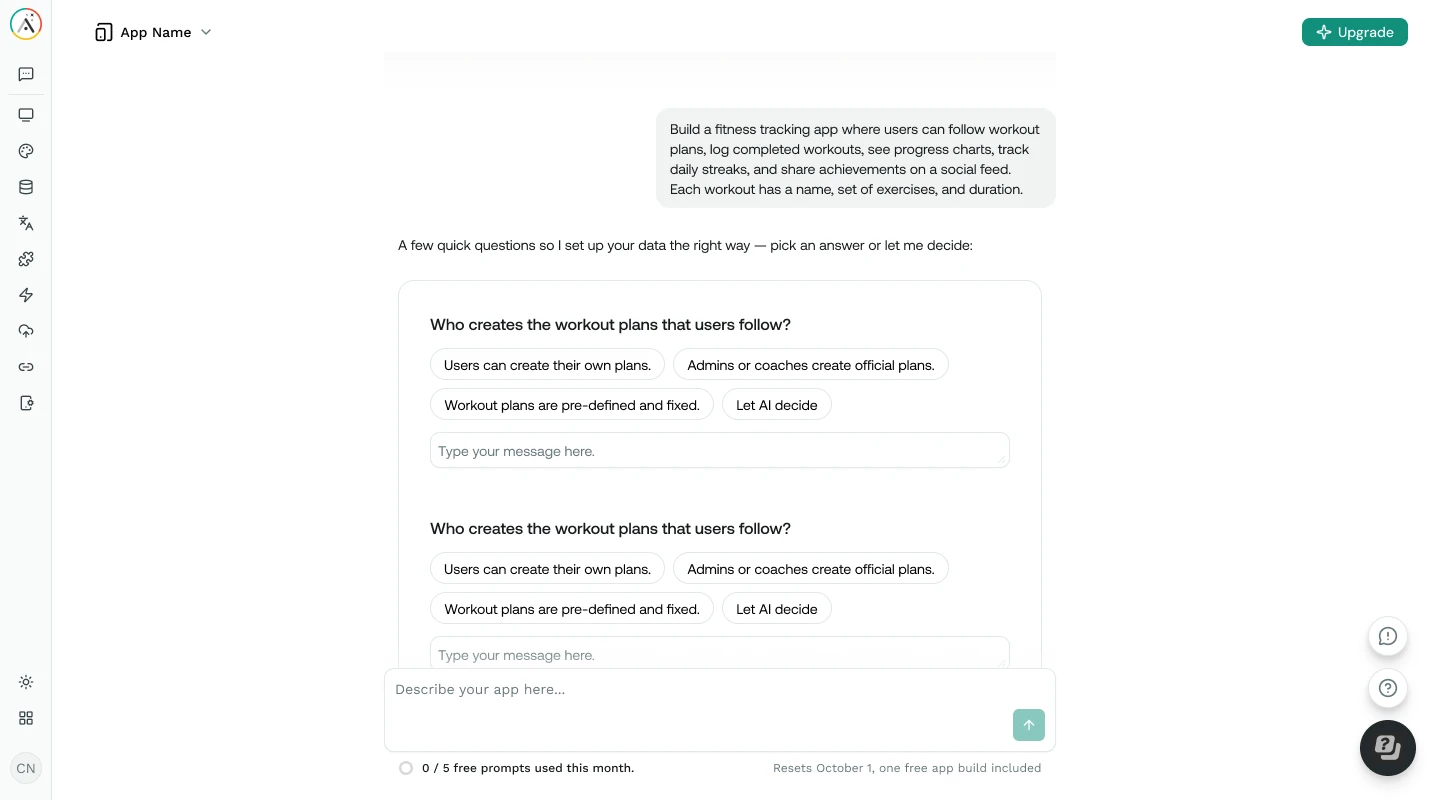
Tell Ada, Adalo’s AI builder, what your warehouse or operations team needs. Magic Start generates a complete inventory app with screens, database, and navigation from your description: typically in under two minutes.
-
Customize Your Data Model
See every screen on the visual canvas simultaneously. Point at elements and visually direct Ada to adjust your item fields, categories, and location structure. Add features like barcode scanning or supplier management with Magic Add using natural language.
-
Connect Data Sources
Use Adalo’s built-in relational database for your primary inventory data, or connect Google Sheets via SheetBridge if your team already tracks stock in spreadsheets. Add Zapier or Make integrations for purchase orders, accounting software, and supplier notifications.
-
Test on Real Devices
Preview your inventory app on any device form factor directly from the canvas. Test the full workflow: scanning items, adjusting quantities, receiving shipments, checking dashboards: on iPhone, Android, tablet, and desktop before publishing.
-
Publish to App Stores
Deploy your inventory app as a native iOS app on the Apple App Store, a native Android app on Google Play, and a web app: all from a single build. Your warehouse team downloads the app and starts tracking stock immediately.
The Inventory System That Fits Your Budget & Your Workflow
Stop paying for enterprise ERP features you don’t use. Build exactly the inventory system your team needs.
Fraction of ERP Cost
Adalo costs $65/mo with unlimited users, records, and storage. No per-seat licensing. A 20-person warehouse team on NetSuite or SAP pays thousands per month: on Adalo, it’s still $65/mo.
Warehouse Floor Mobility
True native iOS and Android apps with barcode scanning, push notifications, and camera access. Your floor staff updates stock in real time from their phones, not by walking back to a desktop terminal.
One Database for Everything
Adalo’s built-in relational database connects items, locations, suppliers, transactions, and purchase orders without configuring external services. No Firebase setup. No Supabase. It just works.
Ship in Days, Not Months
Ada generates your inventory app from a description. Visually customize it on the canvas. Publish to three platforms from one build. Most Builders go from idea to live inventory app in under a week.
Visual Canvas for Complex Workflows
See every screen of your inventory app at once: receiving, transfers, cycle counts, dashboards. Adalo’s multi-screen canvas lets you design warehouse workflows visually instead of describing them in chat prompts.
Scale Without Surprises
Adalo 3.0 handles 1M+ monthly active users with 3–4× faster performance. Whether you’re tracking 500 SKUs or 50,000, the infrastructure scales with your operation: no migration required.
Custom Inventory App vs. Off-the-Shelf vs. Custom Development
See how building your own inventory app with Adalo compares to the alternatives.
| Factor | Adalo Inventory App | Sortly / inFlow | Custom Development |
|---|---|---|---|
| Build Time | Included: Days to weeks | Immediate, but limited customization | 3–6 months |
| Monthly Cost | Included: $65/mo flat (unlimited users) | $49–149/mo (user and feature caps) | $5,000–20,000/mo (hosting + team) |
| Native Mobile App | Included: iOS and Android (true native) | Mobile apps available (limited customization) | Yes (if budgeted separately) |
| Multi-Location | Included: Unlimited locations in your data model | Limited to plan tier | Full (at development cost) |
| Customization | Included: Full, your screens, your fields, your workflow | Constrained by platform templates | Full (at development cost) |
| Maintenance | Included: Adalo handles infrastructure | Vendor handles | Your dev team handles |
| Time to Change | Included: Minutes | Feature requests to vendor | Sprint cycle (1–2 weeks) |
Tips for Inventory App Success
Patterns from Builders who have built and shipped successful inventory apps with Adalo.
Start with Your Item Catalog
Your item list is the foundation of any inventory system. Define your fields first (name, SKU, quantity, location, reorder point), build the catalog view, then expand to dashboards, receiving, and transfers.
Link Items to Locations & Suppliers
Use Adalo’s relational database to connect items to locations and suppliers. This way, when staff opens an item, they see current stock at every location, supplier pricing, and lead times in one place.
Set Reorder Points Early
Configure minimum stock thresholds and push notification alerts before going live. Catching stockouts early is the single biggest value-add of moving from spreadsheets to an app.
Design Mobile-First for Floor Staff
Warehouse staff will use the app on phones. Design for quick searches, large tap targets, and minimal data entry. Use camera-based scanning instead of manual SKU typing whenever possible.
Test with Real Stock Data
Import a sample of your actual inventory before going live. Real data exposes edge cases: items with zero stock, SKUs with special characters, multi-location items: that test data won’t catch.
Use SheetBridge to Migrate Gradually
If your team tracks inventory in Google Sheets, use SheetBridge to connect your existing spreadsheet as a database. Run both systems in parallel until your team is confident in the app.
Everything You Need to Build & Run an Inventory System
- 1
Unlimited Records on Paid Plans
No caps on items, locations, or transactions. Adalo paid plans include unlimited database records, users, and storage. Free plan includes 500 records to get started.
- 2
Push Notifications
Native push notifications for low-stock alerts, reorder triggers, and receiving confirmations. Keeps your warehouse team aware without requiring them to check dashboards constantly.
- 3
Google Sheets via SheetBridge
Already tracking inventory in Google Sheets? SheetBridge connects your spreadsheet as a relational database so you can migrate incrementally without disruption.
- 4
Zapier & Make Integrations
Connect your inventory app to 6,000+ tools. Sync with accounting software, purchasing systems, supplier portals, and POS systems via Zapier or Make.
Learn How to Build Inventory Apps with Adalo
Step-by-step guides, video walkthroughs, and documentation to help you build and ship your inventory system.
How to Build an Inventory App Without Code
Full walkthrough: item database, stock views, barcode scanning, and publishing to app stores.
Read guide DocumentationConnecting External Data Sources
How to use External Collections and Custom Actions to connect your inventory app to existing APIs and tools.
View docs TutorialGoogle Sheets to Inventory App via SheetBridge
Migrate your spreadsheet stock tracker to a real inventory app without losing your existing data workflow.
Read guide DocumentationRelational Database Basics
Understand collections, relationships, and record linking: the foundation of any inventory data model.
View docsCommon Questions About Building Inventory Apps
What is Adalo?
Adalo is the no-code app builder that pairs AI-powered generation with a visual multi-screen canvas, so entrepreneurs and business teams can design, build, and publish custom database-driven apps to the Apple App Store, Google Play Store, and web from a single project, no code, no developers required.
Can I add barcode scanning to my inventory app?
Yes. Adalo’s native iOS and Android apps can access the device camera for barcode and QR code scanning. You can build a scan-to-lookup workflow where staff scan an item’s barcode to instantly view stock levels, location, and supplier details: or scan during receiving to update quantities automatically. This works because Adalo builds true native apps, not web wrappers, so you get full access to device hardware.
Can I track inventory across multiple locations?
Yes. Adalo’s built-in relational database lets you create location records and link them to inventory items with per-location quantities. You can build transfer screens to move stock between warehouses, retail stores, or job sites: and see a consolidated view across all locations on your dashboard. There’s no limit on the number of locations you can track.
How do reorder alerts work?
You set a minimum stock threshold (reorder point) for each item in the database. When a stock adjustment drops an item below that threshold, Adalo can send a native push notification to designated team members and display the item on a low-stock dashboard. For automated purchasing, connect a Zapier workflow to send reorder emails or create purchase orders in your accounting system when thresholds are triggered.
Can I manage supplier information in the app?
Yes. Use Adalo’s relational database to create a Suppliers collection linked to your Items collection. Each supplier record can include company name, contact person, phone, email, pricing, lead times, and order history. When viewing an item that needs reordering, your team sees the supplier details immediately without switching between systems.
Can I generate inventory reports?
Yes. You can build custom dashboards in Adalo that display stock value, item counts by category or location, usage trends, and low-stock summaries. For detailed report exports, connect Zapier to push inventory data to Google Sheets or your accounting software on a schedule. Adalo also supports CSV export from the database for ad-hoc analysis.
How much does a custom inventory app cost?
Adalo’s paid plans start at $65/mo with unlimited usage: no caps on users, records, actions, or storage. Compare that to Sortly at $49+/mo with user limits or inFlow at $110+/mo. A 15-person warehouse team on Sortly’s Team plan costs $149/mo with feature caps. That same team on Adalo costs $65/mo total, with fully custom screens and native iOS and Android apps included. The free plan includes 500 database records so you can prototype your inventory app before committing.
What can’t Adalo inventory apps do?
Adalo excels at building custom inventory apps that fit your specific workflow, but it’s not a drop-in replacement for full ERP systems. Advanced features like lot tracking and serial number tracing, automated demand forecasting, EDI integration with suppliers, and manufacturing BOM (bill of materials) management require dedicated platforms like NetSuite, Fishbowl, or SAP. Adalo also doesn’t include built-in barcode label printing: you’d connect to a label printer via Zapier or a Custom Action. For teams that need inventory tracking tailored to their workflow with native mobile apps at a fraction of ERP pricing, Adalo is the practical choice.
Explore more from Adalo: CRM Apps, Marketplace Apps, AI-Powered Apps, Internal Tools. Learn more about Adalo’s no-code app builder.
Ready to Build Your Inventory App?
Start building for free with Adalo’s no-code app builder. Your free plan includes 500 records, unlimited screens, and Ada AI: no credit card required.